Key takeaways
- More Culling changes how several types of culling are handled, with the largest gain coming from block face culling in dense builds.
- It is client-side only and requires Cloth Config, with no server involvement at all.
- The benefit scales with how much of your view is solid geometry, which means big builds and modded worlds gain most and open terrain gains least.
Culling is the single most important idea in real-time rendering and it is almost invisible when it works. The principle is simple: do not draw things the player cannot see. The difficulty is that deciding what is not visible costs time too, and a culling system that is too clever ends up slower than one that just draws everything.
More Culling, with over 76 million downloads, rewrites several of Minecraft’s culling paths to be both more aggressive and cheaper. This review covers what it actually culls and where the gain shows up.
What this mod does
It changes how multiple types of culling are handled in order to improve performance. The headline case is block face culling – deciding which faces of which blocks are hidden by neighbouring blocks and skipping them.
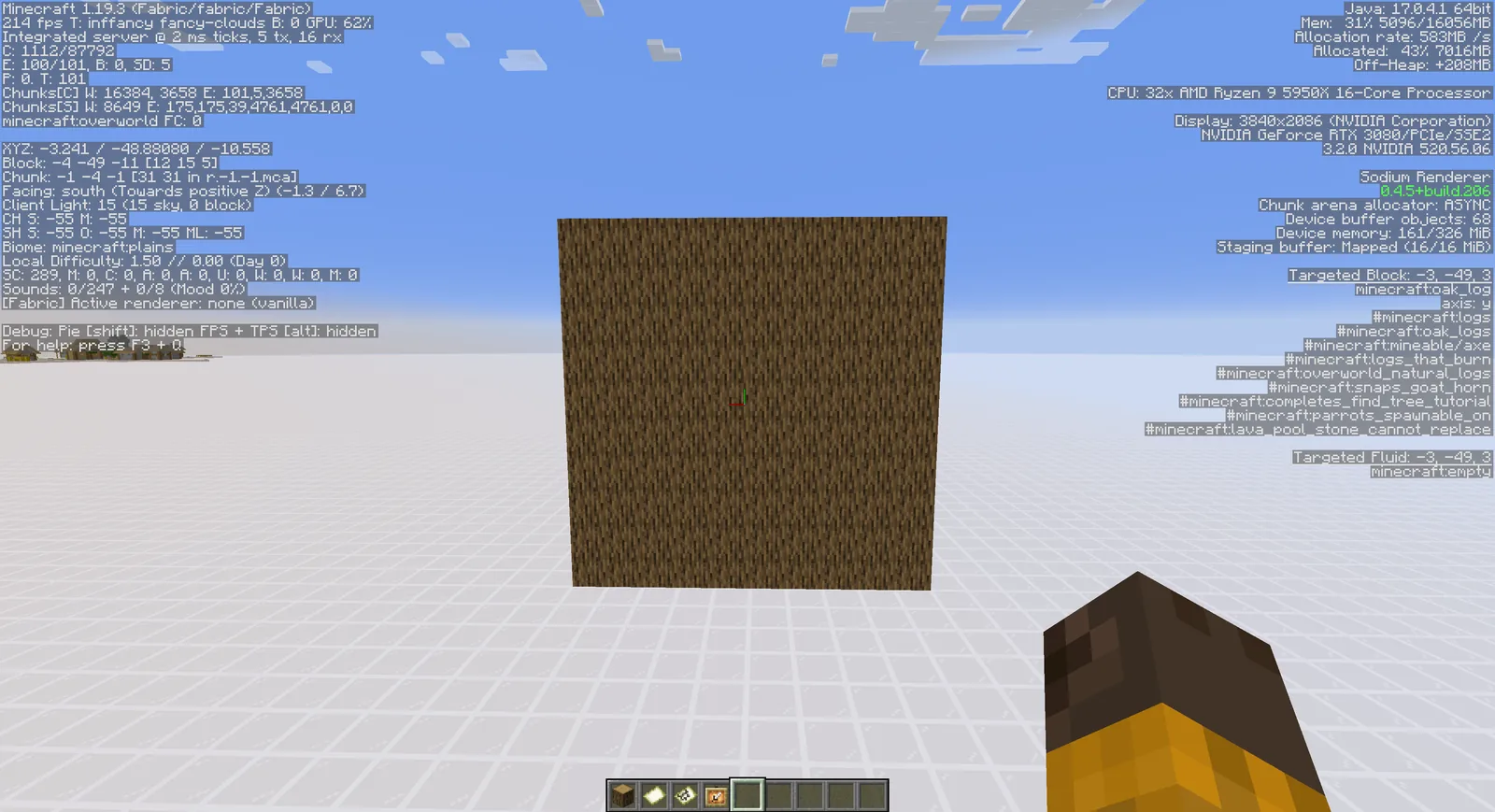
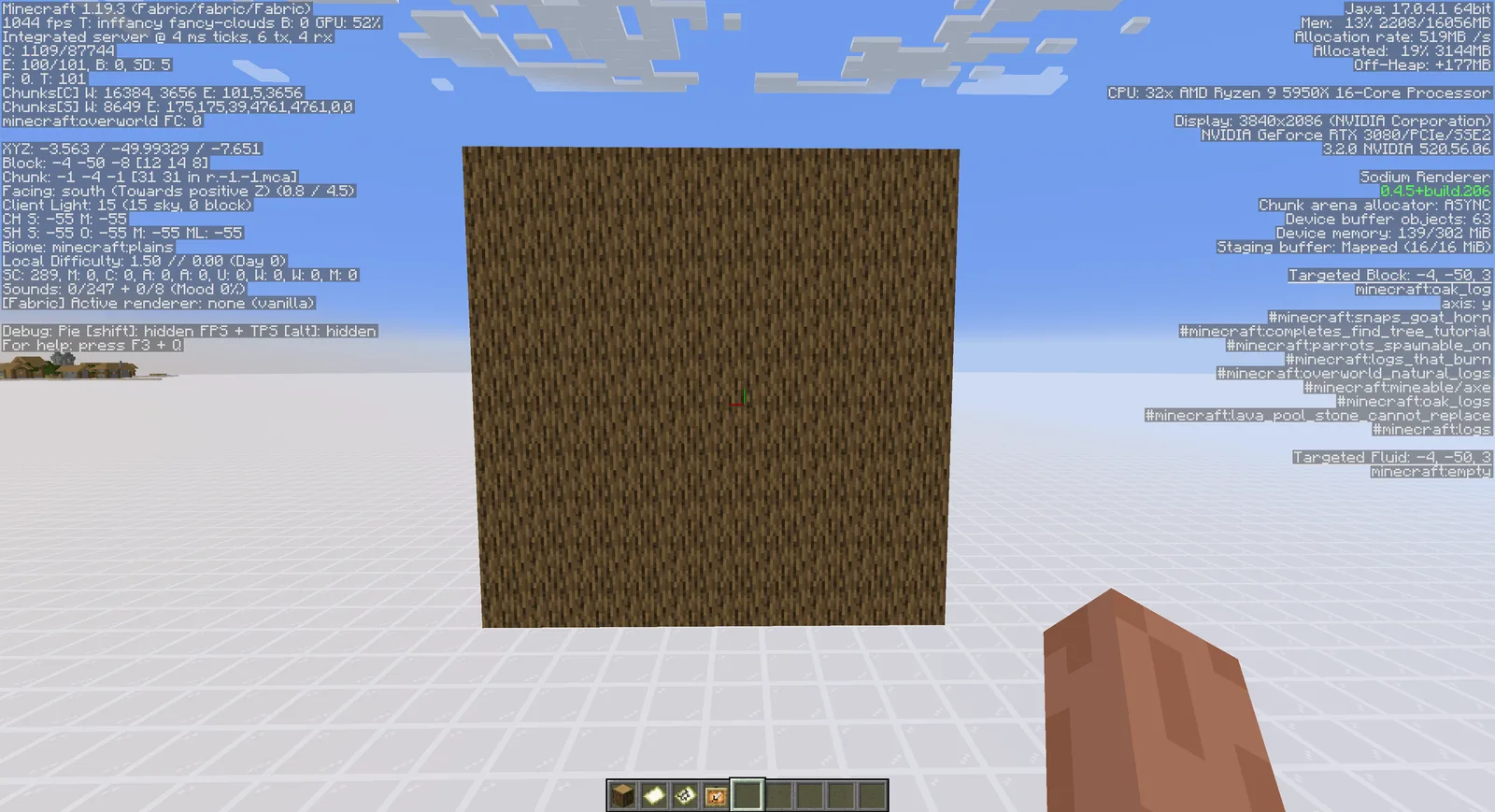
Vanilla already does this for ordinary full blocks. Where it is conservative is everything else: blocks with non-standard shapes, blocks with transparency, blocks next to blocks that are almost full. In those cases vanilla often draws faces that are completely hidden, because proving they are hidden takes more work than drawing them.
More Culling does that work. The result is fewer faces submitted to the GPU for the same scene, which matters most where there is the most hidden geometry – which is to say, inside a large build.
It also covers other culling types beyond block faces, with the project’s wiki documenting exactly what is culled in each case. That documentation is worth reading if you are troubleshooting, because the mod’s effects are specific rather than global.
Key features
Block face culling. The core feature and the one that produces the measurable gain. Dense builds with a lot of interior geometry benefit most.
Configurable per culling type. Cloth Config gives you a settings screen where individual behaviours can be turned off. When a visual artefact appears, this is how you find which one caused it.
Bug fixes alongside the optimisations. The project lists bug fixes as a separate category from performance, and several of them address rendering glitches that exist in vanilla.
An extras companion. A separate MoreCullingExtra project adds more aggressive culling features that are not in the base mod. Worth knowing it exists, and worth treating as a second step rather than a default.
Active maintenance. The mod has kept pace through the 26.x line, which is the hard part for anything touching the render path given how much Mojang has changed it this cycle.
Compatibility
- Client-side only. Listed as client-required and server-unsupported. A server neither needs it nor can require it.
- Requires Cloth Config. A hard dependency and the usual cause of a failed load.
- Fabric, NeoForge and Quilt, with support through 26.3.
- Pairs with Sodium. The two work on the same pipeline from different angles – our Sodium review covers the chunk rendering rewrite.
- Different job from entity culling. Our EntityCulling write-up covers skipping hidden entities, which is a separate problem with a separate mod.
The caveat worth stating: a mod that changes which faces get drawn can produce visual artefacts when it disagrees with another rendering mod about what a block looks like. Connected textures mods are the usual interaction. If you see missing faces or flickering after installing it, start by disabling individual culling types rather than removing the mod.
How to install
- Install your loader and its API.
- Install Cloth Config.
- Put More Culling in the mods folder.
- Open the config screen and leave everything on defaults until you have a reason not to.
Our mod installation guide covers the basics, and our notes on the config library chain cover why Cloth Config keeps appearing in dependency lists.
Where the gain actually is
This is the part worth being specific about, because the mod’s benefit is uneven.
Large gain: inside a big build, in a modded world with detailed blocks, in a base with a lot of interior structure, anywhere with a high ratio of hidden to visible geometry.
Moderate gain: villages, structure-dense worlds, cave systems.
Small gain: open terrain, ocean, flat plains. There is little hidden geometry in a field, so there is little to cull.
That shape explains the mixed reports. Someone who tests it standing in a meadow sees nothing; someone who tests it inside their megabase sees a lot. Measure it where you actually play.
Our culling explainer covers the underlying concepts, and our performance mod list covers where this sits in a full stack.
Is it worth installing
Yes for a modded client, particularly one running a lot of building or decoration mods. Those add exactly the kind of non-standard block shapes that vanilla culls conservatively, which is where this mod has the most to find. Our Rechiseled review covers one such mod, and the pairing is a good one.
Yes if you build large. The gain is proportional to how much geometry you have hidden behind other geometry, and a megabase is nothing but that.
Marginal if you play vanilla in open terrain and your frame rate is already fine. It costs nothing to try, but do not expect a transformation.
Not a server fix. This is client rendering only. If your problem is tick lag rather than frames, our Lithium review covers the mod that addresses it.
The honest summary is that More Culling is a second-tier performance mod in the best sense – not the first thing you install, but one of the better things you add once the obvious wins are already in place.
Images: More Culling project gallery.