Key takeaways
- Sodium replaces Minecraft’s chunk rendering pipeline rather than tuning it, which is why the gains are large rather than marginal.
- It fixes several long-standing visual bugs on the way – underwater lighting, biome blending, fluid shading.
- It is client-side only, works on Fabric, NeoForge and Quilt, and is required by Iris if you want shaders.
There is a short list of Minecraft mods that changed what the game is capable of on ordinary hardware, and Sodium is at the top of it. Two hundred and twenty-five million downloads is not a fashion; it is most of the modded player base agreeing that vanilla rendering was leaving performance on the table.
This is a review of what you actually get, written for someone deciding whether to install it rather than someone who already has.
What this mod does
Minecraft’s renderer submits geometry to the GPU in a way that leaves most of the card idle. Sodium rewrites the chunk rendering path: it batches work differently, culls geometry that cannot be seen more aggressively, and cuts the number of draw calls per frame dramatically.
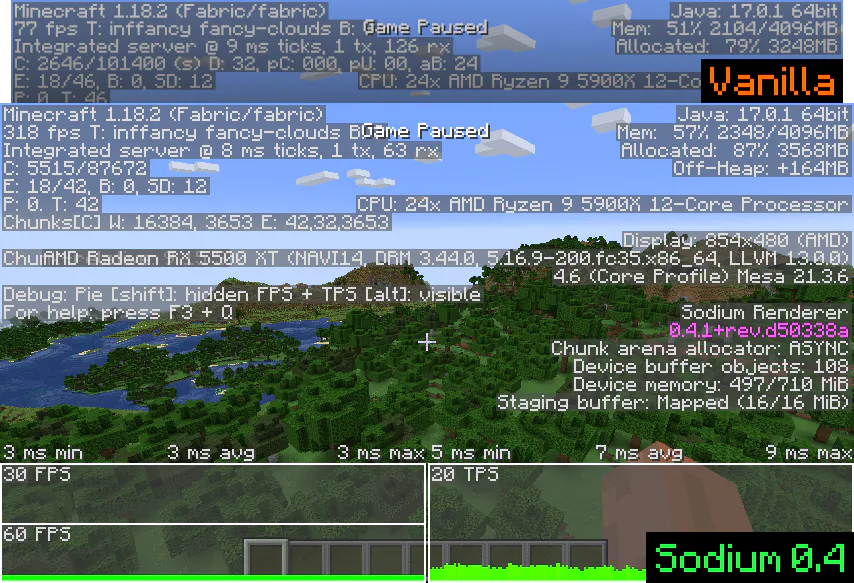
The result on a mid-range machine is usually a doubling of frame rate at the same render distance, or the same frame rate at a much higher one. On weak hardware the difference is larger, because vanilla’s overhead is a fixed cost that hurts small GPUs most.
Key features
The performance is the headline, but the visual fixes are what keep people from uninstalling it. Smooth lighting underwater works properly. Biome blending is computed as a gradient across each block instead of vanilla’s blocky transition. Fluids get smooth lighting for the first time. Block shading on stairs and slabs stops producing the wrong shadow.
The settings menu is also a genuine improvement. Sodium replaces the video options screen with one that explains what each setting costs, which turns tuning from guesswork into a two-minute job.
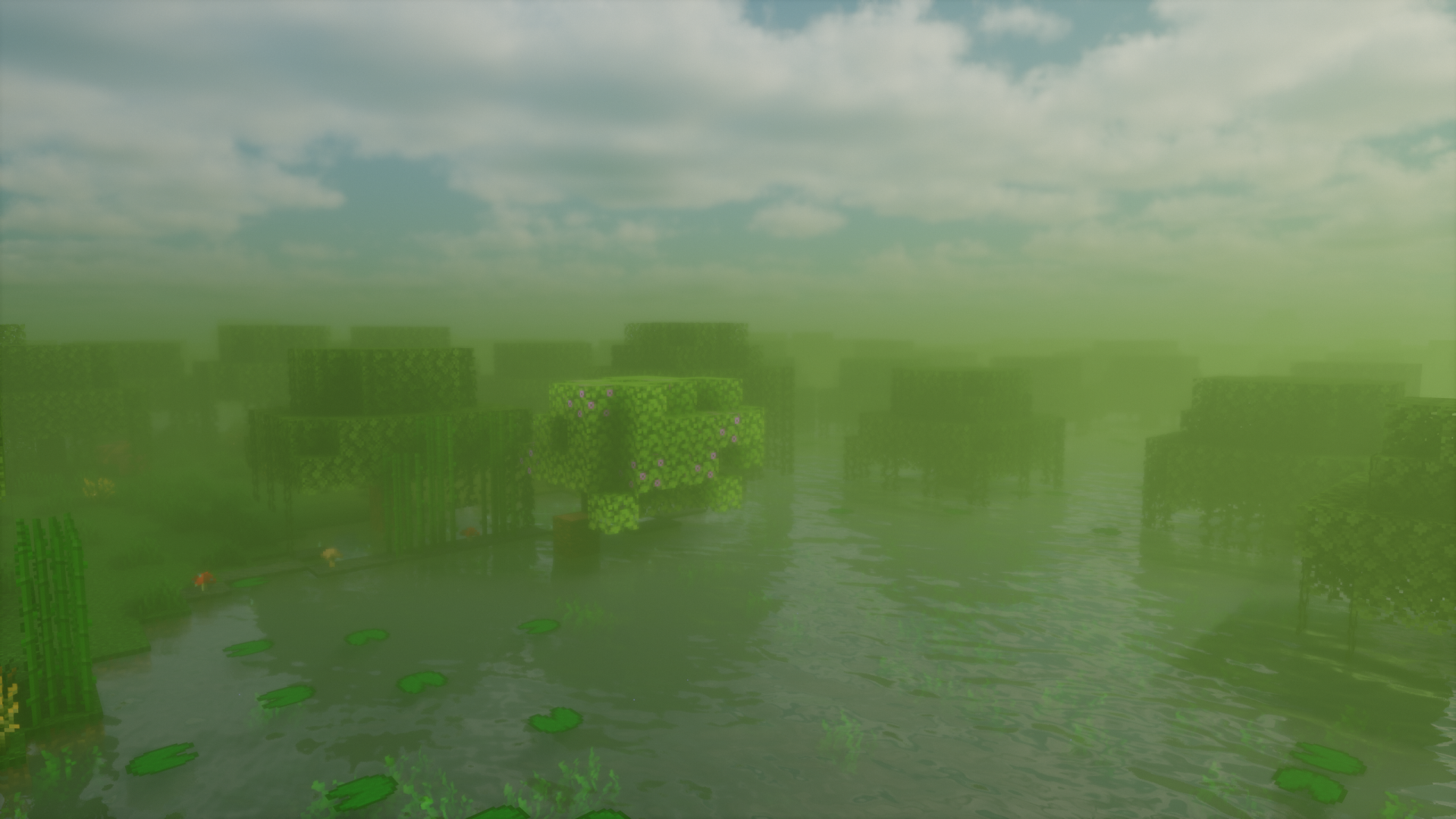
What it does not add is worth stating: no shaders, no new blocks, no gameplay changes at all. Sodium is invisible except in the frame counter and in the bugs it quietly fixes.
What the numbers look like
Concrete figures depend entirely on hardware, but the pattern is consistent. A machine holding sixty frames at eight chunks in vanilla will usually hold the same sixty at twelve to sixteen chunks with Sodium, or well over a hundred frames at the original distance. Integrated graphics see the biggest relative jump because vanilla’s per-frame overhead is what was limiting them.
The gain is smaller on a high-end GPU running a small render distance, because there the game was never GPU-bound in the first place. That is worth knowing before you install it expecting a miracle on a machine that was already fine.
Compatibility
Fabric, NeoForge and Quilt, client-side only. There is nothing to install on a server and multiplayer works normally against unmodified servers. Version coverage tracks Minecraft closely – the project has been publishing builds against release candidates before the versions ship.
The important dependency runs the other way: Iris Shaders requires Sodium. If you want shader packs on a modern version, you are installing this mod whether you were looking for performance or not.
Sodium is also the floor the rest of the performance stack is built on. Addon mods extend it – Sodium Extra for the options vanilla hid, Reese’s Sodium Options for a cleaner menu – and both track Sodium releases rather than Minecraft ones, so update them together.
How to install
Install Fabric or NeoForge, download the build matching your Minecraft version and loader, and drop the single jar into your mods folder. There is no configuration step and no first-run wizard.
The one mistake worth avoiding: do not leave an old Sodium jar in the folder alongside the new one. Two versions of the same mod is the most common cause of a failed launch after an update, and the crash log does not say so clearly.
Updating it
Sodium updates track Minecraft releases closely, and the file naming puts the Minecraft version first – mc26.2-0.9.2-fabric is the 26.2 Fabric build. Launcher users get the update offered automatically; anyone managing the folder by hand should delete before adding.
Is it worth installing
For anyone playing Java Edition, yes, with almost no qualification. It is free, it is client-side, it changes nothing about how the game plays, and the performance difference is large enough that the question is really why vanilla ships the way it does.
The honest caveats are small. Sodium occasionally breaks compatibility with mods that touch rendering directly, though the list is much shorter than it was three years ago. And if your frame rate problem is a mod pack with four hundred mods and eight gigabytes of memory pressure, Sodium is not the fix – memory optimisation mods are.
There is also a licensing detail worth knowing if you build modpacks: Sodium ships under the PolyForm Shield licence, which permits use and redistribution but blocks competing forks. It does not affect players at all; it matters only if you were planning to republish it.
For everyone else it is the first mod to install and the last one to remove. The latest release notes cover what has changed recently.