Key takeaways
- Culling is the process of skipping geometry the camera cannot see. Minecraft does some of it, and not always well.
- Leaves, glass and other transparent blocks are the worst offenders, because the game cannot cull them the way it culls solid stone.
- Culling mods often give a larger frame rate gain than dropping render distance, and they cost nothing visually.
Ask for frame rate advice and you will be told to lower your render distance. It works, it also shrinks the world you can see, and it is rarely the first thing that should change. The more interesting lever is culling.
What culling means
A block has six faces. In a solid wall of stone, almost all of those faces touch another block and can never be seen. Drawing them would be pure waste, so the game skips them. That is face culling, and vanilla does it for ordinary opaque blocks.
The complications start with anything that is not fully opaque. Leaves, glass, ice, water and slabs all break the simple rule, because the block behind them might be visible through them. The safe answer is to draw everything, and the safe answer is expensive.
Where the frames actually go
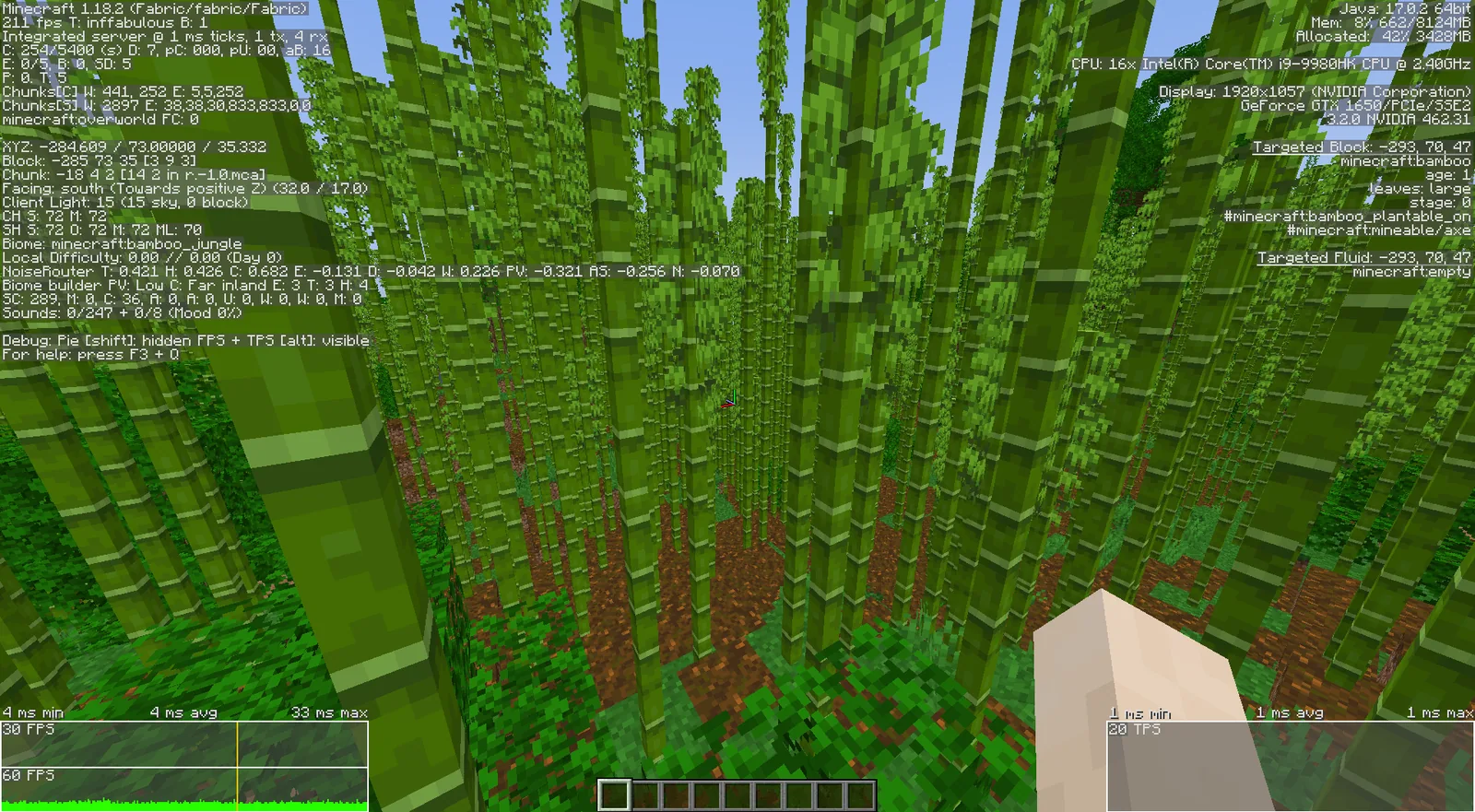
Stand in a jungle or a dark oak forest and watch your frame rate fall. That is not the biome being complicated, it is thousands of leaf blocks each rendering faces that are hidden behind other leaf blocks. The same effect shows up in a glass-heavy build, a large ice structure, or any base with a lot of stained glass.
This is why two worlds with identical render distance can perform completely differently. The number that matters is not how far you can see, it is how much translucent geometry is inside that radius.
What a culling mod changes
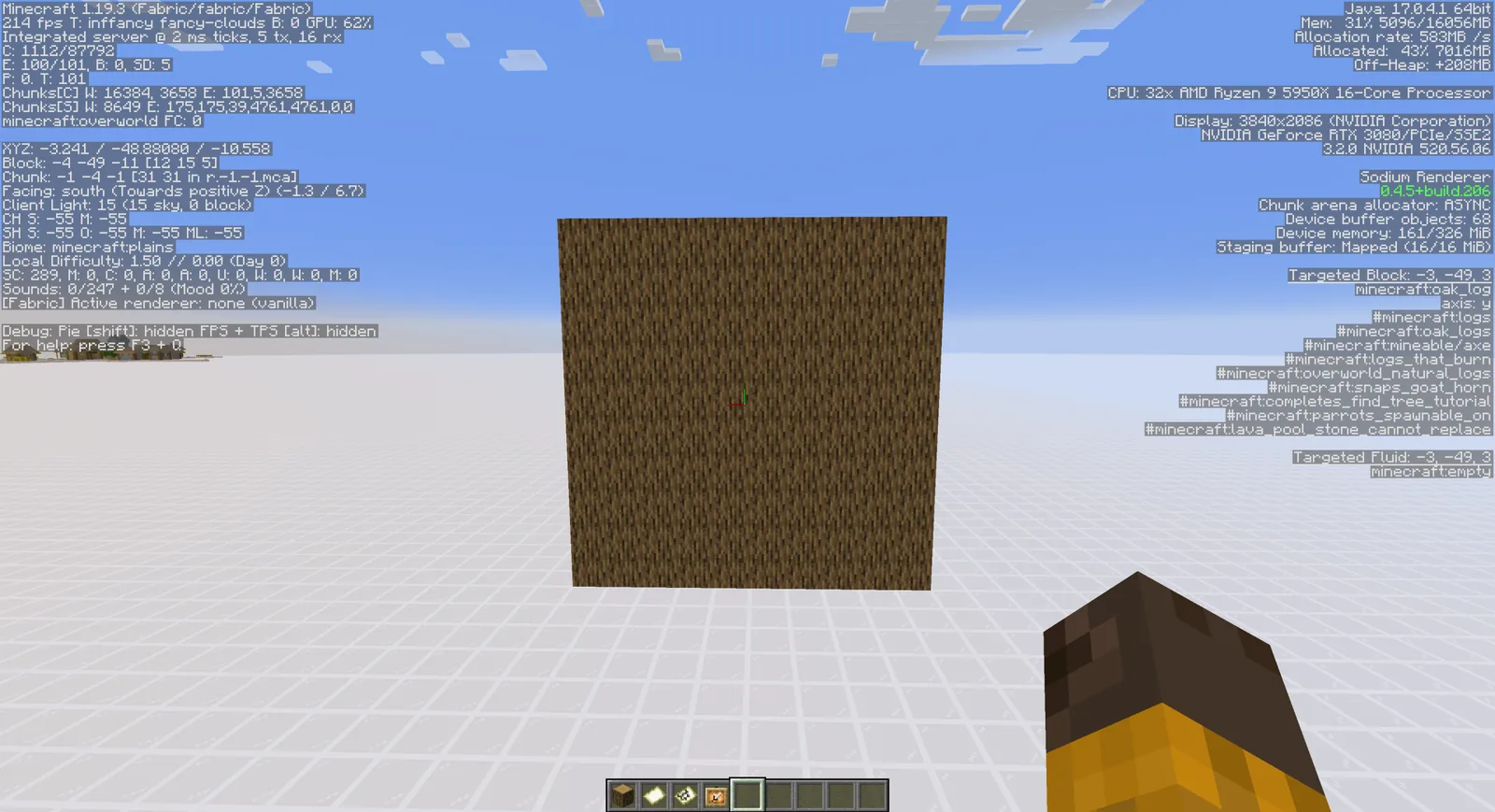
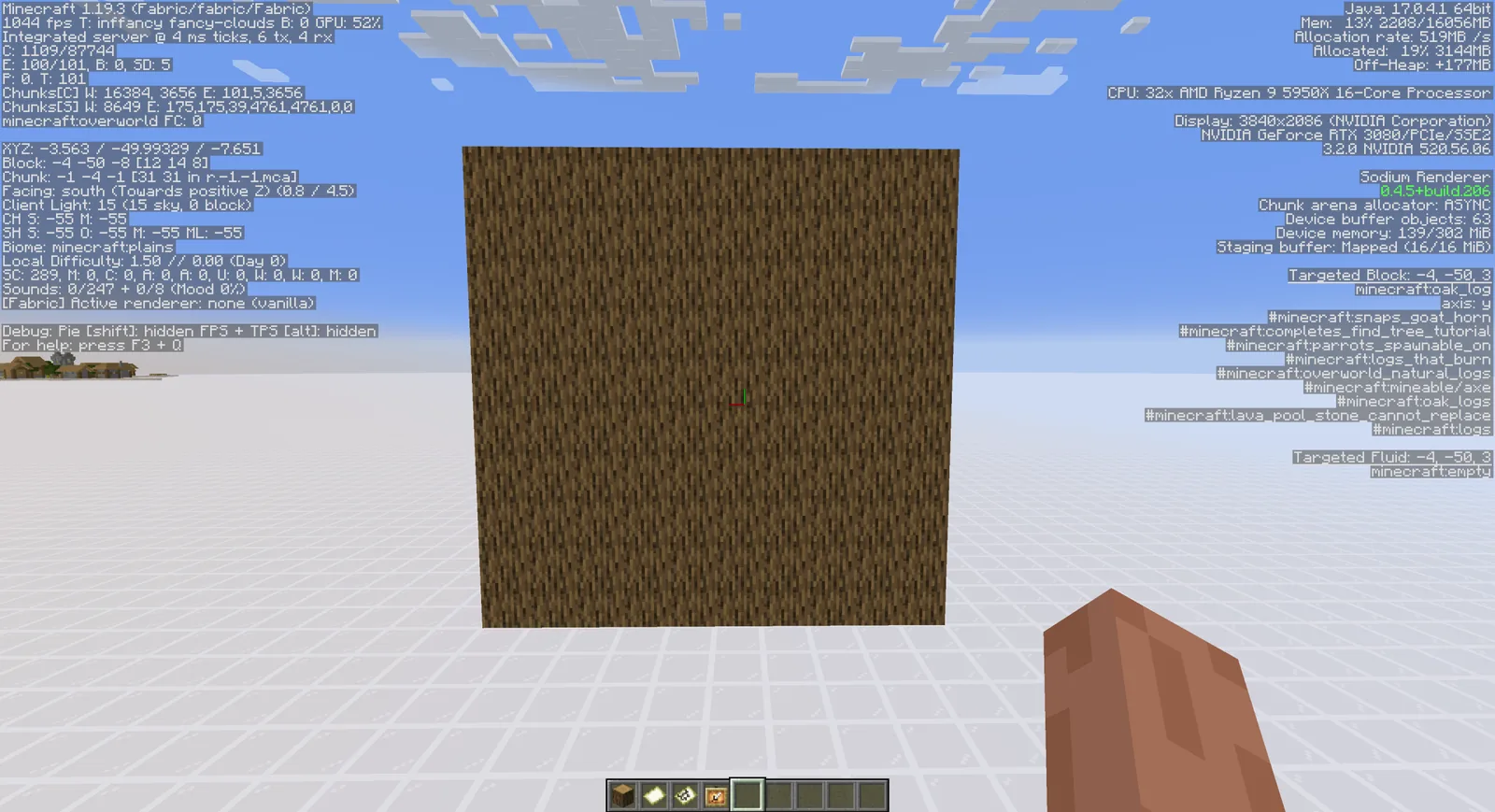
A dedicated culling mod tightens the rules the game uses. Leaves get treated as solid for culling purposes when the setting allows it, faces between identical translucent blocks get skipped, and block entities get culled more aggressively when they are out of view.
The visual difference in normal play is close to nothing. The frame rate difference in a forest can be substantial. That is an unusually good trade, and it is why culling mods sit in nearly every performance modpack alongside the renderer replacements.
Our take is that culling is the most under-explained performance topic in the game. Players are given a render distance slider and no information about why the same distance costs wildly different amounts in different places. Once you know that translucent geometry is the expensive part, the slider stops being the only tool you have.
Settings worth checking first
Before installing anything, three vanilla settings are worth understanding. Graphics set to fast changes how leaves and some other blocks render and is effectively a crude culling switch. Smooth lighting off reduces per-vertex work. Entity distance affects how far mobs and block entities are drawn, and in a busy base that can matter more than terrain distance.
If those are already set and the frame rate is still poor in forests specifically, culling is the next step rather than another render distance reduction.
Stacking with a renderer replacement
Culling mods are complementary to the modern rendering replacements rather than an alternative to them. The renderer changes how chunks are built and uploaded to the graphics card. Culling changes how much of that geometry exists in the first place. Running both is standard practice and the gains add.
The renderer side is covered in the Sodium review, and the broader list is in the performance mods roundup.
Measuring before and after
Take a frame rate reading at a fixed position facing a fixed direction, ideally in a dense forest, before changing anything. Repeat after each change. Without a fixed reference point, every performance comparison is guesswork, and players routinely credit the wrong mod for an improvement.
Entity culling is a separate problem
Block face culling and entity culling are different systems. Entity culling skips rendering mobs and block entities that are behind walls, which matters enormously in a base full of chests, banners and item frames. If your frame rate collapses inside your own storage room rather than outdoors, that is the system to look at.
What not to bother with
Lowering particles, turning off clouds and disabling the fancy sky have negligible effect on modern hardware and are usually the first things players change. The three that matter are render distance, simulation distance and anything that reduces geometry – everything else is noise.
Shaders are the exception in the other direction: they are the single largest cost in any setup that uses them, and no culling mod compensates for a heavy shader pack at high settings.
Images: More Culling project gallery on Modrinth.