Key takeaways
- Unbound is the realism-leaning half of Complementary Shaders, identical in features to Reimagined and different only in default settings.
- Because the two styles share a codebase, every setting in one is adjustable in the other – the split is a starting point, not a fork.
- Unbound is the right default if you run PBR textures or want physically plausible lighting; Reimagined is right if you want vanilla’s palette preserved.
Complementary Shaders ships as two separate downloads, and the way people usually describe the difference is wrong. Unbound is not the high-quality version and Reimagined is not the lightweight one. They are the same shader with two sets of defaults, and either one can be configured into the other.
That matters because the choice between them is an aesthetic decision rather than a performance one, and a lot of people pick Unbound because it sounds more advanced and then wonder why their world looks washed out. This review covers what Unbound actually does differently and who should be running it.
What this shader pack does
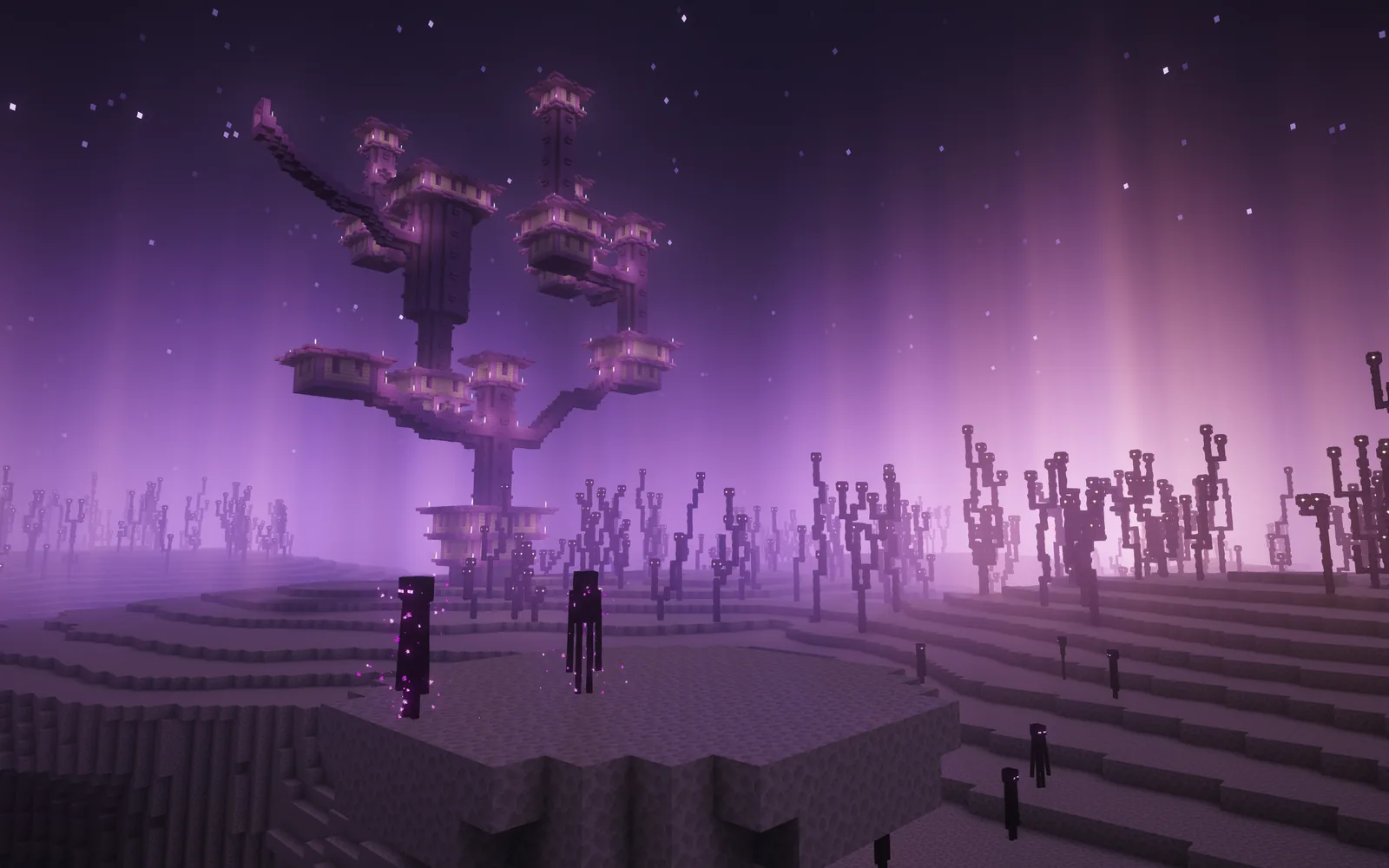
Complementary replaces Minecraft’s rendering pipeline with a programmable one. Directional shadows, volumetric lighting, screen-space reflections, bloom, water refraction, custom sky and cloud rendering, and per-block emissive and specular handling.
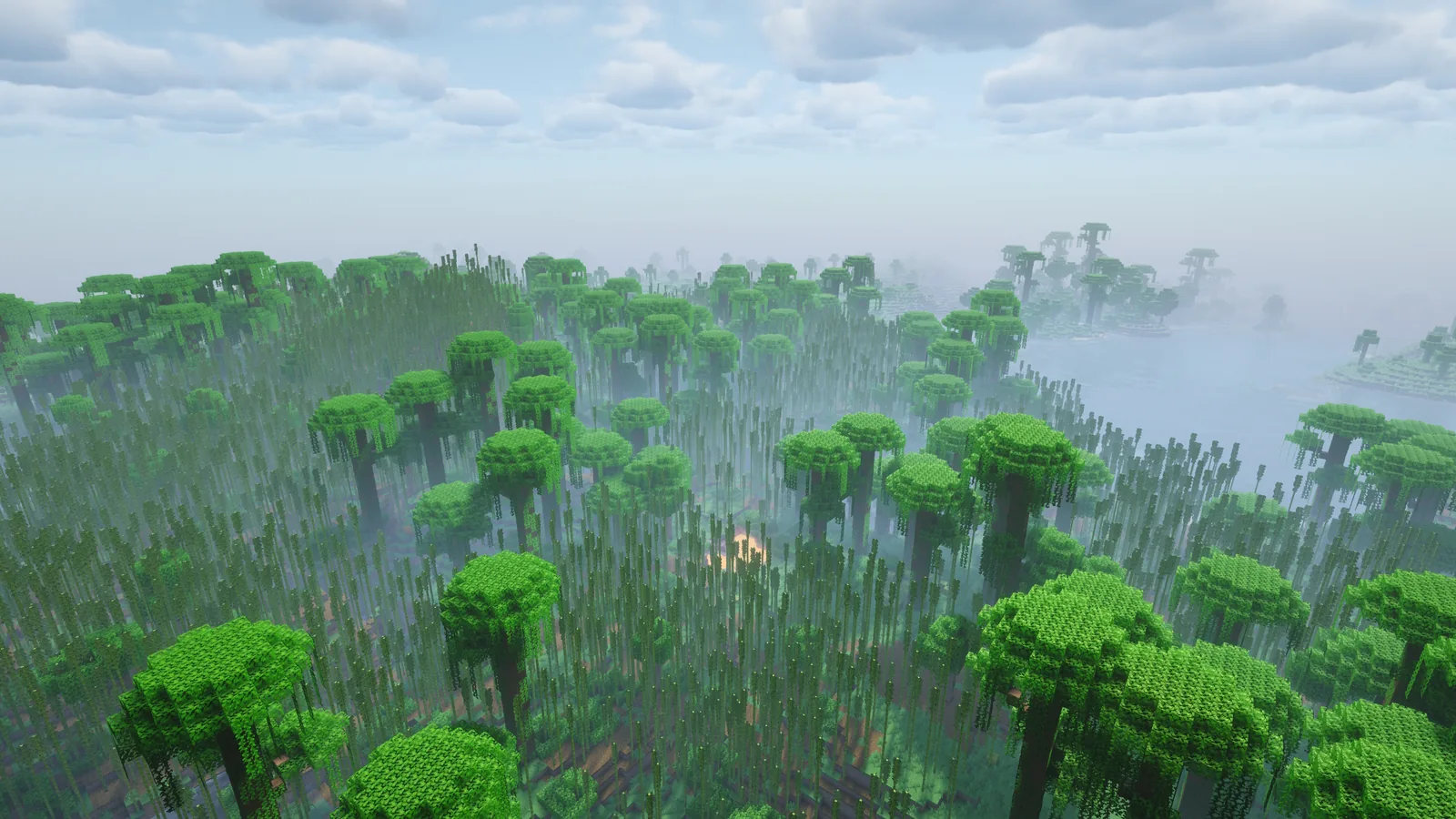
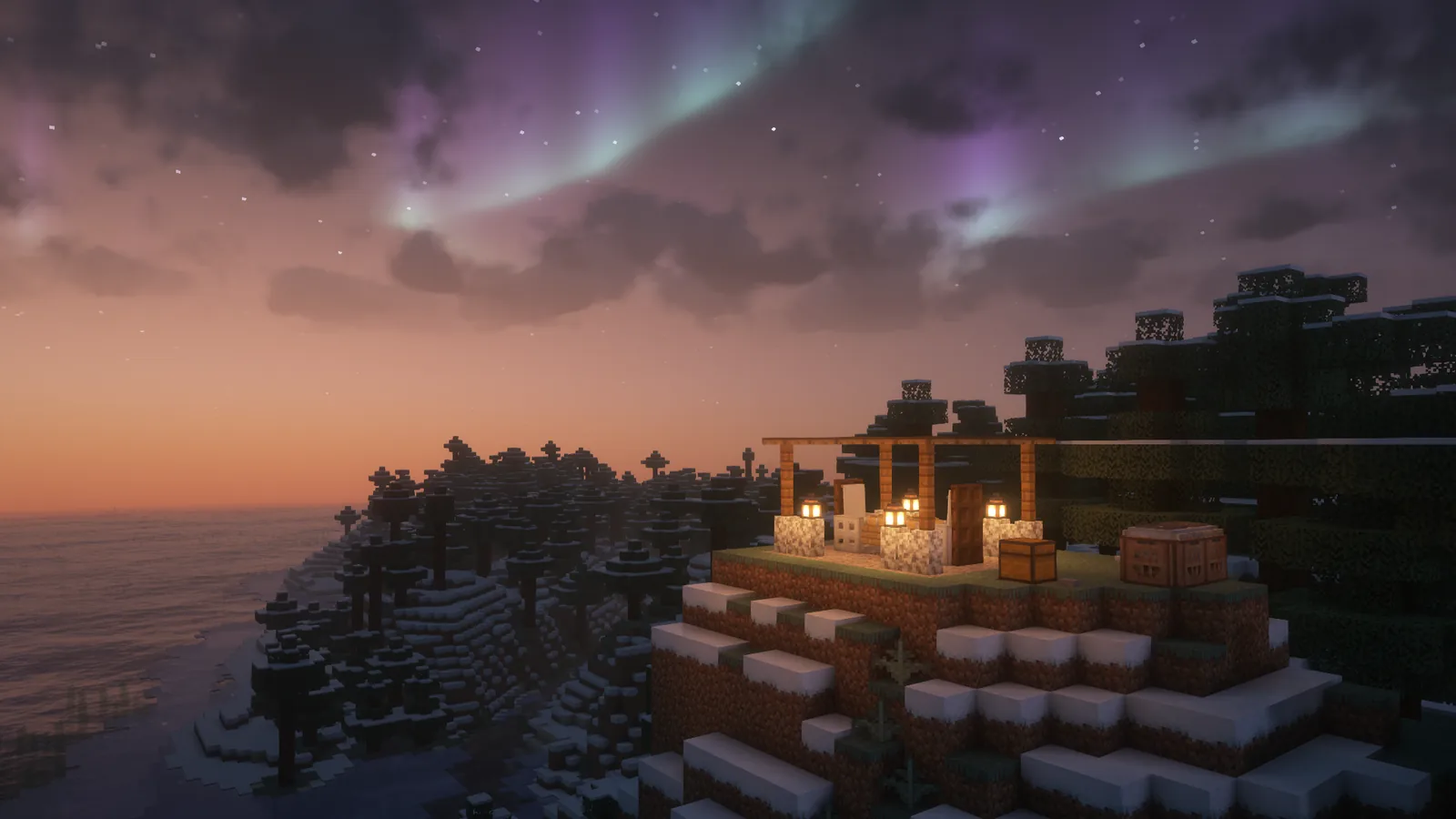
Unbound’s default configuration points all of that towards physical plausibility. Light behaves more like light – stronger directional contrast, more pronounced shadow falloff, water that reflects rather than tints, and a colour response derived from how surfaces would actually behave rather than from what the vanilla texture says the block is.
The practical effect is a world that looks photographed rather than drawn. Stone reads as wet or dry depending on context. Grass picks up colour from the sky. Metal surfaces have specular highlights. None of that is in vanilla’s art direction, which is exactly the point.
Key features
One codebase, two styles. The only difference between Unbound and Reimagined is default settings, and the project states this directly. Every option is exposed. If you like Unbound’s lighting but want Reimagined’s grass colour, you change one setting rather than switching packs.
Per-block custom handling. Nearly every block in the game has explicit treatment rather than a generic material guess. Under Unbound this matters more than under Reimagined, because physically-derived lighting on a block the shader has guessed wrong about looks obviously wrong.
Profiles from Potato to Ultra. Five quality presets, and the low ones are genuinely usable rather than token. Unbound at Medium on a mid-range card is a reasonable target.
Non-obstructive by design. No motion blur, no depth of field by default, shadow distance tuned so mobs remain visible at range. Unbound leans realistic without leaning cinematic, which is a distinction a lot of realism-focused packs miss.
PBR support. This is where Unbound separates from Reimagined most clearly. With a resource pack that supplies normal and specular maps, Unbound uses them properly and the result is substantially different from vanilla textures. Reimagined supports the same data but its defaults mute the effect.
Compatibility
- Iris and OptiFine are both supported, with versions running through 26.3. Iris is the one to use – our Iris installation guide covers why, and the short version is active development and Sodium compatibility.
- Client-side only. No server involvement, nothing to install server-side, no permission needed.
- Vulkan is now the default renderer in the 26.4 snapshots, which is the largest open question for every shader pack right now. Our Vulkan coverage covers what changed.
- Resource pack pairing matters more here than with Reimagined. A plain 16x pack under Unbound gives you realistic lighting on flat textures, which can look mismatched. Our Alacrity review covers a higher-resolution pack that holds up under it.
How to install
- Install Iris, ideally with Sodium for the performance half.
- Download the Unbound file specifically – it is a separate download from Reimagined, not a toggle inside one pack.
- Drop the zip in the shaderpacks folder.
- Select it in Video Settings and pick a profile one step below what you think your hardware can handle.
That last step is not false modesty. The gap between Medium and High in Complementary costs a lot of frames for a difference most people cannot see in motion. Our shader pack comparison covers where the other packs sit on the same curve.
Unbound or Reimagined
The decision comes down to one question: do you want Minecraft to look like a photograph of a world made of blocks, or do you want it to look like Minecraft with better lighting?
Pick Unbound if: you run PBR textures, you want water and metal to behave realistically, you find vanilla’s flat colours unconvincing, or you are taking screenshots where plausibility matters more than recognisability.
Pick Reimagined if: you want biome grass colours preserved, you build with a careful palette and need the colours to stay what you chose, or you are playing rather than photographing. Our Reimagined review covers that side in full.
The builder’s argument for Reimagined is worth stating plainly. If you have spent time choosing a block palette, Unbound’s physically-derived colour response will change what those blocks look like relative to each other, and the palette you designed is no longer the palette you see. Our block palette guide covers why that is a real cost.
Performance
Unbound and Reimagined cost roughly the same at the same profile, because they are the same shader. Where Unbound can cost more is indirectly – realistic lighting looks better with higher shadow resolution and longer shadow distance, so people running Unbound tend to push those settings.
Pair it with Sodium regardless. Our Sodium review covers the chunk rendering side, and the combination of Sodium plus Iris plus a mid-profile shader is noticeably faster than the OptiFine equivalent. If you are still short of frames, the problem is usually render distance or entity count – our culling explainer covers telling the difference.
Is it worth installing
Yes, with the caveat that you should try both. They are separate downloads of the same pack and switching between them takes ten seconds, so the correct approach is to install both and spend an evening in each rather than reading about the difference.
The one thing to be clear about is that neither is a performance choice. Shaders are the most expensive thing you can add to Minecraft and that is true of Unbound at Potato as much as at Ultra. If frames rather than looks are your problem, our visuals guide covers the cheaper ways to improve how the game looks – resource packs, lighting mods and cloud mods together cost a fraction of a shader and get you a meaningful part of the way there.
Images: Complementary Shaders – Unbound project gallery.