Key takeaways
- Complementary Shaders ships two default styles – Reimagined keeps Minecraft’s own look, Unbound goes for realism – and they differ only in default settings.
- Reimagined is the better default for most players because it preserves vanilla block colours and the game’s flat-shaded identity instead of overwriting them.
- Profiles run from Potato to Ultra, which makes it one of the few shader packs genuinely usable on integrated graphics.
Complementary is the most-downloaded shader pack for Minecraft Java by a wide margin, with nearly seventy million downloads across its versions. That kind of number usually means a pack that looks impressive in screenshots and runs badly, or one that is simply the first result people find. Complementary is neither. It got there by being the pack that does not fight the game it is rendering.
It started as an edit of BSL Shaders in 2018 and has since been rewritten completely. The current release ships two styles with identical feature sets and different defaults: Unbound for people who want realism, Reimagined for people who want Minecraft to still look like Minecraft. This review is about Reimagined specifically, because it is the one most players should start with and the one that is most often skipped over.
What this shader pack does
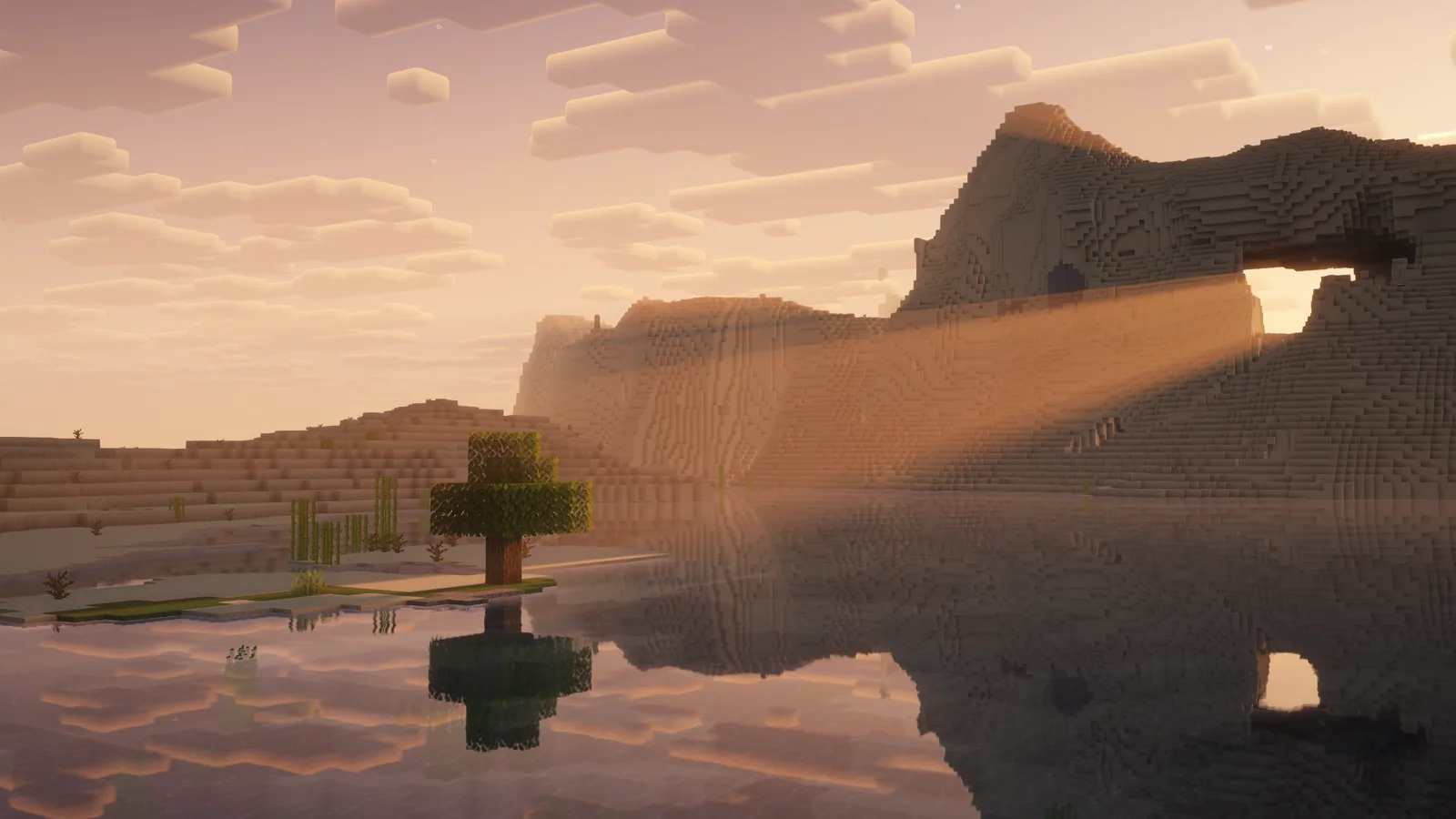
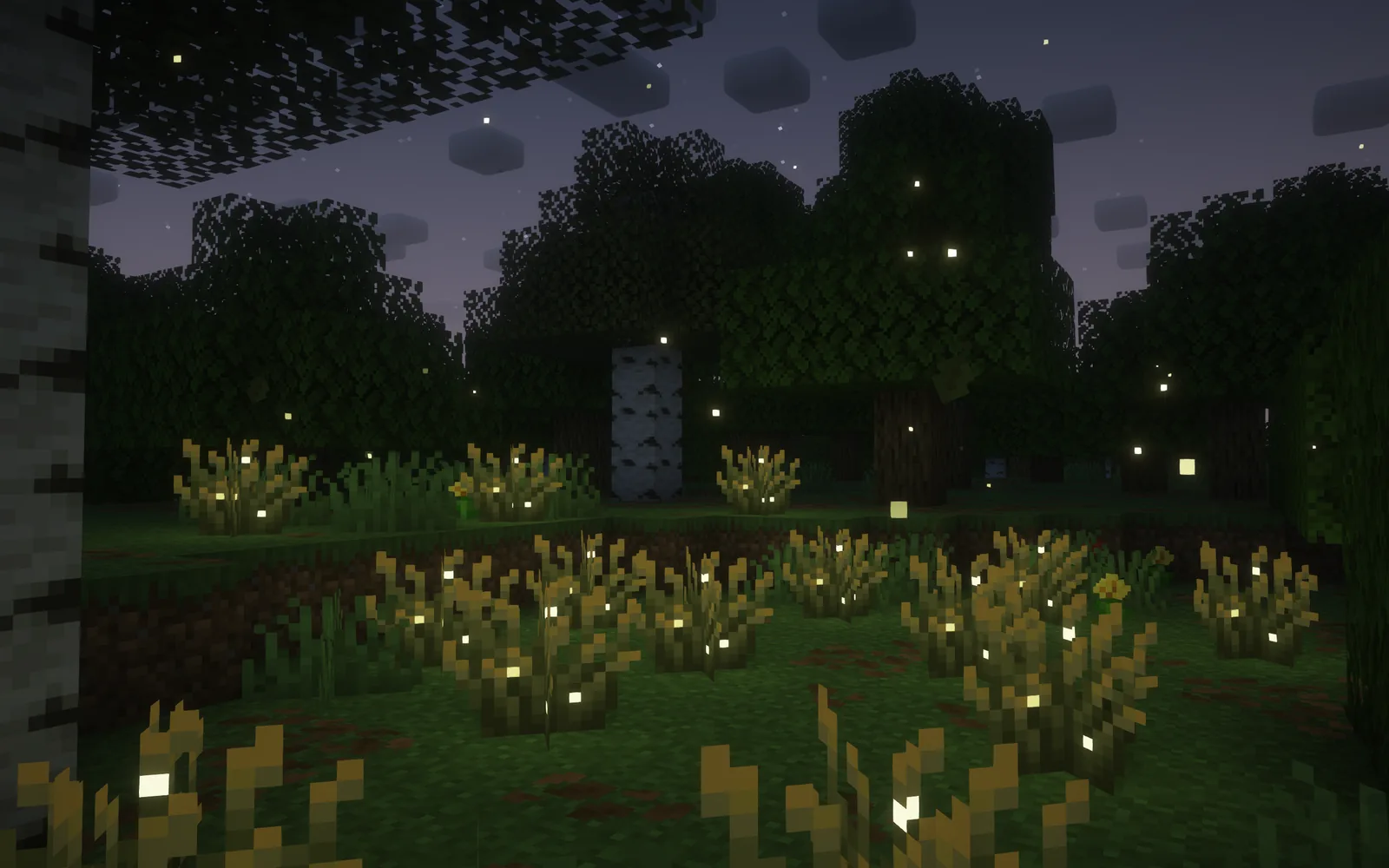
It replaces Minecraft’s rendering pipeline with a programmable one and adds the effects that implies – directional shadows, volumetric light, screen-space reflections, bloom, water refraction, custom sky and cloud rendering, and per-block emissive and specular handling. That is the standard shader feature list.
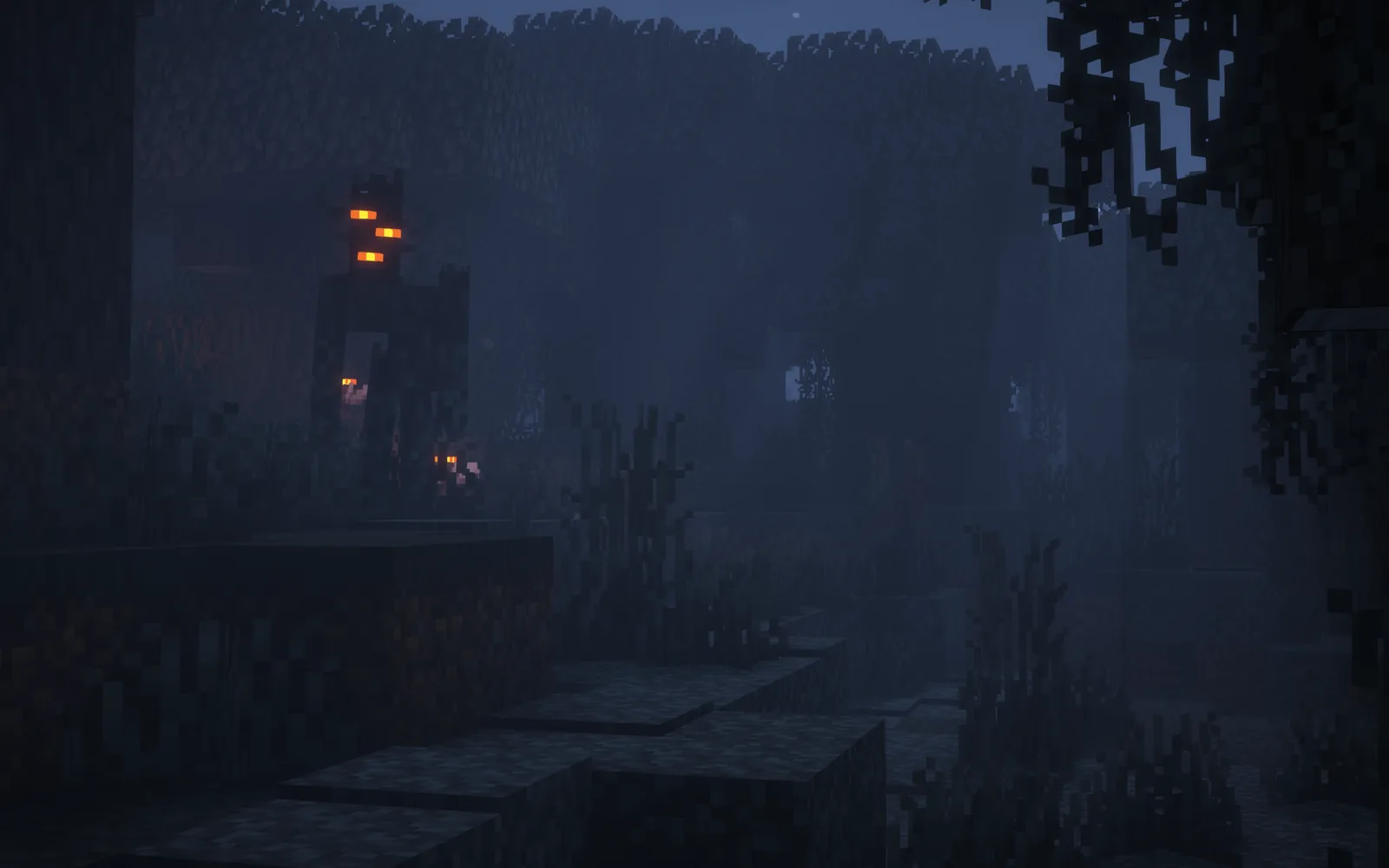
What makes Reimagined distinct is the restraint applied on top. Vanilla Minecraft has a specific visual identity: flat colours, hard block edges, no ambient tinting. Most shader packs treat that as a limitation to overcome. Reimagined treats it as the thing to preserve, and applies lighting on top of vanilla colours rather than replacing them with physically-derived ones.
In practice that means grass still reads as the biome’s grass colour rather than being pushed towards a photographic green, stone still reads as stone rather than wet granite, and the sky still has the vanilla gradient under its new cloud rendering. You get the lighting without losing the palette.
Key features
Two styles, one codebase. Reimagined and Unbound are the same shader with different default settings, and every setting is adjustable after install. You can start on Reimagined and move individual values towards Unbound without switching packs.
Per-block custom effects. Nearly every block in the game has explicit handling rather than being covered by a generic material guess. Emissive blocks glow correctly, water surfaces behave as water, and metal blocks get specular response. This is the detail work that separates a maintained pack from an abandoned one.
Profiles from Potato to Ultra. Five preset quality levels, and the low ones are genuinely low rather than a token gesture. Potato and Low are usable on integrated graphics, which is unusual – most packs’ lowest setting still assumes a discrete GPU.
Non-obstructive design. The pack is explicitly designed not to get in the way of gameplay. No excessive bloom washing out the screen, no motion blur, no depth of field by default, and the shadow distance is tuned so that you can still see mobs at range.
Regular updates. The pack is actively maintained with a stated commitment to user feedback. For shaders that is the critical property, because each Minecraft version that touches rendering can break a pack entirely and the 26.x line has touched rendering repeatedly.
Compatibility
It runs on Iris and OptiFine, and the supported Minecraft versions currently run through 26.3. Iris is the one to use – our Iris installation guide covers why, and the short version is that Iris is actively developed, works with Sodium, and does not conflict with the rest of a modern mod list.
Three things to know:
- Vulkan is now the default renderer in the 26.4 snapshots. Shader packs depend on the graphics backend, and the switch is the biggest compatibility question facing every pack right now. Our notes on the Vulkan default cover what changed.
- It is client-side only. No server involvement, no server permission needed, and nothing to install on a server.
- Resource pack interaction matters. A pack with PBR textures gets more out of Complementary than a plain 16x pack, but a 16x pack still works correctly. Our 16x pack roundup covers the combinations that look good together.
How to install
Four steps:
- Install Iris, or Iris plus Sodium if you want the performance half as well.
- Download the Reimagined file – it is a separate download from Unbound, not a setting inside one pack.
- Put the zip in the shaderpacks folder.
- Select it in Video Settings, then pick a profile. Start one level below what you think your hardware can do.
That last point is worth taking seriously. The difference between Medium and High in Complementary is large in frame cost and small in visible quality, and the pack is tuned well enough that Medium on a 1080p display looks close to High in motion. Our shader pack comparison covers where the other packs sit on that curve.
Performance
Shaders are the most expensive thing you can add to Minecraft, and no amount of optimisation changes that. What Complementary offers is a usable range rather than a single expensive setting. On the Potato and Low profiles it is one of the cheaper packs available, and the quality drop is mostly in shadow resolution and reflection accuracy rather than in the overall look.
Pair it with Sodium. Our Sodium review covers what that mod does to the rest of the render path, and the combination of Sodium plus Iris plus a mid-profile shader is noticeably faster than OptiFine with the same shader. If you are still short of frames after that, the problem is usually render distance or entity count rather than the shader – our culling explainer covers how to tell which.
Is it worth installing
Yes, and it is the pack to start with rather than one to graduate to. The case for Reimagined specifically is that it is the only widely-used pack that treats vanilla’s art direction as correct. Every other popular pack is, to some degree, an argument that Minecraft should look more like a photograph. If you agree with that argument, Unbound is in the same download and is excellent at it.
The honest limitation is that shaders remain an all-or-nothing performance decision. If you are playing on a laptop with integrated graphics, the Potato profile is real and usable but it is still a shader, and you will give up frames you may want for a large modded pack. Our visuals guide covers the cheaper ways to improve how the game looks – better resource packs, lighting mods and cloud mods – which together cost a fraction of a shader and get you a meaningful part of the way there.
Images: Complementary Shaders – Reimagined project gallery.