Key takeaways
- Minecraft’s main loop is largely single-threaded, so per-core speed matters more than core count.
- RAM beyond a sensible allocation does not add performance and can make pauses worse.
- Disk speed decides chunk loading, which is what players feel as stutter when exploring.
Hosting plans are sold in gigabytes because gigabytes are easy to put on a price list. The number rarely describes the thing that will actually slow your server down.
Single-thread speed first
The server tick is the heartbeat: entities, redstone, block updates, all processed twenty times a second. Most of that work happens on one thread. A processor with sixteen slow cores will tick worse than one with four fast ones, which is the opposite of what the specification sheet suggests.
When comparing hosts, the useful question is which processor generation they run, not how many cores you are allocated.
RAM is a floor, not a dial
Enough memory prevents constant garbage collection. More memory than enough produces larger collection pauses, which players experience as periodic freezes.
For a small modded server, a moderate allocation with sensible garbage collection flags outperforms a large allocation with defaults. Upgrading from adequate to enormous is the most commonly sold and least useful change available.
Disk decides exploration
Chunk loading is a disk read. On spinning storage, a player flying across a pre-generated world will out-run the disk and stutter regardless of processor or memory. Solid state storage is not optional for anything beyond a two-player world.
This is also why pre-generation helps so much: it converts expensive generation into a cheap read, but only if the read is actually cheap.
The mod list is a hardware decision
Every worldgen mod adds work per chunk. Every mob mod adds entities to tick. A server running forty content mods needs materially more machine than one running ten performance mods, and no amount of RAM substitutes for that.
Our view is that most people buy the wrong upgrade in the wrong order. Profile first, cut the two most expensive things, and only then consider a bigger plan – the sequence set out in the performance tuning guide.
A reasonable starting point
For ten players on a lightly modded survival world: a modern processor with good single-thread performance, solid state storage, a moderate memory allocation, a pre-generated world with a border, and a profiler installed from day one. That configuration handles more than most people expect, and it costs less than the plan a host will recommend.
Reading a host’s specification honestly
Plans are usually advertised as a memory number and a vague processor description. The questions worth asking before buying: which processor model, is the storage solid state, how many servers share a machine, and is there a hard player cap. A host that will not answer the first two is telling you something.
Shared hosting is not automatically bad. An oversubscribed machine is, and the two look identical on a price list.
Where the money actually goes
For a ten-player survival server, the useful spend order is: solid state storage first, then single-thread performance, then enough memory, then anything else. Buying the largest memory plan on a slow shared machine produces a server that has plenty of headroom and still stutters.
Self-hosting
A spare desktop at home outperforms most budget plans on raw specification and loses on uptime, upload bandwidth and the fact that your router is now part of the infrastructure. For a friends server that plays in the evening, it is a legitimate option. For anything public, the bandwidth is usually what decides it.
If you do self-host, the backup rules matter more rather than less – the full routine is in the backup piece.
Measuring instead of guessing
Install a profiler before you have a problem, take a reading during a busy evening, and keep it. When the server slows down in three months, you will have a baseline to compare against, and the comparison usually identifies the cause in minutes. Without it, every diagnosis is a guess and the default guess is always to buy more memory.
When the problem is not the server at all
If tick rate is healthy and players still report lag, the bottleneck is on their machines or their connection. A server reporting twenty ticks per second cannot be the cause of a client running at fifteen frames.
Point those players at the client-side fixes instead – the rendering side is covered in the culling explainer – and stop buying hardware for a problem the hardware cannot solve.
Player count is not the unit
Hosts price by slots, and slots are a poor proxy for load. Ten players standing in one base cost less than four players exploring in four directions, because the second case generates chunks continuously in four places at once.
If your community explores, the border and pre-generation matter more than the plan size. If they build in one area, entity count and redstone are what you will be fighting. Knowing which kind of server you have decides where the money goes.
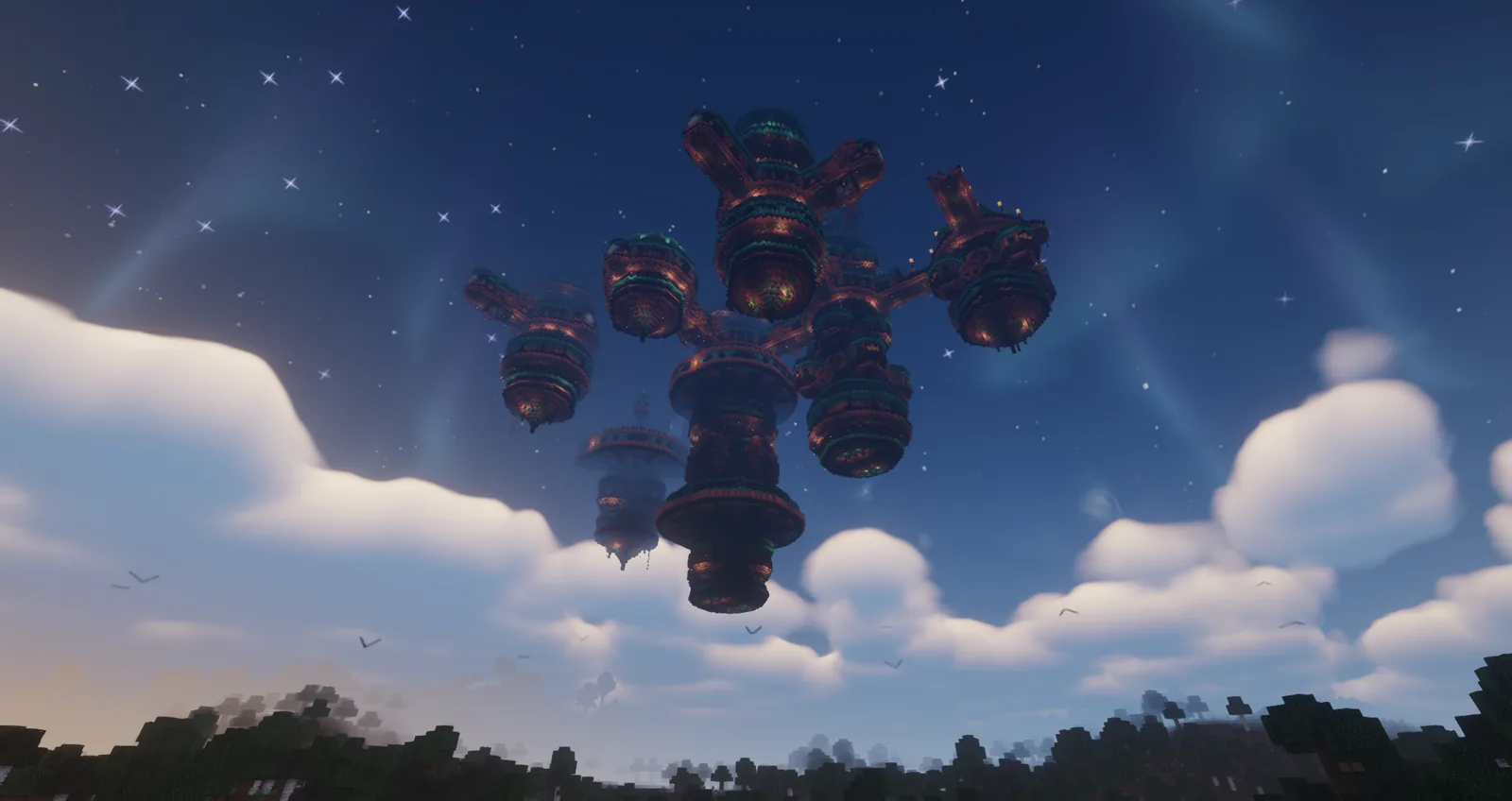
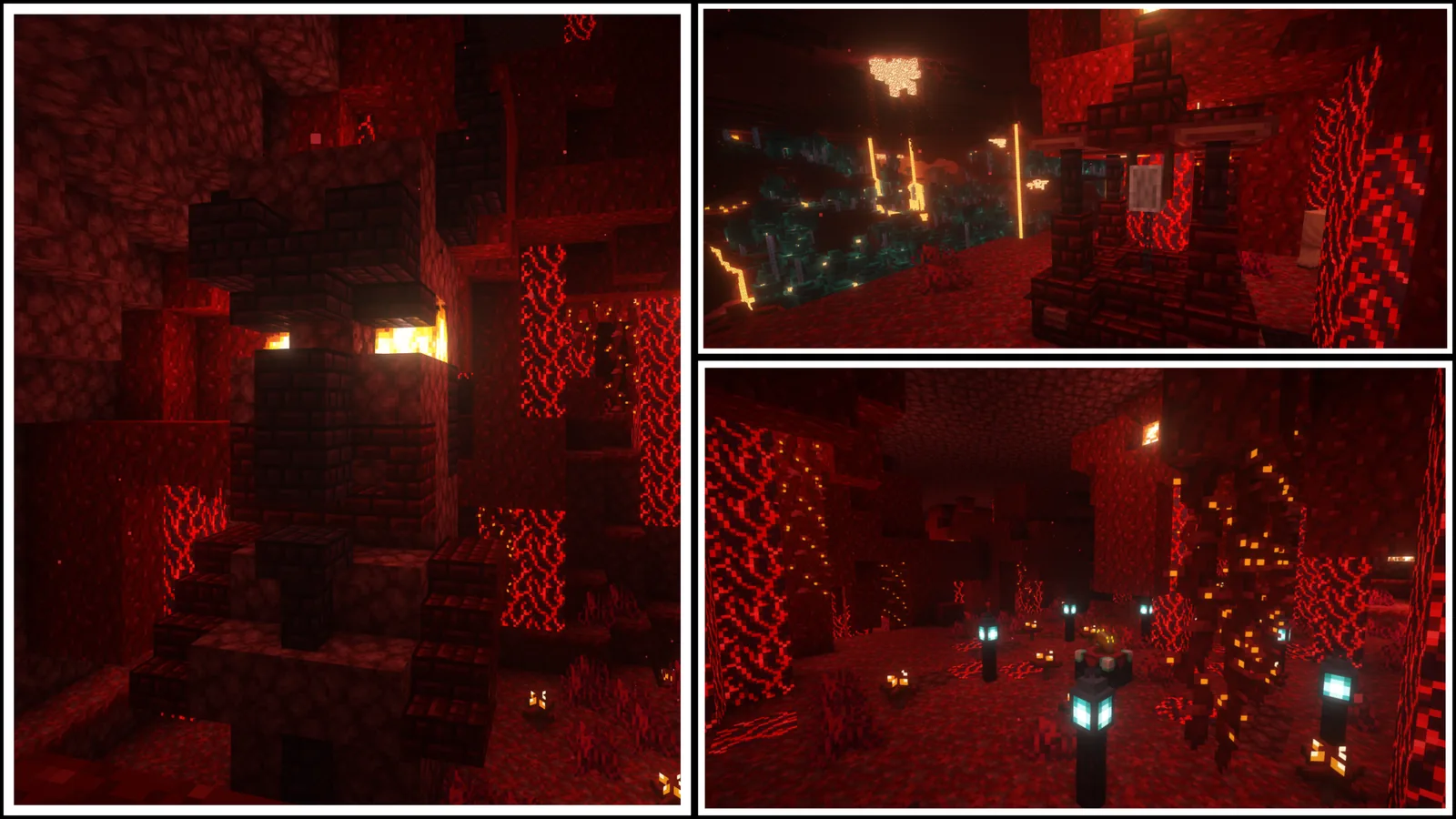
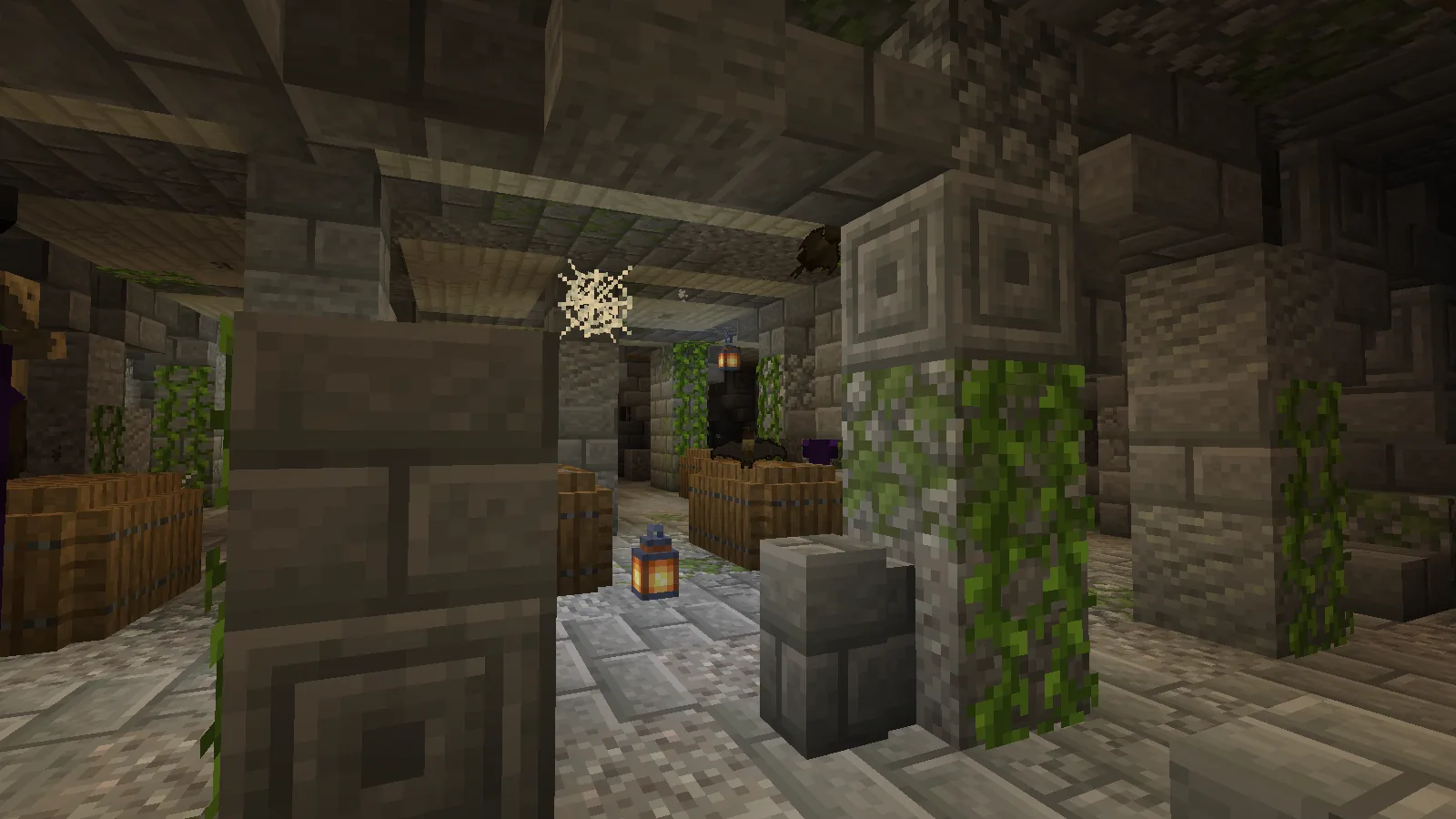
Images: When Dungeons Arise and Philips Ruins project galleries on Modrinth.