Key takeaways
- Allocating more memory rarely helps. Beyond a sensible amount it can make garbage collection pauses worse.
- View distance and simulation distance are the two settings with the largest effect, and they are separate.
- A profiler tells you what is actually costing tick time. Guessing does not.
The standard response to a laggy server is to buy a bigger plan. It occasionally helps. More often the server was never memory-bound, and the same problems reappear on the larger machine.
Measure before changing anything
A server profiler samples where tick time is going and produces a report: which entities, which chunks, which plugins. Ten minutes of profiling under real load will usually point at one or two causes, and they are rarely the ones players assumed.
The most common findings are a mob farm producing thousands of entities, a hopper chain checking inventories every tick, and a handful of players exploring in different directions and forcing constant chunk generation.
View distance and simulation distance
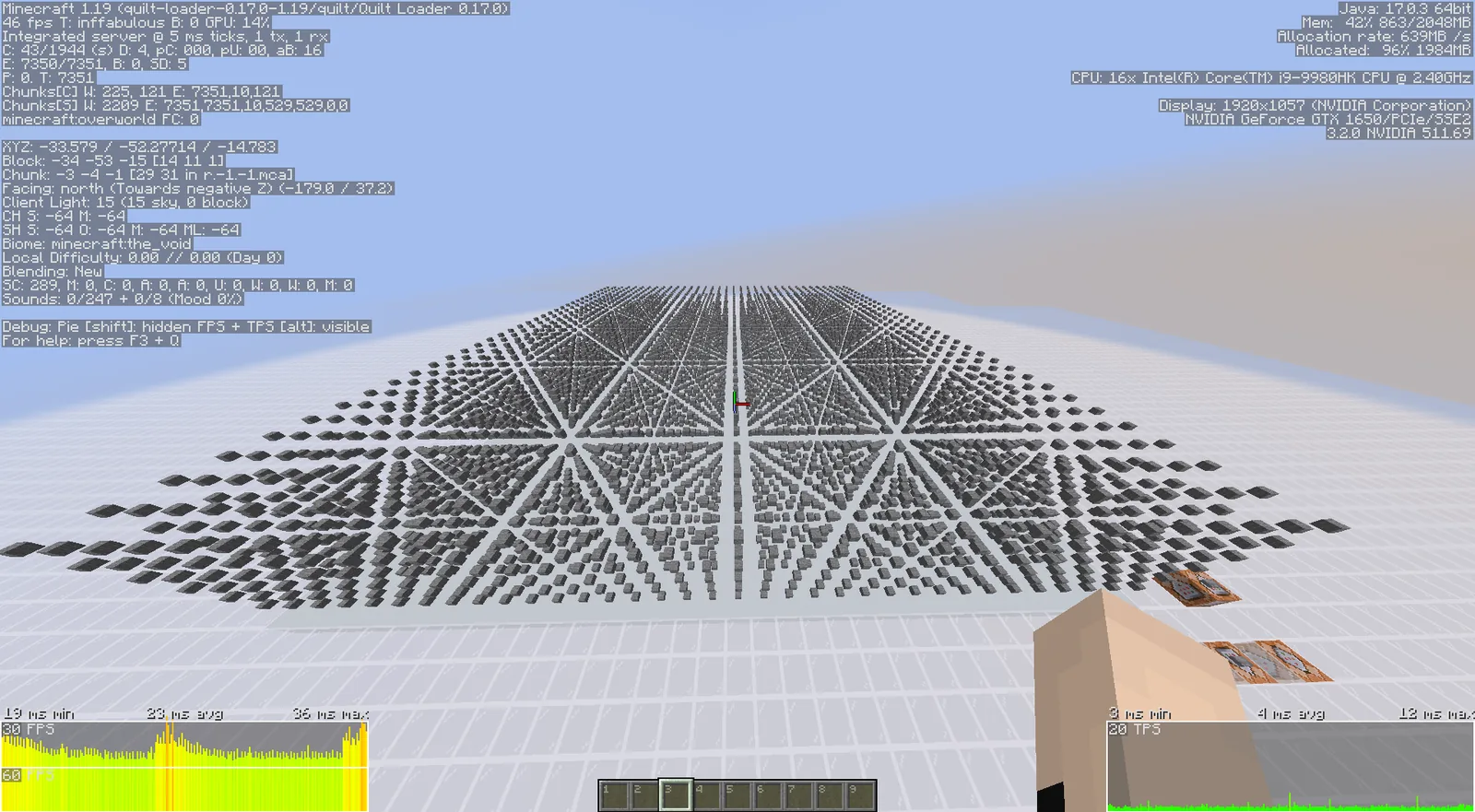
These are different settings and the difference matters. View distance controls how far chunks are sent to clients. Simulation distance controls how far the server ticks entities, redstone and block updates.
Dropping simulation distance to a modest value cuts work dramatically while players barely notice, because most of what happens outside their immediate area does not need to be running. Dropping view distance is more visible and should be the second lever, not the first.
Pre-generate the world
Chunk generation is the most expensive thing a server does, and it happens exactly when players are exploring – which is when they are most likely to notice the lag. Pre-generating a bounded world area during downtime converts that cost into a disk read.
Pair it with a world border. An unbounded world means generation cost never ends, and the region files grow forever. A border of a few thousand blocks is enough for most communities and makes backups feasible.
Entities are usually the real problem
Mob farms, item drops on the floor, minecart systems and animal pens compound. Each entity is ticked, and entity ticking is the single largest controllable cost on most survival servers.
Set sensible mob caps, clear ground items on a timer, and ask players to kill their animal pens down to breeding pairs. That last one is a social fix rather than a technical one, and it works better than any configuration change.
Our view is that memory upgrades are the most oversold fix in server hosting. Beyond a reasonable allocation, extra heap means larger garbage collection pauses, which players experience as periodic freezes – the exact symptom the upgrade was supposed to cure.
Client-side is a separate problem
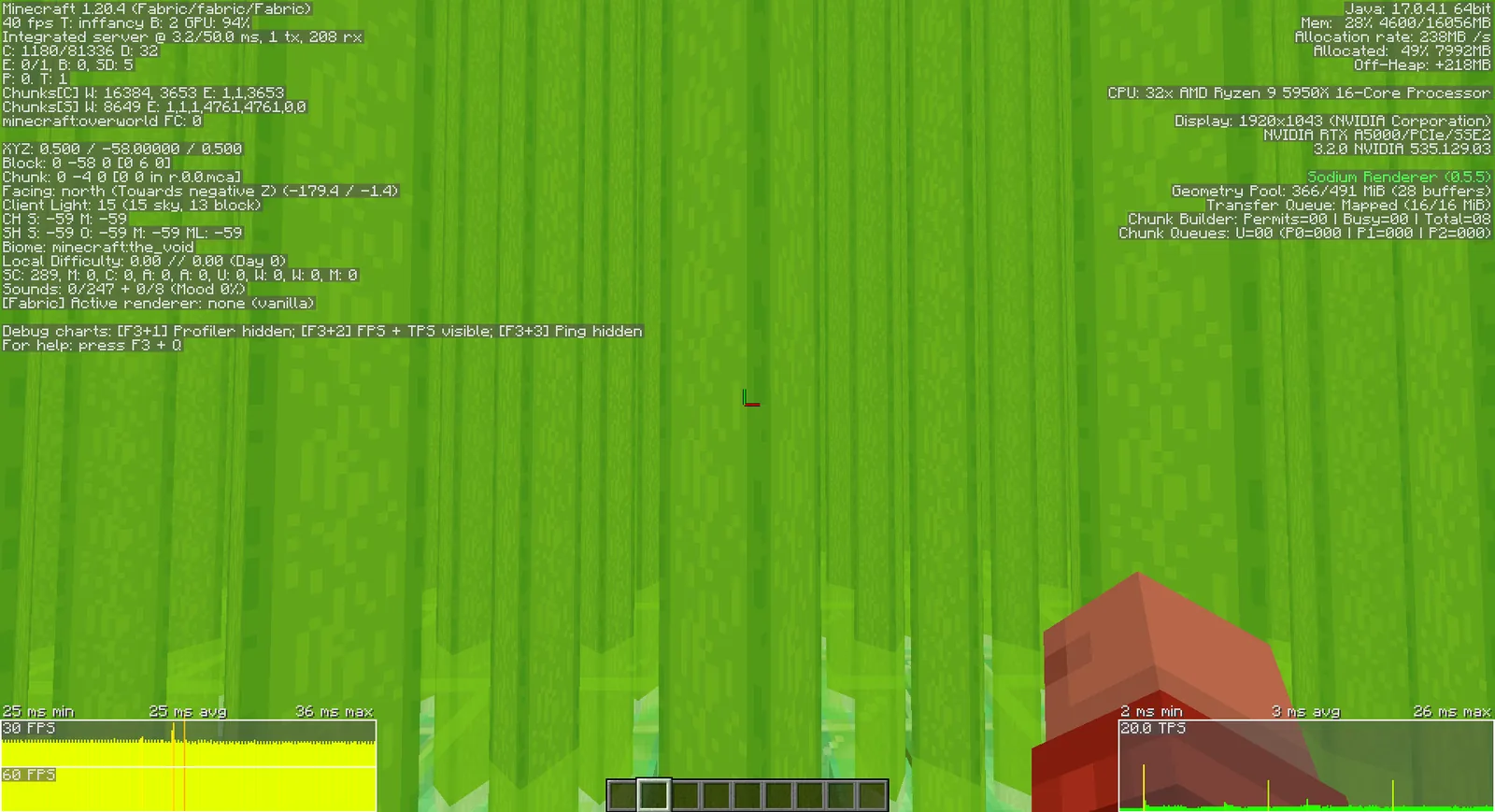
If players report poor frame rates but the server reports healthy tick times, the problem is on their machines and no server setting will fix it. Point them at the rendering side: culling and performance mods.
Stutter while players fly into unexplored terrain is a separate problem with its own fix, covered in the chunk loading guide.
Plugins and mods as a cost centre
Every plugin adds work to the tick, and a few common categories are disproportionately expensive: anything scanning inventories, anything tracking every block change for logging, and anything running a scheduled task at a short interval.
A profiler attributes tick time by plugin, which converts an argument about which plugin is at fault into a measurement. Remove or reconfigure the top two entries before touching anything else.
Redstone and hoppers
Hoppers check their contents constantly, and a base with hundreds of them chained together is a measurable load even when nothing is moving. The usual fix is to reduce chain length and use containers with fewer intermediate hoppers rather than to ban them outright.
Clock circuits left running are the other classic. A single player’s forgotten redstone clock can cost more tick time than every other player combined, and it is invisible until somebody profiles it.
Communicating with players
Performance work on a community server is half technical and half social. Publishing a short list of what causes lag – large animal pens, item drops left on the floor, redstone clocks – gets better results than silently enforcing limits, because players generally want the server to run well and simply do not know what costs anything.
A tuning order that works
Profile first. Lower simulation distance second. Pre-generate and set a border third. Audit plugins and entities fourth. Only then consider hardware. Following that order takes an afternoon and resolves the large majority of server performance complaints without spending anything.
Images: More Culling project gallery on Modrinth.