MoreCulling 1.8.1 released on 2 August 2026 with three fixes and one removal. The removal is the interesting one: cloud culling is gone, because it is no longer needed.
What was removed and why
MoreCulling used to cull clouds – skip drawing the parts of the cloud layer that were not visible. Vanilla Minecraft’s own rendering now handles that adequately, so maintaining a separate implementation was work for no gain.
A mod removing a feature because the game caught up is the healthiest possible outcome for this category of mod, and it happens more often than people expect.
The rest of 1.8.1
- Fixed a crash with Client Tweaks.
- Fixed mangrove root culling, and the “do not cull” option not working with Sodium.
- Updated Chinese translations.
That second one is the classic culling bug: a block whose shape is not what the culling logic assumed, producing holes you can see through. Mangrove roots are full of those – they are neither solid nor fully transparent.
What culling is, once more
The game deciding not to draw something because you cannot see it. Get it right and frames are free. Get it wrong and you see through the world.
The default vanilla logic is conservative – it draws more than it has to, because drawing too much is a performance problem and drawing too little is a visual bug. Why Minecraft renders faces you cannot see explains where that line sits and what moving it costs.
MoreCulling and Sodium
They overlap and are designed to coexist, which is why a “do not cull” option not working with Sodium is a real bug rather than a configuration mistake. Sodium owns chunk rendering; MoreCulling adds block-level decisions on top.
Sodium is the foundation of essentially every modern performance setup, and the review covers what it changed and why the ecosystem reorganised itself around it.
Later releases
- 1.0.10, 7 September 2026 – fixed Farmer’s Delight basket culling and a loading screen crash, on the 1.21 line.
- 1.9.0-beta.1, 15 September 2026 – port to 26.3.
The parallel version lines are worth noting. A mod maintaining 1.21 and 26.3 simultaneously is maintaining two codebases in practice.
When to install it
If your frame rate is poor in dense builds – lots of fences, glass panes, stairs, leaves – this is one of the more effective additions. In open terrain it does considerably less.
Block shapes that break culling
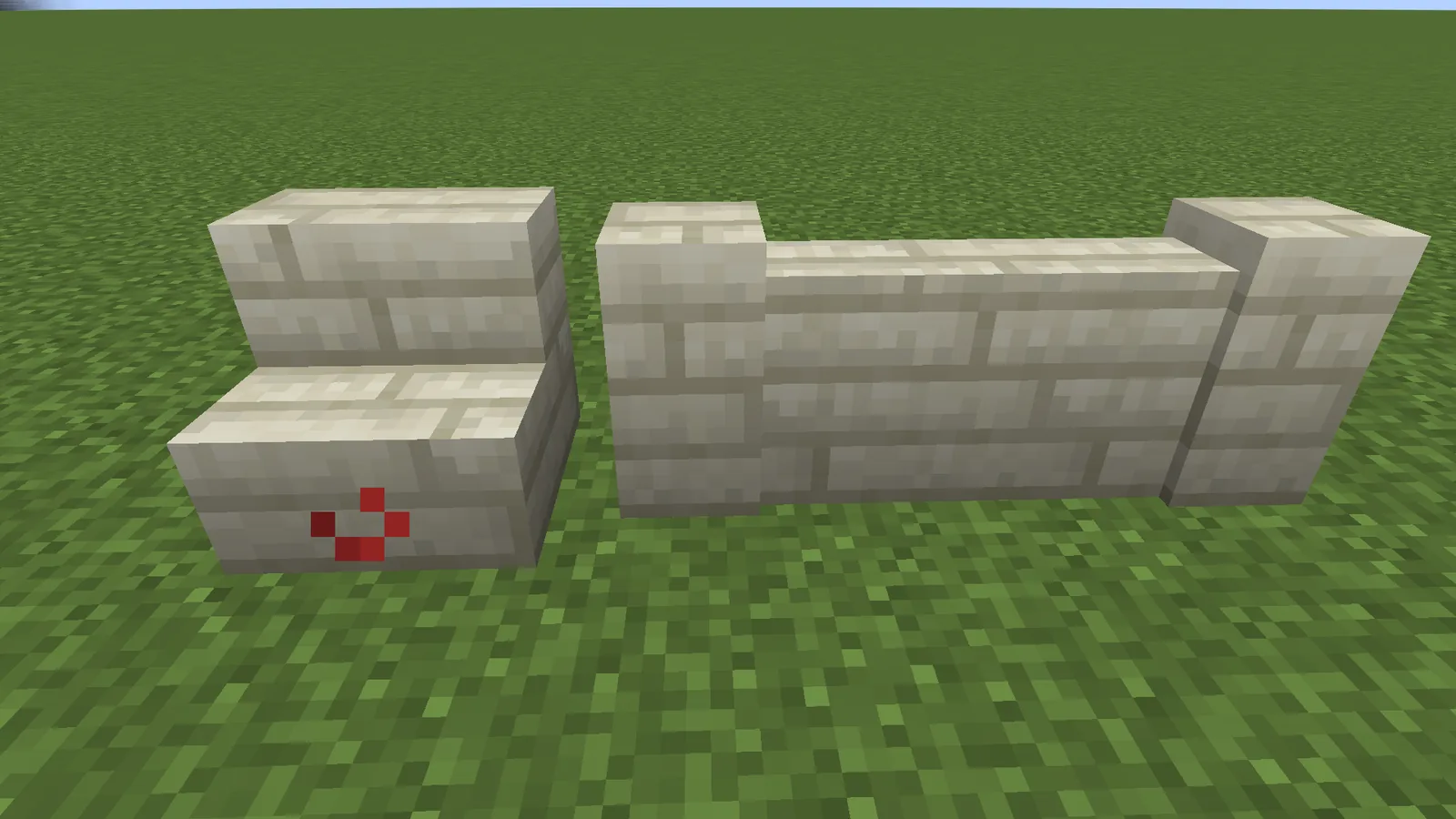
- Fences and walls – connected, irregular, and everywhere.
- Stairs and slabs, which occupy part of a block space.
- Panes, which are thin and transparent at once.
- Mangrove roots, which are geometrically strange even by Minecraft standards.
- Leaves, which are transparent in one setting and not in another.
Culling logic has to answer “does this face completely block the one behind it” for every shape in the game plus every modded shape. Getting it wrong for one shape means holes in builds that use it.
Why removing a feature is a good sign
Optimisation mods accumulate workarounds for things the game does badly. When the game improves, those workarounds become dead weight – code that still runs, still has to be maintained, and no longer buys anything.
Removing cloud culling because vanilla handles it is the correct response and a rarer one than it should be. Plenty of mods carry a decade of obsolete fixes.
The Client Tweaks crash
Two client-side mods touching the same rendering path is the usual source of these. Neither is wrong on its own; the combination produces a state one of them did not expect.
These are found by players running unusual combinations, reported to one author, and fixed by whoever is more able to work around the other. It is untidy and it is how the ecosystem actually functions.
What to install it alongside
Sodium first, always. MoreCulling second. EntityCulling for mobs, which is a separate problem. That trio covers most of the rendering side, and adding more beyond it hits diminishing returns quickly.
Where you will see it
- Towns and villages, which are dense in fences and stairs.
- Interiors with lots of detail blocks.
- Forests, because of leaf culling.
Standing in open terrain it does approximately nothing, which is the honest answer to whether it will fix your frame rate.
The pattern to watch in this category is convergence. Every year vanilla absorbs another optimisation that used to require a mod, and every year the mods find something new. That is a healthy relationship rather than a competitive one – the mods demonstrate what is possible and the game adopts what proves safe. A changelog line removing a feature because it is no longer needed is that process working exactly as it should.
Images: MoreCulling project gallery on Modrinth.