Key takeaways
- Freecam 1.5.1, released 20 October for 26.3, is a single fix – improved toggle sneak handling and mod compatibility.
- The bug mattered because freecam and sneak share input state, so a sneak-toggle mod could leave the camera or the player stuck.
- Freecam is single-player and client-side by design, and most servers treat it as a cheat if it works at all.
Freecam detaches the camera from the player so you can fly through the world while your body stays put. It is the single most useful tool for taking screenshots, planning a build from outside it, or checking whether a roof reads correctly from the ground – and it is also the mod most likely to be banned on any server that notices it.
Version 1.5.1 arrived on 20 October with a one-line changelog: improve toggle sneak handling and mod compatibility. That sounds trivial. It is not, and the reason is worth explaining because it is a good illustration of how input-layer mods collide.
Why toggle sneak breaks a camera mod
Vanilla sneak is a held key. You press shift, you sneak; you release, you stop. A toggle sneak mod changes that to a press-once-to-start, press-again-to-stop state, which a lot of players prefer for long building sessions.
Freecam has to intercept movement input, because while the camera is detached your keys should move the camera and not your character. That means both mods are reaching into the same place – the layer that decides what your keyboard is currently telling the game to do.
The conflict shows up in a few ways:
- Entering freecam while sneak is toggled on leaves the player stuck in sneak after you exit.
- The toggle state gets consumed by the camera rather than the player, so sneak stops responding.
- Exiting freecam re-applies a sneak state the player was not in when you entered.
None of these crash anything, which is why they persist – they are the sort of bug you work around by not using the two together, and then forget to report.
What Freecam is actually for
Three uses justify installing it, and they are all about seeing your own work.
Checking a build from outside. You cannot evaluate a roof while standing under it. Flying out to fifty blocks and looking back is the single most useful thing you can do to a build in progress, and in survival you cannot do it without an elytra and a lot of rockets. Our roof shapes guide covers why the silhouette is the thing that matters, and the silhouette is only visible from distance.
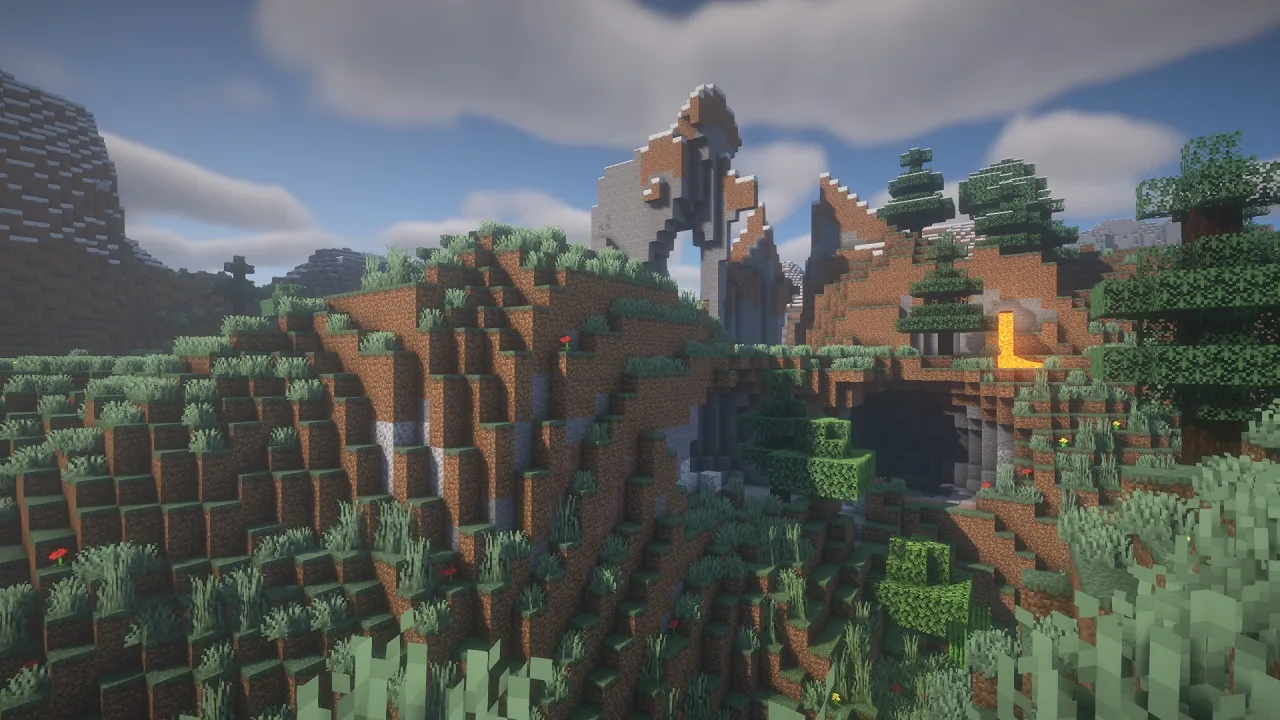
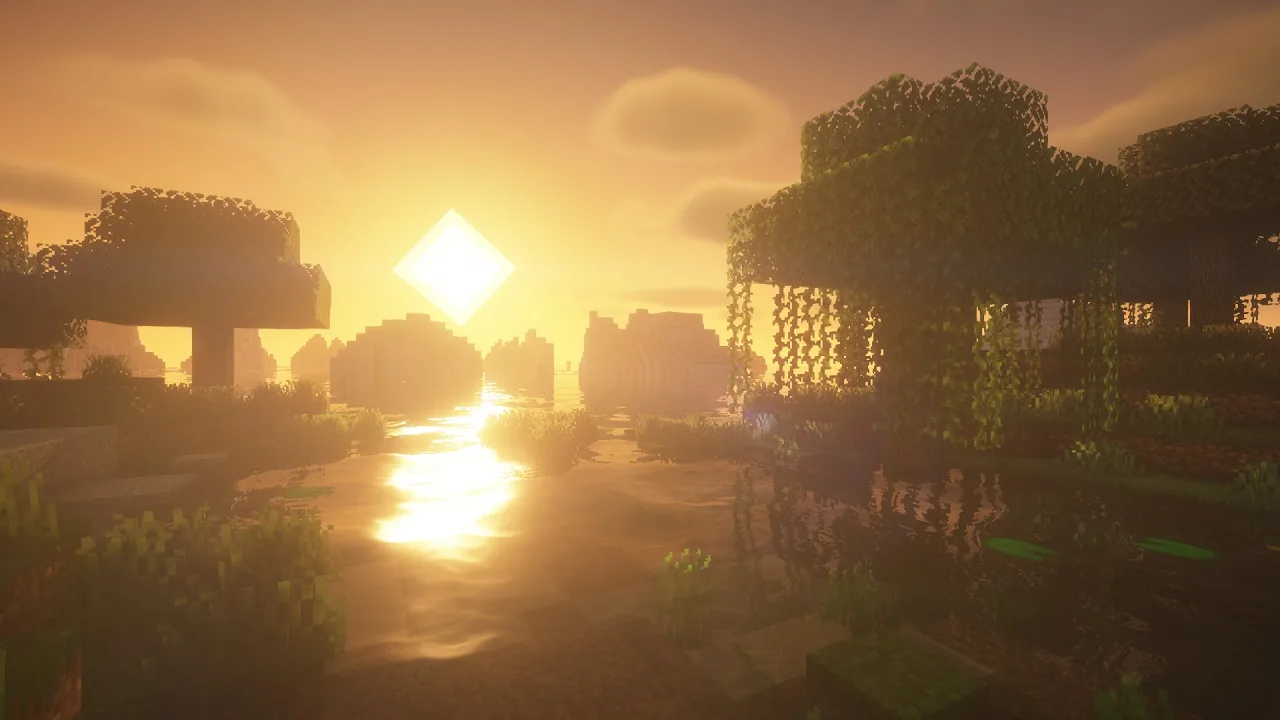
Screenshots and composition. A detached camera gives you angles the player body cannot reach – low ground-level shots, overhead framing, shots from inside a wall. Combined with a shader this is how most of the Minecraft screenshots you have seen were taken.
Planning terrain work. Looking at a hillside from above before you start terraforming it saves an enormous amount of rework. Our terraforming guide covers the rest of that process.
The server question
This needs to be said plainly. Freecam in multiplayer is seeing through walls, which is why almost every server bans it and many anti-cheat setups detect it.
The mod itself is built around single-player use, and in multiplayer the client cannot see chunk data the server has not sent, so flying the camera into unexplored terrain shows you nothing. But flying it through a wall into a base the server has already sent you shows you everything in that base, and that is exactly what a server owner does not want.
If you run a server, this falls under the same category as x-ray and minimap cave radar – a client mod you cannot block at the protocol level and have to handle through rules and detection. Our server moderation guide covers setting that expectation early, and our land claims guide covers the protection side.
Alternatives and pairings
Freecam is not the only way to get a better camera, and the alternatives are worth knowing because some of them are server-safe.
Third-person distance mods. These pull the vanilla third-person camera further out without detaching it. You stay inside your own hitbox, so there is no wall-seeing. Our Shoulder Surfing review covers the most complete option.
Replay and cinematic mods. If what you want is a camera path for video rather than a free look, a replay mod records the session and lets you move a camera through it afterwards. Our Flashback review covers that approach, which is far better for actual video work than flying a freecam in real time.
Spectator mode. Vanilla already has a detached camera. It requires creative-level permissions and it moves your actual player, but in a single-player world it does most of what freecam does with no mod at all.
Installing 1.5.1
Standard client-side install. The release covers 26.3, and as a client mod nothing needs to happen server-side. If you run a sneak-toggle mod, this is the version you want – that is the entire point of the release.
One setup note that is not in the changelog but matters: bind freecam to a key you will not hit by accident. The most common complaint about the mod is entering it mid-fight because the default bind sits near a movement key. Our Controlify review covers input remapping more broadly if your bind layout is crowded.
Our read
A one-line changelog is usually not worth attention, but input-layer conflicts are among the most annoying bugs in modded Minecraft precisely because they produce no error. Nothing logs, nothing crashes, your character just does not do what you told it to, and you end up suspecting your keyboard.
The broader lesson for pack builders is that every mod which intercepts input – freecam, toggle sneak, auto-sprint, controller support, camera mods – is competing for the same hook, and the conflicts between them are not visible in a dependency graph. If your movement feels wrong in a large pack, that cluster is where to start looking rather than at the mods that sound movement-related.
Images: BSL Shaders project gallery.