Minecraft has never shipped controller support on Java, and for a game played on a laptop from a sofa that is a real gap. Controlify fills it properly rather than by mapping buttons to keys, and it reached 26.3 on 21 September with a follow-up two days later.
What proper support means here
The difference between a controller mod and a key-mapping utility is what happens to the interface.
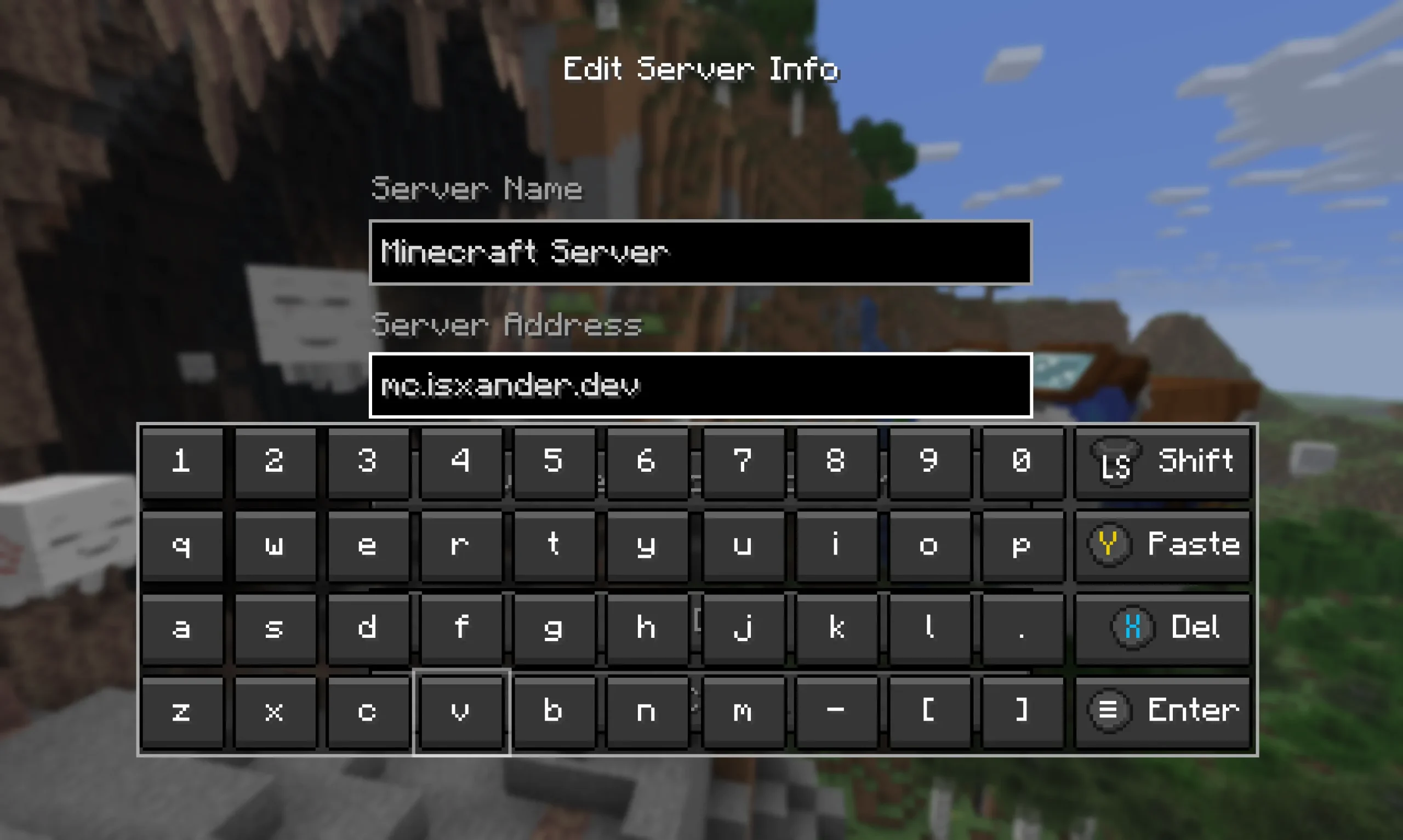
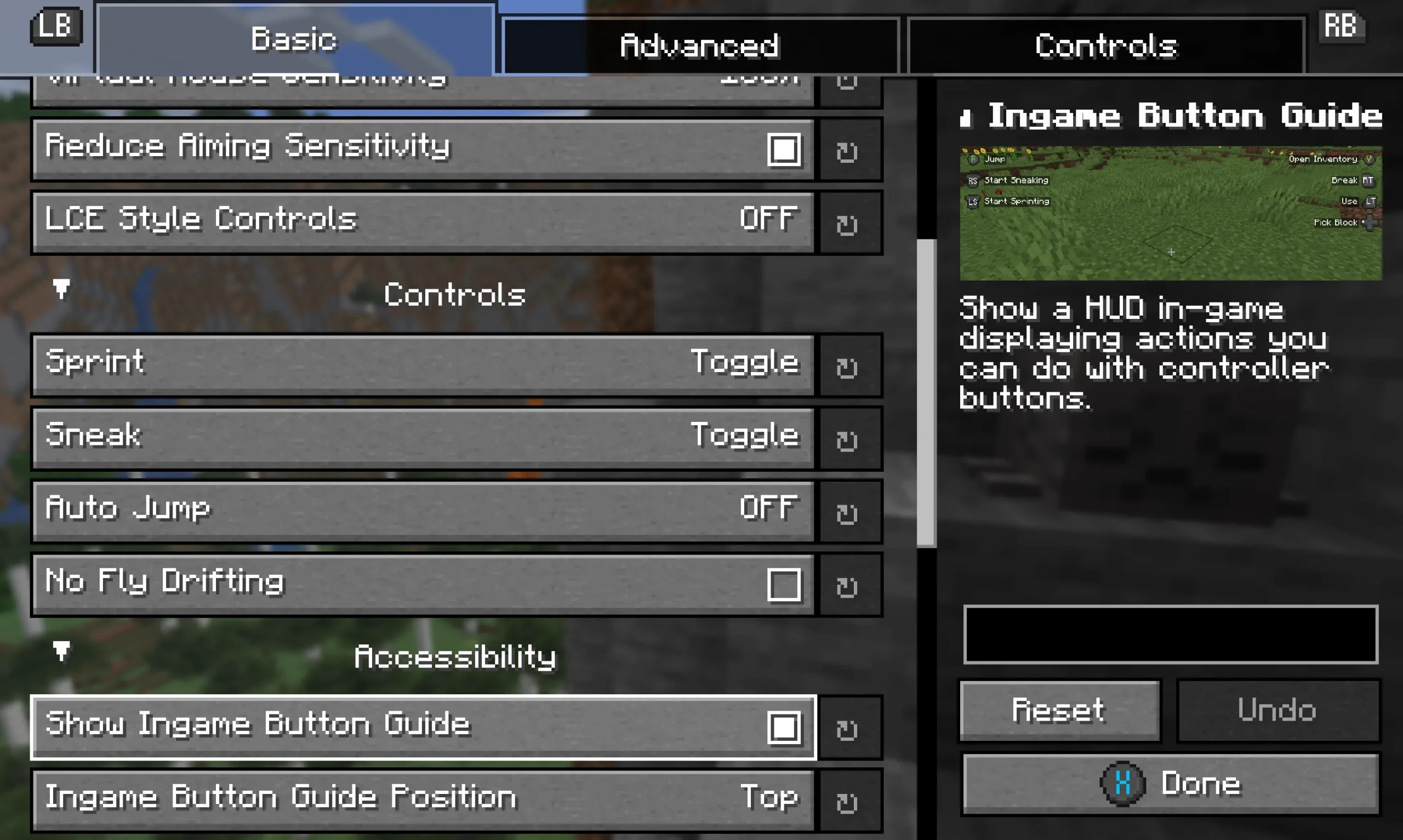
Controlify moves the whole client toward controller conventions when one is connected – on-screen prompts show controller buttons rather than key names, menus become navigable with a stick and face buttons, and inventory handling gets a cursor model that works with a thumbstick instead of a mouse.
Inventory is the part that decides whether a controller mod is usable. Minecraft’s inventory is a mouse interface with drag, shift-click and precise slot targeting, and a mod that does not solve it leaves you reaching for the keyboard every time you open a chest.
Analogue movement is the other half. A stick gives you speeds between stopped and sprinting, which the keyboard cannot, and it turns out to matter most for building – fine positioning at a block edge is easier with a stick than with tapped keys.
Who this is actually for
Three groups, and the middle one is larger than people assume.
Players who prefer a controller. Straightforward. Bedrock has had controller support forever and players moving to Java notice its absence immediately.
Players with accessibility needs. A controller is a different physical demand from a keyboard and mouse, and for some people it is the difference between playing and not. Analogue movement, remappable everything and the ability to play from a reclined position are not conveniences here.
Players on a couch. A laptop plugged into a television with a controller is a completely reasonable way to play Minecraft and an unreasonable one to use a keyboard.
The 26.3 releases
Version 3.5.1 on 21 September and 3.5.2 on 22 September, both targeting 26.1, 26.2 and 26.3 from the same build. That multi-version targeting is unusual and it means the mod is not going to strand you on an old version when you update.
3.5.2’s changelog is a maven publishing metadata fix, so the substantive release is 3.5.1. The version list makes clear the author supports the current three game versions simultaneously rather than porting forward and abandoning.
Fabric and NeoForge both have builds. Client required, server optional – so it works on any server, vanilla included, and nobody else needs anything.
Controller compatibility
The mod handles the common controllers directly and falls back to a generic mapping for the rest. In practice a modern Xbox, PlayStation or Switch Pro controller works immediately, over USB or Bluetooth, with correct button glyphs.
Less common devices, including older or third-party pads, generally work with manual remapping. That is a configuration afternoon rather than a failure.
Split-screen support exists as a Patreon build rather than in the public release, along with snapshot versions. That is the funding model and it is stated openly.
What a controller is worse at
Worth being honest about, because a mod review that only lists advantages is not useful.
Precision aiming is worse. Any PvP against keyboard and mouse players is a handicap and no amount of configuration closes it.
Redstone and technical work is worse, because it involves a lot of precise block-face targeting and inventory manipulation. The fiddly parts of redstone are fiddlier.
Typing is worse, obviously, which matters more on a server with chat than in single player.
Everything else – exploring, building at normal scale, combat against mobs, general survival – is a preference rather than a downgrade.
Stacking it
It sits alongside the other client-side comfort mods without conflict. Not Enough Animations is purely visual and does not touch input.
The same goes for Visuality.
The one category to watch is other input mods – anything else that rebinds or intercepts controls. The SDL input backend change in 26.3 has been causing keybind issues across the ecosystem, and a controller mod sits directly on top of that layer.
Licence is LGPL-3.0-or-later, so modpack inclusion is unrestricted.
Verdict
Install it if you want to play Minecraft with a controller, and there is no real alternative – this is the mod that does this job. 23.3 million downloads and multi-version support indicate a project that is maintained rather than abandoned, which matters more here than in most categories because input code breaks every time the game touches its input layer.
The only reason to skip it is that you have no controller, which is not a criticism.
Setting it up
Four steps, and most of them are optional.
- Plug the controller in, or pair it. Controlify detects it and switches the interface automatically.
- Run through the on-screen calibration if prompted. Stick deadzones vary considerably between pads and a badly set deadzone is what makes a controller feel imprecise.
- Check the button glyphs match your controller. If they do not, the controller type can be set manually.
- Leave everything else alone until something annoys you. The defaults are sensible and the config surface is large.
The deadzone step is the one worth not skipping. A stick that drifts slightly will walk your character into a wall while you read a sign, and it reads as a mod bug rather than a hardware setting.
Keyboard and controller together
The mod does not force a choice. A connected controller and a keyboard both work, and the interface switches its prompts based on which was used last.
In practice that is how most people end up playing – controller for movement and combat, keyboard for chat and for the inventory work a mouse is genuinely better at. Being able to switch mid-session without opening a menu is what makes that viable.
Images: Controlify (Controller support) project gallery.