Distant Horizons shipped twice in one night. 3.3.3 landed just after midnight on 29 September and 3.3.4 about two hours later, and between them they fix four separate ways Iris and DH were disagreeing about how to draw the world.
3.3.3: the Iris compatibility sweep
The highlights list three fixes, all on the same seam:
- Iris on 26.1.2 and newer had rendering issues, most noticeable with Bliss shaders.
- Iris 26.1.2+ did not have access to DH’s lightmap.
- Iris 26.1.2+ had incorrect blend.
The lightmap one explains the other two. DH generates its own lighting data for the level-of-detail terrain it draws, because that terrain does not exist as real chunks with real light values. If the shader loader cannot read that lightmap, it lights the LOD terrain with whatever it has, which is why the symptom was “distant terrain looks wrong in a way that depends on which shader pack you use”.
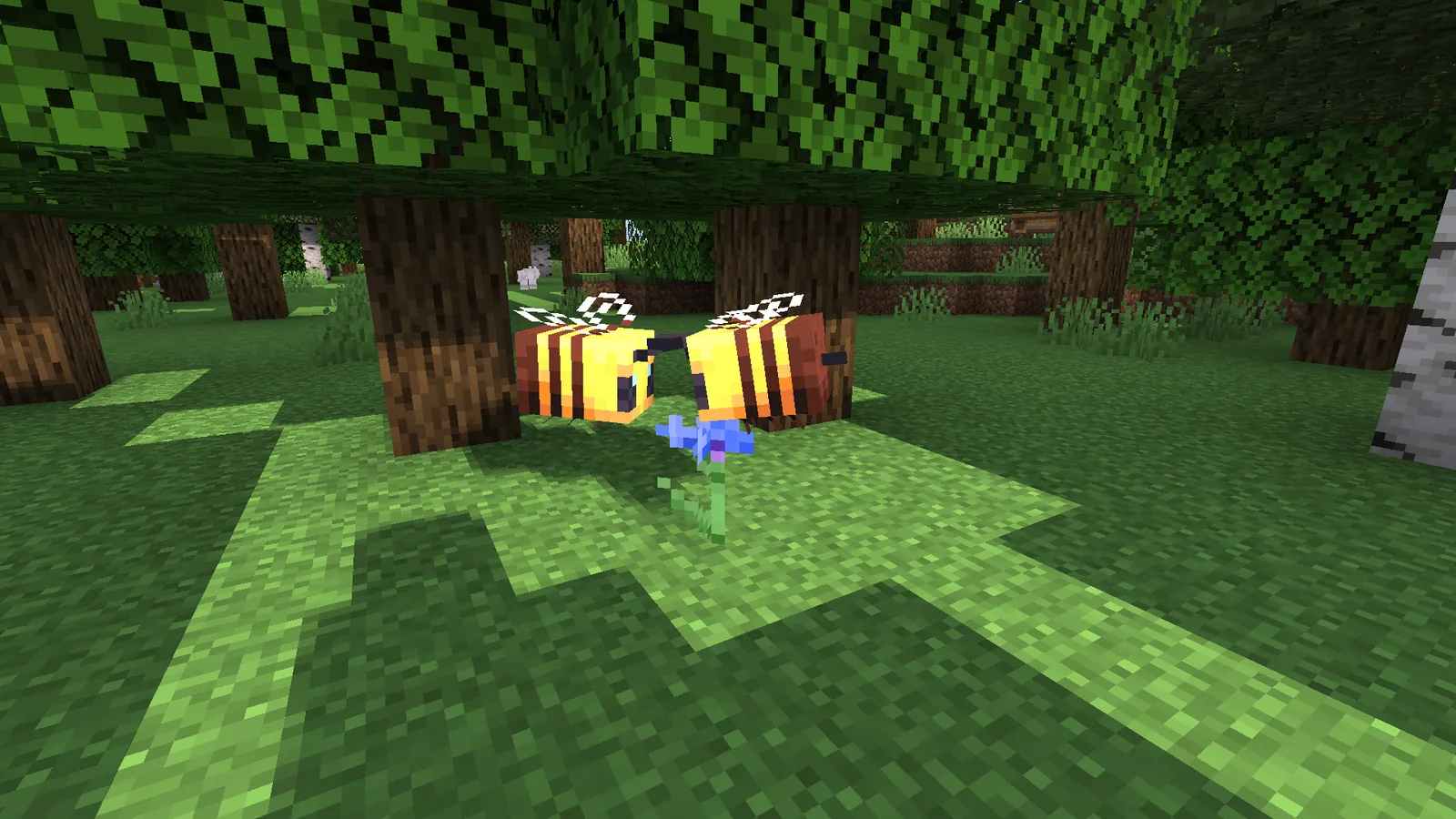
3.3.4: the boat
The follow-up release has a single line: fix Iris in 26.3 rendering transparent LODs incorrectly when a boat is on the screen.
That reads like a joke and is not one. A boat is drawn in a pass that handles partially transparent geometry, and DH’s distant terrain also has a transparent component – water, mostly. Get the ordering or the depth state wrong between the two and one corrupts the other. A boat happens to be the most common transparent entity a player has on screen while looking at a long view, which is why it surfaced as “the boat breaks the horizon”.
Two hours between releases suggests it was found immediately after 3.3.3 shipped, which is what happens when a compatibility fix changes the pass it was fixing.
The config reset
One entry deserves attention because it affects you rather than the renderer: 3.3.3 bumps the config version from 4 to 5, and that clears your configuration.
The changelog says this is necessary to fix an issue where some users were missing config values. So it is a deliberate wipe rather than an accident, but it is still a wipe – your LOD render distance, quality preset and any threading settings go back to default.
Write down your settings before updating, or accept that you are retuning. The three that matter most are LOD render distance, vanilla render distance and the quality preset, and the reasoning behind each is in the Distant Horizons review.
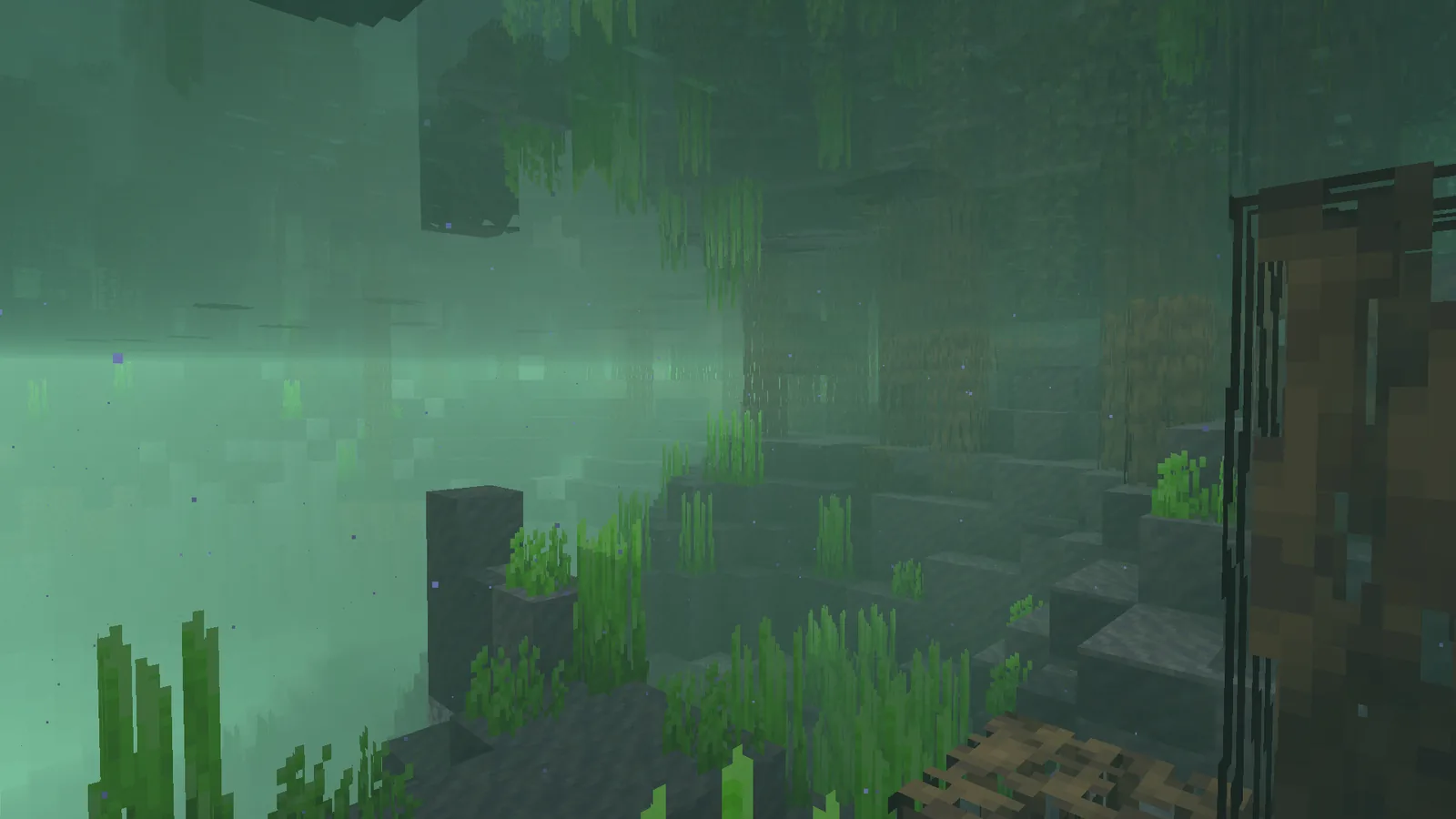
The Chunky change
The other functional entry: DH now only disables its own world generation when Chunky’s world generation is also active, rather than whenever Chunky is installed.
This is a small fix with a real effect for anyone running a pre-generation workflow. Previously, having Chunky installed at all would suppress DH’s generation, which meant the mod quietly did less than you thought it was doing. Now the two coexist until they would actually conflict.
If you pre-generate your world before opening it to players, this matters – it is the same part of the workflow covered in the pre-generation and world border notes.
The wider picture
Iris shipped 1.11.7 hours after 3.3.4, with a changelog reading “fixes a lot of 26.3 bugs”. The two projects were clearly working the same problem from opposite sides, and the correct move for a user is to update both together rather than one at a time.
That coordination is worth noting because it has not always existed. DH plus shaders was, for years, a configuration you ran at your own risk. It is now a supported combination with two maintainers actively fixing the interface between them, and the Iris release the same night is the other half of this story.
Updating
Take 3.3.4 rather than 3.3.3 – there is no reason to install the version that shipped two hours earlier. Update Iris to 1.11.7 at the same time. Note your DH config before you swap the jar, because it is going away.
After updating, load a world with a long sight line, get in a boat, and look at the horizon. That is the specific case 3.3.4 fixes, and if it still looks wrong the report is worth filing while both projects are actively on this.
Settings worth re-entering after the reset
Since the config wipe is unavoidable, here is the short list to set again rather than working through the whole panel.
- LOD render distance – the whole reason you installed the mod. Set it to what you want to see.
- Vanilla render distance – lower than you think, eight to twelve chunks. DH covers the rest more cheaply.
- Quality preset – medium is the right starting point; the difference to high at distance is small.
- CPU load / threading – matters most if you pre-generate, and the default is conservative.
If the horizon still breaks
Test in this order: disable your shader pack, then disable Iris entirely, then disable DH. Whichever step removes the artefact names the layer responsible. With both projects actively working this seam, a report with that isolation done is worth filing rather than waiting out.
Images: Miniature Shader project gallery.