Every server that lasts has done one thing before its first player joined: decided what happens to the world when it goes wrong. Pregeneration and a world border are the two decisions that most affect a server’s whole life, and both are made in the first hour or not at all.
Why pregenerate
Generating new terrain is the single most expensive thing a Minecraft server does. When a player explores into fresh chunks, the server computes terrain, structures, features and carvers in real time, and everyone else feels it.
Pregeneration does that work in advance, when nobody is playing. The result is a server where exploration costs nothing.
How far
- 2,000 block radius – a small server, a few players, months of play.
- 5,000 blocks – comfortable for a community server.
- 10,000 blocks – large, and a lot of disk.
- The Nether – a quarter of the overworld radius, because of the 8:1 ratio.
The Nether point is the one people forget. A 5,000-block overworld only needs 625 blocks of Nether to cover the same area.
Disk cost
Roughly proportional to area. A 5,000-block radius overworld is a few gigabytes; 10,000 is considerably more, and worldgen mods increase it further because there is more to store per chunk.
That matters for backups more than for storage – a world you cannot back up quickly is a world you will not back up often.
The world border
Set it to match your pregenerated area. A border does three things: it caps disk growth, it stops players wandering into ungenerated terrain, and it concentrates the population so the map gets used.
Servers without one accumulate terrain indefinitely, and a year-old unbordered server is frequently a hundred gigabytes of chunks nobody will ever visit again.
Expanding later
A border can be moved outward, and the correct procedure is to pregenerate the new area first and then expand. Expanding first means the first player to reach the new edge pays the generation cost live.
Announce expansions. Players treat a border move as an event, which is a free piece of server content.
Worldgen mods change the calculation
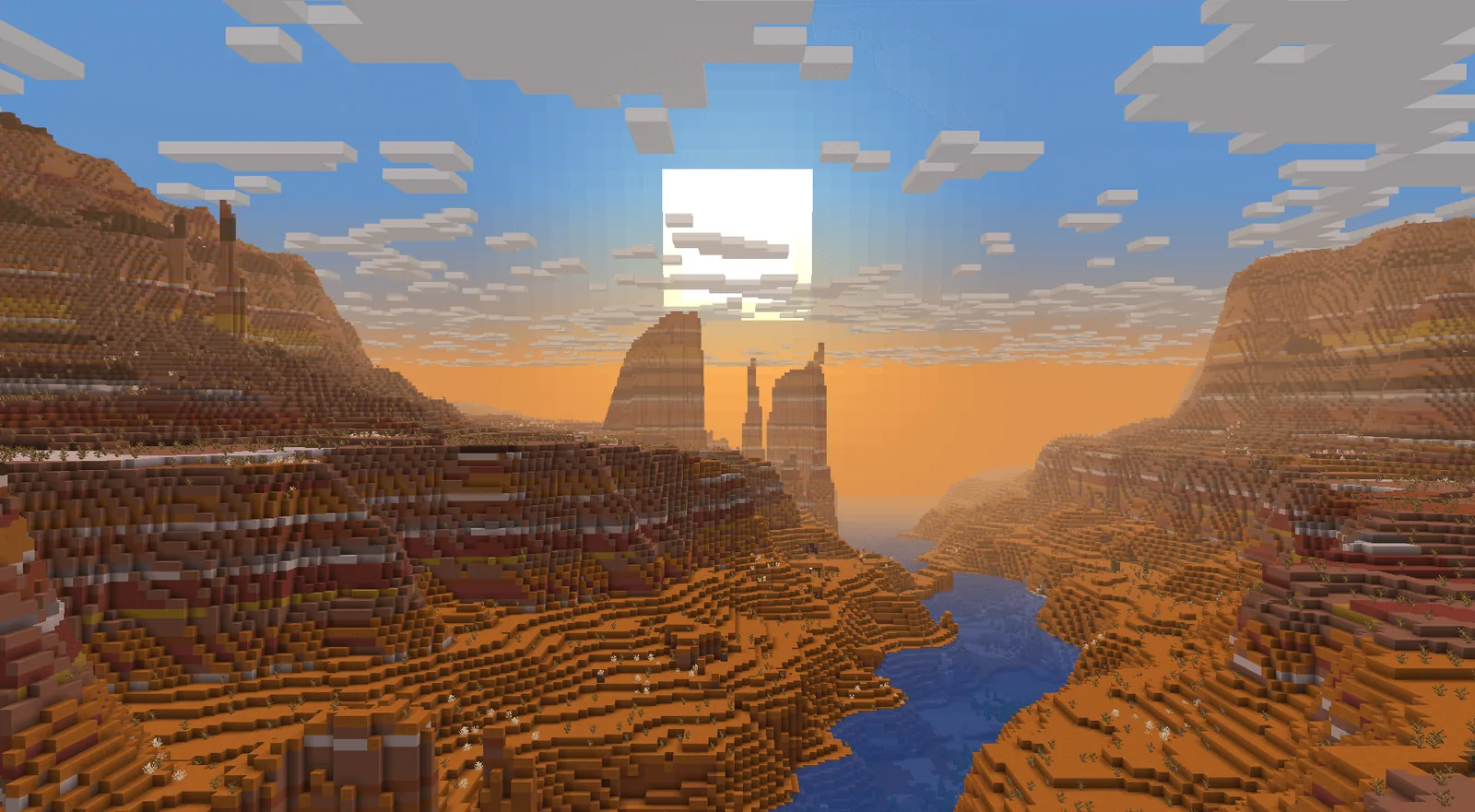
A server running terrain and biome mods generates more expensive chunks, which makes pregeneration more valuable and slower. Budget several hours rather than one.
It also makes the worldgen mod list a decision that must be final before pregeneration, because adding one afterwards leaves the pregenerated area without it – the same seam problem that affects any world, covered in adding worldgen mods to a world you already play.
Running the pregeneration
- Finalise the seed, the mod list and the world settings.
- Take a backup of the fresh world.
- Run the pregenerator with nobody online.
- Watch memory – pregeneration is memory-hungry and will hit limits.
- Set the world border to the generated radius.
- Back up again before opening.
Step one is the one that gets skipped and the one that cannot be undone. A changed worldgen mod list after pregeneration wastes the whole run.
What it does not fix
Pregeneration addresses worldgen cost and nothing else. A server that lags with everyone standing in one place has an entity or tick problem, and generating chunks in advance does nothing for it.
Diagnosing which problem you have before spending anything is the whole discipline, and what to tune before you pay for more RAM puts the options in order.
Backups
A pregenerated world is a large world, and large worlds make backup routines matter. Testing a restore – actually restoring, not just checking the file exists – is the part everyone skips.
The routine that works is written up in backups that actually restore, and the testing step is the whole point of it.
Verdict
Two settings, an evening of server time, and they determine how a server performs for its entire life. There is no reason to skip either and no good time to do them except before opening.
Border behaviour
Minecraft’s world border is not a wall – it damages players who cross it and pushes them back, with a configurable warning distance. That means it reads as a boundary rather than as a barrier, which is usually what you want.
A decorative wall built at the border makes it feel intentional, and on a long-running server it becomes a landmark.
Dimension borders
- The overworld border, sized to the pregenerated area.
- The Nether border, at one eighth of that radius.
- The End, which usually needs less and benefits from one anyway.
Forgetting the End border is common, and an unbordered End on a server with elytra travel accumulates chunks indefinitely.
Communicating the border
Tell players where it is before they walk into it. A map at spawn showing the boundary, or a coordinate posted in the rules, converts a surprise into a known parameter.
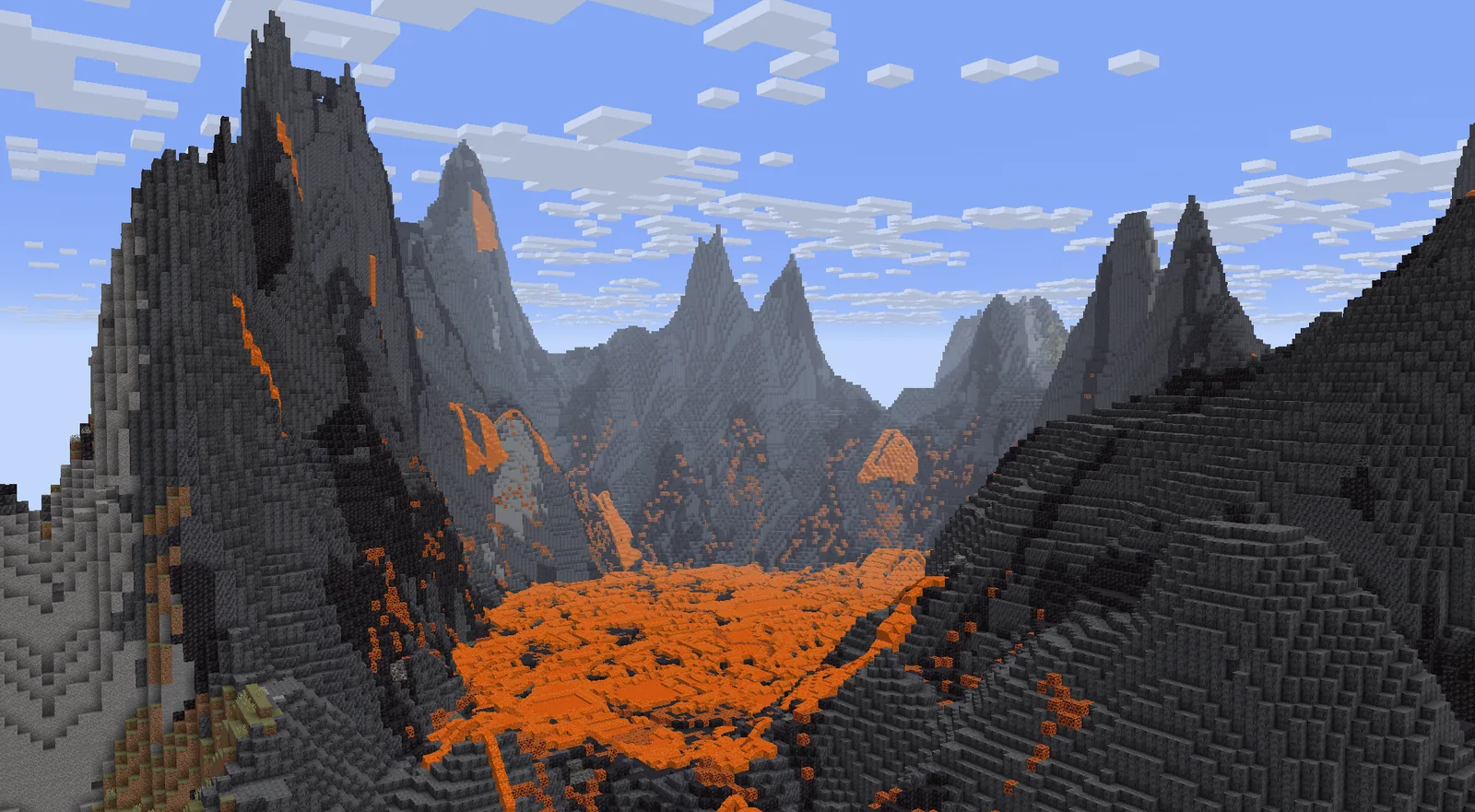
Images: Tectonic project gallery on Modrinth.