Minecraft’s render distance is a slider that goes to 32 chunks and a promise your computer cannot keep. Distant Horizons takes a different approach: instead of rendering more real chunks, it builds a coarse, cheap version of the terrain beyond your render distance and draws that. The result is a world with a horizon.
How it works, briefly
As you explore, Distant Horizons records simplified terrain data – block colours and heights, not full chunk data – into its own storage. Anything the game has loaded once can then be drawn as low-detail geometry at any distance, at a fraction of the cost of a real chunk.
The detail level drops with distance, so terrain near your render distance boundary is fairly faithful and terrain twenty thousand blocks out is a coloured silhouette. That is exactly how it should work: at that range you are looking at a mountain’s shape, not its blocks.
This means the mod’s output improves as you play. A fresh world shows nothing beyond render distance until you have travelled; a world you have explored for fifty hours has a horizon in every direction. Newer versions can also generate distant terrain ahead of you rather than waiting for you to visit, at a CPU cost.
What it does to the game
The obvious change is scenic, and it is substantial. Minecraft’s visual identity has always been constrained by fog at 200 blocks, and removing that constraint makes the same terrain feel like a different game. Mountains read as mountains. Oceans read as oceans rather than as blue that keeps going.
The less obvious change is navigational. Once you can see terrain at range, you stop navigating by coordinates and start navigating by landmarks, which is how people actually prefer to move through space. Finding your way back to a base becomes a matter of recognising a hill rather than reading numbers off the debug screen.
This is the same effect that a good structure mod produces at small scale, and the two compound. A world with generated structures worth spotting and a visible horizon rewards looking around in a way vanilla does not.
The costs
Three of them, and they are real.
- Disk. LOD data for a heavily explored world runs to hundreds of megabytes or more. It lives in its own folder and does not touch your save.
- CPU during generation. Building LOD data is threaded but not free, and pre-generating distant terrain will use whatever cores you allow it.
- Compatibility. This is the big one. DH draws geometry vanilla never produced, so every mod touching the rendering pipeline is a potential conflict.
That third cost is why the mod’s changelogs read the way they do. The 3.3.2 release in September was almost entirely compatibility work – Iris fixes, a depth-buffer change, and a mod marked incompatible outright.
Shaders
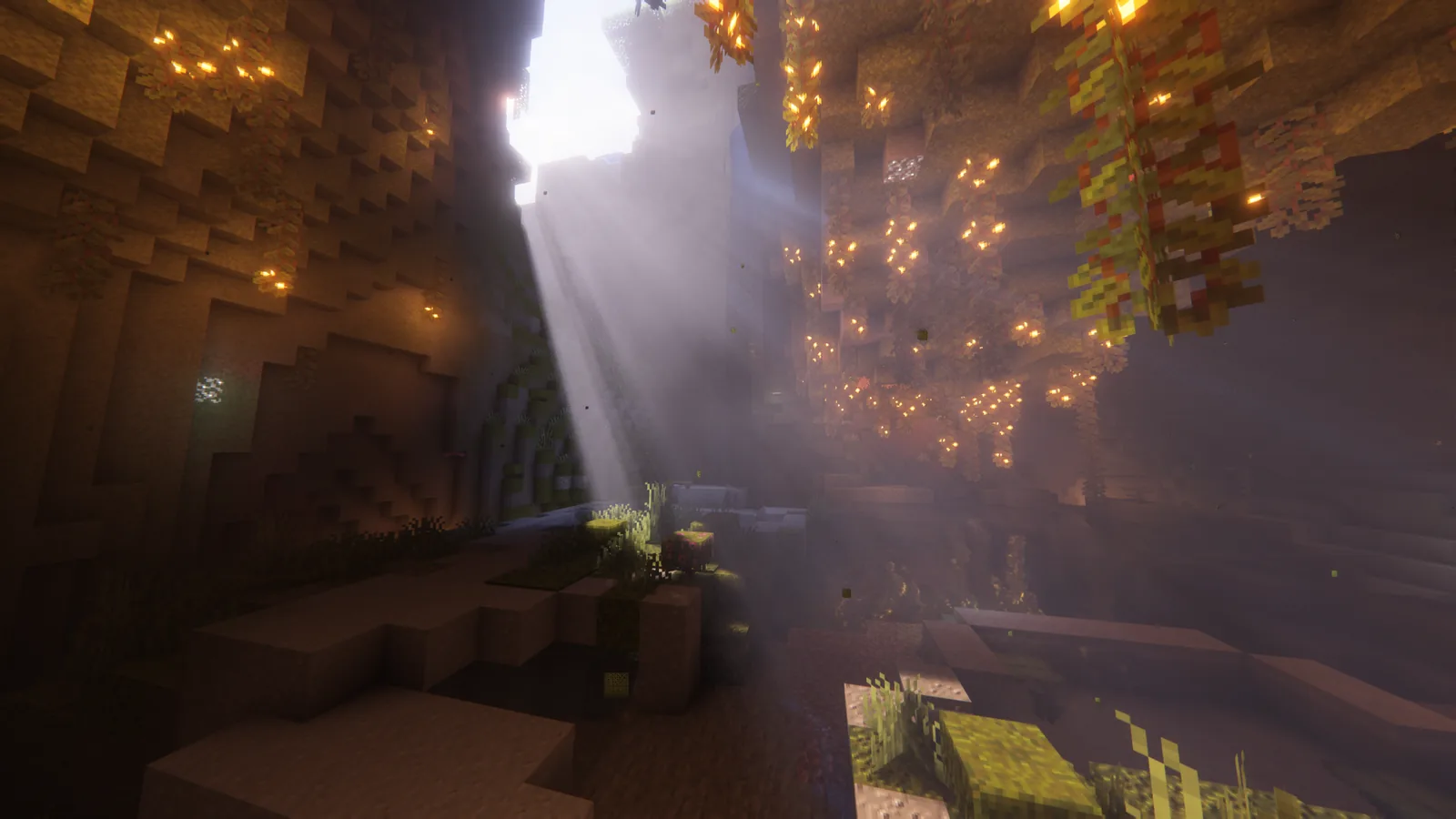
DH plus shaders is the configuration everyone wants and the one that causes most of the trouble. Shader packs expect to own the depth and normal buffers; DH is filling them with geometry from a parallel renderer. Support exists, has improved considerably, and is still the first thing to disable when something looks wrong.
If you are running this combination, keep your shader pack and your DH version in step and expect to update both together. Mixing a current DH with a shader pack from eight months ago is the most common cause of the artefacts people report. The current shader pack landscape is worth checking before you commit to one.
Settings that matter
The defaults are conservative. Three adjustments are worth making immediately:
LOD render distance. Set this to what you want to see, not what you think your machine can handle. It is much cheaper than real render distance and the common mistake is being too timid.
Vanilla render distance. Turn this down, not up. The whole point is that DH handles the far field cheaply, so real chunks only need to cover the range where block-level detail matters. Eight to twelve chunks is plenty.
Quality preset. Start at medium. The difference between medium and high at distance is small; the difference in generation cost is not.
Server use
DH has a server component that can serve LOD data to clients, so players see terrain they have not personally explored. On a community server this is a significant quality-of-life improvement and it moves the CPU cost from every client to one machine.
It slots in alongside the rest of a server performance stack rather than conflicting with it, since it is doing work none of those mods touch.
Verdict
Distant Horizons is the single biggest change you can make to how Minecraft looks, and unlike most visual mods it changes how you play as well. The compatibility burden is real and the update cadence reflects that, but the mod has been through enough cycles now that the rough edges are known and documented.
Turn your vanilla render distance down, turn the LOD distance up, and go stand on a mountain.
Images: Complementary Shaders – Unbound project gallery.