Key takeaways
- Jade 26.3.3 arrived on 29 September, three days after 26.3.2, both for Fabric and Quilt.
- New: the tooltip now shows villager restock cooldown.
- Fixed: trial spawner cooldown was appearing in situations where it should not.
- 26.3.2 added a card mode for the config UI and decoupled the options interface from the config model.
Jade shows you what you are looking at. Point at a block and a tooltip tells you what it is, what state it is in, and whatever else the mod has learned to read. The 26.3.3 release adds one line to that tooltip, and it is a line that saves a real amount of standing around.

Villager restock cooldown
Villagers restock their trades twice per Minecraft day, and only if they can reach their workstation. If you have ever stood in front of a librarian wondering whether it has locked because it is out of stock or because it has not worked today, that is the uncertainty this fixes.
The tooltip now tells you when the restock is coming. That turns “wait and hope” into a number, which matters most in a trading hall where you are cycling through many villagers and need to know which are actually ready.
It also makes diagnosing a broken hall much faster. A villager that never shows a restock countdown is not reaching its workstation, which is a layout problem rather than a patience problem – the distinction that costs people the most time when building a trading hall.
The trial spawner fix
26.3.3 also fixes trial spawner cooldown being shown under unexpected situations. Trial spawners have a cooldown between waves, and Jade was surfacing it in cases where it was not meaningful.
Small bug, but it is the right kind to fix in an information mod. A tooltip that shows a number when there is no number to show is worse than showing nothing, because it teaches you to distrust the tooltip.
The config UI work
26.3.2, three days earlier, added a card mode to the config UI and refactored the options interface to be reusable independently of the config model. There is also a fix for rebuilding config search results only when they change.
That last one is a performance detail with a visible effect: Jade’s config has a lot of entries, and searching it used to rebuild the whole result list on every keystroke.
The card mode is a presentation choice rather than a functional one, but Jade’s config is genuinely large – every data provider is individually toggleable – and a list of that length benefits from structure.
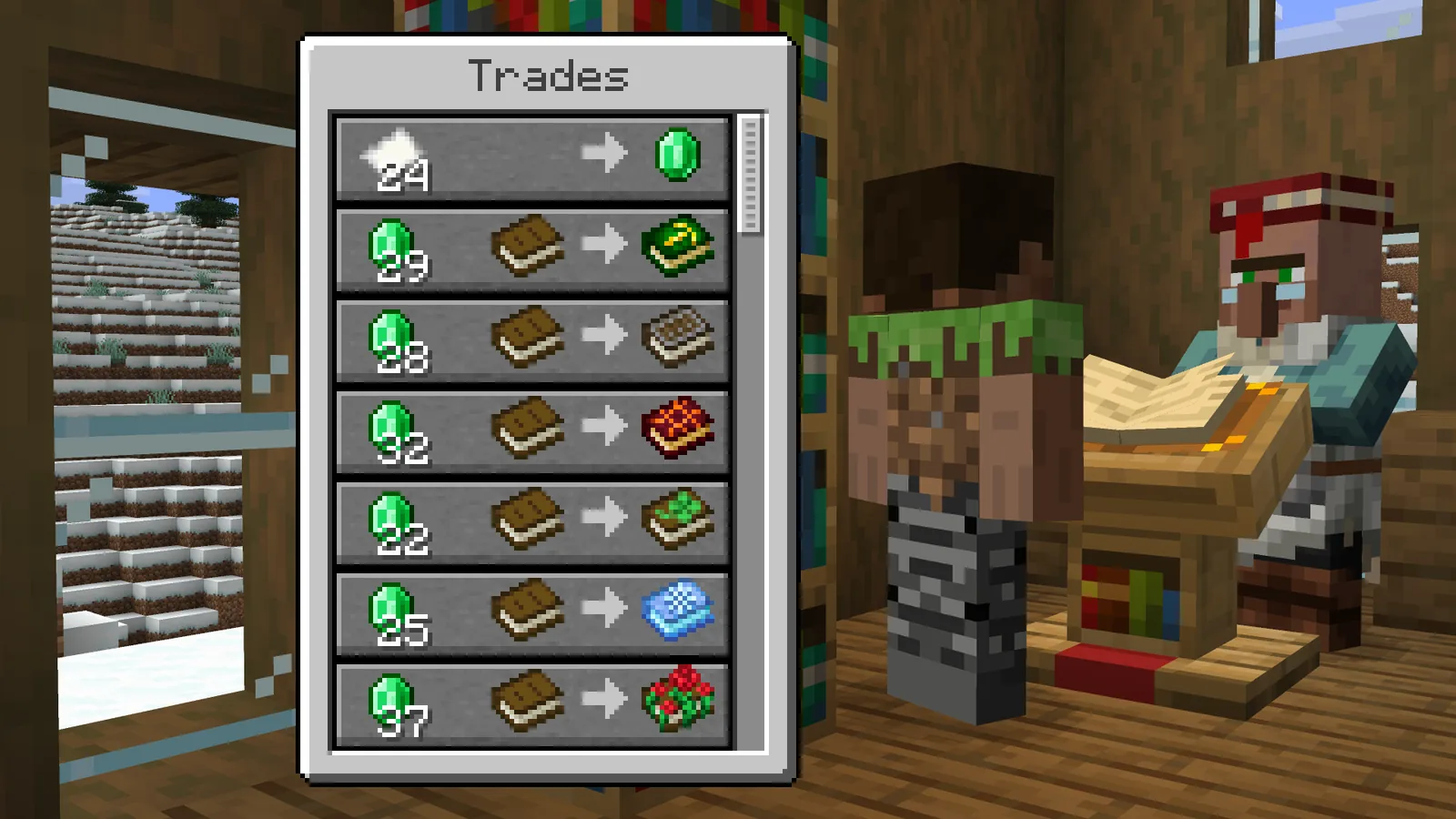
What Jade is for, if you have not used it
It is the successor to the WAILA lineage: a tooltip at the top of the screen showing the block or entity under your crosshair. Out of the box that means block name, mod source and harvest tool. With providers enabled it means much more – furnace progress, container contents, redstone power level, crop growth stage, mob health, spawner state.
The reason it is near-universal in modpacks is that modded Minecraft has hundreds of blocks with non-obvious states, and clicking each one to find out is not viable. Jade makes the world readable at a glance, which is the same job hunger and saturation overlays do for one specific hidden system.
Server considerations
Jade is client-side by default, but some providers need server-side data to be accurate – container contents in particular. Without the server component you get an estimate rather than the truth.
The other consideration is that Jade can show information some servers would rather it did not. Mob health, spawner cooldowns and container contents are all things a PvP or minigame server may consider an unfair advantage. Worth checking the rules before installing, the same way you would for a minimap with entity radar.
Updating
Both releases are tagged beta, which is Jade’s normal state during a version cycle rather than a warning. Drop in the new jar; config carries over.
After updating, point at a librarian. If the restock line is not there, check the provider list in the config – new providers ship enabled by default, but a config carried from several versions back can end up with gaps.
Providers worth turning on
Jade ships with a long list of data providers, many off by default. Four are worth enabling deliberately.
- Container contents – shows what is in a chest or barrel without opening it. Needs the server component to be accurate.
- Redstone power level – the fastest way to debug a circuit that is nearly working.
- Crop growth stage – tells you whether a farm is ready rather than making you estimate from the texture.
- Furnace and brewing progress – saves opening every furnace in an array.
The wider category
Jade belongs with the information mods that surface state the game already tracks and never displays. None of them change balance; all of them remove a class of guesswork.
The argument against is that the guesswork is part of learning the game. That holds for systems with a discoverable rule and not for ones where the only way to find out is to wait and see, which is most of what Jade reads.
Images: Enchanted Books: Re-covered project gallery.