The world creation screen has a button most players have never pressed. Behind it are world types and settings that change generation more than any mod does, cost nothing, and are available in vanilla on any version.
Here is what each one actually produces, and which are worth a world.
The world types
Default. Normal generation. The baseline everything else is measured against.
Amplified. The same generation stretched vertically to an extreme. Mountains reach the build limit, valleys are deep and narrow, and the terrain is closer to a landscape painting than a place. It is also demanding to render, and Mojang’s own warning about performance is accurate.
Large Biomes. Every biome is roughly four times larger in each direction. A desert becomes a journey rather than a feature.
Single Biome. One biome, everywhere, chosen at creation. The most underrated option on the list.
Superflat. Configurable layers, no terrain. Building sandbox, redstone testing, and not much else.
Amplified, honestly
Amplified is spectacular for about an hour and then becomes tiring, because the thing it removes is flat ground.
Every base site needs terracing, every journey is vertical, and the farms that need a flat area need one built. It is the world type that looks best in screenshots and is hardest to actually live in.
The version that works is a short project world – build one thing into a cliff face, enjoy the view, move on. For a long-running survival world it fights you constantly, and the techniques for building on slopes become mandatory rather than optional.
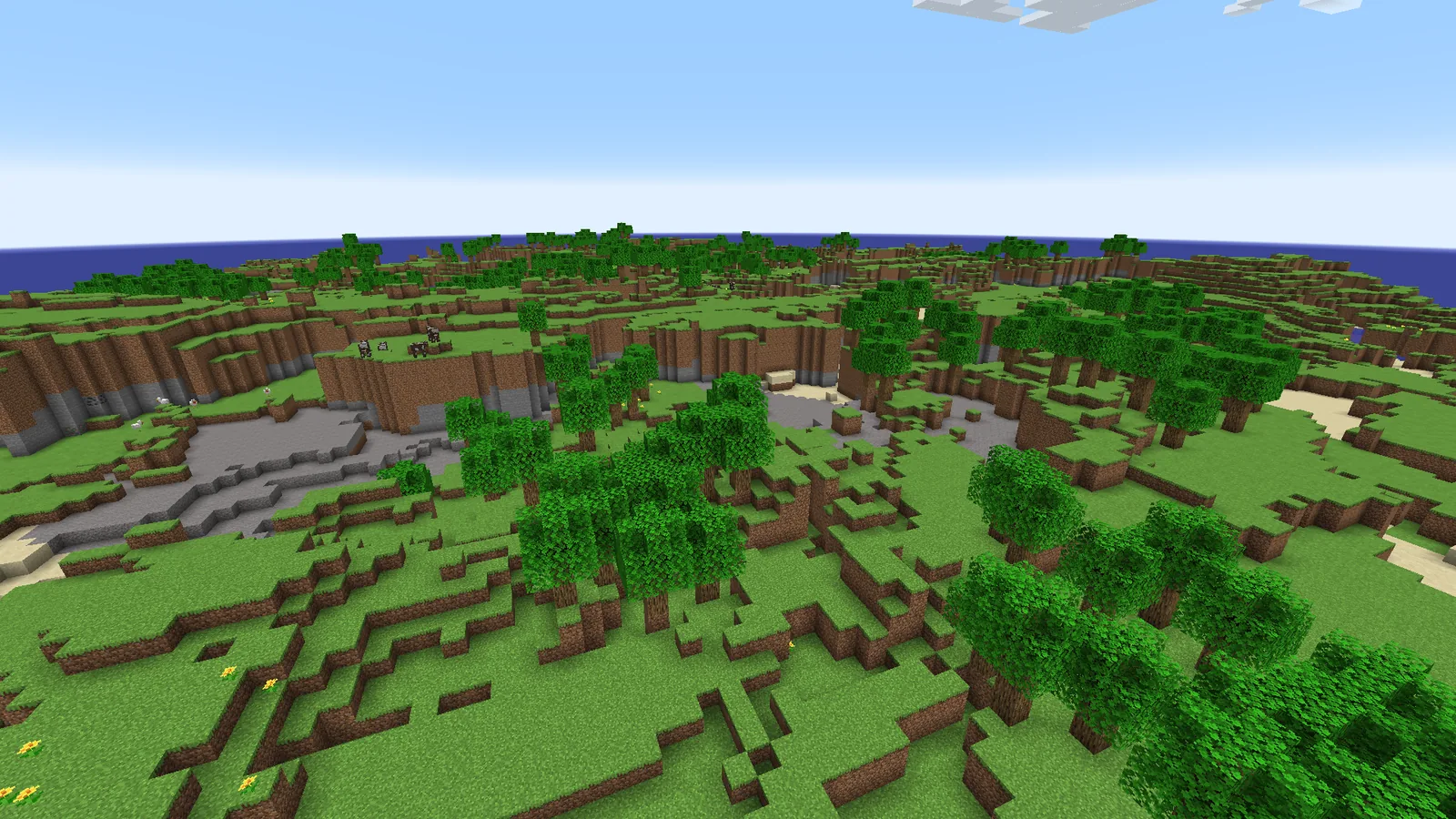
Large Biomes, and what it changes
Four times the size sounds like a small adjustment and plays as a large one.
In default generation you can reach four biomes in ten minutes, which means every resource is nearby and travel is rarely necessary. In Large Biomes you might spend that ten minutes still in the same forest.
The effects are worth understanding before choosing it. Biome-locked resources become genuinely regional – if you spawn far from a jungle, cocoa is a trip rather than a detour. Travel infrastructure matters more, which makes a nether hub valuable earlier than usual. And each biome stops feeling like a set piece and starts feeling like a region.
For a server with several players spread out, it is arguably the better default. For a solo world where you want everything within reach, it is not.
Single Biome, the interesting one
Pick one biome and generate the entire world as it. It is the most transformative setting on the list and almost nobody uses it.
What makes it interesting is that it turns the world into a constraint rather than a variety pack. A single-biome desert world has no wood beyond what villages and shipwrecks provide. A single-biome mushroom fields world has no hostile mobs on the surface at all. A single-biome ice spikes world is a survival scenario without needing a modpack.
That is the self-imposed constraint that long-running players eventually invent for themselves, available as a checkbox. It is also the cheapest way to make a world feel unlike your last one.
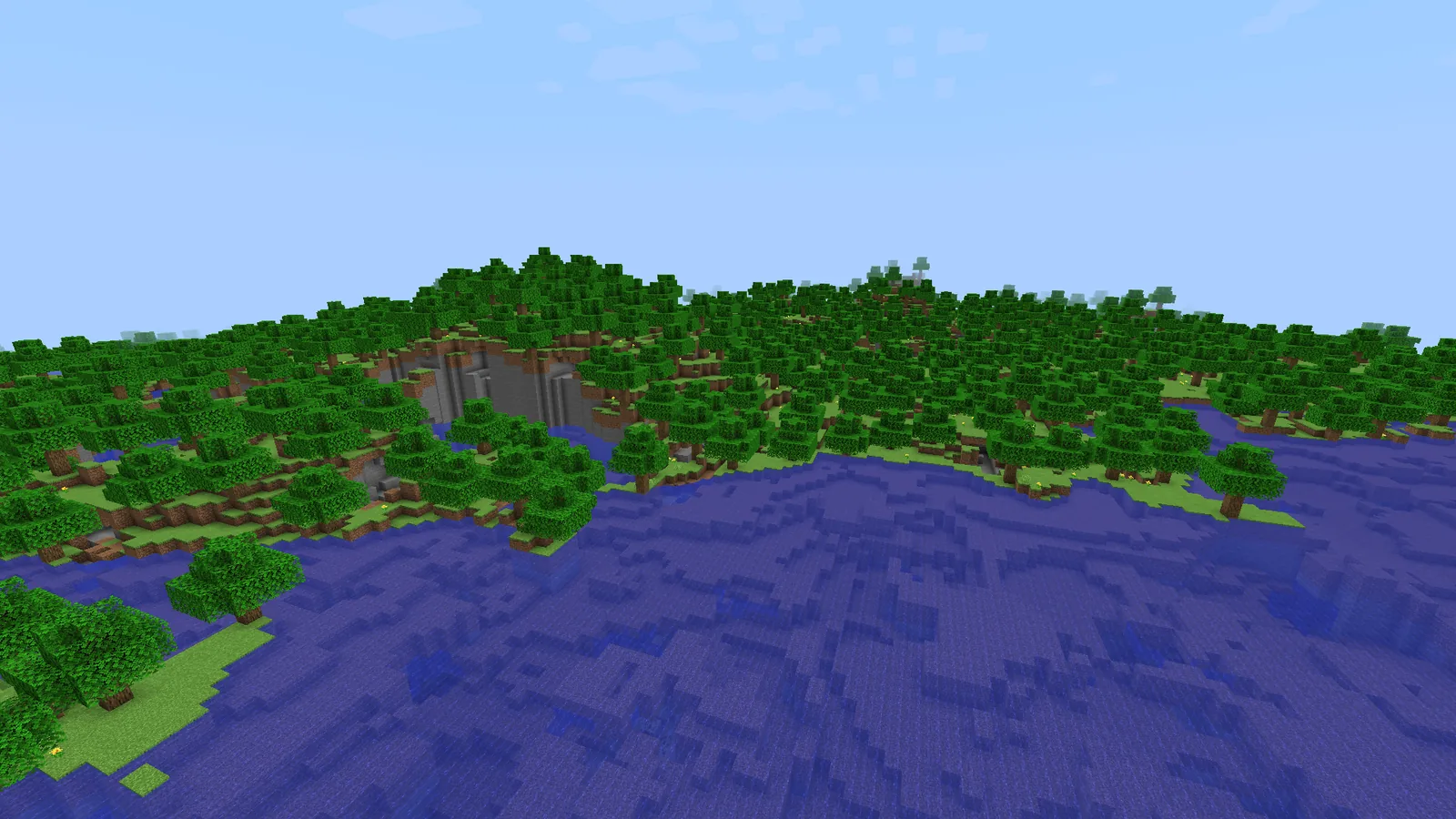
The settings behind Default
Beyond the type, the world creation screen has options that persist for the life of the world and cannot be changed later without commands.
- Generate Structures. Off produces a world with no villages, temples, strongholds or fortresses. Note that no strongholds means no End access without commands.
- Bonus Chest. Harmless, and it removes the first fifteen minutes of a world.
- Seed. The one everyone knows and the one worth writing down. A seed you did not record is a world you cannot recreate.
- Datapacks. Added at creation, and the only place several worldgen datapacks can be added at all.
The datapack slot is the one most people miss. Worldgen datapacks added after creation apply only to new chunks, so adding them here is the difference between a consistent world and a seam.
Choosing
- Normal survival, solo: Default. It is well-tuned and everything else trades something away.
- A server with several players: Large Biomes, so the map has regions rather than a patchwork.
- Bored of default, want a challenge: Single Biome. Pick one that removes something.
- A screenshot project: Amplified, for a short world.
- Testing redstone or practising builds: Superflat.
Whatever you choose, judge the result the same way – the first ten minutes checklist applies to any world type, with the note that in Large Biomes you should walk further before deciding.
Superflat, which is more configurable than it looks
The preset list hides the interesting part. Superflat layers are editable – you choose the blocks, the depth of each, and the biome the world reports as.
That makes it useful beyond a building canvas. A superflat world set to a specific biome generates that biome’s mobs and structures on a flat plane, which is a testing environment rather than a void.
The common uses are redstone testing with no terrain in the way, practising a build at full scale before committing to it in survival, and measuring farm rates without cave spawns competing for the mob cap.
What you cannot change later
Worth being explicit, because the creation screen does not warn you.
The world type is fixed. The seed is fixed. Structure generation on or off is fixed. All three are baked into the world at creation, and changing your mind means a new world or commands that only affect new chunks.
The settings that are not fixed – difficulty, game rules, most gameplay toggles – can all be changed in-game, so there is no reason to agonise over them on the creation screen.
Images: Moderner Beta project gallery.