Tectonic 3.0.28 released on 11 September 2026 with one fix: the config presets screen crashed when opened. For a terrain mod whose entire configuration happens through presets, that is not a minor bug.
What Tectonic does
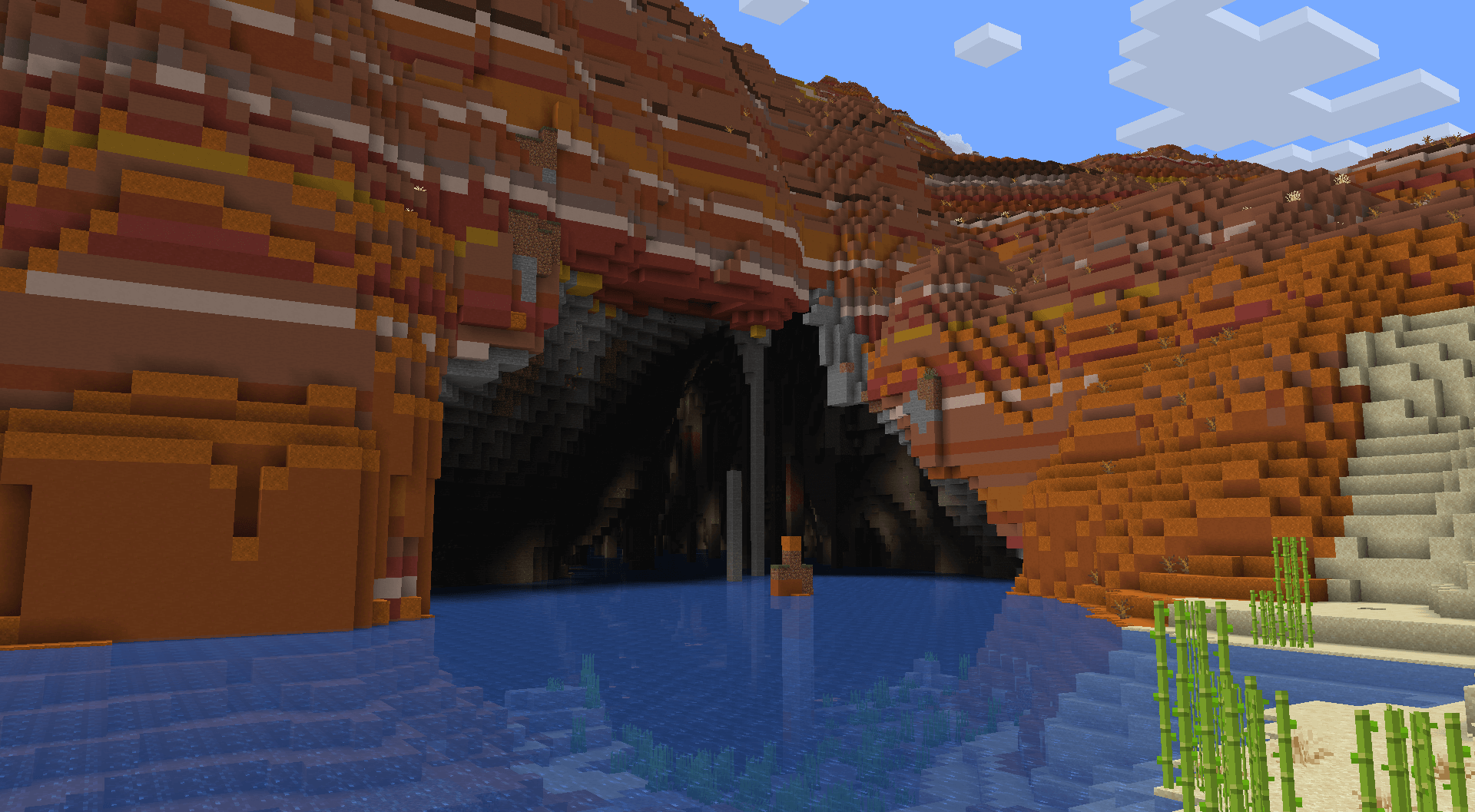
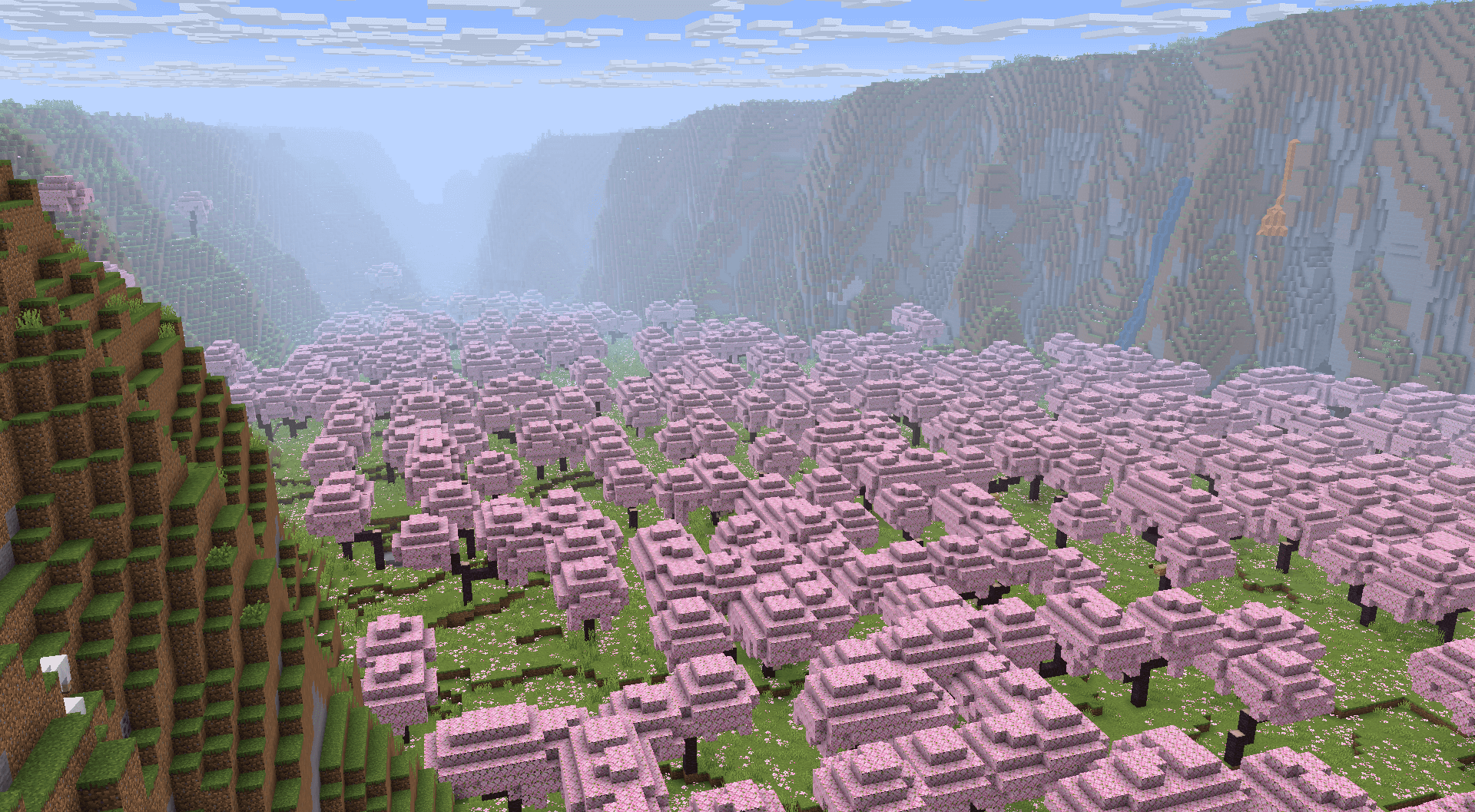
It rebuilds Minecraft’s terrain shape. Not the biomes – the shape. Mountains get taller and more varied, rivers get longer and actually connect, valleys have floors rather than being V-shaped gaps between hills.
The result is a world that looks like geology rather than like noise, which is the honest description of what vanilla terrain looks like once you have seen the alternative.
Presets, and why they matter here
Terrain generation has a lot of parameters and almost none of them are meaningful to a player. Nobody knows what value they want for continentalness. What they know is that they want bigger mountains, or more islands, or terrain closer to vanilla.
Presets translate between those two languages. A crash in the presets screen means the mod’s configuration is effectively inaccessible to everyone except people willing to edit JSON, which is a small fraction of its users.
Tectonic against Terralith, again
These two get treated as alternatives and they are not. Tectonic changes terrain shape; Terralith changes which biomes exist and where. Running both produces Terralith’s biome variety on Tectonic’s landscape, which is what a large share of worldgen-focused packs actually do.
The confusion comes from screenshots, which make both look like “prettier world” and give no clue which layer each is operating on. The comparison in full is the piece that settles it.
Choosing between the layers
- Want more interesting biomes? That is the biome layer.
- Want more dramatic mountains and real rivers? That is the terrain layer.
- Want both? Run one of each, not two of the same.
Two mods on the same layer is where conflicts come from, and it is the single most common mistake in assembling a worldgen list.
What replacing the biome layer costs
More than people expect. Vanilla’s climate parameters decide which biome appears where, and a mod that replaces them replaces the relationship between terrain and biome that the game was built around. Deserts stop appearing where deserts appeared; the world becomes unfamiliar in a way that is either the point or a problem.
What changes when you replace the biome layer goes through it, including why some players install a biome mod and immediately want to uninstall it.
Version coverage
- 3.0.28 shipped for 26.2, 26.1 and 21.1.
- Fabric and NeoForge builds for each.
- Six builds from one release, which is standard for this project.
Maintaining three Minecraft generations simultaneously is why a one-line fix produces six downloads, and it is why worldgen mods that do not do this get abandoned by packs.
Adding it to an existing world
Do not, unless you are willing to live with a visible boundary. Terrain shape changes produce the most dramatic seams of any worldgen mod – a cliff face where old chunks meet new ones, sometimes hundreds of blocks long.
Terrain mods are a new-world decision in a way that biome mods and structure mods are not. This is the one category where starting fresh is genuinely the only good answer.
Performance
Chunk generation is slower because there is more computation per chunk. Once generated, it costs nothing extra. On a server, pregenerating the spawn area removes the visible portion of the cost entirely, and it is worth doing before players arrive rather than after they complain.
What the presets offer
- A vanilla-adjacent preset, for players who want subtler terrain.
- Larger-scale presets with taller mountains and deeper valleys.
- Island and archipelago options.
- Settings for river frequency and continent size.
Every one of those maps to parameters no player would set by hand. The presets screen is the mod’s actual interface, which is why a crash there is a bigger deal than the one-line changelog suggests.
Combining terrain and biome mods properly
One terrain mod, one biome mod, one structure mod. That combination is stable, well-tested and produces a world that differs from vanilla in all three dimensions without any two mods arguing.
Two of anything on the same layer is where problems start, and the symptom is usually not a crash – it is one mod’s content quietly not appearing.
Worth knowing before you start
Terrain mods change the world’s shape permanently for every chunk generated while they are installed. Removing the mod later leaves the terrain it generated and reverts everything after it, producing a seam in the opposite direction.
Decide once, at world creation. This is the one worldgen category with no graceful way in or out.
Images: Tectonic project gallery on Modrinth.