Key takeaways
- Biome mods operate on the placement layer, so they change the shape of the world rather than just its decoration.
- Structure spawning follows biome tags, so a biome overhaul silently changes where villages and temples appear.
- Adding one to an existing world produces visible seams at the boundary between generated and ungenerated chunks.
Biome mods are the most popular category of worldgen modification and the most misunderstood. The good ones do not simply paint new colours over the existing terrain – they replace the logic that decides which biome goes where.
How vanilla places biomes
Modern Minecraft uses multiple noise parameters – temperature, humidity, continentalness, erosion, weirdness and depth – to select a biome for each position. A biome is not painted onto a map, it is the answer to a lookup against those values.
A biome mod inserts new entries into that lookup. That is why new biomes appear in places that make climatic sense rather than at random, and it is also why adding several mods at once can produce odd results as they compete for the same parameter space.
What changes beyond scenery
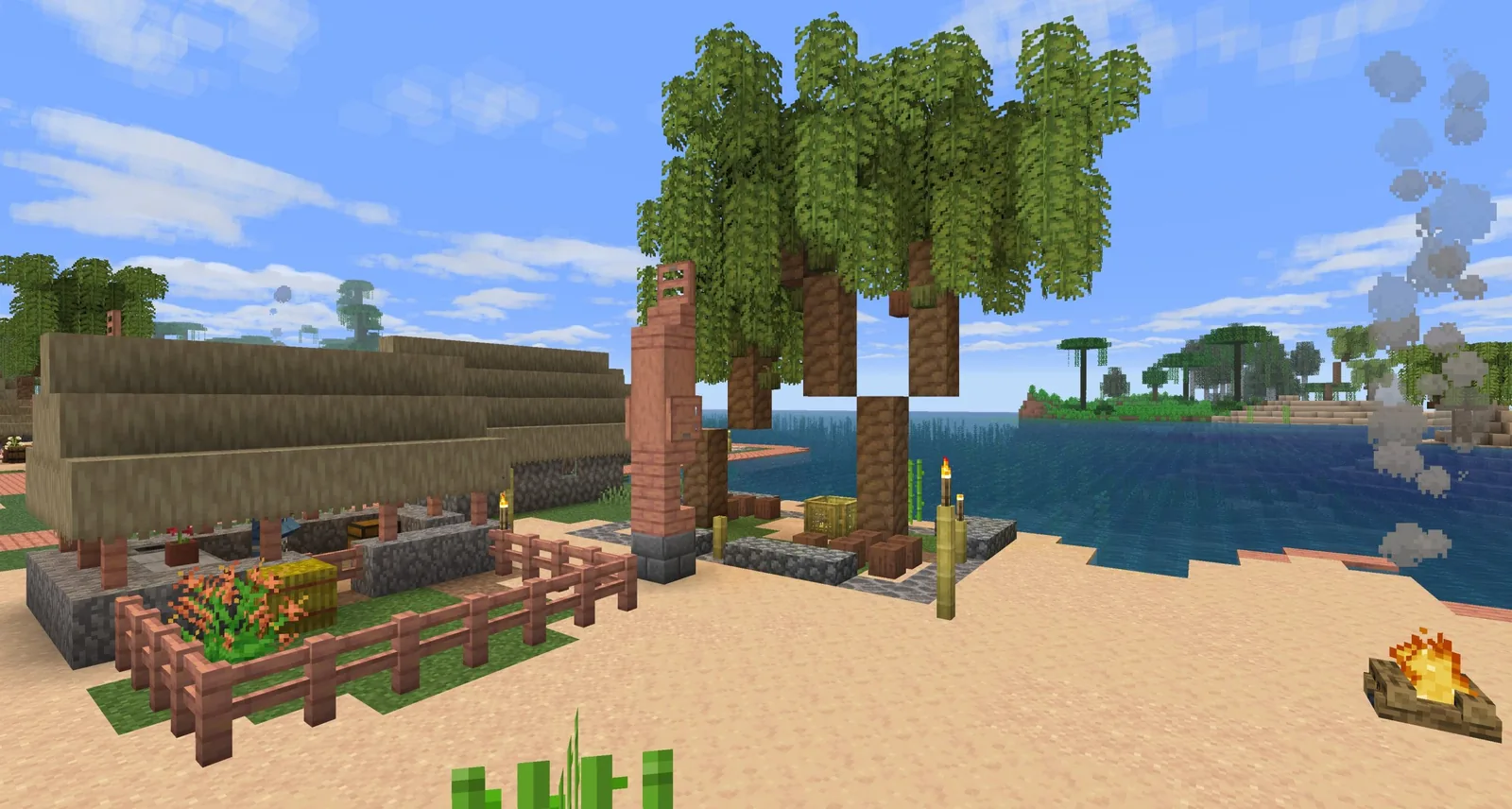
Structures reference biome tags. A village generates in plains, savanna, taiga, desert and snowy plains. If a mod replaces a stretch of what would have been plains with a new biome that is not tagged as a village biome, villages stop generating there.
Mob spawning follows the same pattern. Biome-specific mobs use biome tags, so a new biome that omits a tag will be missing the animals players expect. Well-built mods handle this carefully. Hastily built ones produce empty worlds and confused players.
Adding one to an existing world
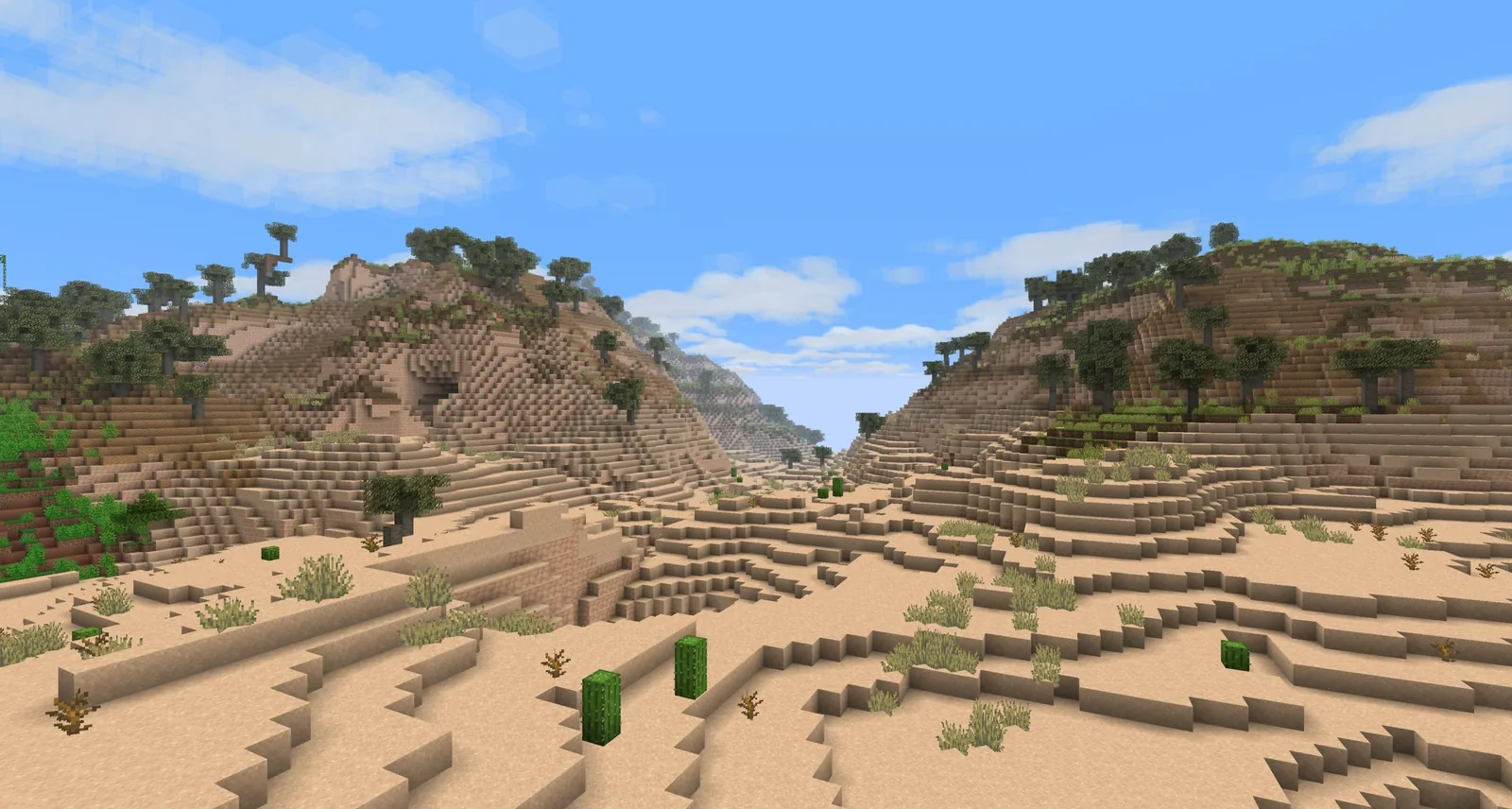
Chunks that already exist do not regenerate. A mod added to a world in progress affects only newly generated terrain, which produces a hard seam where old meets new: a cliff face, a sudden biome change, a river cut in half.
The seam is cosmetic rather than dangerous, and it can be hidden with terrain editing or simply accepted. The alternative – starting a new world – is usually the better answer if the existing one is young.
Choosing between overhauls
The practical split is between mods that extend vanilla’s style and mods that replace it. An extension adds biomes that could plausibly have shipped with the game, and it plays well alongside other mods. A replacement imposes a distinct aesthetic, and it tends to conflict with anything else touching the same layer.
Our view is that running one biome mod and one terrain shape mod is the sweet spot. Stacking three biome mods produces a world where every ridge line is a different mod’s idea of a forest, and the result reads as incoherent rather than varied.
Testing before committing
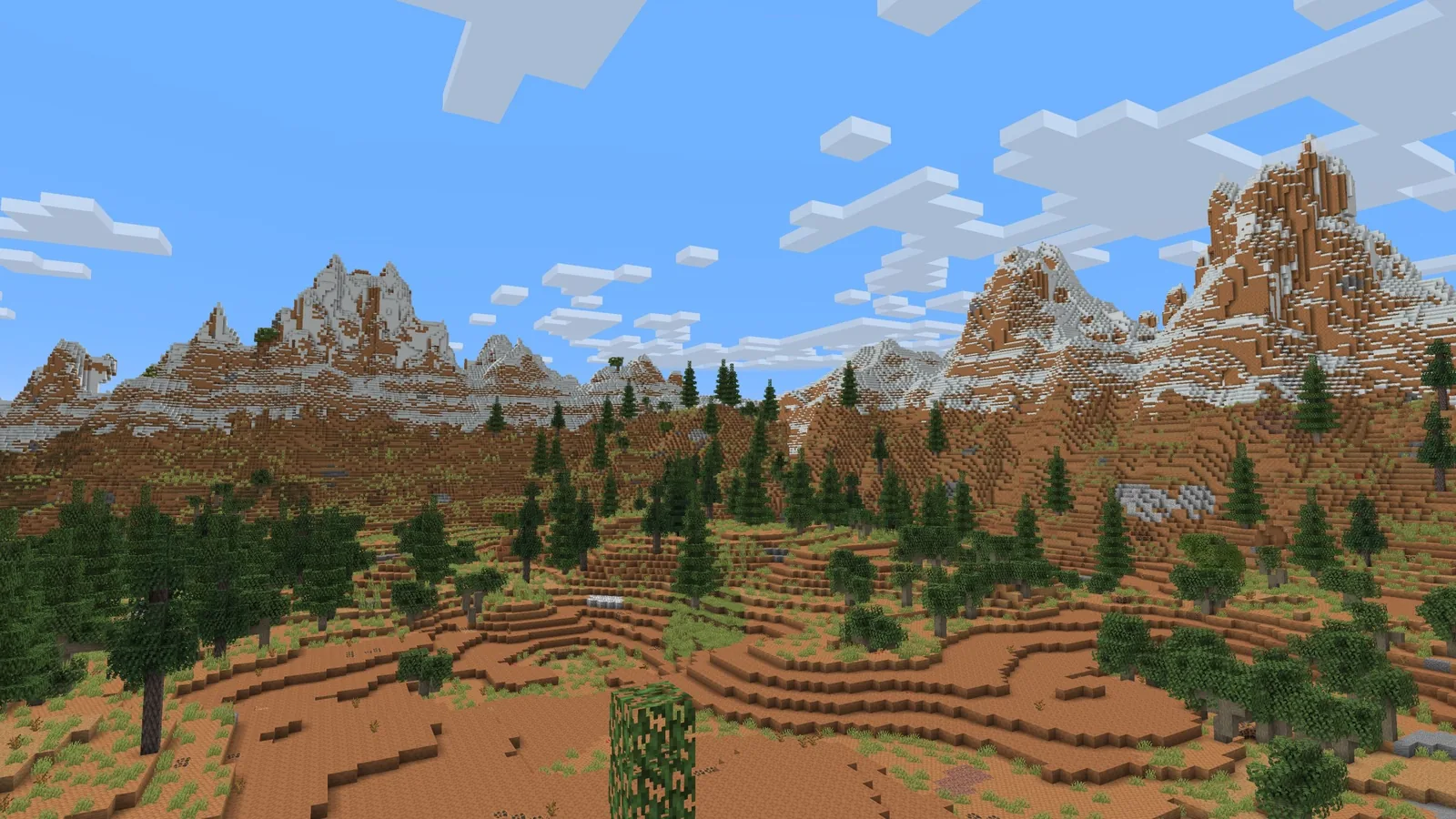
Generate a throwaway world and fly a few thousand blocks in creative before starting a survival run. Five minutes of flying reveals whether the biome distribution is what you wanted, and whether villages still appear at a reasonable rate.
The installation process for worldgen mods specifically is covered in adding worldgen mods to an existing world, and comparisons between the major terrain mods are in Terralith versus Tectonic.
Reading a worldgen mod’s description properly
Three phrases tell you what a mod will actually do. “Adds biomes” means it inserts entries into the selection layer and will compete with other biome packs. “Changes terrain shape” means it modifies elevation and erosion, and generally coexists with biome mods. “Adds structures” means it joins the structure grid and contributes to density.
A mod that claims all three is a full overhaul and should be the only worldgen mod in the pack. Reading for these three categories prevents most of the conflicts players discover after fifty hours of play.
Testing a combination before committing
Generate a world with the intended mod list, fly five thousand blocks in creative in two directions, and check three things: whether villages appear at a reasonable rate, whether biome patches are large enough to feel like places, and whether the transitions look deliberate. Ten minutes of this saves a world.
Server implications
Worldgen mods are the hardest category to change later, because the terrain is baked into the region files. Adding or removing one mid-season leaves a permanent record in the map. Decide the worldgen list before launch and treat it as fixed, in a way you do not need to treat mob or quality of life mods.
The short version
One biome pack, one terrain shape mod, any number of additive mods that only enhance existing biomes. Decide before the world is generated, because worldgen is the one category you cannot change your mind about later without living with a visible seam or starting again.
Images: Nature’s Spirit project gallery on Modrinth.