Key takeaways
- Sodium, Iris, Lithium and Fabric API all list 26.3 support within a day of the drop.
- Several smaller utilities are still on 26.3 release candidates rather than the final build.
- Check your full mod list before updating a world – one missing dependency is enough to stop the game loading.
The awkward part of a game drop is not the drop. It is the week afterwards, when the client you actually play is a stack of thirty mods and four of them have not been rebuilt yet.
What is already updated
The core performance and rendering stack moved quickly. Sodium, Iris and Lithium all list 26.3 in their supported versions, and Fabric API – the dependency almost everything else needs – shipped builds through the release candidates and into the final version.
That combination is what most players need to be playable: a renderer replacement, a shader loader, a tick optimiser and the API layer underneath.
What is lagging
Utility mods are the usual stragglers. Mod Menu, for instance, lists builds up to a 26.3 release candidate rather than the final version at the time of writing. That is a normal pattern – a mod with no gameplay surface often needs only a version bump, and maintainers batch those.
The practical risk is not the utility itself. It is that a mod you consider optional may be a hard dependency for something you consider essential, and the game will refuse to start rather than skip it.
How to update without breaking a world
Copy the world folder first. Then update the loader, then Fabric API, then the performance stack, then everything else – and start the game after each group rather than at the end, so a failure points at a specific change.
If a mod is missing for 26.3 and you need it, staying on 26.2 for a few weeks is a legitimate choice. Nothing in this drop expires.
Worldgen mods are the exception
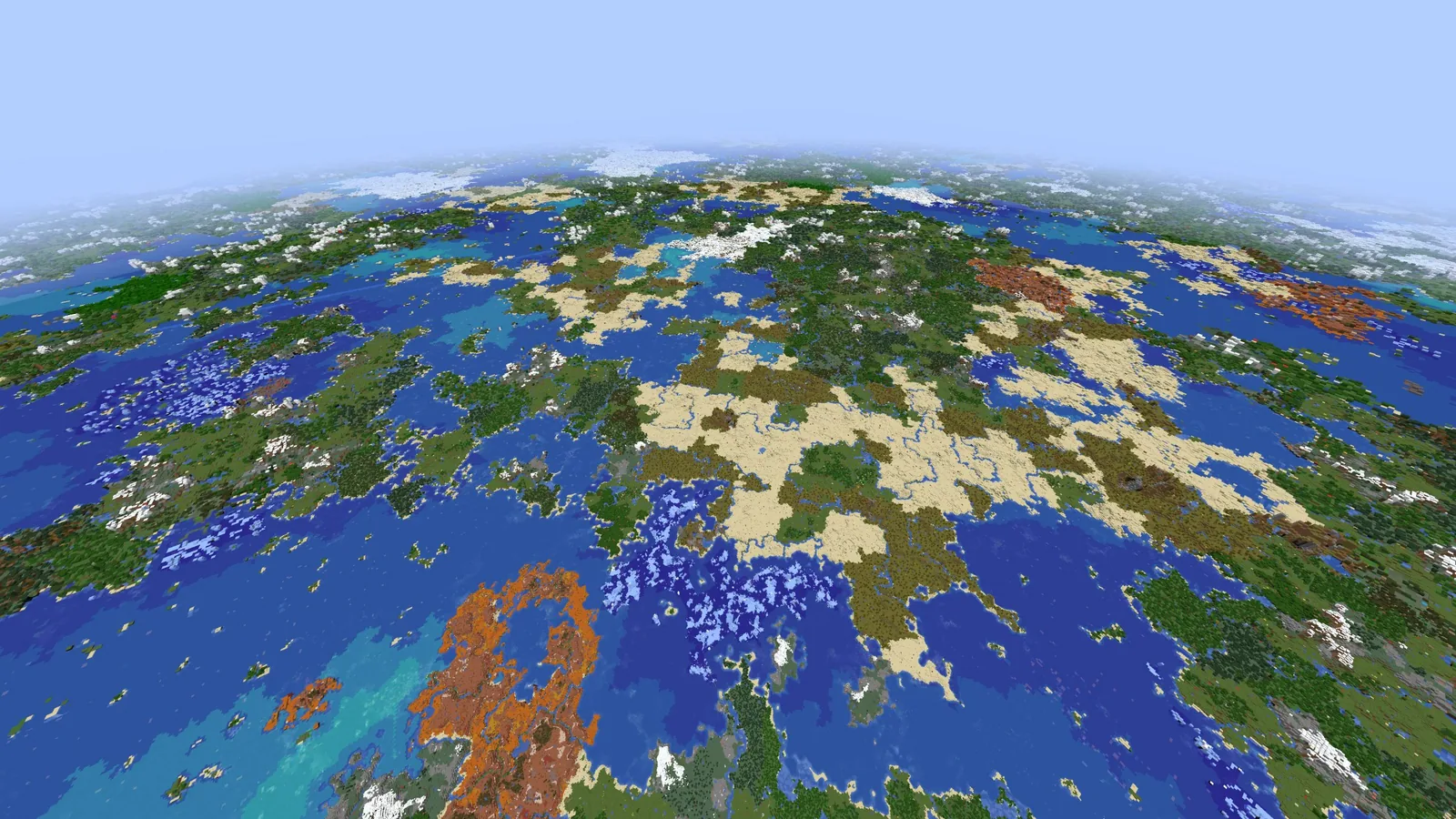
Performance mods can be added and removed freely. Worldgen mods cannot, and the new dappled forest biome makes that sharper than usual: a worldgen mod built against 26.2 may not know what to do with the new biome’s noise parameters, and terrain generated in the gap will not match terrain generated later.
Our advice is to keep worldgen mods on the version they were built for, and treat a drop with a new biome as a reason to start a new world rather than to update an old one.
Checking before you click update
Open your mod list, sort by last update, and look at anything that has not moved since before the drop. Two minutes of that saves the evening where the launcher closes silently and the log points at a dependency you had forgotten was installed.
Why the performance stack moves first
Renderer and tick optimisation mods break loudly and predictably when the game changes, which means their maintainers have automated testing and a routine. Content mods break quietly – a registry name changes, a block behaves differently – and take longer to verify.
That is why the pattern repeats every drop: performance mods within a day, content mods within a month, large worldgen mods whenever they are ready.
Reading a Modrinth version list properly
A project page listing “26.3” can mean a build compiled against a release candidate. Check the actual file’s version tag rather than the badge, and check whether the dependency it needs is also on the final build. A mod compiled against 26.3-rc-2 will usually run on 26.3, and usually is not always.
Staying on the old version is a valid choice
Nothing in this drop expires, and a world on 26.2 keeps working indefinitely. For a server with twenty mods and eight players, waiting a month costs nothing and avoids the evening where half the players cannot join.
The order of operations when you do update is the one in the backup routine: copy the whole server directory first, update in groups, and start the game between each group so a failure points at a specific change.
Client-side versus server-side
Performance and rendering mods are client-side: you can update yours without touching the server, and other players are unaffected. Content and worldgen mods must match on both sides, and a mismatch will refuse the connection.
That distinction is what makes a staged update possible – client stack first, server later, once the content mods are ready. The order and the backup step are in the server side of things.
If a mod never updates
Some projects stop at a version and stay there. When that happens the options are to find a maintained fork, to find a replacement that does the same job, or to stay on the version the mod supports and treat that world as finished.
The third option is more reasonable than it sounds. A modded world is a specific combination of things that worked together, and there is no rule that says it has to follow the game forward. Plenty of long-running servers sit two or three versions behind deliberately, because the mod list they have is the one they want.
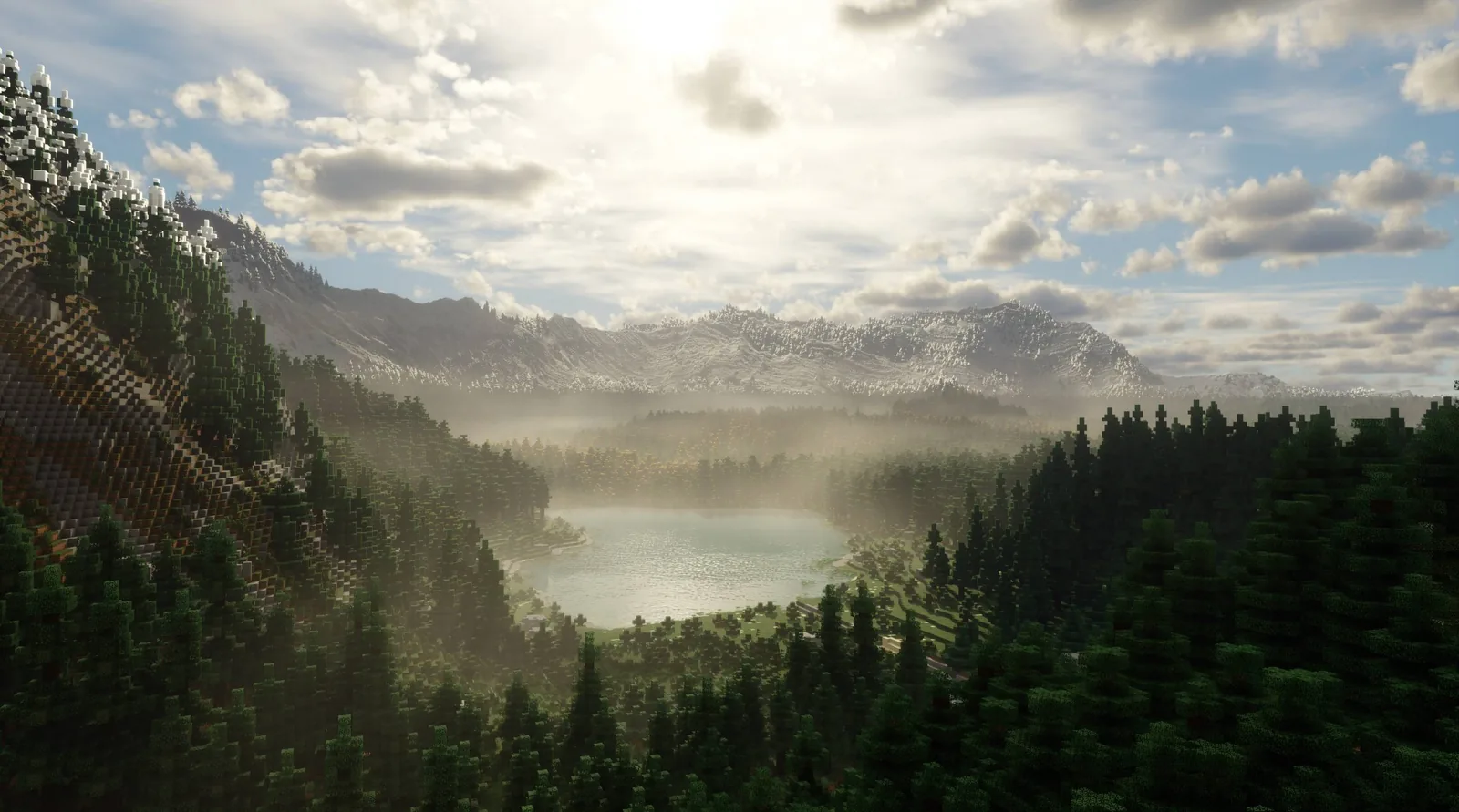
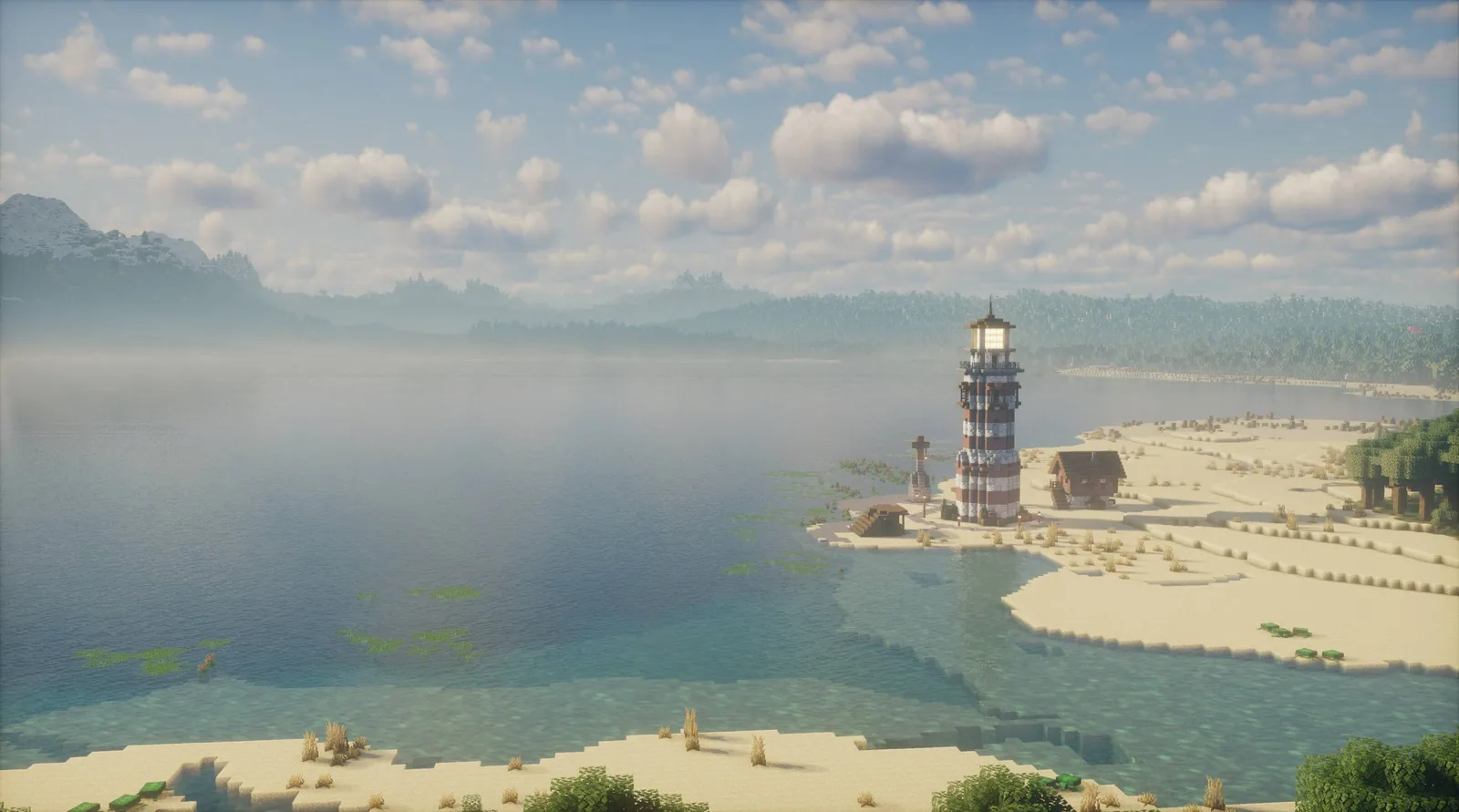
Images: Mod Menu project gallery on Modrinth. Version support checked against the Modrinth API on 16 September 2026.