Fusion shipped 1.3.15a for Minecraft 26.3 on 16 September and followed it with a fix on the 19th. That is the second connected-textures mod on 26.3 within a week, and the two do not do the same job – which is worth understanding before you install either.
What Fusion is
Fusion is a library rather than a pack. It adds connected textures, custom entity models and a set of resource-pack features that packs and other mods can then use, on Fabric, Forge, NeoForge and Quilt from the same project.
It is client-side only – required on the client, unsupported on the server – which means it can go on any server including vanilla ones.
The distinction that matters: Fusion defines its own format and asks pack authors to target it. It does not read OptiFine packs. That is the opposite trade to the other option on 26.3, and it is why both exist.
Fusion or Continuity
Continuity implements the OptiFine connected textures, emissive textures and custom block layers formats, so it runs the enormous back catalogue of packs written for OptiFine over the last decade.
Fusion implements its own specification. That gets pack authors features the OptiFine format cannot express, and it costs compatibility with everything already written. The Fusion ecosystem is a set of first-party packs – Connected Glass, Connected Blocks, Block Transitions, Emissive Ores – plus mods that integrate with it directly as a soft dependency.
So the choice is not which is better. It is which format the pack you want is written in.
What 1.3.15 and 1.3.15a fixed
The 26.3 build was not a bare port. Three fixes in 1.3.15 are the kind that only show up once a pack is complex:
- The
ambientocclusion,shadeandemissivemodel properties were not always applying to texture types with subtextures, such as connecting and random. - The
is_biomepredicate always evaluated to false for chunk geometry. - Icon and banner images were added for the new NeoForge 26.2.0.50-beta mod list.
1.3.15a, three days later, fixed flag tracking for overlay rendering not being cleared, which was sometimes producing missing model parts. If you grabbed the 26.3 build on the 15th or 16th and have seen blocks rendering with pieces absent, that is the one.
Where it sits
Around 14.7 million downloads and 1,255 followers, published in April 2023, maintained by SuperMartijn642. The licence is all rights reserved, so modpack redistribution needs permission – a real consideration given how many building-focused packs would want it.
Fusion is also a dependency for a number of mods that use its custom entity model support, which is part of why the download count is higher than the visible install base. If it appeared in your mod folder without you choosing it, something else pulled it in.
Whether you need either
Connected textures matter in proportion to how much flat surface your builds have. A survival base with small rooms will barely show the difference. A large wall of glass, sandstone or a single stone type is where the tiled grid becomes visible and where the mod earns the slot.
26.3 is a good moment for this because the drop added wool and concrete in stairs and slabs across sixteen colours, which pushes builders toward larger single-material surfaces than the block palette previously encouraged.
Neither mod costs meaningful performance. Both are client-side. The install decision is entirely about which packs you want, and the pack lists on the 16x roundup note which format each one targets.
Practical notes
- Fusion and Continuity can be installed together. They read different formats and will not fight over the same pack.
- Pack load order still matters – a connected-textures pack has to sit above the base pack it is modifying.
- On NeoForge, Fusion is native. Continuity on NeoForge runs through Connector and Forgified Fabric API, neither of which is on 26.3 yet.
- That last point is the practical one this week: on NeoForge 26.3, Fusion is currently the only option.
For the rest of the client stack, our 26.3 mod support status tracks what has landed and what has not.
How to tell which format a pack uses
Pack pages rarely say “OptiFine format” or “Fusion format” in those words, so the reliable tells are elsewhere.
A pack that lists OptiFine as an alternative to Continuity, or that predates 2023, is almost certainly OptiFine format. A pack whose page links to Fusion as a required dependency, or that is one of the first-party Fusion packs, is the other. A pack that offers two downloads is doing the sensible thing and covering both.
If you install a pack and the textures simply do not connect, the mod is usually not broken – the pack is written for the other format. Installing both mods removes the question entirely, and there is no cost to doing so beyond two entries in the mod folder.
What connected textures actually do
The underlying idea is that a block checks its neighbours and picks a different texture variant depending on what it finds. A glass block with glass on its left and right draws a middle section rather than a full frame, and the wall reads as one pane instead of a grid of squares.
Beyond that, both formats support random variation – the same block drawing one of several textures so a large area of stone stops repeating – and emissive layers, where part of a texture glows regardless of light level. Fusion adds block transitions, where two adjacent materials blend at the seam rather than meeting at a hard edge, which is the feature with no OptiFine-format equivalent and the main reason a builder would pick it.
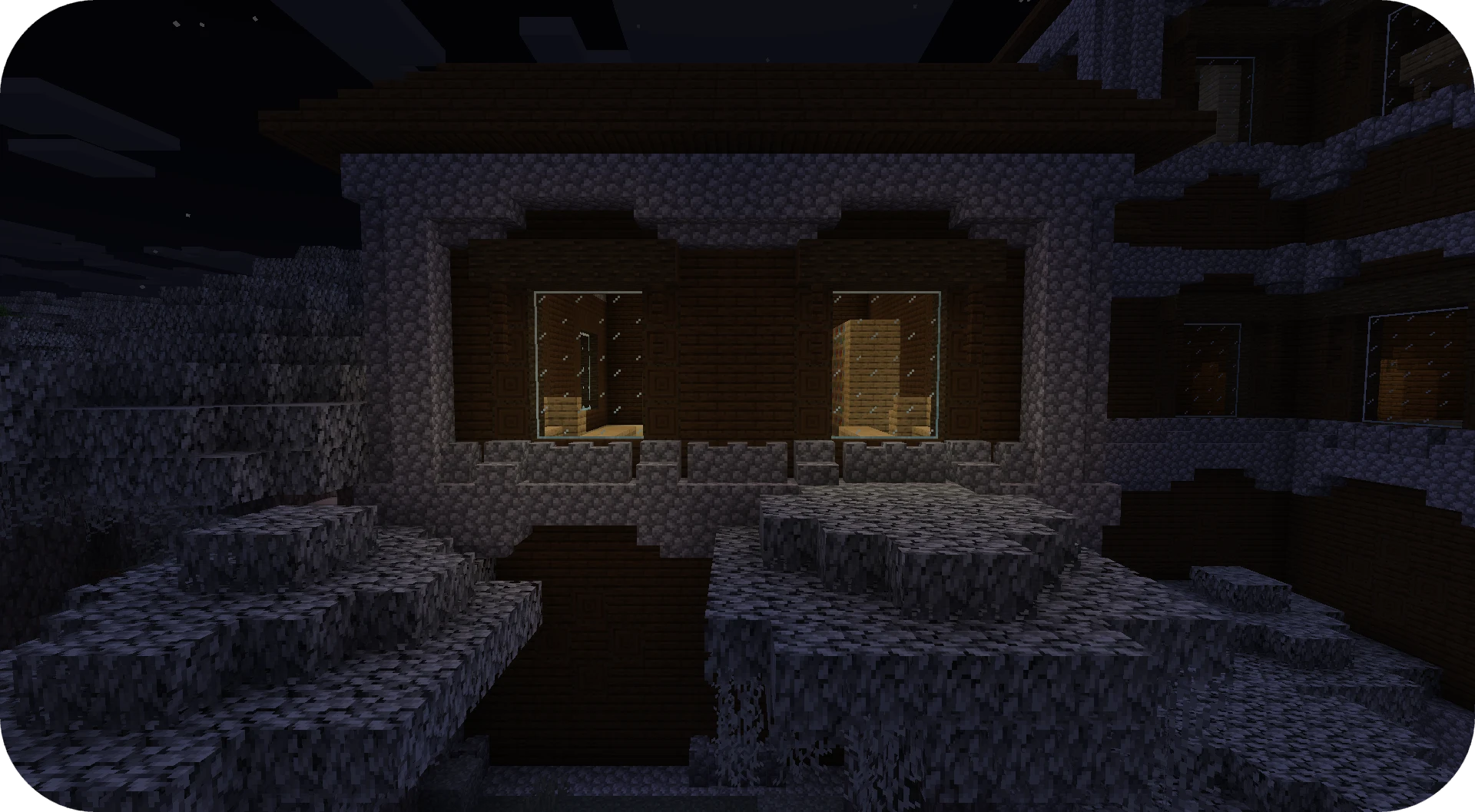
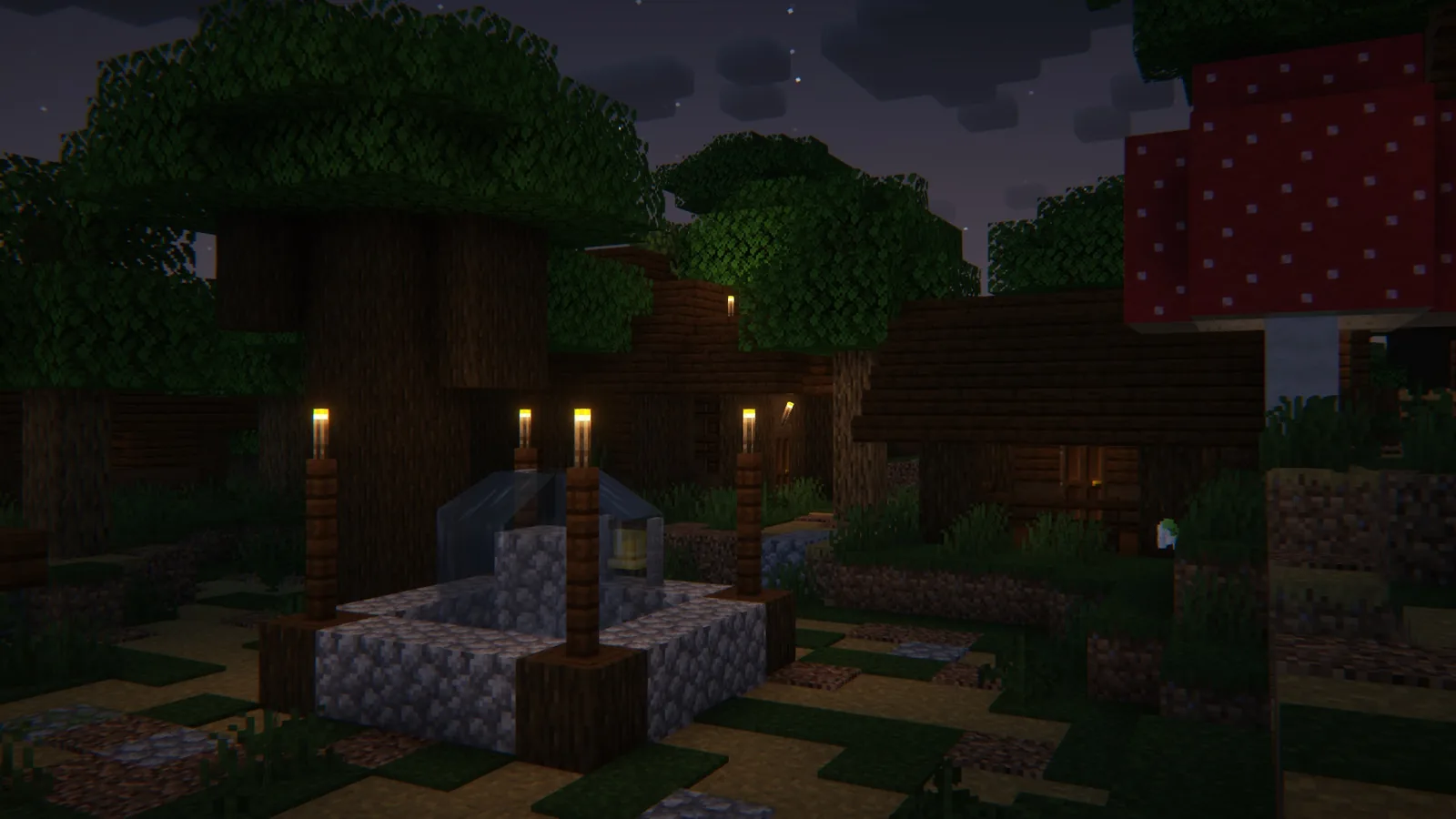
Images: Fusion Connected Glass and Explorify project galleries.