Chat Heads 0.15.7 released on 13 August 2026 with a compatibility fix for TalkArea – specifically, a head offset that was placing player faces in the wrong position. It is a two-line changelog for a mod that does one thing, and the thing it does turns out to matter more than its scope suggests.
What the mod does
It draws each player’s head next to their chat messages. That is the entire feature. There is no configuration beyond position and size, no gameplay effect, and no server component required.
What it changes is how readable a busy chat window is. Minecraft’s chat is a flat list of names and text in one colour, and on a server with fifteen people talking, parsing who said what is genuinely slow. A face beside each line is processed instantly in a way a username is not.
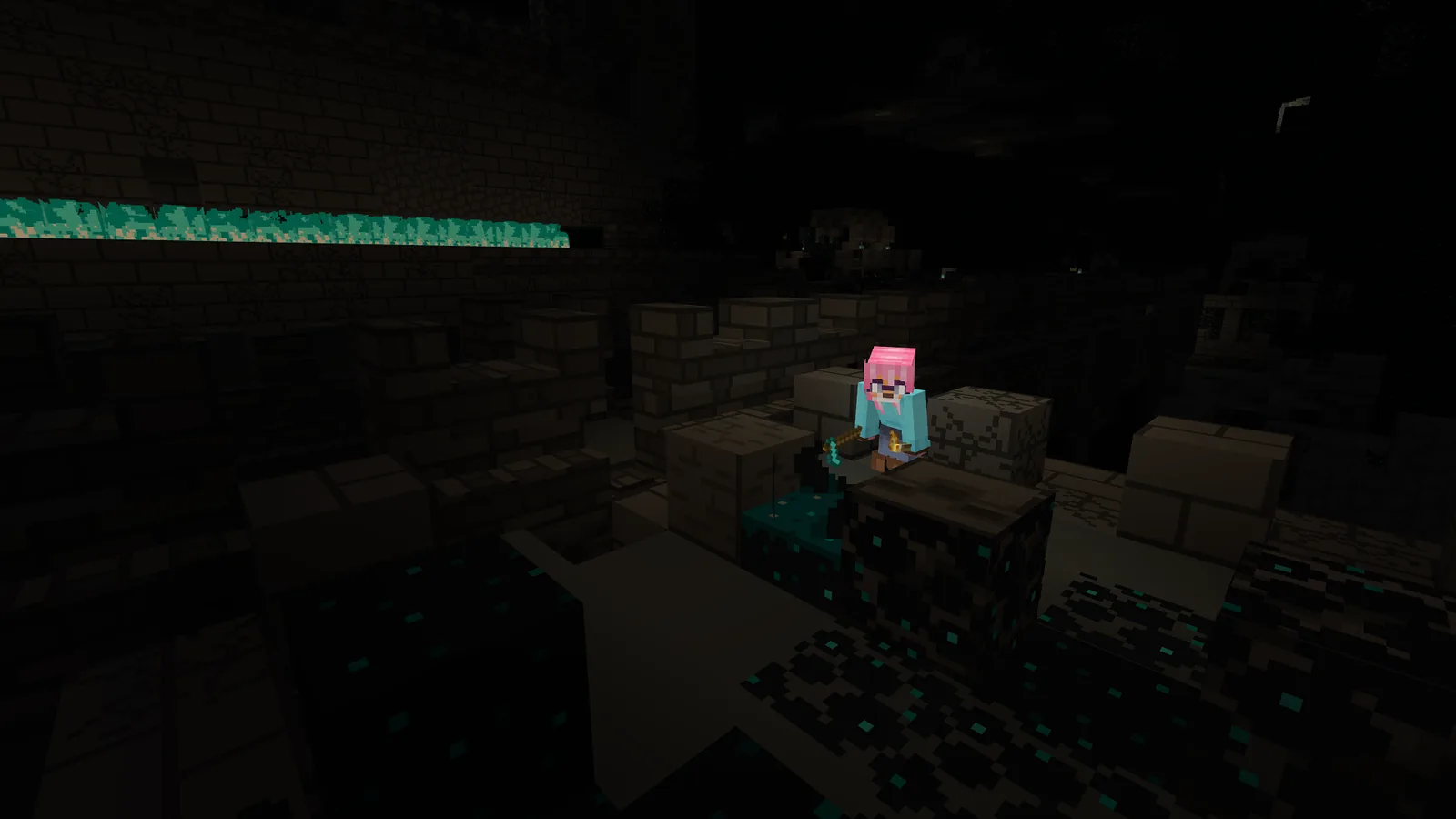
Why the TalkArea offset broke
TalkArea adds its own chat display behaviour, and two mods both positioning elements in the chat window will eventually disagree about where the origin is. The result was heads drawn at an offset from the message they belonged to – not broken, just wrong enough to be worse than nothing.
This is the most common category of mod conflict and the least dramatic. Nothing crashes. Something is simply in the wrong place, and it takes a user reporting it with a screenshot before anyone knows.
Small social mods and why servers install them
A server’s chat is where most of its community actually happens. Builds are solitary, exploration is solitary, and the shared part of a multiplayer world is largely text in a box in the corner of the screen.
Mods that make that box easier to read have an effect out of proportion to their size, which is why a list of social conveniences usually shows up on any server that has been running for more than a few months:
- Chat Heads, for identifying speakers.
- A proximity voice mod, for the conversations that do not belong in text.
- Chat formatting, for distinguishing staff from players.
- A name tag mod, for seeing who is who in the world rather than in chat.
None of them change gameplay. All of them change whether a server feels populated or feels like several people playing alone in the same file.
Voice chat as the other half
Text handles the asynchronous part of a server – announcements, questions, coordination across distance. Proximity voice handles the part that text is bad at, which is two people building something together in the same room.
The technical requirements for running it are real and often surprise server owners, and what your server actually needs to run proximity voice covers the UDP port and bandwidth questions that come up immediately after installation.
Version lines
- 0.15.7, 13 August 2026 – TalkArea compatibility, on the 1.20.x line.
- 1.2.9, 16 September 2026 – port to 26.3.
The two numbering schemes cover different Minecraft generations, and as with several mods this year, the higher number is not the newer Minecraft. Check the version tag on the download rather than the version number.
The changelog history is worth reading
The mod’s notes going back several releases are almost entirely translations contributed by users – Ukrainian, Turkish, Argentine Spanish – plus compatibility fixes with server plugins. That is the profile of a mod being used by a lot of communities in a lot of languages, which is not visible from its download count alone.
Evaluating a server before you join
The mod list a server publishes tells you something about how it is run. A list heavy on social and quality-of-life mods suggests staff who think about the experience of being there; a list that is purely performance mods and anti-cheat suggests different priorities.
Neither is wrong, and both are more informative than a server’s own description of itself. The signals worth checking before you commit a hundred hours covers the observable ones, which are the only ones worth weighting.
Installing it
Client-side only, no server support needed, works on any server including vanilla ones. It reads skins from the same source the game does, so it works for every player whether or not they have the mod.
That last property is why it spreads. One person installing it gets the benefit immediately, with no coordination required, which is the lowest possible barrier for a mod to cross.
The wider category
Social quality-of-life mods are the least documented part of modded Minecraft and, on a long-running server, the part that has the most effect on whether people keep logging in. Nobody writes a review of a mod that draws faces next to text. Everybody notices when it is not there.
The pattern is consistent: performance mods get the attention, content mods get the downloads, and the mods that decide whether a community feels like a community are small, boring, and installed by whoever set up the pack without anyone else noticing.
A minimal social list
- Chat Heads, for identifying who is speaking.
- A proximity voice mod, for the conversations text is bad at.
- A chat formatting plugin, so staff messages are distinguishable.
- Something that shows player names at distance in the world.
Four mods, no gameplay changes, and a measurable difference in how populated a server feels at the same player count.
Compatibility notes
The mod plays well with almost everything because it only draws in the chat window, and the exceptions are other mods that also draw there. TalkArea was one; TAB plugin layouts were another, fixed in an earlier release. If your heads are misplaced, look for the second chat mod rather than filing a bug.
Images: Chat Heads project gallery on Modrinth.