Key takeaways
- Proximity voice chat with whispering, groups, encryption and noise suppression
- Runs on Fabric, NeoForge, Forge, Quilt, Paper, Spigot, Purpur, Folia and the major proxies
- Requires a UDP port to be opened on the server – this is the one setup step people get wrong
Voice chat changes a Minecraft server more than any mod that adds blocks. Proximity audio means people talk to whoever is near them, conversations happen in the world rather than in a separate Discord channel, and a build session turns into something closer to being in a room together. It is the single biggest difference between a server people log into and a server people stay on.
Simple Voice Chat is the standard implementation, with 68 million downloads and support across an unusually wide list of platforms. This is what it does, and what you need to do to your server before it works.
What this mod does
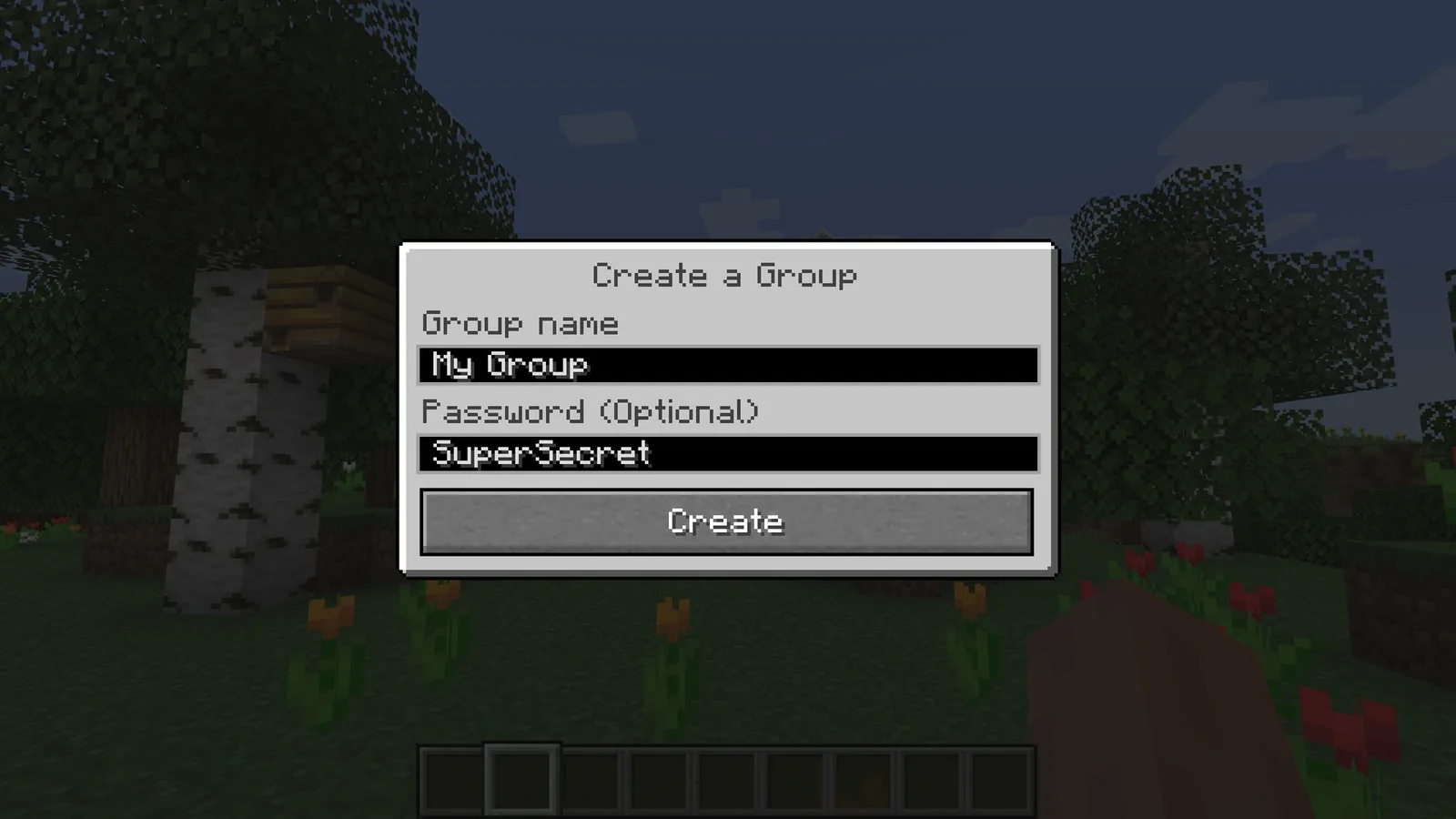
It adds in-game voice communication where volume falls off with distance. Someone across the base is quiet, someone next to you is clear, and someone out of range is silent. On top of that sits whispering for close-range quiet speech, and password-protected groups for private conversations that ignore distance.
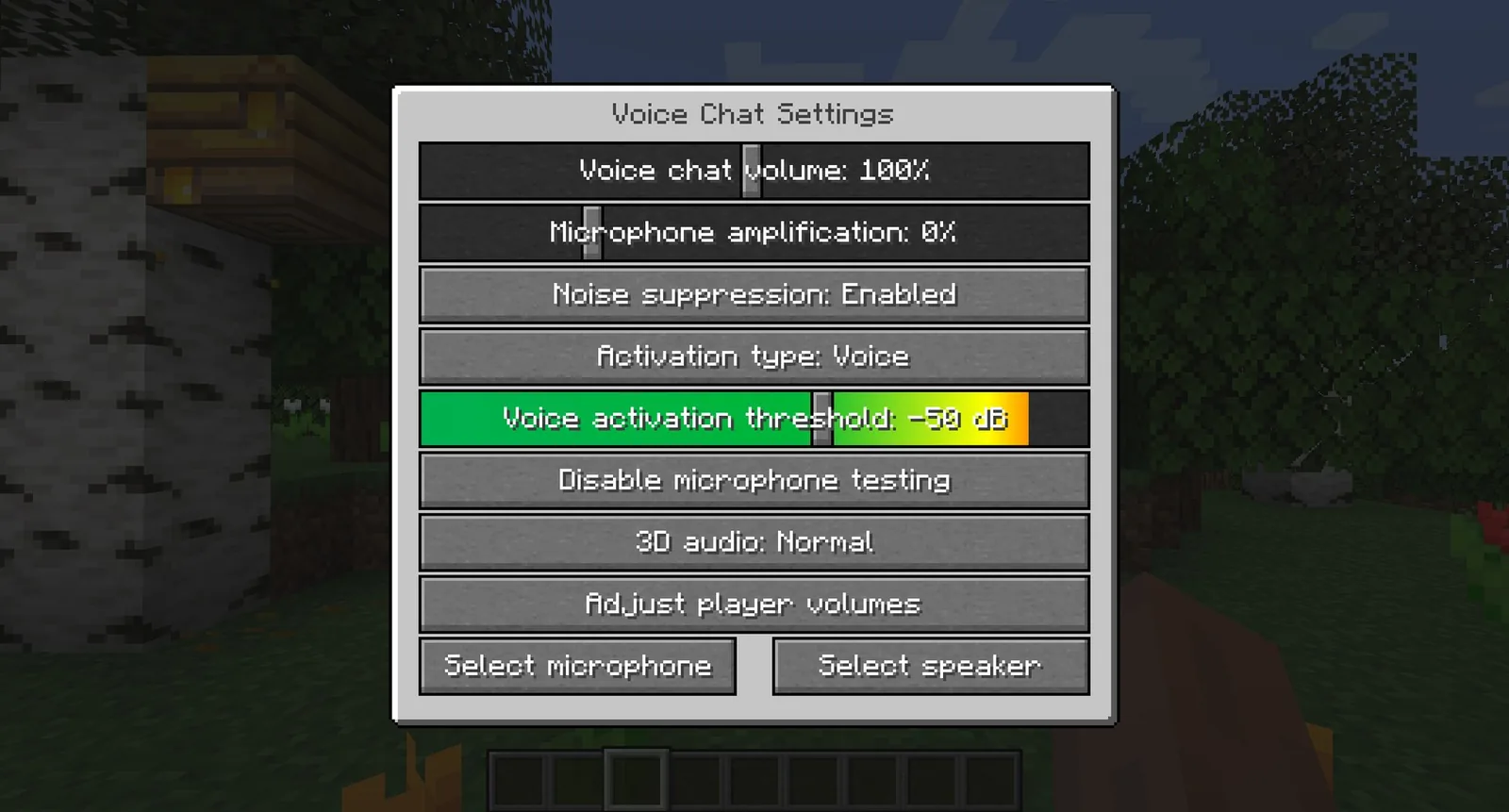
Audio runs over OpenAL with AES encryption, and the mod handles the usual real-world problems: automatic voice activity detection, automatic microphone gain adjustment, recurrent neural network noise suppression, and per-player volume adjustment so you can turn down whoever needs turning down.

Key features
- Proximity voice with configurable distance, plus whispering
- Password-protected groups for private channels
- Push to talk and voice activation, with a configurable key
- RNN noise suppression and automatic gain control
- 3D positional sound, so direction is audible
- Per-player volume adjustment and microphone amplification
- AES encryption on the voice stream
- Audio recording with separate tracks per speaker
- Microphone and speaker test playback in the settings screen
Separate recording tracks are the feature creators care about
Recording each speaker to their own track is a content-creation feature dressed up as a technical one. If you record group sessions, having per-person audio means you can fix one person’s levels in editing rather than re-recording. Most voice solutions give you a single mixed track and leave you stuck with it.
Compatibility
This is where the mod is genuinely unusual. It runs on Fabric, NeoForge, Forge and Quilt on the client and mod-server side, and on Bukkit, Spigot, Paper, Purpur and Folia as a plugin. Proxy support covers Velocity, BungeeCord and Waterfall. Version tagging runs from 1.8.8 through the current pre-releases, across 266 tagged versions.
That breadth is why it became the default. A plugin server and a modded server can both run it, cross-compatibility between loaders is maintained, and a network behind a proxy is covered. There is effectively no common server setup it does not support.
How to install
Client side is trivial: drop the mod in and go. Server side needs one extra step, and it is the step that causes essentially every support request about this mod.
- Install the mod or plugin build that matches your server software
- Open a UDP port for the voice server – it does not travel over the normal Minecraft TCP port
- Set the port and the public server address in the mod’s server config
- Restart, then check the server log for a line confirming the voice server started
- Have each player install the client mod; players without it can still play normally
The UDP port is the whole problem. Minecraft’s own traffic is TCP on 25565, and a lot of hosting panels only expose that. If your host does not let you open additional UDP ports, the mod cannot work, and no amount of client-side configuration will fix it. Check this before you plan around it – our guide to choosing Minecraft server hosting covers which questions to ask a host, and additional port allocation should be on that list.
A note on bandwidth
Voice traffic is continuous while people are talking, which is a different load profile from Minecraft’s own packets. On a small home-hosted server with a handful of players it is negligible; on a box already near its upload limit it is the thing that will start causing rubber-banding. If you run close to your bandwidth ceiling, test with everyone talking at once before you assume it is fine.
Is it worth installing?
For any server with a regular group, yes, and it is close to the highest-impact thing you can add. It is not a gameplay feature; it is a social one, and it changes retention rather than content. People come back to servers where they talk to people.
There are two honest reasons not to. A server with a large rotating public population may not want open voice, for moderation reasons that are obvious. And a group that is already comfortable in a voice call outside the game gains less than you would expect – the proximity effect is the point, and if everyone stays in one channel anyway, you have added a port to open for nothing.
If you are still choosing a community to join rather than running one, what to look for before committing to an SMP covers the questions that matter more than the mod list.
Source
Images and mod details from the Simple Voice Chat page on Modrinth.