Key takeaways
- Iris Shaders is now the default way to run shader packs on modern Minecraft, with more than 175 million downloads on Modrinth and no OptiFine install required.
- It is not a standalone mod: Iris depends on Sodium, and the two together usually render shaders faster than the OptiFine setups they replaced.
- Release 1.11.4 landed on 13 September 2026 and covers Minecraft 26.1 through 26.2 on Fabric, NeoForge and Quilt.
For most of Minecraft’s modded history, wanting shaders meant accepting a trade. You installed OptiFine, you got your sunsets and your moving water, and in exchange you gave up compatibility with half the mods you actually wanted to run. Iris Shaders was written to end that trade, and at this point it largely has.
The numbers make the case on their own. Iris sits at roughly 175 million downloads and 29,000 followers on Modrinth, which puts it in the top handful of client mods in the entire ecosystem, above staples like Mod Menu and Lithium. More telling is the cadence: version 1.11.4 shipped on 13 September 2026, within days of Minecraft 26.2 stabilising – unusual turnaround for a mod that hooks straight into the rendering pipeline.
What this mod does
Iris is a shader loader, not a shader pack. On its own it changes almost nothing about how the game looks. What it does is replace Minecraft’s rendering path with one that can read and execute shader packs written in the OptiFine format – the same .zip files that have been passed around the community for a decade. Complementary, BSL, Continuum, Sildur’s: they load in Iris without being ported or rewritten.
The practical difference shows up in how you use it. Shader packs live in a shaderpacks folder and are switched from a dedicated screen inside Video Settings, with no game restart and no launcher profile juggling. Each pack’s own options – shadow distance, bloom strength, water styling – sit in that same screen, so tuning no longer means editing configuration files by hand.
Key features
The headline feature is coverage. Iris supports the overwhelming majority of existing OptiFine shader packs, and the project maintains a public list of the ones it cannot handle rather than leaving players to discover failures themselves. That honesty is worth something in a space where compatibility claims are usually vague.
Second is speed. Because Iris is built to run on top of Sodium, the rendering work underneath the shaders is already optimised before a single shader stage executes. In practice this means a mid-range machine can often run a moderate pack at a frame rate OptiFine could not reach, and high-end machines get headroom for heavier packs.
Third is the in-game configuration screen, which sounds minor and is not. Being able to toggle shaders off for a caving session and back on for a screenshot, without leaving the world, changes how often people actually use them.
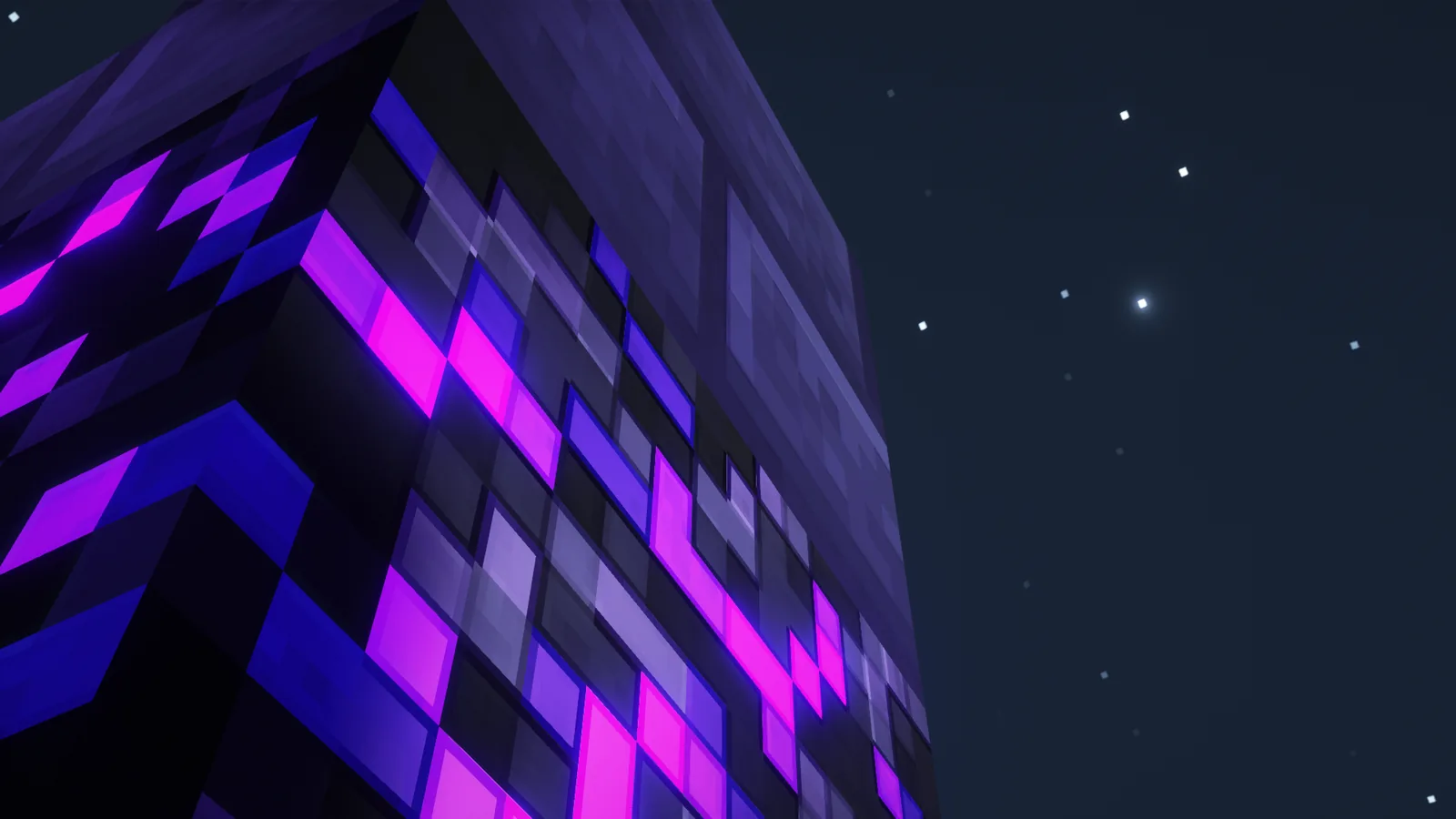
Fourth is the licensing and development model. Iris is released under LGPL-3.0 and developed in the open on GitHub, with build and contribution documentation published alongside the code. Compared to OptiFine’s closed-source history, that matters for a component this deep in the render stack – when something breaks, the people affected can read the code and file a useful report.
Compatibility
Iris runs on Fabric, NeoForge and Quilt, and lists support for 34 Minecraft versions, from older 1.x releases through 26.1, 26.1.1, 26.1.2 and 26.2. The current 1.11.4 build ships as four separate files – Fabric and NeoForge variants for the 26.1 line and for 26.2 – so picking the right one matters more than usual.
Two constraints are worth stating plainly. Iris is client-side only; the Modrinth listing marks server support as unsupported, so there is nothing to install on a server and nothing your friends need to match. And Sodium is a hard dependency, not a recommendation. Every published Iris version declares it as required, and the mod will refuse to load without it. Budget for both files.
Beyond that, Iris coexists with the usual optimisation stack – Lithium, FerriteCore, Entity Culling – and with most content mods, which is the entire reason it exists.
How to install
Start with a mod loader. There is a step-by-step install walkthrough if you want it spelled out. Install Fabric or NeoForge for your Minecraft version through their official installers, or let a launcher such as the Modrinth App or Prism Launcher set up the profile for you.
Then download two files from Modrinth: Iris Shaders and Sodium, both matching your Minecraft version and your loader. Drop both into the mods folder inside your game directory. Launch the game once to confirm it boots cleanly with no shader pack installed – if it crashes here, the problem is a version mismatch, not a shader.
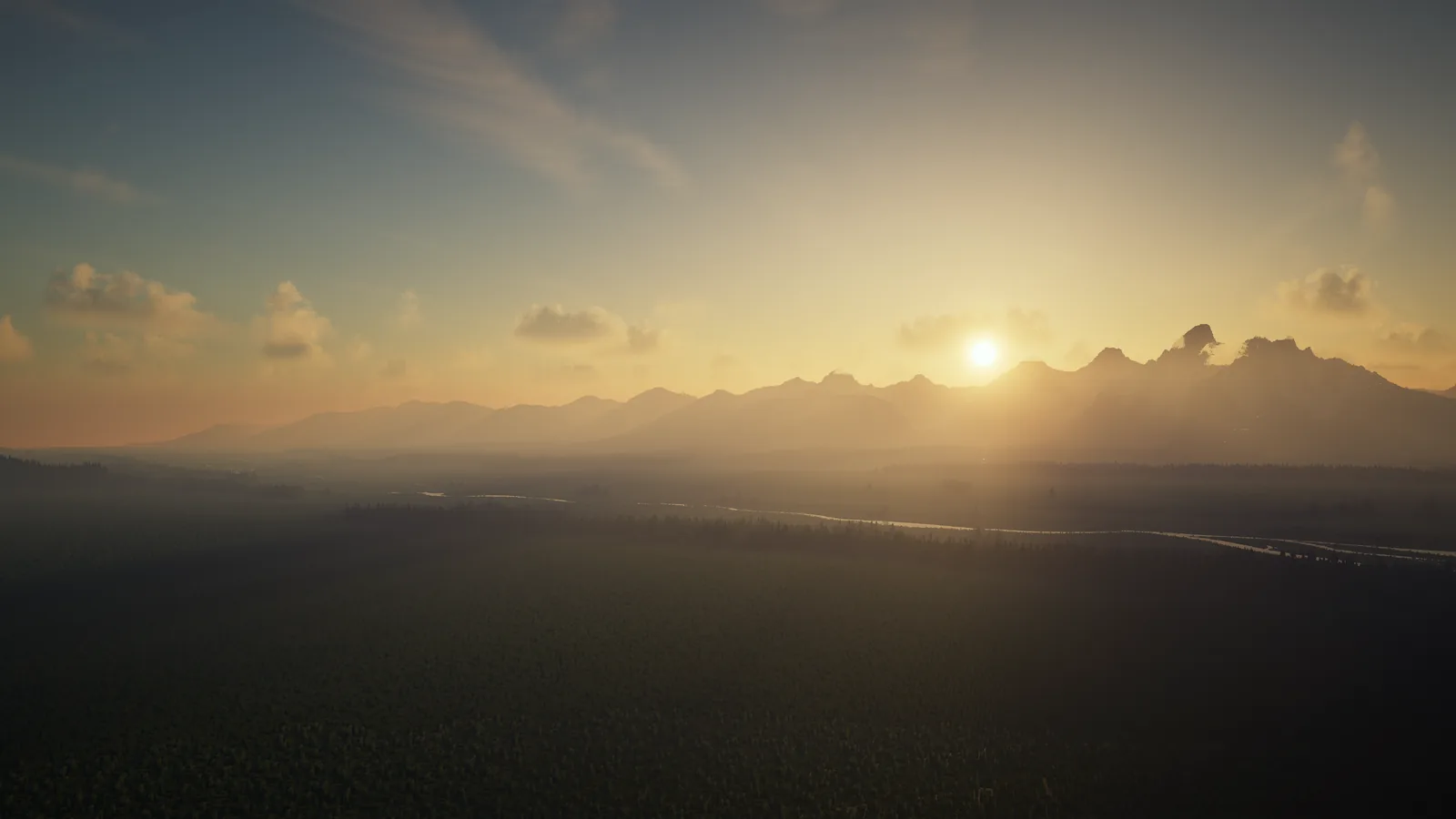
Finally, add a shader pack. Download one from Modrinth’s shaders section, place the .zip in the shaderpacks folder without extracting it, then open Video Settings, choose Shader Packs, and select it. Start with a lighter pack before reaching for the cinematic ones; the difference between a pack running at 90 frames and 25 is usually the pack, not the hardware.
Is it worth installing
For anyone who wants shaders on a current version of Minecraft, this is not really a choice any more – it is the path. The more interesting question is what Iris did to the wider scene, and the answer is that it removed the last strong reason to keep OptiFine in a modern modpack. Once shaders stopped being an OptiFine exclusive, its compatibility tax stopped being payable.
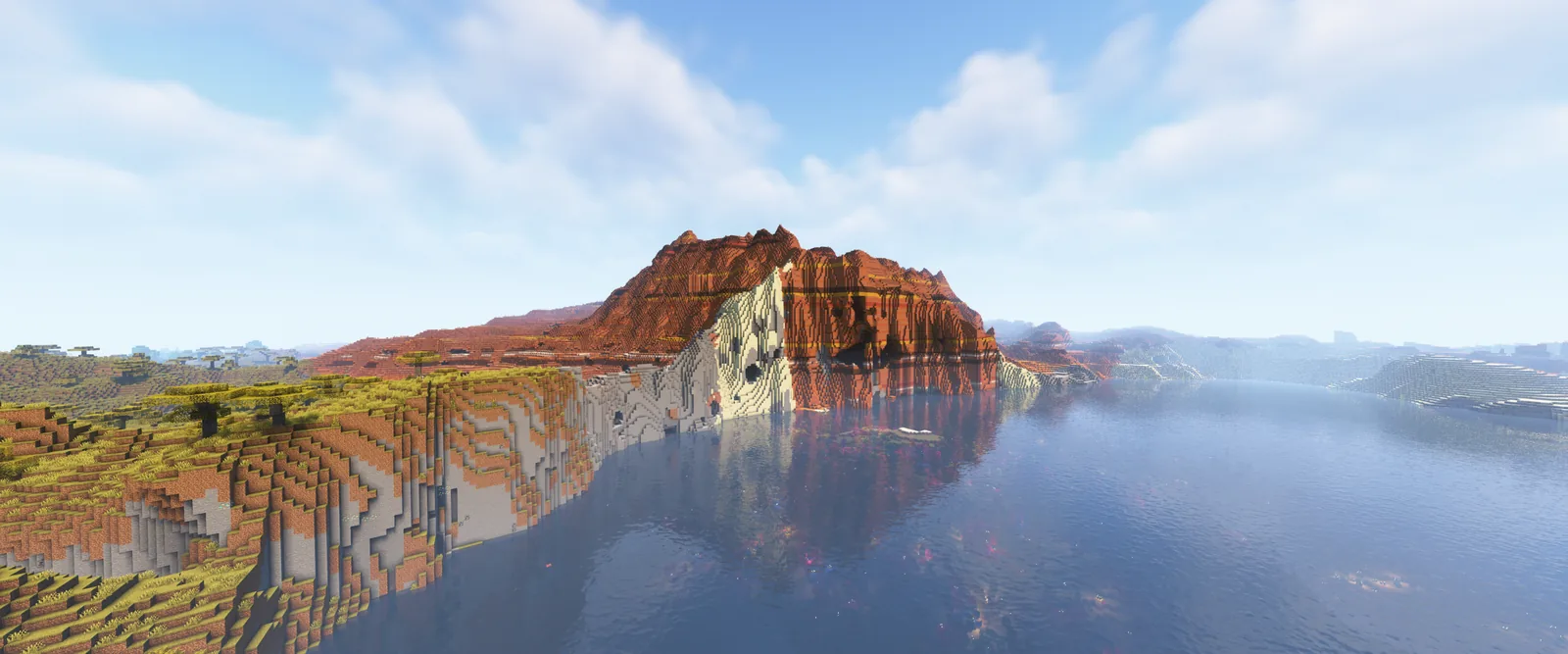
The honest caveat is that Iris inherits the performance profile of whatever pack you load. Nothing about installing it makes a demanding shader pack cheap, and players on integrated graphics will still be choosing between visual effects and a playable frame rate. What Iris changes is the floor: the rendering underneath is faster, the install is two files instead of a patched jar, and the mods you already run keep working. That is a smaller promise than the screenshots suggest, and a more useful one.