Sound Physics Remastered reached 26.3 in the third week of September – Fabric and Quilt on the 18th, Forge on the 19th – both marked beta, both with the same one-line changelog. It is a small port note for a mod that does something no other Minecraft mod does.
What it actually simulates
Sound Physics Remastered replaces Minecraft’s sound handling with a system that traces how audio reaches your ears through the world geometry. Three things fall out of that:
- Attenuation. Sound through blocks is muffled according to what the blocks are. Wool absorbs, stone reflects, and a sound two rooms away is quieter and duller than the same sound at the same distance in open air.
- Reverberation. Enclosed spaces produce reverb scaled to their size and surface materials. A small wooden cabin, a large stone hall and an open cave all sound distinct.
- Occlusion and diffraction. Sound bends around corners rather than passing through walls at full volume or cutting off entirely.
Vanilla Minecraft does none of this. It plays a sound at a volume derived from distance and nothing else. A skeleton behind a wall of stone is exactly as loud as a skeleton in front of you at the same range.
Why it changes caving specifically
The mod’s effect on surface play is pleasant and largely cosmetic. Underground it is mechanical.
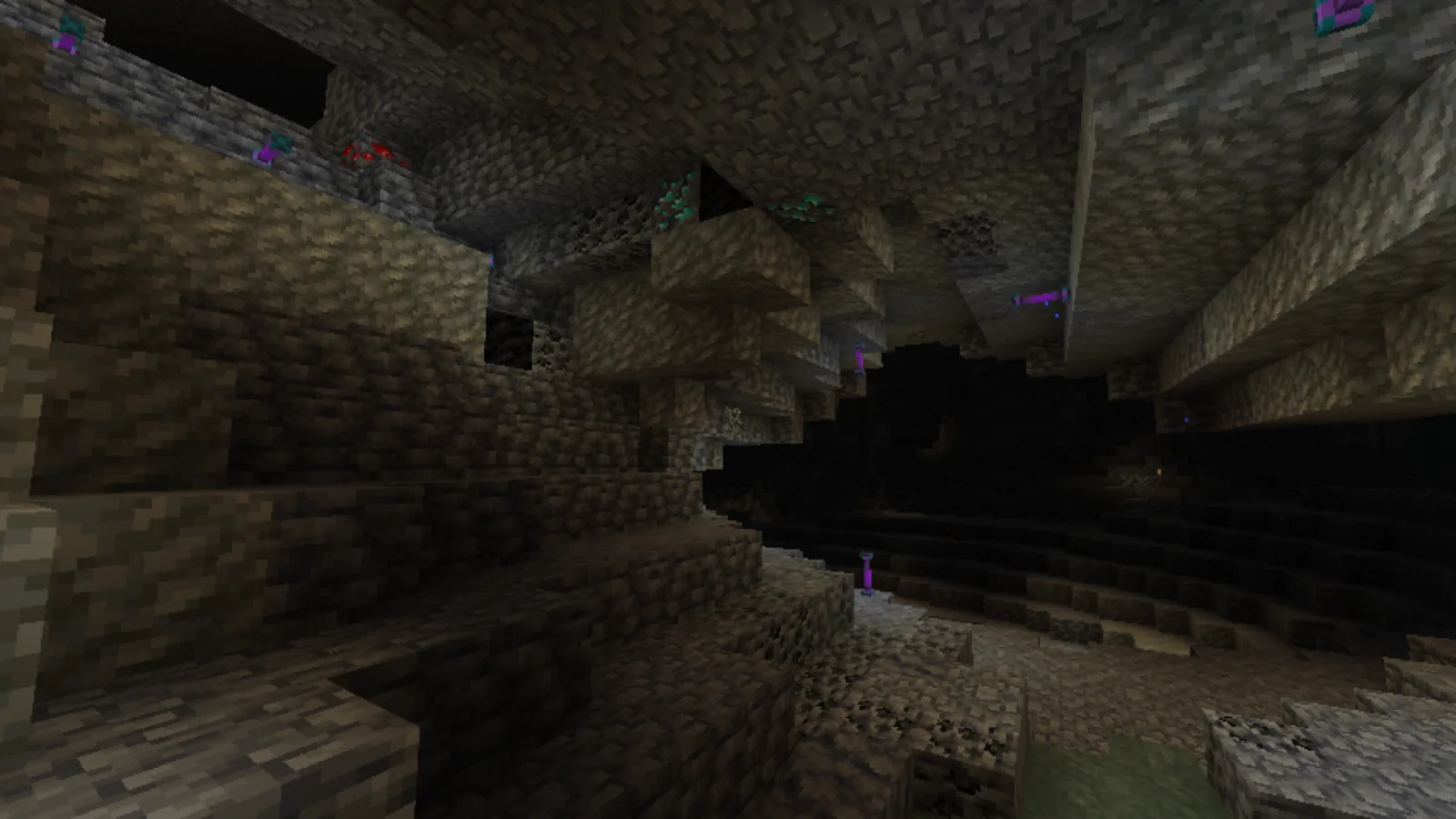
Cave audio in vanilla is a positional guess: you hear a zombie, you know roughly how far, you have no idea whether it is through two blocks of stone or around a corner in the tunnel you are standing in. With reverb and occlusion, those two cases sound completely different, and you start navigating by ear.
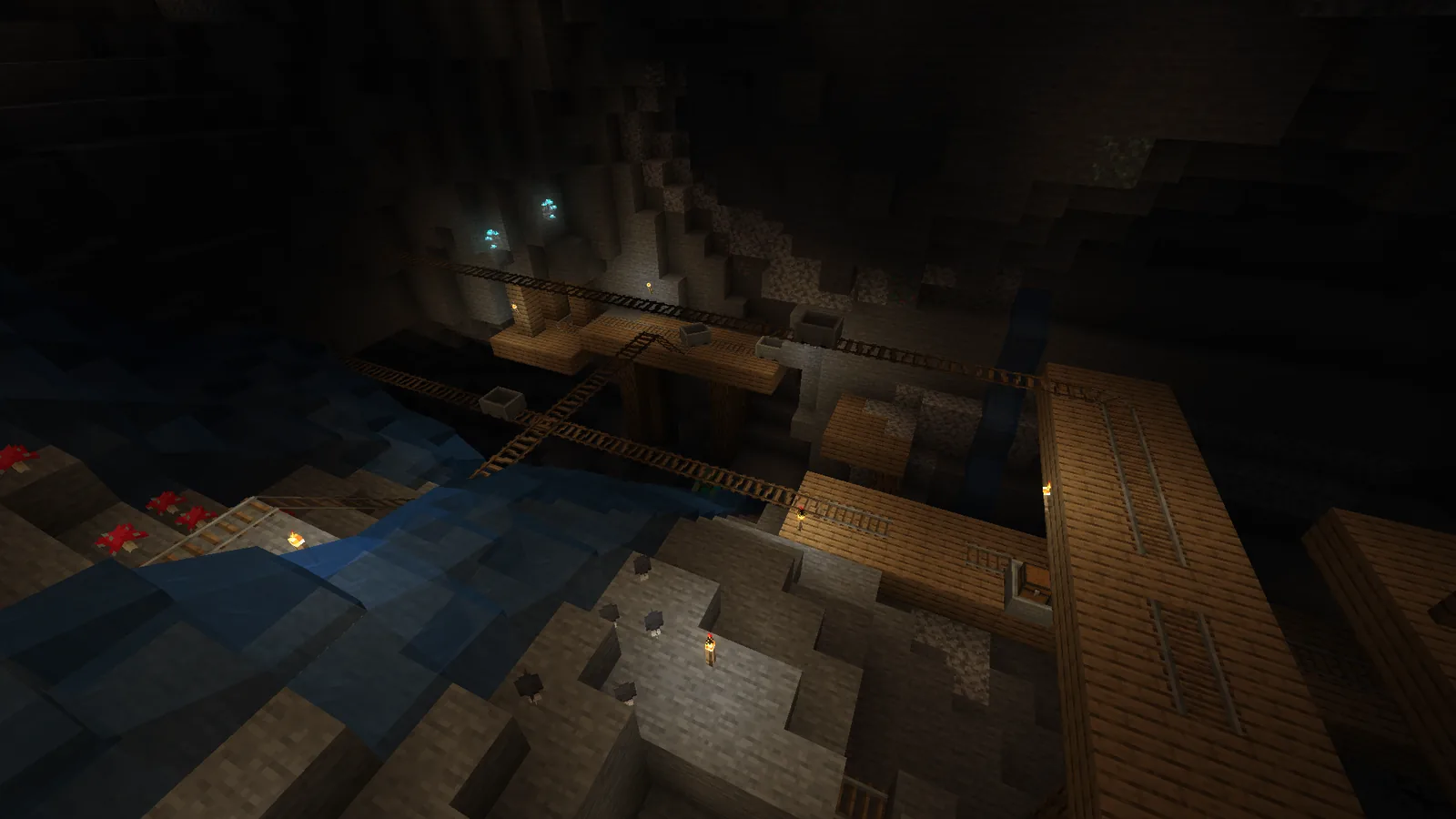
Large cave systems become legible. You can hear that a chamber ahead is big before you see it, because the ambient sounds coming from it carry a longer tail. Water is audible around corners. A drop into a ravine announces itself.
Anyone who caves seriously should try it once for this reason alone. It does not make cave mining safer so much as it makes it comprehensible.
The performance question
Ray-tracing audio sounds expensive and is, but the cost lands on CPU audio threads rather than on the render loop. On a modern machine the frame-rate impact is small; on an older one it is noticeable, and the mod exposes a ray count setting specifically so you can trade accuracy for cost.
If you are already running a tight performance budget, this is a mod to add last and measure. It will not fight with the usual performance stack – it is operating in a different part of the engine entirely – but it is not free either.
Beta, and what that means here
Both 26.3 builds are tagged beta. For this mod that label is worth taking at face value rather than treating as a formality, because sound handling touches OpenAL and the audio device layer, which is the part of Minecraft most likely to behave differently across operating systems and drivers.
The failure modes when it goes wrong are distinctive: sounds cutting out entirely, a persistent buzz, or the game hanging on world load while the audio system initialises. None of those damage a world, but all of them are worth discovering on a test profile rather than mid-session.
Pairing it
The natural companions are the ambient sound mods and the footstep mods, which add material to work with. Sound Physics processes whatever audio exists; give it a richer set of ambient sources and the effect is considerably stronger.
The other pairing worth mentioning is proximity voice. Running Sound Physics alongside a voice chat mod means player voices get the same occlusion and reverb treatment as everything else, which is a genuinely striking effect on a server – someone talking from the next room sounds like they are in the next room. Not every voice mod integrates, so check before assuming, but where it works it is the single best argument for either mod.
On a server that already runs a compact SMP mod list, this is a client-side addition that costs the server nothing.
Worth installing?
If you spend most of your time building on the surface, it is a nice-to-have. If you spend time underground, in large structures, or on a voice-enabled server, it is closer to essential – it is one of the few mods that changes what information the game gives you rather than how the game looks.
Given the beta tag, install it on a copy of your profile first, load into a cave, and listen for thirty seconds. You will know immediately whether it is working correctly, which is more than can be said for most mods.
Settings worth changing first
The default configuration is tuned conservatively and hides most of what the mod can do. Three adjustments make the difference.
Raise the ray count if your CPU can take it – this is the single control that determines how accurate occlusion and reverb are, and the default is low enough to be safe on modest hardware rather than high enough to be convincing. Turn on reverb for enclosed spaces if it is not already enabled, since that is the effect people install the mod for. And check the sound distance multiplier, which extends how far sounds carry; the vanilla range is short, and part of what makes caves feel flat is that distant sounds simply are not played.
Change one at a time and listen in the same cave each time. The effects interact, and adjusting all three at once makes it impossible to tell which one did what.
Images: Spelunkery project gallery.