Key takeaways
- 26.3 Snapshot 6, on 28 July 2026, adjusted abandoned camps and introduced a new World Options interface.
- Mojang admitted in the notes that they had run out of snapshot intro jokes, which is its own kind of milestone.
- Interface work in the middle of a content drop usually means something larger is being prepared.
Six weeks into the cycle, the additions had stopped being new and started being refined. Snapshot 6 is the tuning pass: the camps that arrived in Snapshot 1 got adjusted, and the screen where you configure a world got rebuilt.
Camp tweaks
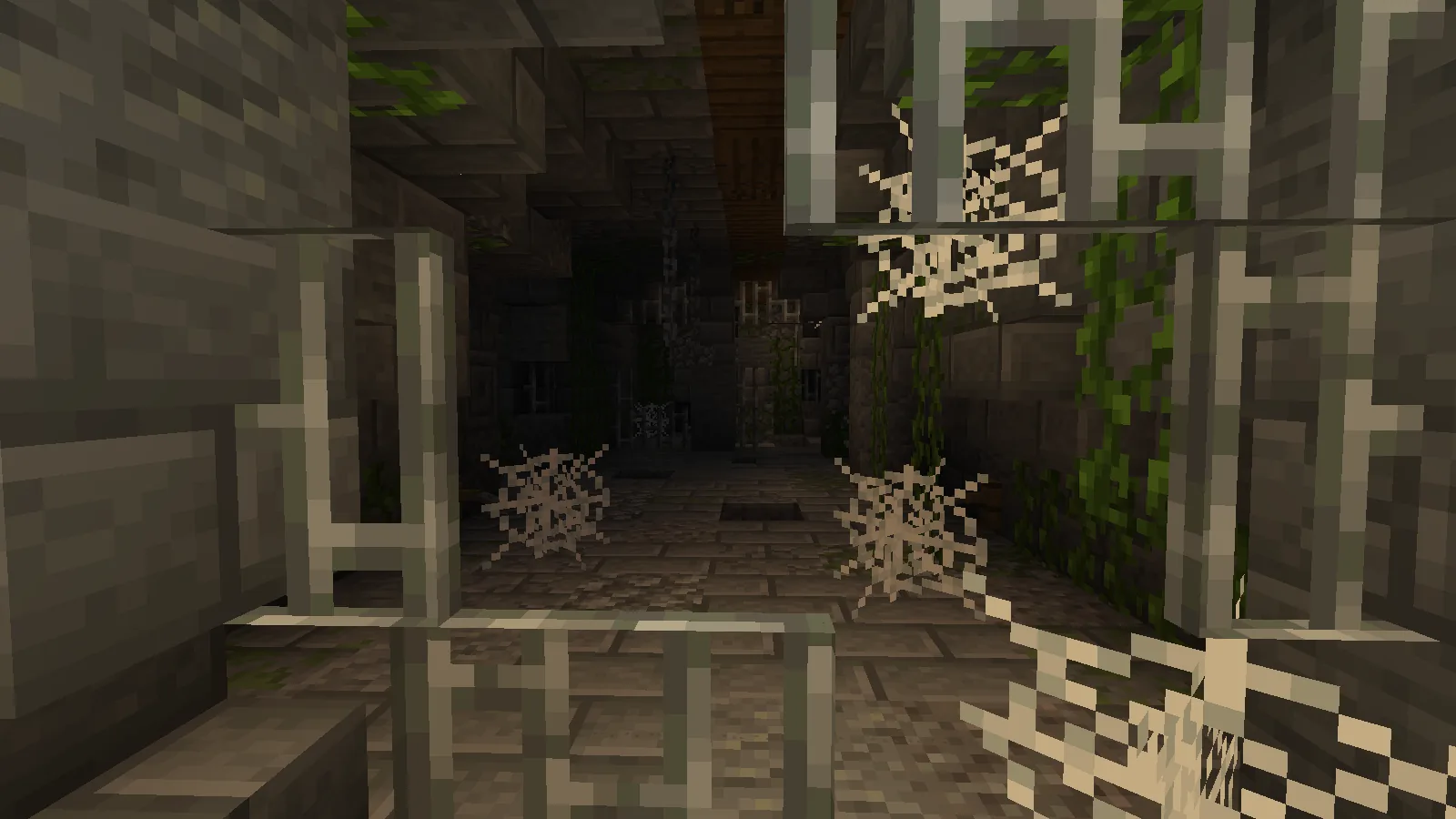
Abandoned camps arrived early in this cycle and kept changing through it – loot, placement and contents were all adjusted before release. By the final build they carried straw beds and chests including secret ones holding explorer maps.
A structure that changes repeatedly across a cycle is usually one the team is still deciding the purpose of. Camps ended up as the delivery mechanism for the map system, which is a bigger role than “a place to find loot”.
The World Options rebuild
The screen where you set difficulty, game rules and world settings is one of the oldest interfaces in the game, and it has accumulated options for a decade without a redesign.
Rebuilding it mid-cycle is not a content decision. It is the kind of work that happens when new settings are coming and the existing screen cannot hold them – and by Snapshot 9 in August, Realms owners were getting separate render and simulation distance controls.
What players actually noticed
Very little, which is the point of an interface change done well. The options are where you expect and the screen is easier to read.
Our view is that UI work in Minecraft is systematically underappreciated because the bar is invisible – nobody praises a settings screen. The measure is whether a new player can find simulation distance without looking it up, and that has been getting quietly better for two years.
Where this left the drop
Four weeks to the final snapshot, seven to release. From here the additions were concrete stairs and slabs, explorer maps, and Realms controls – all of which arrived in August.
World creation is where a playthrough is decided
More than gear, more than difficulty. The options set at world creation decide what the next hundred hours look like, and most players click through them once and never again.
Anything that makes those options clearer is worth more than it appears in a changelog.
Seeds are an option too
The seed field is the most consequential box on that screen and the one people treat most casually. A world’s first week is mostly determined by what is within five hundred blocks of spawn.
Island starts are the clearest example of how much this matters – what makes one playable rather than just pretty comes down to resource availability that is visible in the first two minutes if you know what to check.
If you are adding worldgen mods
The world creation screen is also where worldgen mods declare themselves, and where two of them quietly fight. Terrain mods and biome mods operate at different layers, which is why some pairs stack cleanly and others produce cliffs in the middle of a plains biome.
Terralith and Tectonic compared is the clearest illustration of those two layers, and it is the comparison most people need before they pick.
What changed, practically
- Options are grouped rather than listed flat.
- Defaults are unchanged, so existing habits still work.
- Nothing here affects an existing world.
28 July 2026, 26.3 Snapshot 6. Shipped 15 September 2026.
The options that matter most
- Seed – decides the first hundred hours more than anything else on the screen.
- World type – superflat and large biomes are irreversible choices.
- Bonus chest – trivial, and the first thing people argue about.
- Generate structures – turning it off is a much bigger change than it sounds.
Everything else on that screen can be adjusted later or does not survive contact with actual play.
Things you cannot change afterwards
Seed, world type and dimension configuration. Game mode and difficulty you can change; the shape of the world you cannot, short of editing files.
This is the reason to spend two minutes on the screen rather than two seconds, and it is why grouping the options is a real improvement rather than cosmetic.
Version
26.3 Snapshot 6, 28 July 2026. Wilderness Bound released 15 September 2026 as Java 26.3 and Bedrock 26.50.
Worth saying plainly: the world creation screen is the only part of Minecraft where a careless click has consequences you cannot undo without editing files. Everything else in the game is reversible given enough time and materials. Two minutes spent reading that screen properly is the highest-return two minutes in any new playthrough, and the redesign in this snapshot mostly exists to make those two minutes less confusing than they used to be.
Images: Philips Ruins project gallery on Modrinth.