Key takeaways
- 26.2 Snapshot 6 arrived on 5 May 2026 with the last Chaos Cubed features going into testing.
- Sulfur cubes can now be fed magma, which changes how they behave.
- Once the final features are in, snapshots shift from adding things to fixing them.
There is a moment in every snapshot cycle where the additions stop and the polishing starts. For Chaos Cubed that moment was 5 May, when Mojang shipped the sixth snapshot of 26.2 with the last of the drop’s features attached.
Feeding magma to a sulfur cube
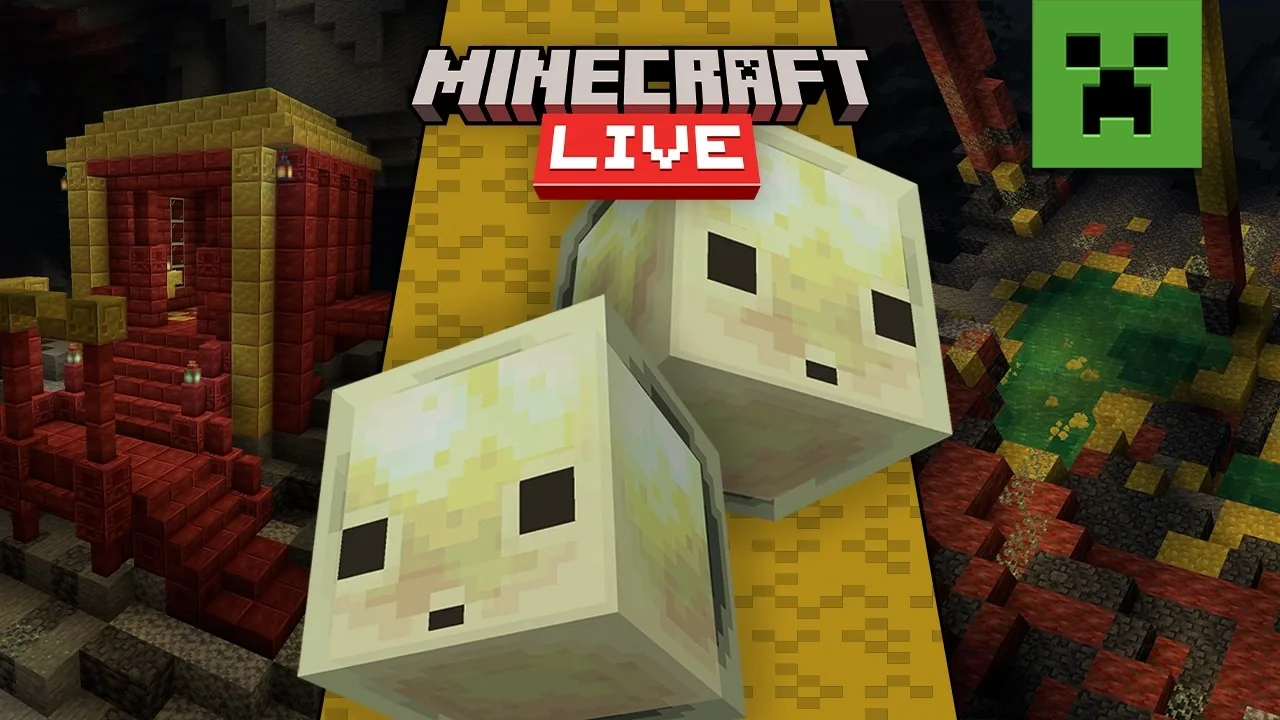
The headline in this snapshot is that sulfur cubes can be fed magma. The mob’s defining trait is an appetite for blocks, and what it has eaten changes what it does – so feeding it deliberately is less like taming an animal and more like configuring one.
That is an unusual interaction for a passive mob. Most creatures in Minecraft are fed to breed them. This one is fed to change its properties, which puts it closer to a mechanism than to livestock.
What “final features” actually signals
When Mojang says the final features are in testing, it is a scheduling statement rather than a design one. From that snapshot forward, the job is bug fixing, and anything that has not appeared is not coming in this drop.
For players that is the point to start planning. A world built against snapshot 6 will not have features removed under it, and the block list is settled.
How to test it safely
Snapshots are separate installations in the launcher and should be pointed at a copy of a world rather than the world itself. Chunk format changes between snapshots are not always reversible, and a world opened in a snapshot cannot reliably be opened again in the release version.
Make a copy, name it clearly, and keep the original closed. This is the part experienced players do automatically and new players learn once, expensively.
Where this sat in the cycle
Snapshot 6 landed on 5 May. Pre-release 1 followed on 26 May, the release candidate on 11 June, and the full drop on 16 June. Three weeks from final features to release is a short runway, and it shows how much of the work in a modern drop happens before anything appears in a snapshot at all.
What to watch for in your own testing
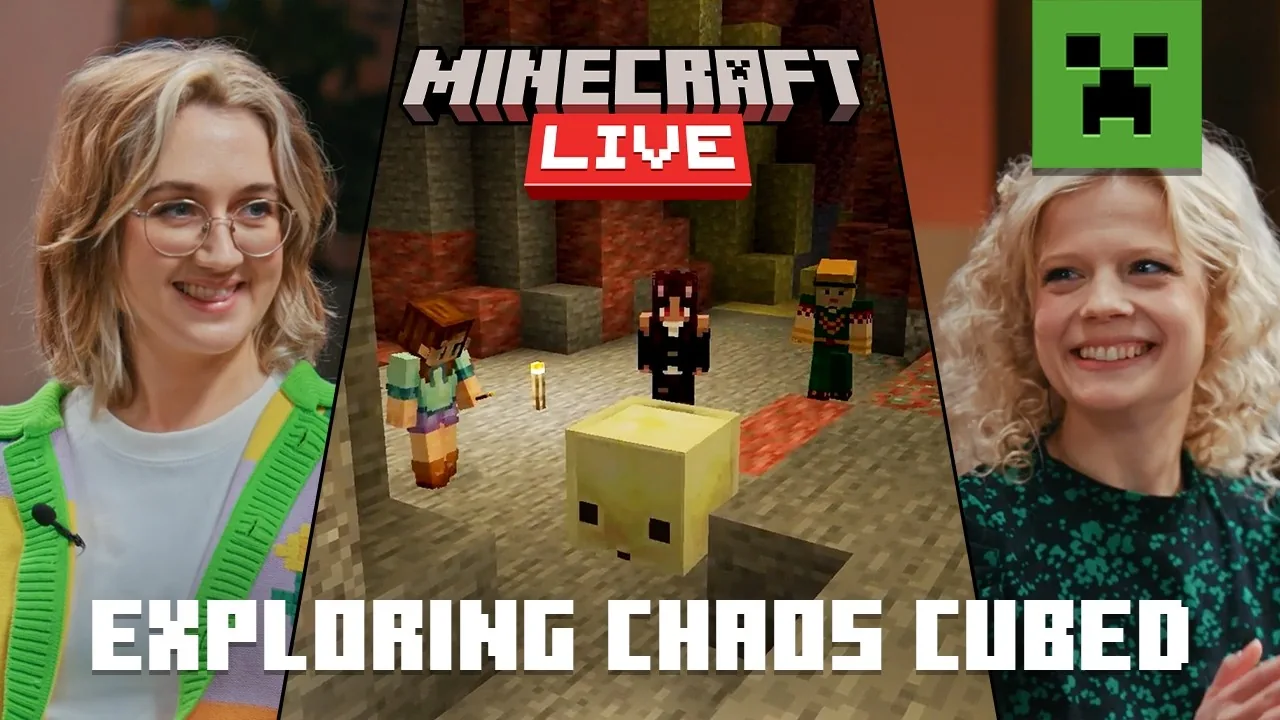
Feed a cube several different blocks and note what changes. Physics properties are the thing to watch – the drop introduced attributes for bounciness, friction and air drag, and the cube is the most visible demonstration of them in the game.
If you find something that looks wrong, the bug tracker is the right destination. Snapshot feedback is the entire reason the snapshot exists, and a report filed during testing is worth more than a complaint after release.
What a feature-complete snapshot actually means
Mojang uses “feature complete” narrowly. It means nothing new is going in, not that the build is finished. Everything after this point is balance, bug fixing and the occasional quiet revert – which is exactly what happened to attribute swapping four weeks later.
For anyone tracking a drop, this is the snapshot worth reading carefully. The list here is the list that ships. Later snapshots subtract; they rarely add.
Reading the structure changes
The structure work in this batch is easier to judge if you know how Minecraft decides where anything spawns. Spacing and separation values, not randomness, are what put a structure four thousand blocks from your base, and the spacing and separation system explains why two players on the same seed can have wildly different exploration experiences.
That matters for this snapshot because the additions sit inside the existing generation rules rather than beside them. No new pass, no new region grid – just more entries competing for the same slots.
If you play modded
A feature-complete snapshot is the point where mod authors start porting in earnest, because the target has stopped moving. It is also the point where a stable modded install is most at risk, since half your list will update to the new version and half will not.
The safe approach is the boring one: keep the working version installed, build the new profile separately, and only move your world once every mod you actually use has a release. Our guide to keeping a modded setup from breaking covers the profile separation in detail.
Key dates from this point
- 5 May 2026 – Snapshot 6, feature complete.
- 2 June 2026 – Pre-Release 3, attribute swapping reverted.
- 8 June 2026 – Pre-Release 5, release date confirmed.
- 16 June 2026 – Chaos Cubed released as Java 26.2.
Six weeks from feature freeze to release is typical for a Minecraft drop. The gap exists so that changes like the attribute revert can happen without pushing the date.
Common questions
Can I play a snapshot on my main world? You can open it, but you cannot go back. Copy the save folder first – a snapshot world is a one-way door, and this has not changed in a decade.
Does feature complete mean no more bugs? The opposite. Feature freeze is when bug fixing starts in earnest, because the surface has stopped moving and the team can work through the tracker instead of chasing new code.
Why do features get cut this late? Because some problems only appear once everything is in at once. A feature can be fine alone and wrong in combination, and combination testing is the last thing that happens.
Is it worth reading every snapshot? No. Snapshot 1 tells you the theme, the feature-complete snapshot tells you the contents, and the last pre-release tells you the date. The rest are detail.
If you only read three builds per cycle, those are the three.
Images: Mojang Studios, via the official Minecraft channel.