What this pack does
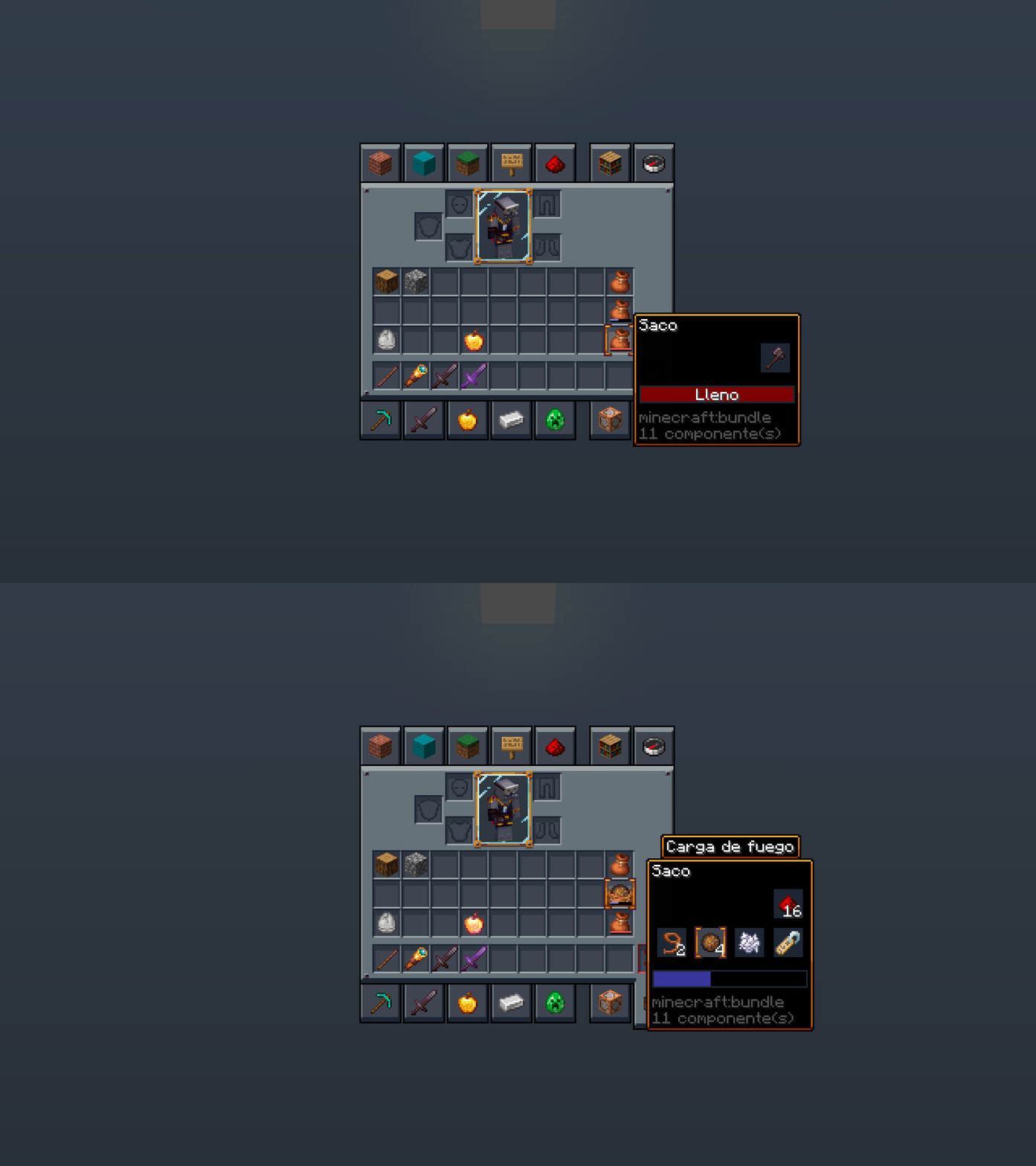
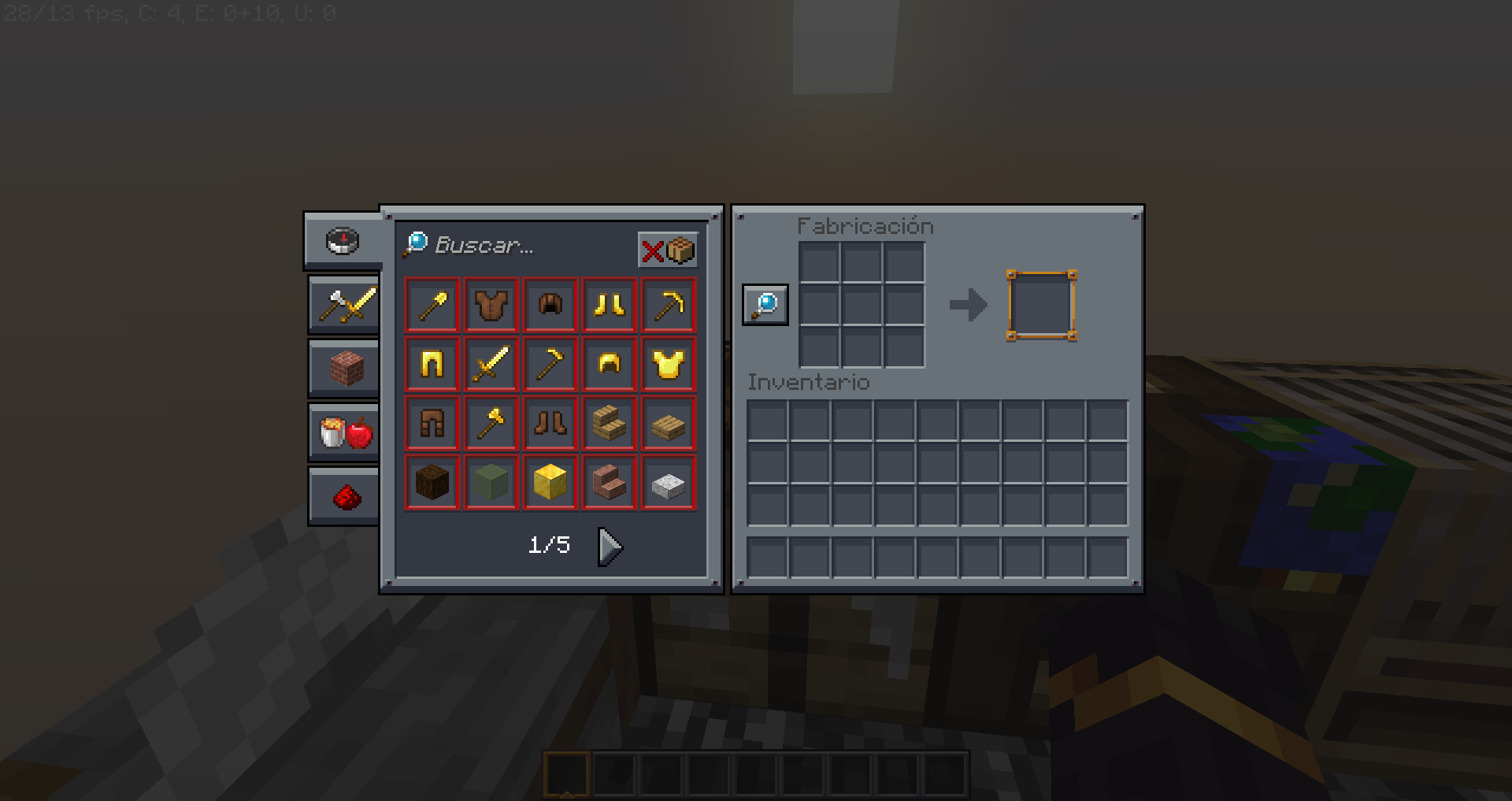
It replaces Minecraft’s interface – inventory, chests, crafting, furnaces, menus – with a dark theme, and touches nothing else. Blocks, mobs, items and the world all look exactly as they did.
Key takeaways
- Interface only. The world is untouched, so nothing about the game’s look changes while you play.
- It stacks with any other resource pack, because they are not competing for the same files.
- The benefit is comfort at night, not aesthetics.
Key features
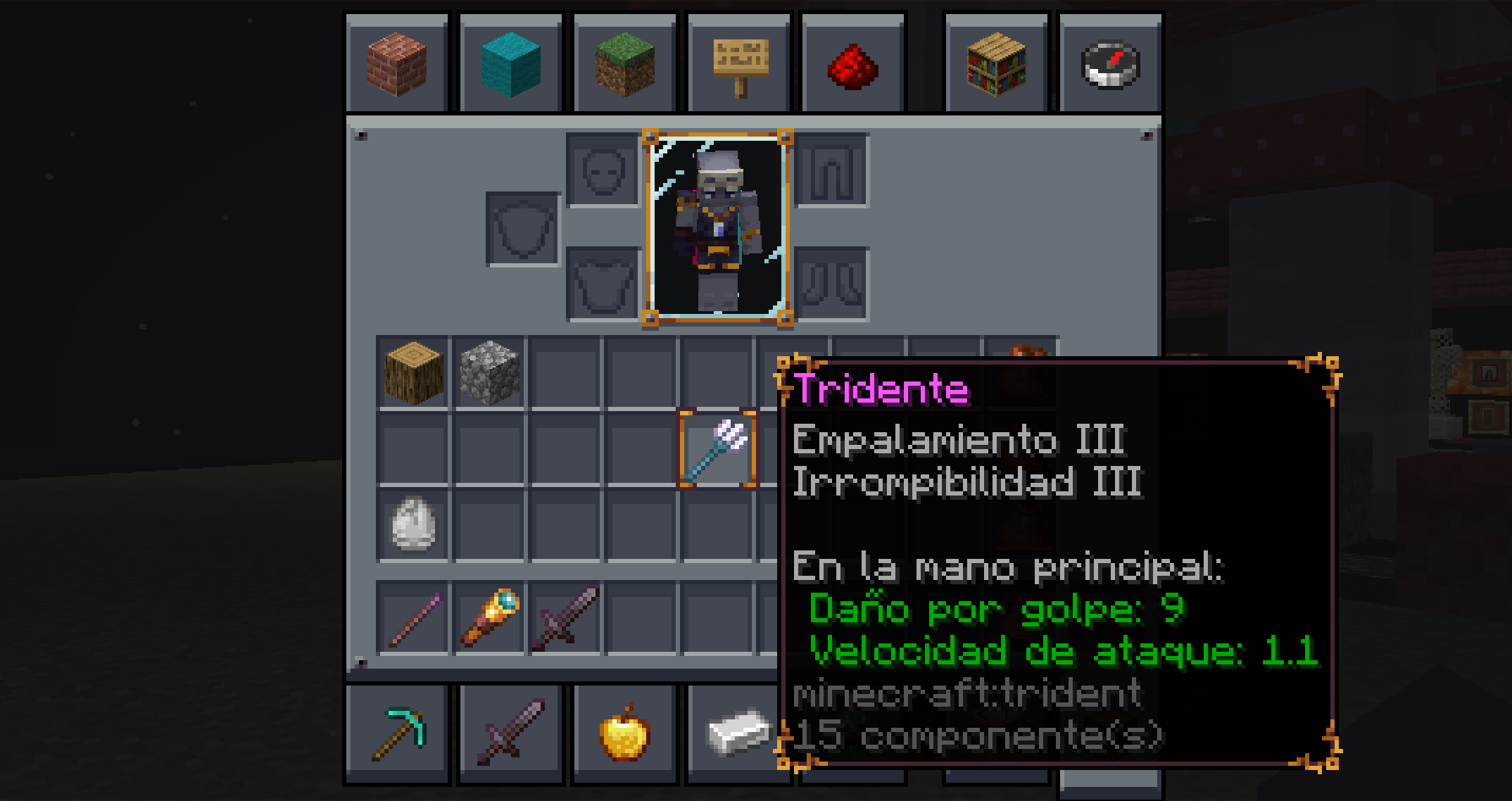
The panels are dark grey rather than the default stone-textured beige, the slot outlines are cleaner, and the contrast between item icons and background is higher. In a dark room with a bright inventory screen, the difference is immediately physical – the flash when you press E is gone.
Because it only overrides GUI textures, load order rarely matters. Put it above or below your main pack and both apply.
Compatibility
High, with one caveat. Mods that draw their own interfaces will keep their own look, so a heavily modded client ends up with a mix of dark vanilla screens and default modded ones. That is not a fault of the pack, and there is no fix beyond the modded UI having its own theme.
How to install
Drop the zip into the resourcepacks folder, enable it in options, and place it above any other pack if you want its GUI to win. Nothing else is needed and nothing can break.
Is it worth installing
If you play at night, yes, and it is one of the few packs with no downside at all – no performance cost, no compatibility risk, no change to how the game reads.
Our view is that GUI packs are the most underrated category in resource packs, precisely because screenshots of them look like nothing. The value is measured in whether your eyes hurt after two hours, which no gallery image can convey. For a pack that changes the world instead, see the Patrix 32x review.
What a GUI pack can and cannot change
Resource packs can replace interface textures, fonts and some layout metrics. They cannot move elements, add buttons or change what a screen does. A GUI pack is therefore a reskin in the strict sense – everything is where it was, in different colours.
That is a feature. Muscle memory built over years still works, and nothing about how you play changes.
Fonts
Some GUI packs replace the font as well. This one keeps the default, which is the right call for a pack intended to be used with everything else – a replaced font is the single most noticeable change a resource pack can make, and the one most likely to clash with another pack’s style.
Using it with a texture pack
Stack it above your world pack in the resource pack list. Minecraft applies packs top-down, so the GUI pack wins for interface files and the world pack keeps everything else. If your world pack also includes GUI textures, this is the only way to get the combination you want.
How far to go with the world-facing side is a separate question, covered in the resolution piece.
Who should skip it
Players on Bedrock, since resource pack handling differs and the pack targets Java. Players who use a modded interface throughout – the mix of dark vanilla screens and default modded ones is more jarring than either alone. And anyone who plays in a bright room, where the default interface is not causing any discomfort in the first place.
Verdict
The lowest-risk resource pack recommendation available: no performance cost, no compatibility problem, no change to how the world looks. If you play in the evening it is worth the two minutes to install, and if you do not, it changes nothing.
For the packs that do change the world, the resolution trade-off is the thing to understand first – it is set out in the resolution piece.
One practical note
Resource packs load top-down, so if a later pack also overrides interface files, the GUI pack has to sit above it. This is the most common reason a GUI pack appears not to work at all.
A note on eye strain
The default interface is a bright panel that appears suddenly over a dark scene, dozens of times an hour. That contrast step is what makes long evening sessions tiring, and it is the specific thing a dark GUI pack fixes.
It is worth saying that this is a comfort change rather than an aesthetic one. Screenshots of the pack look like a slightly different menu. Playing with it for an evening is where the difference actually shows up, which is why the category gets less attention than it deserves.
Keeping it after an update
Resource pack formats change between game versions, and a pack built for an older format will show a warning and may render incorrectly. GUI packs tend to survive these changes better than world packs, because interface textures change less often than block textures, but it is still worth checking the supported version before a drop.
Images: Mandala’s GUI project gallery on Modrinth.