Key takeaways
- Pick structure mods that cover different scales – small roadside finds, mid-size buildings, large landmarks.
- Three or four is the practical ceiling before density destroys the point of exploring.
- A spacing multiplier is the single most useful thing to install alongside them.
The instinct when building an exploration world is to install every structure mod available. The result is a world where you cannot walk five hundred blocks without finding something, and finding something stops meaning anything.
Cover three scales, not three themes
The useful way to choose is by size rather than aesthetic. You want small structures that appear often and reward a thirty-second detour, mid-size buildings worth clearing properly, and a small number of large landmarks that are visible from a distance and take a session.
Most players accidentally install three mods that all do the middle scale, which produces a world where everything is a house with two chests in it.
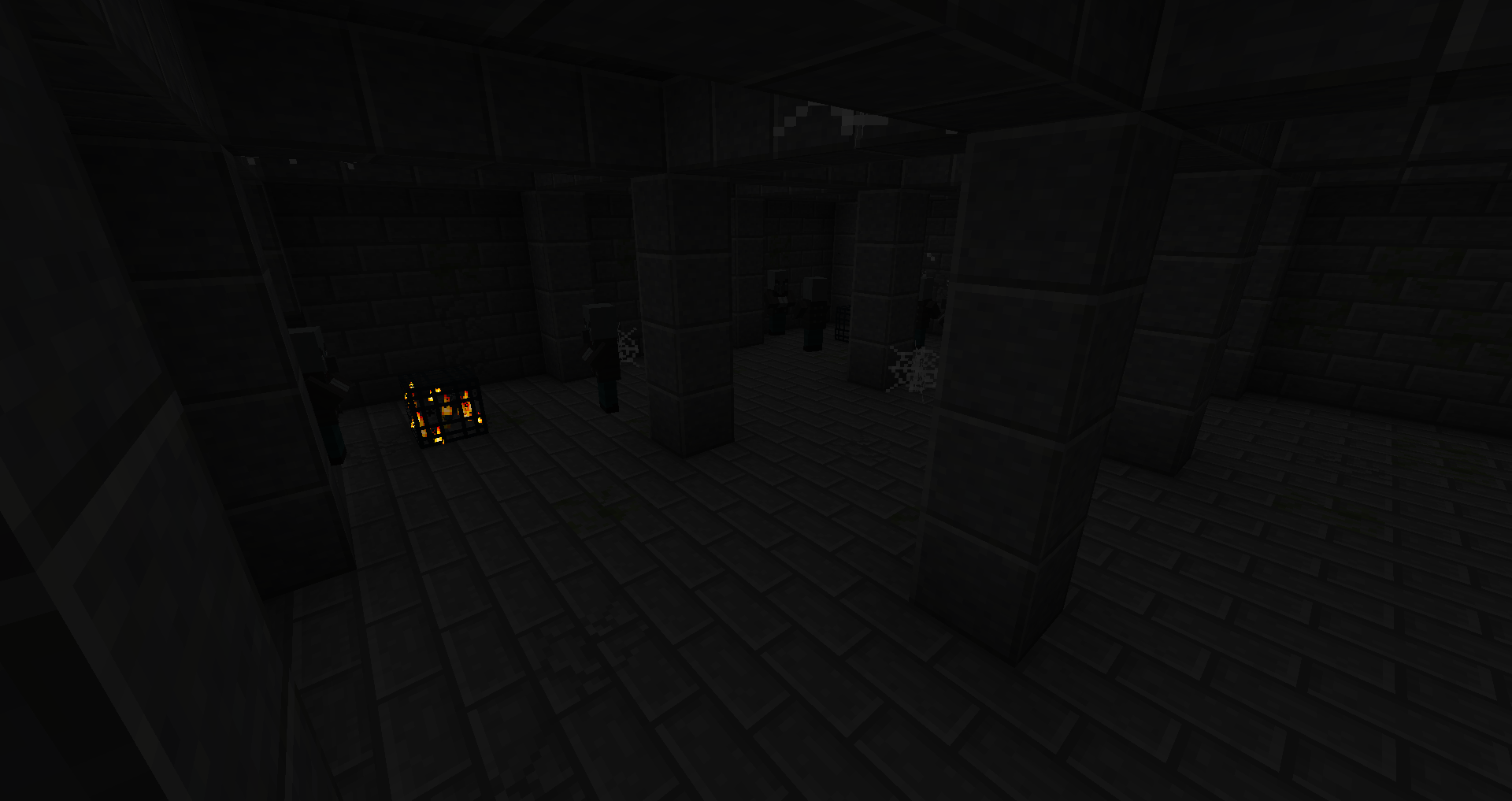
Vanilla style or not – pick one
Mixing a vanilla-style structure pack with a heavily stylised one is where exploration worlds start looking incoherent. Either the world reads as an extension of Minecraft or it reads as a different game, and switching between the two every few thousand blocks reads as neither.
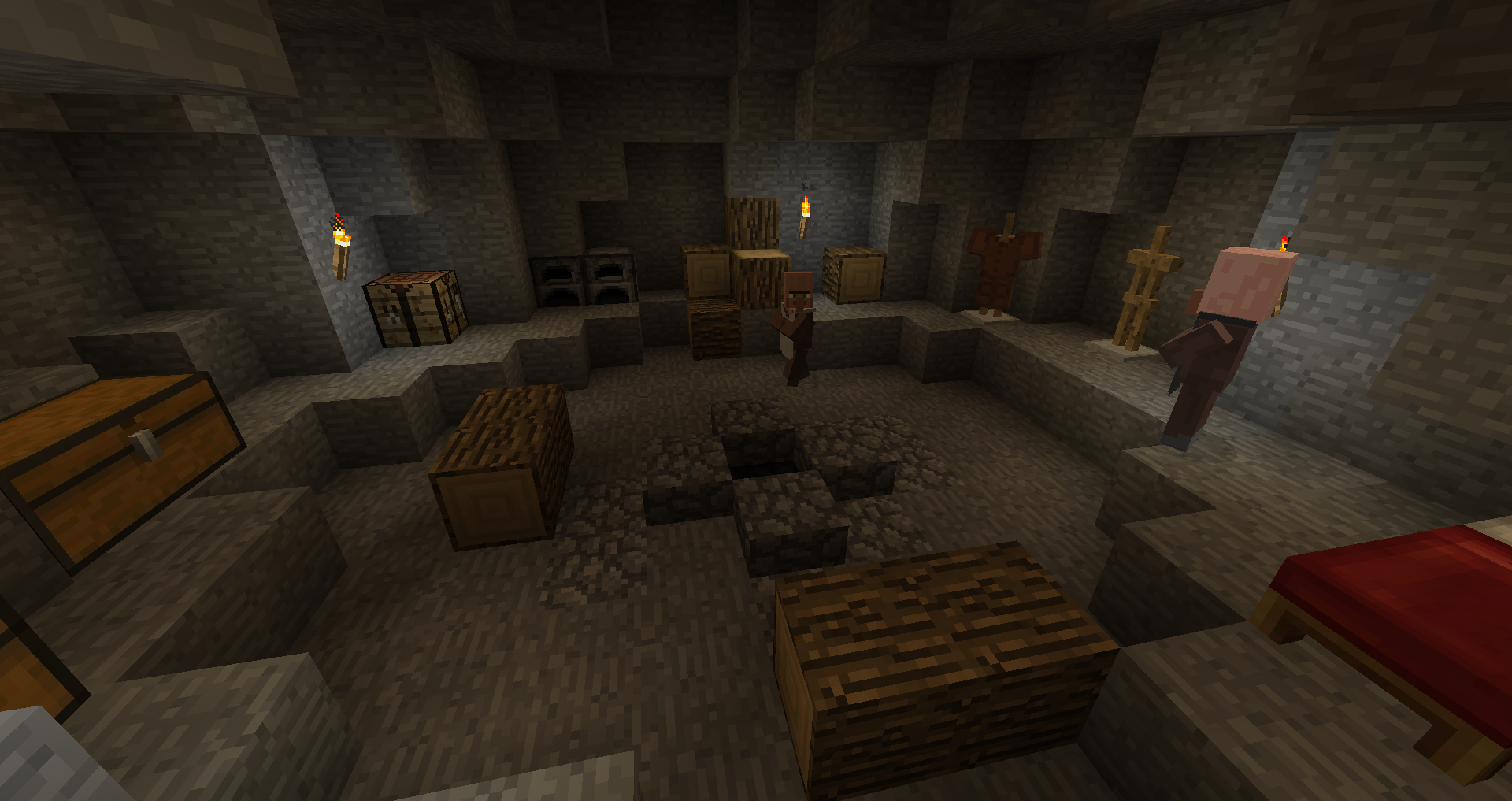
Spacing is the setting that matters
Each mod places its structures independently, so density is cumulative. A spacing multiplier raises the gap for every structure type at once, including modded ones, and setting it to two or three restores something like vanilla rarity while keeping the variety.
The mechanics behind that grid are in the structure generation explainer.
Loot is the other half
More buildings with the same vanilla loot tables does not make exploration rewarding, it makes it repetitive. A structure set is worth pairing with something that adds items you cannot craft, so that opening a chest can still surprise you at hour two hundred.
Our view is that most “exploration modpacks” fail on exactly this point. They add places and forget to add reasons, and the result looks spectacular in screenshots and plays like a museum.
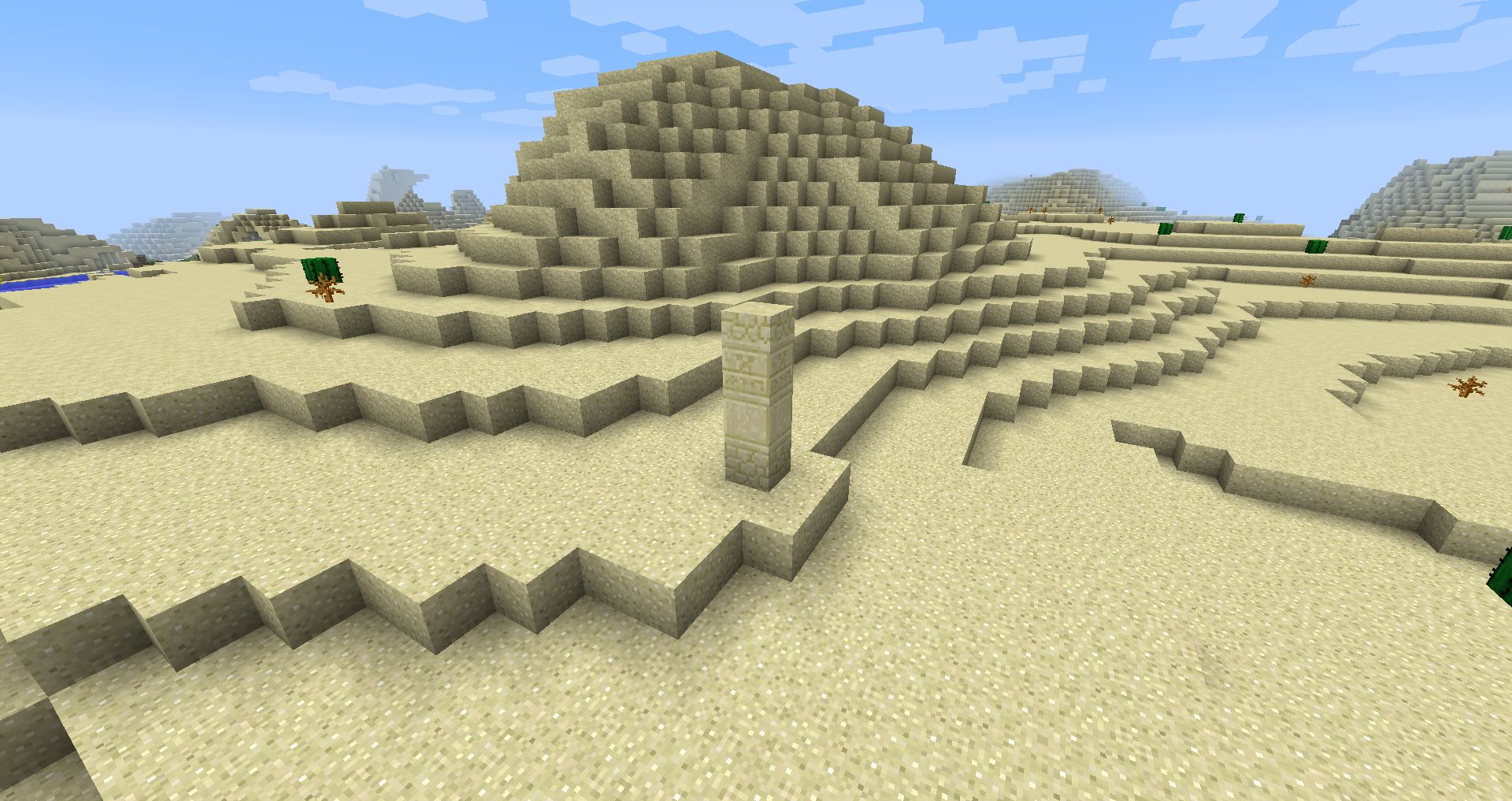
A working set
One small-structure mod, one mid-size set, one landmark mod, a spacing multiplier at two or three, and one loot mod. Five entries, a world that stays interesting, and a chunk generation cost you can actually afford.
Pre-generate before anyone plays
A structure-heavy mod list makes chunk generation expensive, and the cost lands exactly when a player is exploring – which is the whole point of the world. Pre-generating a bounded area converts that into a disk read and removes the stutter entirely.
Set the border first, then pre-generate, and do both after the mod list is final. Changing structure spacing afterwards only affects ungenerated chunks, which leaves a visible boundary in the world.
Biome mods and structure mods interact
Structures check biome tags. A biome pack that adds new biomes without adding them to the relevant tags will produce large regions with no structures at all, and it will look like the structure mod is broken.
If you are running both – which most exploration worlds do – generate a test world and fly a few thousand blocks before committing. Villages appearing at a sensible rate is the quickest sanity check, and the underlying mechanism is explained in the structure generation guide.
Give the player a reason to travel far
A world where everything worth having is within a thousand blocks does not need exploration. The mods that make long journeys worthwhile are the ones with location-specific rewards: a material that only generates in one biome, a structure type that appears rarely, loot that cannot be crafted.
Our view is that the single best addition to an exploration pack is not another structure mod at all – it is something that puts uncraftable items in the chests those structures already have, which is why an accessory or loot mod changes the feel of a world more than doubling the building count does.
A checklist before launch
Mod list final, spacing multiplier set, biome tags verified in a test world, border set, world pre-generated, backups running. Six items, one afternoon, and a world that still works in six months.
Keep a list, and keep it short
Write the final mod list down with a one-line note on what each entry is for. Six months later, when something breaks or you consider adding a seventh structure mod, that note is the thing that stops the world becoming a pile of overlapping content.
The same discipline applies to a friends server, where the list has to survive other people’s installs – the approach is in the small SMP piece.
Leave room for the players
A world densely packed with generated content leaves nowhere for players to make their own mark. On a multiplayer server that matters: the landmarks people remember after a year are usually the ones somebody built, not the ones the generator placed.
Thinning structure density is not only a performance decision. It is what leaves space for a road, a tower or a village that a person made, and those are what turn a world into a place.
Images: Additional Structures project gallery on Modrinth.