Key takeaways
- Block-only mods carry almost no compatibility risk, because they add nothing that interacts with other systems.
- The value is in completing block families – stairs, slabs and walls for materials vanilla left incomplete.
- They are safe on existing worlds and safe to remove, with the usual caveat about blocks disappearing.
Ask a builder what they want from modding and the answer is rarely a new dimension. It is a stair variant of a block that has existed for a decade without one.
The incomplete family problem
Vanilla is inconsistent about block families. Some materials have the full set – block, stairs, slab, wall, fence, button. Others have one form and nothing else. Every builder has hit the point where a wall needs a slab of a material that has no slab, and the build has to change to accommodate the gap.
Block mods fill those gaps. It is unglamorous work and it removes a real constraint.
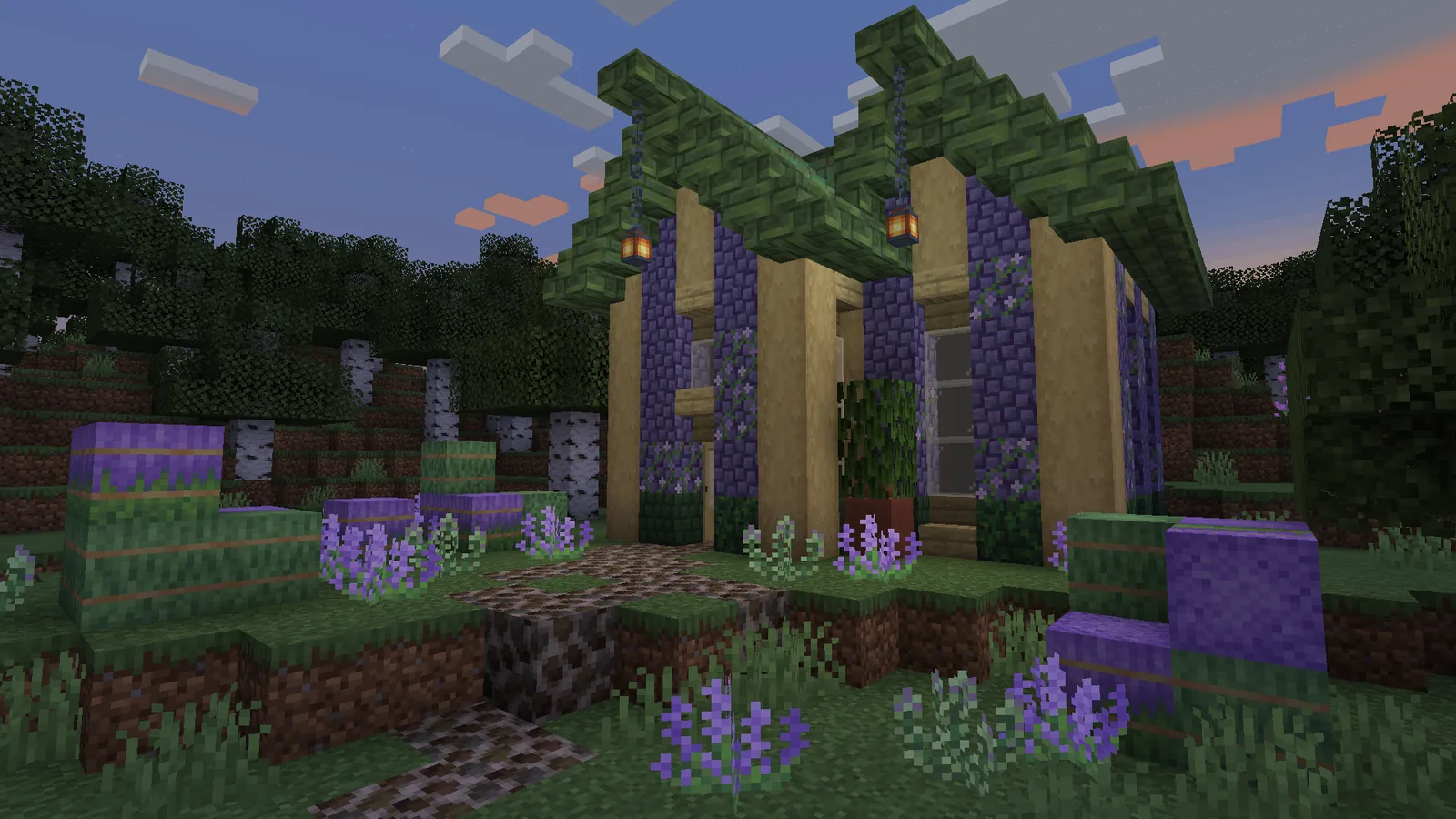
Why the compatibility risk is so low
A block with no behaviour cannot conflict with a mob mod, a worldgen mod or a performance mod. It registers an id, provides a texture and a recipe, and does nothing else. This is why block mods survive game updates faster than any other category and why modpack authors add them without hesitation.
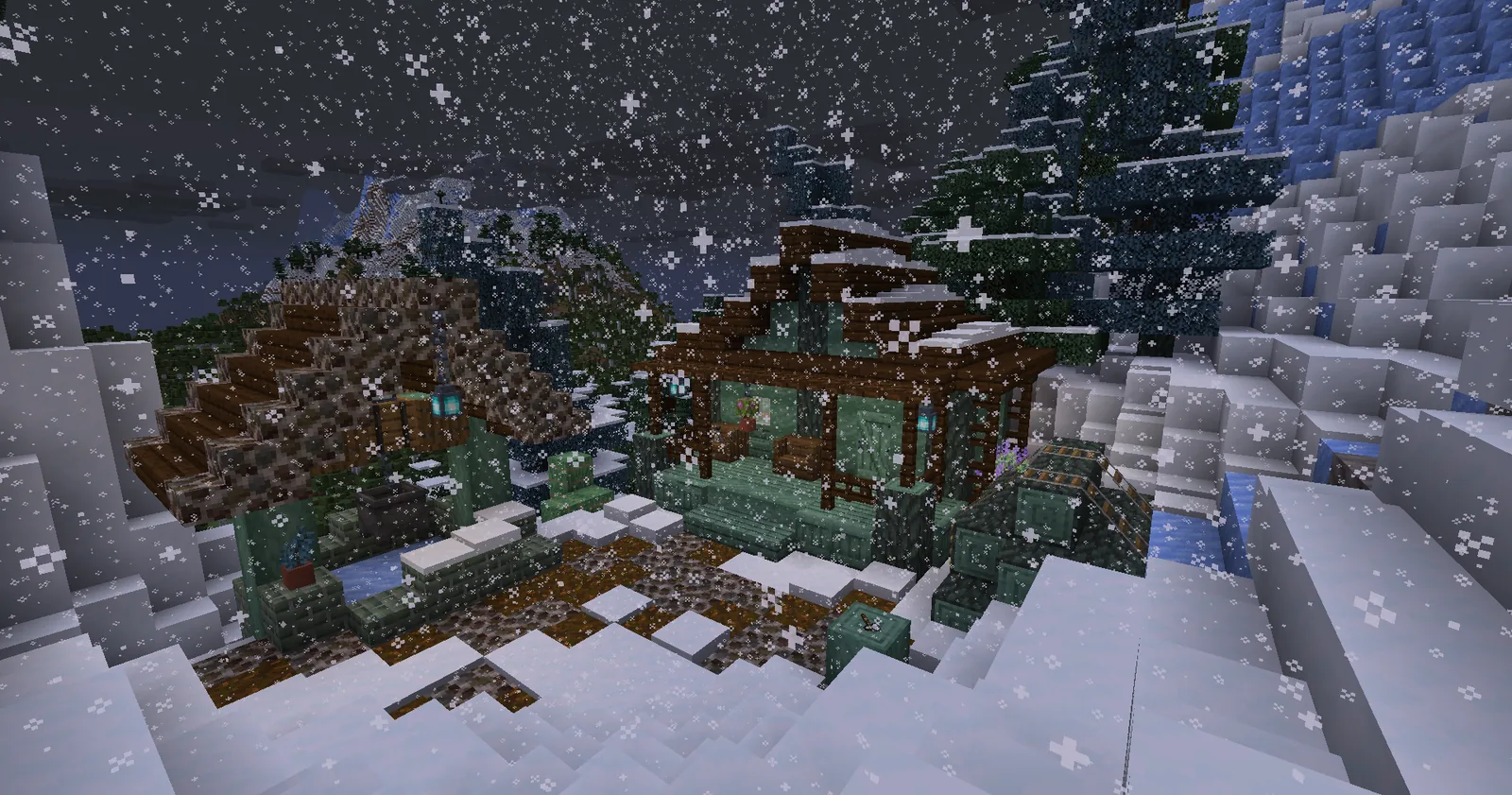
The removal caveat
If you remove a block mod, every block it added disappears from the world. On a builder’s world that can be catastrophic, and the damage is silent – the structure is simply full of holes the next time you load it.
The rule is straightforward: back up before removing any mod that has been used in a build, and treat block mods as permanent once you have built with them.
Choosing between them
Prefer mods that extend vanilla families over mods that invent entirely new materials. An extended family gives you variants of blocks your palette already uses, which improves existing builds. A new material gives you a colour you have to design around, which is fun and much less frequently useful.
Our view is that most builders over-install in this category. Two well-chosen block mods give more usable palette than six, because the constraint on good building is not the number of blocks available – it is the builder’s ability to choose between them, and that gets harder as the list grows.
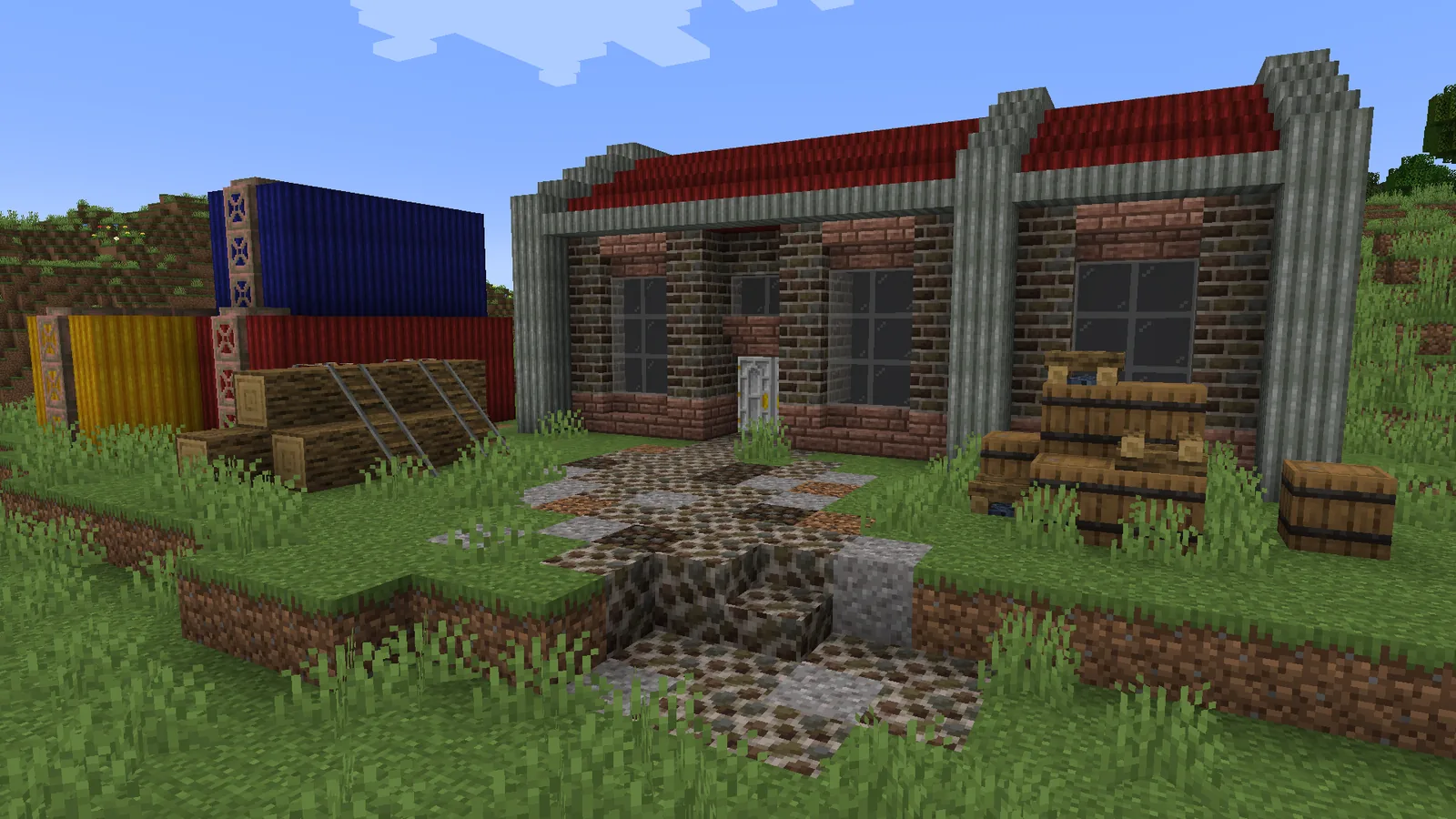
Practical setup
Install on a creative testing world first and build a sample wall with each new family before committing them to a survival build. The palette guide covers how to evaluate them, and installation basics are in how to install Minecraft mods.
Managing an oversized palette
With several block mods installed, the creative inventory becomes unusable and the real cost of the category appears: choice paralysis. The practical fix is to pick the palette before opening the inventory, using a reference image or an existing build, and then find only those blocks.
Some players keep a “palette chest” in their world containing one of each block they intend to use for the current project. It sounds fussy and it removes most of the friction.
Recipes and survival viability
Check whether the mod’s blocks are craftable from materials you can farm. A block mod whose best materials require a rare drop is a creative mode mod in practice, and that is worth knowing before you plan a survival build around it.
The best ones use vanilla materials in new combinations, which means an existing stone farm or tree farm already supplies them.
Update risk
Block mods break the least often, but when a mod is abandoned and the game updates, your build becomes unloadable on the new version. For a world you intend to keep for years, prefer mods with a long update history over one with better blocks and no track record.
A practical shortlist approach
Install one mod that completes vanilla families and one that adds a distinct material set, and stop there. That covers the two genuine gaps – missing variants and missing colours – without producing an inventory nobody can navigate.
Review the list once per major project rather than continuously. A palette that worked for a medieval village will not suit an industrial build, and swapping one mod for another between projects keeps the choice manageable.
Images: Excessive Building project gallery on Modrinth.