Key takeaways
- Worldgen mods never change chunks that already exist – only new ones
- The result is a visible boundary between old terrain and new
- You can manage the seam by planning where it falls, but you cannot remove it
This is the single most common disappointment in modded Minecraft. Somebody installs a terrain mod on a world they have played for two hundred hours, loads in, and everything looks exactly the same. Then they walk two thousand blocks and hit a wall where the landscape abruptly becomes something else.
Neither outcome is a bug. Understanding why is the difference between a world you are happy with and one you abandon.
Why it happens
Minecraft generates terrain in chunks, and it does it once. When you first walk into an area, the game decides what is there and writes it to your save file permanently. After that the terrain is data, not a calculation – it is not regenerated when you come back, and it is not regenerated when you change the generator.
A worldgen mod changes the rules used to create new chunks. It has no effect on chunks already written, because those are not being created any more. So the mod works perfectly and does nothing to the area you have explored.
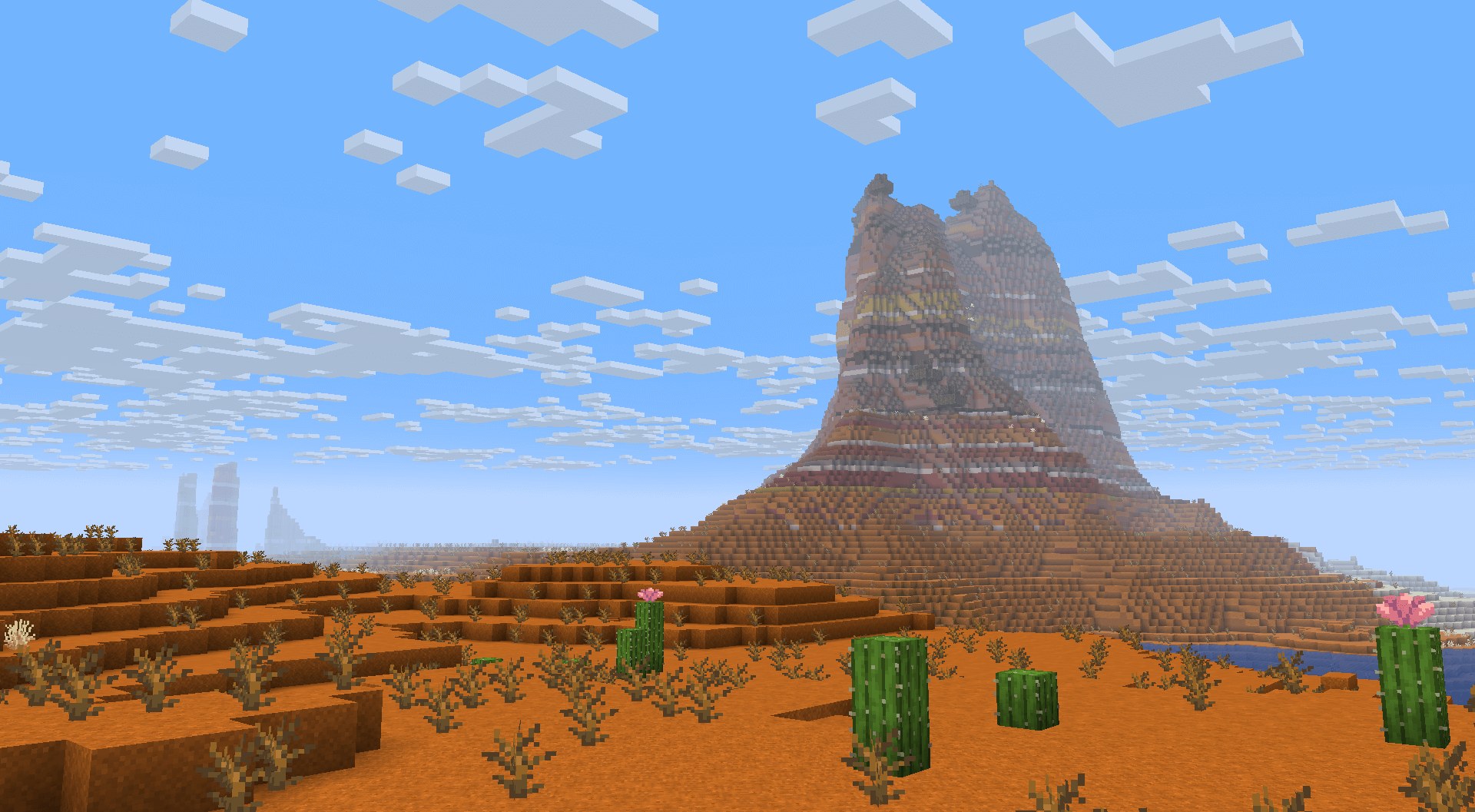
What the seam looks like
The severity depends on what the mod changes.
- Terrain mods produce the worst seam – a literal cliff where the old height rules meet the new
- Biome mods produce a moderate seam, with biomes changing abruptly at the boundary
- Vegetation-only mods produce a mild seam you may not consciously notice
- Structure mods produce no seam at all – structures simply start appearing further out
That last category is why structure mods are the safest thing to add to a world in progress. Our coverage of Explorify and the YUNG’s family are all in this group – they add things without changing the ground.
The approaches, ranked
Best: start a new world
Not the answer anyone wants, and still the right one if the mod is a terrain overhaul. Choose your worldgen stack before you generate anything, and you never have this problem.
Good: move far away, then settle
If you want to keep an existing base, travel several thousand blocks before you stop. You end up with your old world behind you and the modded terrain in front, and the boundary sits in territory you rarely cross.
Establish a second base out there and connect the two with a nether portal rather than an overland route, so you skip the transition entirely in normal play.
Acceptable: accept the seam
On a world where you mostly stay near your base, a boundary two thousand blocks out is a curiosity rather than a problem. Plenty of long-running worlds have one.
Last resort: delete the outer chunks
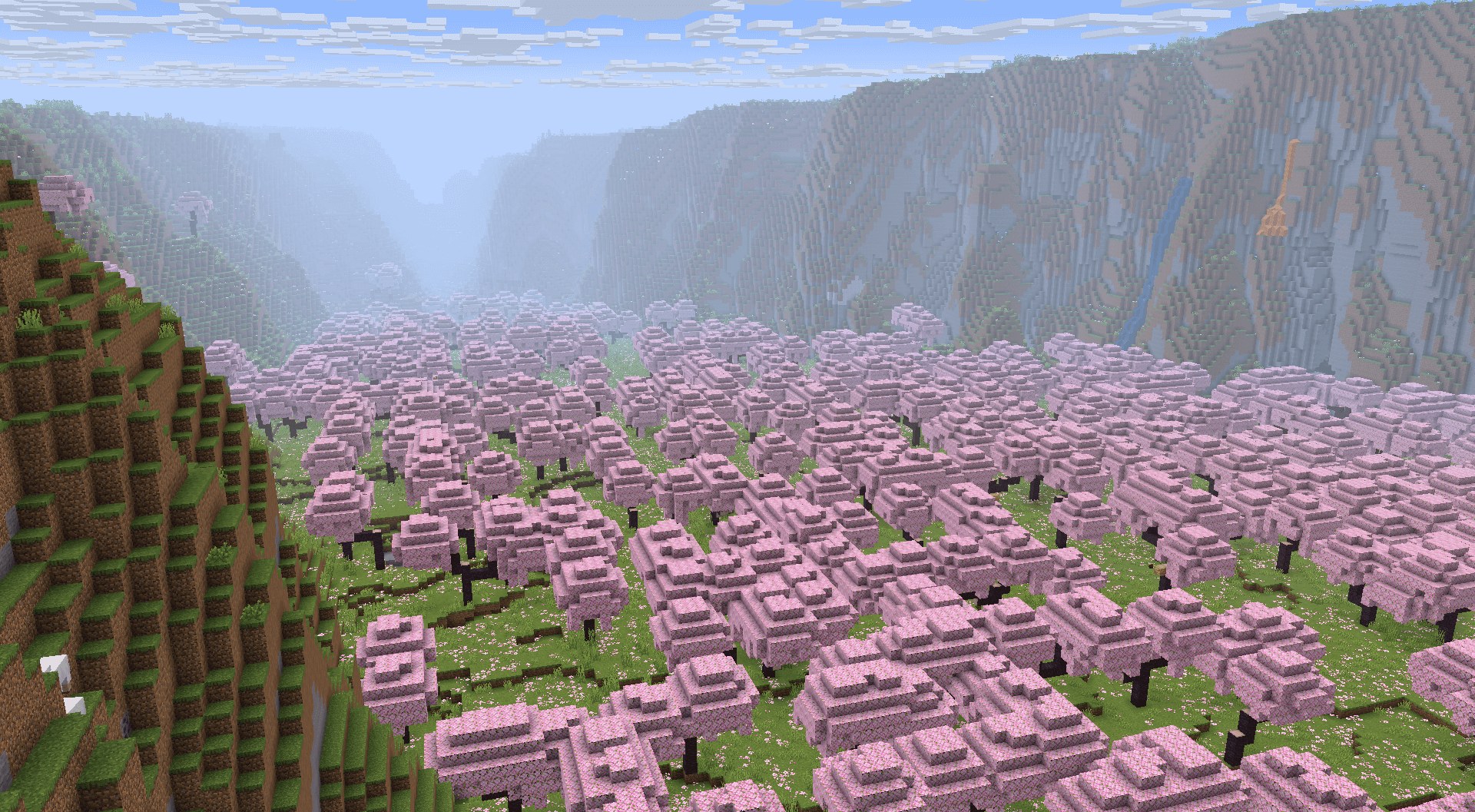
External tools can delete chunk data so the game regenerates it with the new rules. This works and it is genuinely risky – deleting a chunk deletes everything in it, including anything you built.
- Back up the entire world folder first, without exception
- Never delete chunks containing builds, farms or bases
- Expect a boundary anyway, just further out
- If you are not comfortable with what the tool is doing, do not use it
A note on multiplayer
On a server the problem is worse, because several people are generating chunks in different directions at once and none of them are coordinating. A seam that one player crosses deliberately is a seam that four other players stumble into at random. If you are adding a worldgen mod to a running server, tell everyone where the existing border roughly is and agree on a direction for new expansion before you restart.
Before you install
- Copy your save folder somewhere safe – this is not optional
- Note your current Minecraft version and match the mod build exactly
- Check whether the mod has a config for generation distance or biome weighting
- Load into a throwaway world first to confirm the mod runs at all
The backup matters more here than for any other mod category, because worldgen changes are written into your save permanently. Removing the mod later does not undo terrain it generated – it leaves you with terrain that references a generator you no longer have.
The seed question
Worth knowing before you start: most worldgen mods change what a seed produces. Structure locations from a seed list will not hold once biome placement is altered, which means seed-based planning and heavy worldgen mods are broadly incompatible.
Mods that only change vegetation are the exception – Geophilic is the clearest example, because it adds no biomes and therefore leaves biome placement intact.
The short version
If the mod changes terrain height or biome placement, start a new world or be prepared to travel. If it only adds structures or vegetation, install it on your existing world without much worry.
And back up the save either way. It takes thirty seconds and it is the only step in this guide that cannot be undone if you skip it.