Key takeaways
- Multi-layered volumetric clouds drawn in a blocky style rather than a photorealistic one
- Built-in presets for Complementary, BSL, Chocapic, Kappa, Rethinking Voxels and Solas
- Performs about as well as vanilla cloud rendering, and sometimes better
Minecraft’s clouds are a single flat layer of white blocks that drifts across the sky at a fixed height. They have been that way forever, and most attempts to improve them go straight to photorealism – soft volumetric masses that look impressive in a screenshot and completely wrong above a blocky world.
Better Clouds takes the harder position. It adds genuine volumetric, multi-layered clouds while keeping them stylistically blocky, so the sky matches the terrain underneath it. The author’s own summary is clouds in touch with the vanilla style, and that constraint is what makes the mod worth writing about.
What this mod does
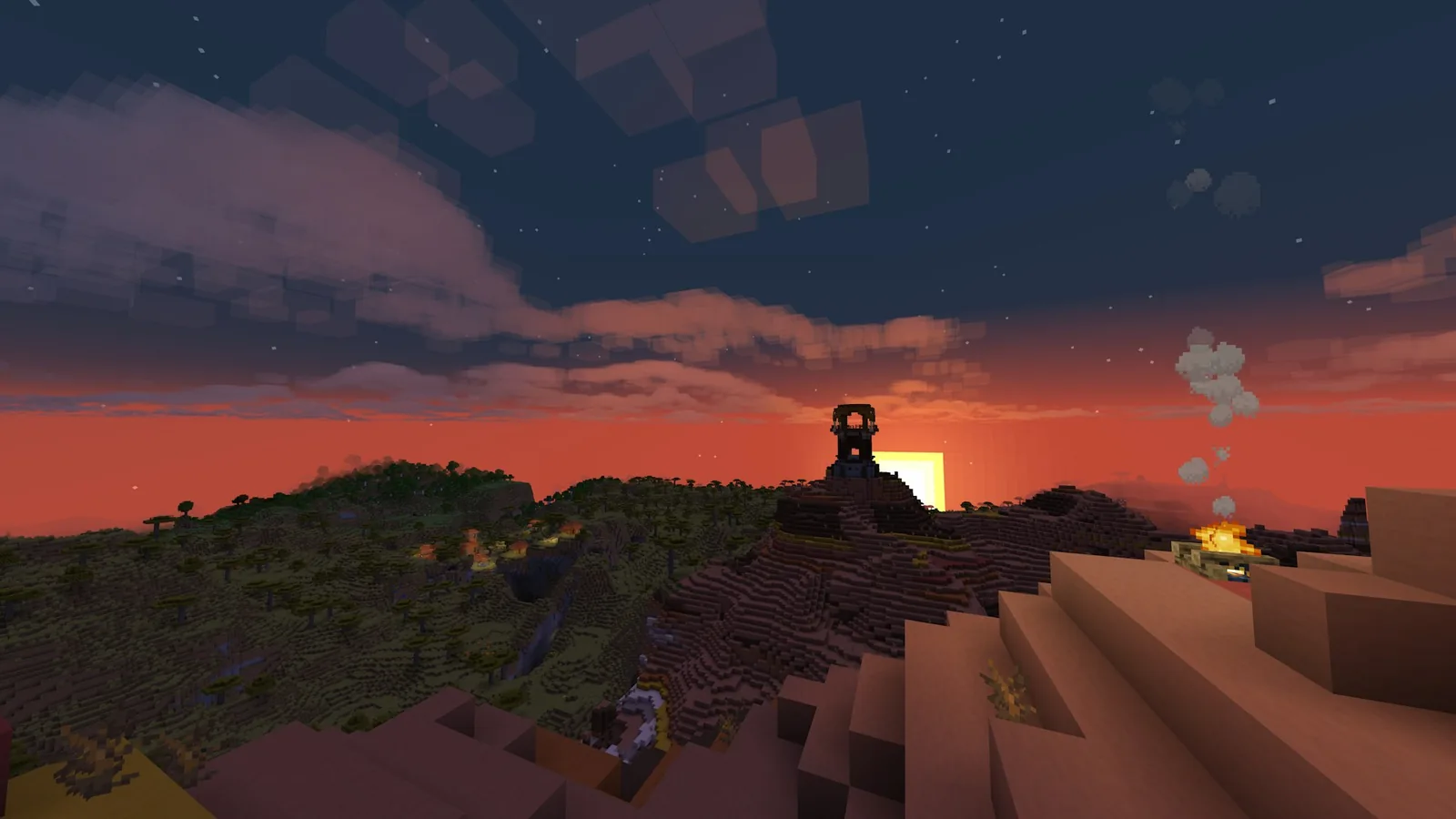
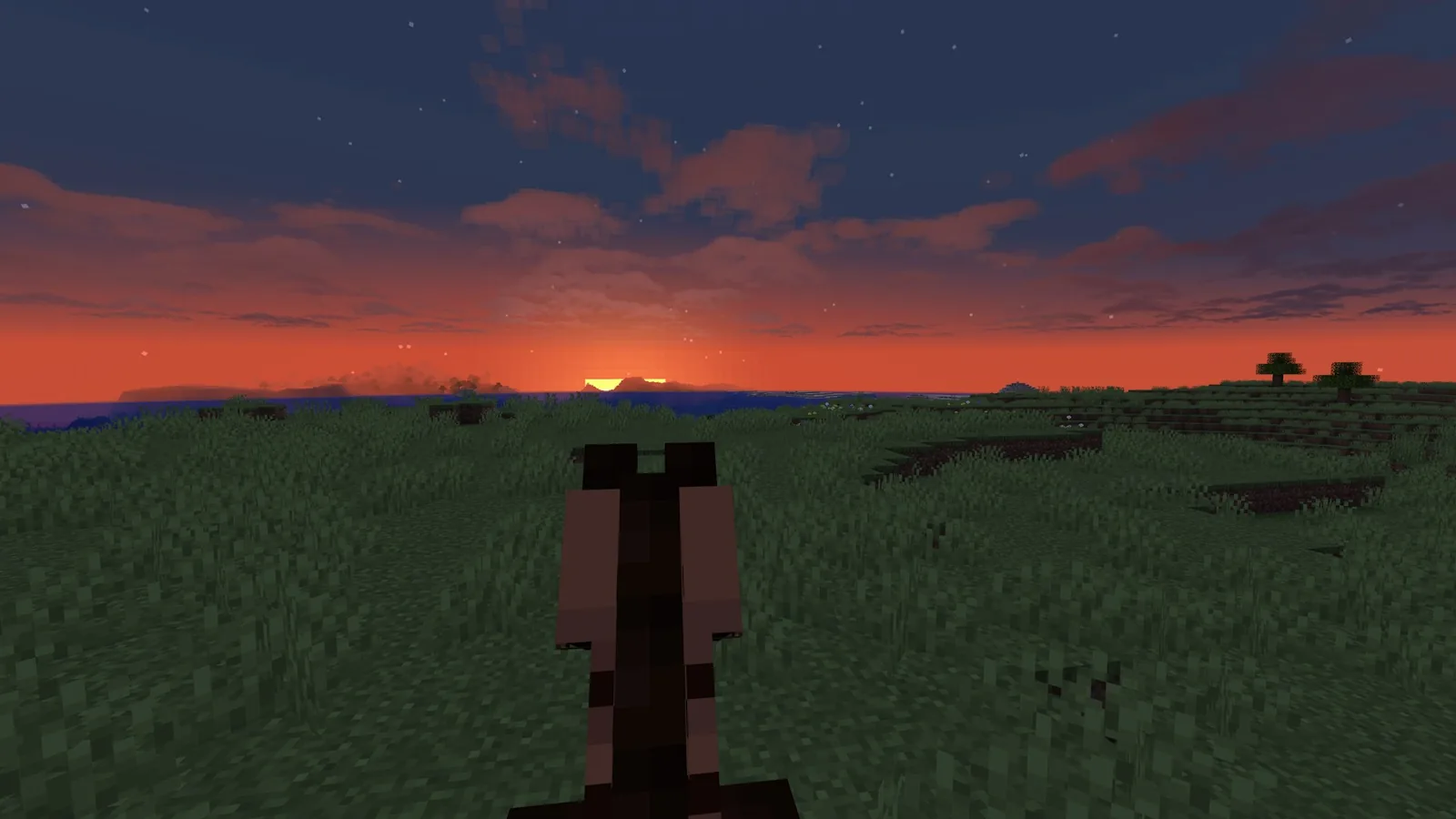
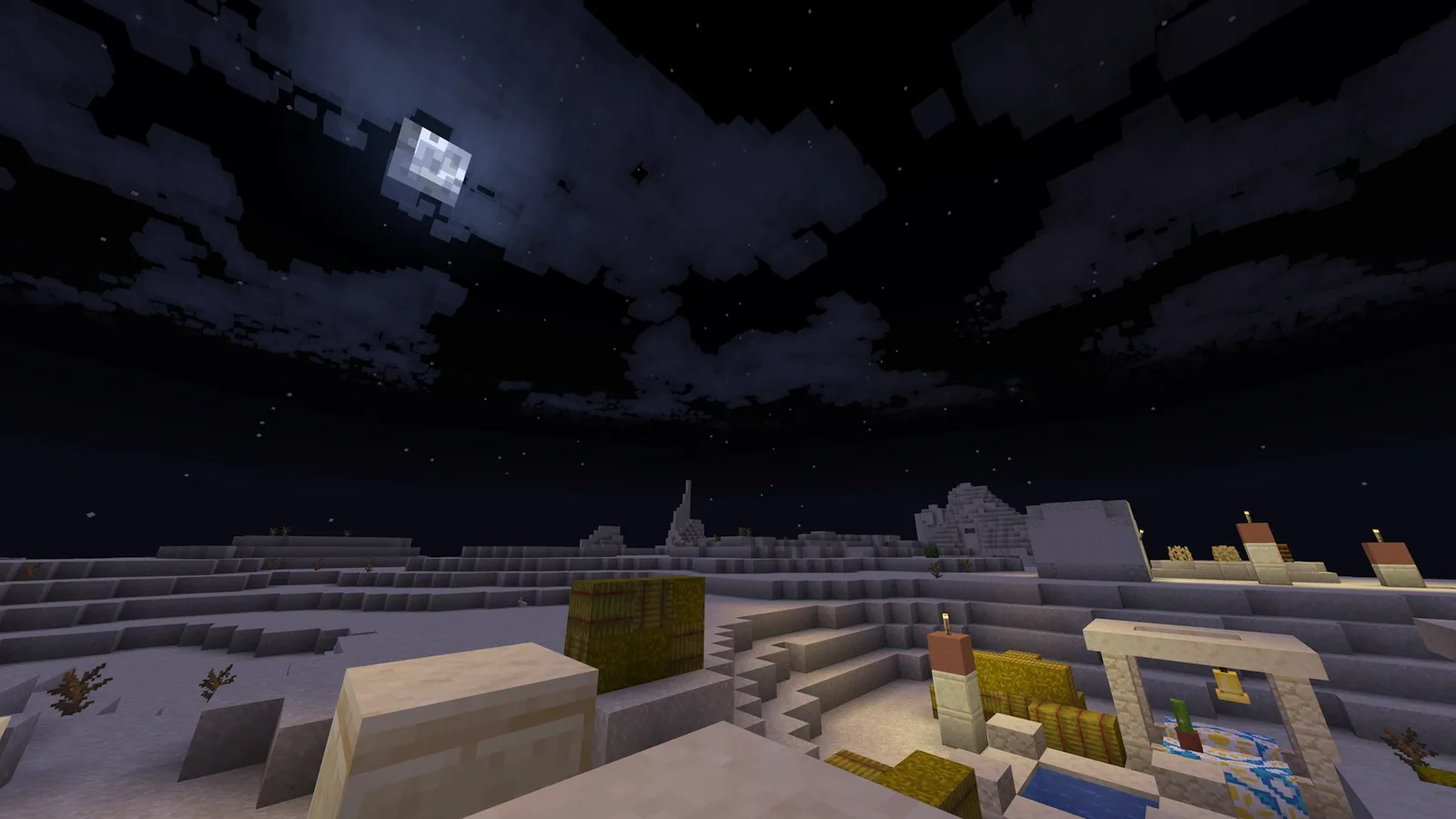
The flat cloud plane is replaced with cloud volumes that have shape, depth and multiple layers at different altitudes. You can fly through them, see them stack against each other, and watch light change across them at sunrise and sunset. The blocky styling is preserved deliberately – these are clouds made of chunky forms, not soft gradients.
The comparison shots in the mod’s own gallery are unusually honest about this, showing vanilla, Better Clouds, and Better Clouds with shaders for the same scene at four times of day. The middle option is the interesting one: without any shader at all, the sky gains most of what people install shaders for.
Key features
- Volumetric multi-layer cloud rendering in a vanilla-consistent blocky style
- Extensive configuration – close to every visual property can be adjusted
- Built-in shader presets tuned for six of the most-used Iris packs
- Cloud generation can be driven by resource packs, so packs can ship their own sky
- Compatibility with Iris, Serene Seasons and other visual mods
- Fabric and NeoForge builds, tagged from 1.17 through the current releases
The shader presets matter more than the feature list suggests
Cloud mods and shader packs both want to control the sky, and the usual result is that one of them wins and looks wrong. Shipping presets for Complementary, BSL, Chocapic, Kappa, Rethinking Voxels and Solas means the mod has been tuned against the packs people actually run, rather than left for the user to fix.
If you are choosing a shader to pair with it, our Iris shader pack roundup covers which of those packs do the most with sky and atmosphere.
Compatibility
Fabric and NeoForge, with Forge builds on older versions. It coexists with Sodium, which is essential – a cloud mod that broke the standard performance stack would be dead on arrival. Iris compatibility is explicit rather than incidental.
The resource pack hook is the underrated part. Cloud generation parameters can be defined by a resource pack, which means a pack author can ship a sky that matches their block palette. That is a genuinely new capability rather than a reskin, and it is the kind of thing that shows up in large modpacks a year later.
How to install
- Install Fabric or NeoForge for your version
- Drop the Better Clouds jar into your mods folder alongside Fabric API if you are on Fabric
- Launch the game and open the mod’s settings from the video options
- If you use a shader, select the matching preset before changing anything else
- Adjust cloud height, density and layer count last, once the preset is applied
Performance
The claim is that it performs as well as or better than vanilla cloud rendering, and in practice that holds up. Vanilla’s cloud layer is not cheap – it is a large translucent plane that covers the whole sky – and a well-implemented volumetric system can actually be lighter, because it does not draw what is not visible.
That is unusual enough to be worth stating plainly: this is a visual upgrade that does not have to be paid for. If your frame rate is tight, this is still on the list, which is not true of most mods in this category. For the ones that do cost you, our performance mod roundup covers where to find the headroom.
Is it worth installing?
For most players, yes. The sky occupies a large share of the screen any time you are above ground, and vanilla’s cloud layer is the least developed part of Minecraft’s environment art. Changing it is a high-visibility improvement for a low cost.
The one group who should think about it is anyone who plays almost entirely underground. If your session is mining, redstone and base interiors, you will rarely see the thing you installed. Everyone else – builders, explorers, anyone who flies with an elytra or a Happy Ghast – will notice it within a minute of loading in.

Our judgement after running it: the blocky-styling decision is what makes it last. Photorealistic cloud mods are impressive for an evening and then start to feel like a different game pasted over Minecraft. This one stops being noticeable in the right way – you stop thinking about the clouds and just accept that the sky looks correct now.
Source
Images and mod details from the Better Clouds page on Modrinth.