Key takeaways
- A 16x pack costs almost nothing in performance because it matches vanilla’s texture resolution exactly.
- The best ones change a single thing well – animation, foliage, or sky – rather than redrawing everything.
- Packs stack: load order decides which one wins when two touch the same texture.
High-resolution packs get the attention, but the packs that most people end up keeping are 16x. They cost nothing, they do not break the game’s readability, and the good ones change one specific thing so well that going back feels wrong.
Four worth installing, and what each is actually for.
Fresh Animations – mobs that move
The most installed resource pack on Modrinth by a distance, at over forty-six million downloads, and the one that changes the game’s feel the most for its size. It rewrites mob animations: heads track the player, legs move properly, mobs blink and idle instead of standing like statues.
It needs Entity Model Features and Entity Texture Features to run on Fabric, which is the only friction in an otherwise drop-in pack. Worth it – a village with Fresh Animations installed feels populated rather than staffed by mannequins.
Motschen’s Better Leaves – foliage that reads as foliage
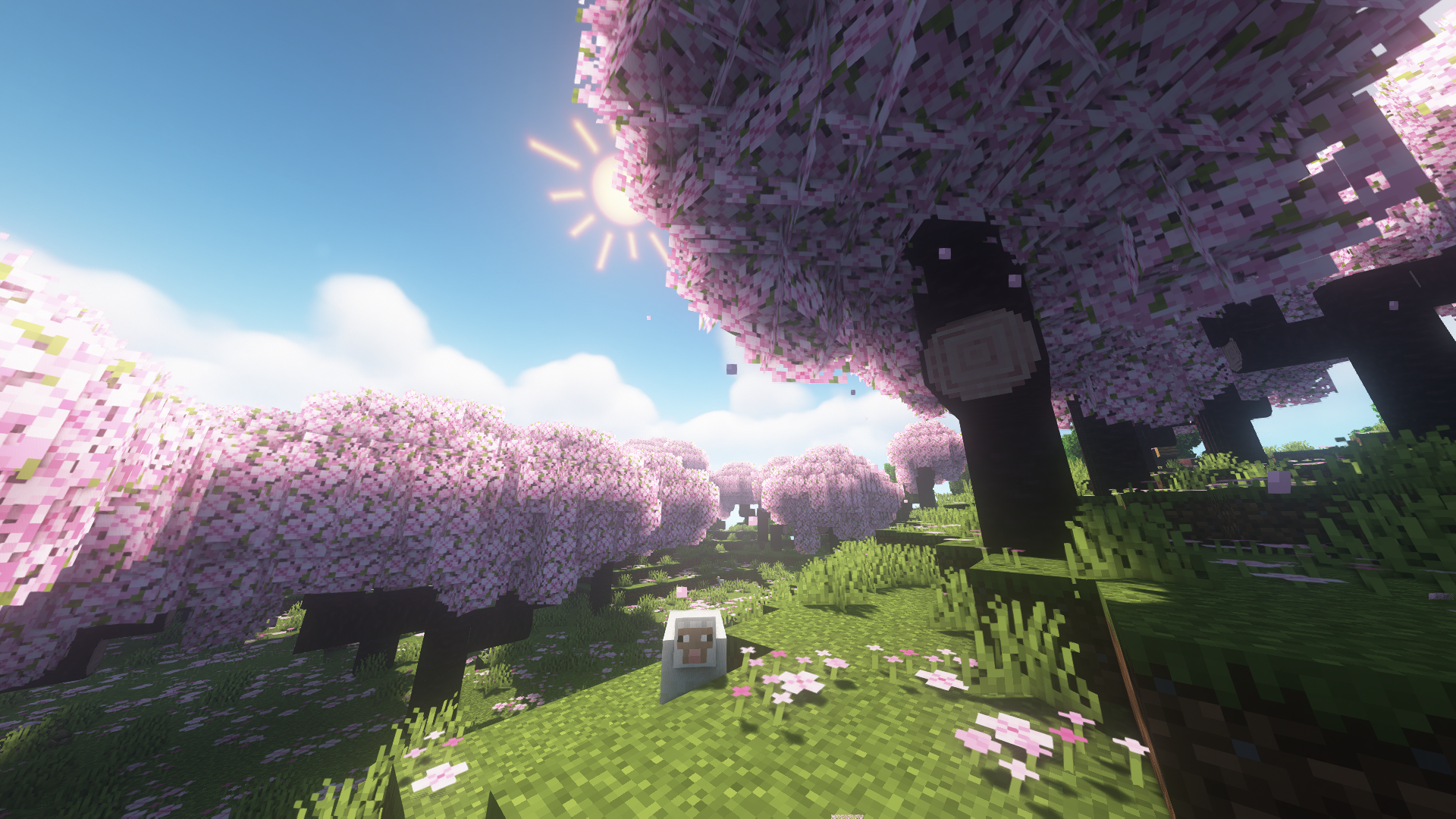
Vanilla leaves are cubes. Better Leaves adds a plant-like layer around them so trees look bushy rather than blocky, and it does it without changing the leaf texture itself, so biome colours still work.
The effect is largest on cherry groves, jungles and dark forests, and it is the single cheapest way to make landscape screenshots look better. Slight cost: the extra geometry is real, so a machine already struggling with a long render distance will notice it in dense forest.
Dramatic Skys – weather with a personality
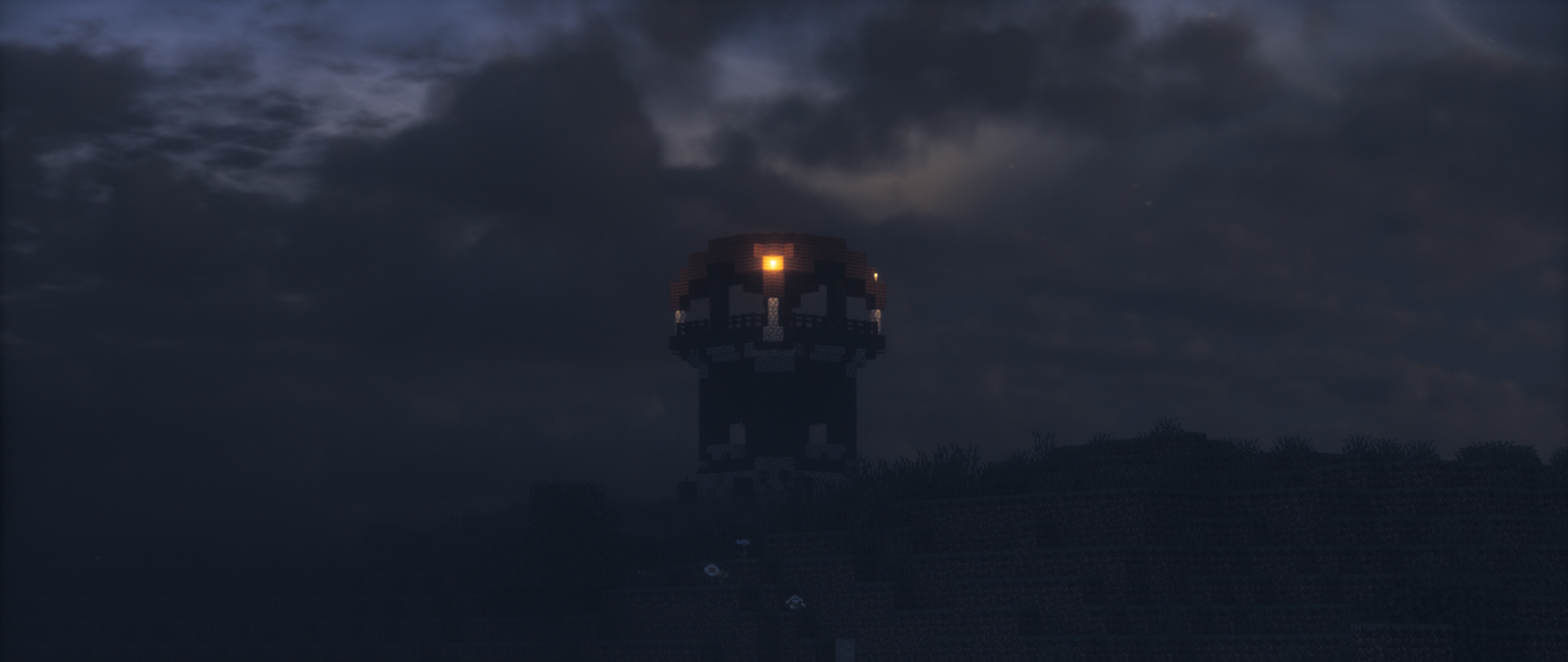
Replaces the sky, clouds, sun and moon with something far more theatrical. Storms look like storms, sunsets have structure, and the moon stops being a flat disc.
This is the pack to install if you take screenshots. It is also the one most likely to clash with a shader pack, since many shaders draw their own sky – test the combination before committing to it.
Fast Better Grass – the cheap upgrade
Vanilla grass blocks show a dirt side unless you are on a slope, which makes hillsides look like a layer cake. Better grass packs draw the green down the side of the block, and the fast version does it without the performance cost of the connected-textures mods that used to be required.
It is the smallest change on this list and the one people notice first in screenshots of terrain, because it removes the brown banding that reads as unfinished.
Fullbright UB – caves you can see in
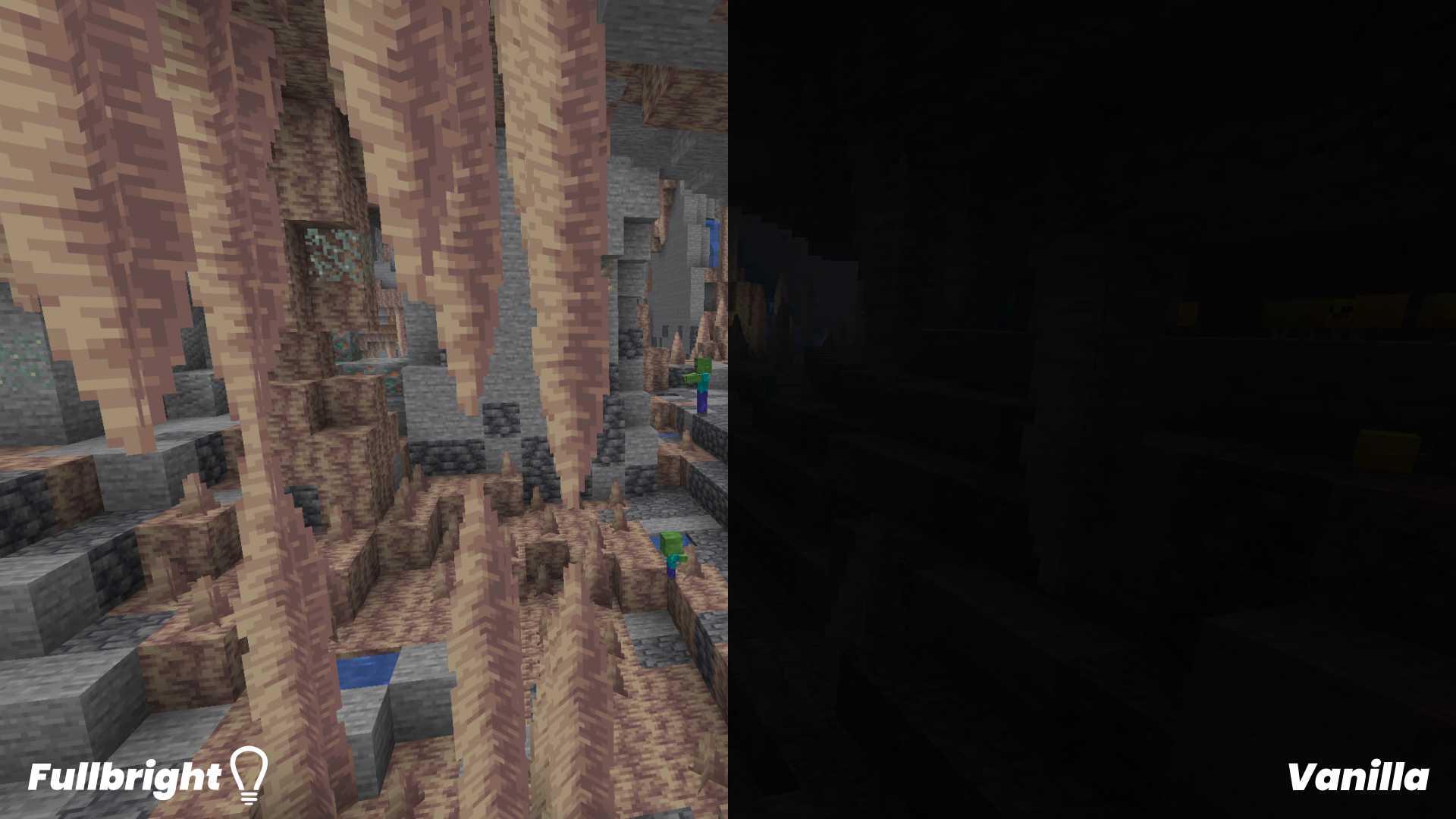
A utility rather than an aesthetic. Fullbright brightens dark areas so caves and night-time are navigable without spamming torches. Purists will object, and they are right that it removes some tension, but for anyone doing long mining sessions it is a quality-of-life fix rather than a cheat – it changes nothing about mob spawning.
What makes a 16x pack good
Three things, in order. It changes one category of thing rather than everything, so it stacks with other packs. It keeps blocks identifiable, because a pack that makes coal ore and iron ore look similar is a pack you will uninstall on your next mining trip. And it does not fight shaders – the most common source of visual bugs is two things trying to draw the same sky or the same water.
Packs that redraw the entire game at 16x exist and some are excellent, but they are an aesthetic commitment rather than an addition. The four above are additions.
Stacking them
Resource packs load in order, and the pack at the top of the list wins any conflict. Since these four touch different things – mobs, leaves, sky, brightness – conflicts are rare, and the usual stack is Fresh Animations on top, then Better Leaves, then everything else.
The rule when something looks wrong: disable packs from the top down until the problem disappears. That identifies the culprit in about a minute, and it is faster than reading four changelogs.
Installing
Same as any pack: the .zip goes into the resourcepacks folder without being extracted, then Options, Resource Packs, and drag it into the active column. Fresh Animations is the one exception – it needs its two companion mods on Fabric, and without them mobs will render with the wrong textures rather than simply staying vanilla.
16x against higher resolution
A 32x or 64x pack like Faithful sharpens what is already there. A 16x pack changes what is there while keeping the resolution vanilla. They are not competing, and running a high-resolution base pack with a 16x behaviour pack on top is a perfectly normal setup.
One thing to keep in mind is that packs age differently. An animation pack breaks when mob models change; a sky pack almost never breaks. If you are picking one pack to keep across updates, the ones that touch fewer game systems will need less maintenance.
If your machine is the constraint, 16x is the whole answer. Four of these packs together cost less video memory than a single 64x pack, and they change the game more. Pair them with a shader setup only after you have checked the frame rate.