Key takeaways
- Faithful is an upscale, not a redesign – every texture keeps vanilla’s shape, palette and readability.
- 32x is the version most people should use; 64x is sharper and noticeably heavier on VRAM.
- It is the safest resource pack to install because nothing in the game becomes harder to identify.
Most resource packs ask you to relearn the game. Blocks change colour, ores stop being obvious at a glance, and the first time you mine into a cave you find yourself squinting at something that used to be instantly recognisable.
Faithful is the pack that refuses to do that. It redraws every vanilla texture at higher resolution while keeping the silhouette, the palette and the readability identical – which sounds modest until you use it for a week and go back.
What it changes
Resolution, and only resolution. Vanilla textures are 16×16 pixels; Faithful redraws them at 32×32 or 64×64. Stone gains grain, wood gains visible rings, ore veins gain edges that read as crystal rather than as coloured blobs.
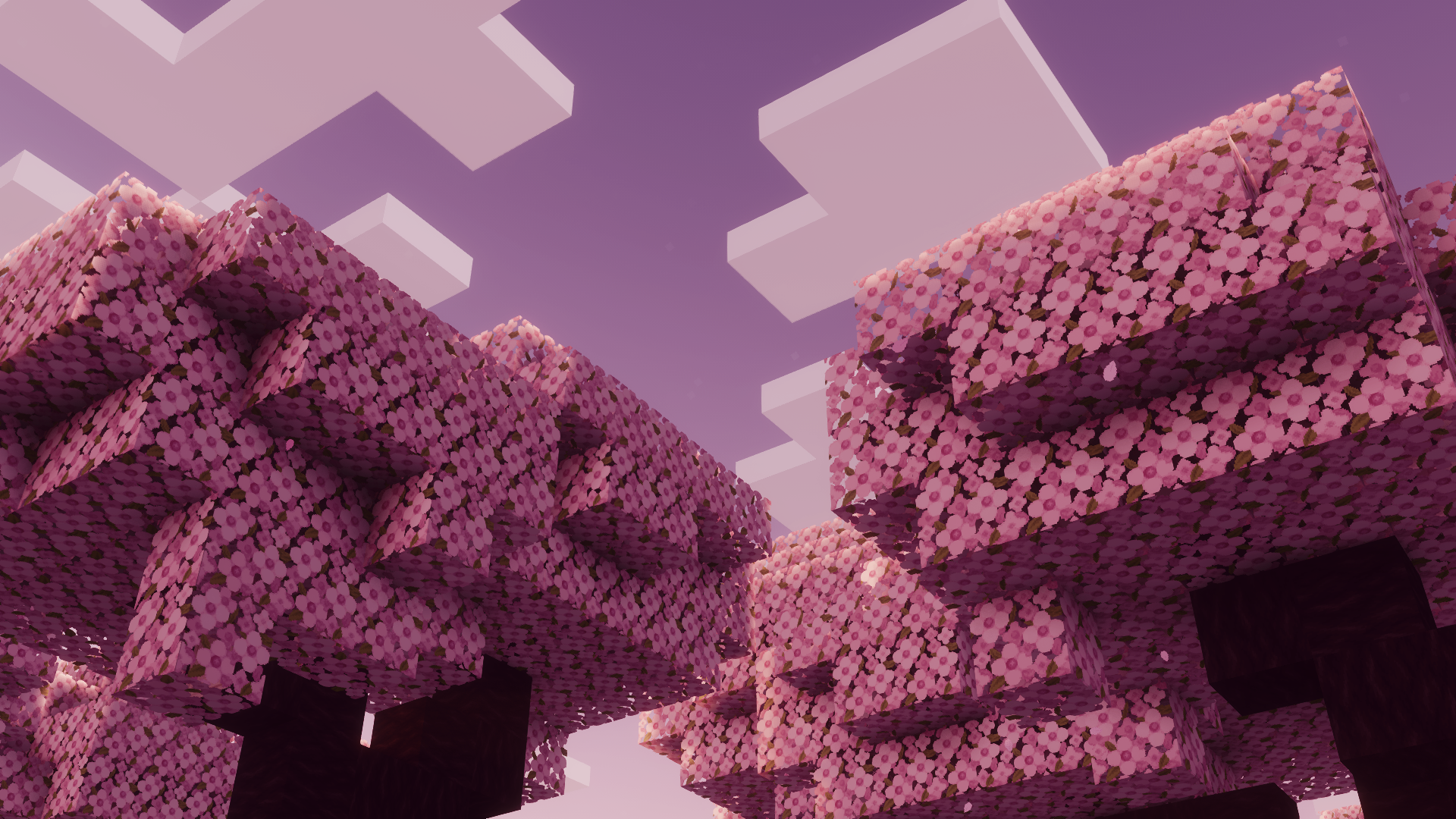
The upscaling is hand-done rather than algorithmic, which is the part that matters. An automatic upscale produces mush; a hand-drawn one adds detail that was implied in the original sixteen pixels. The diamond ore in Faithful looks like what your brain already thought vanilla diamond ore looked like.
What it deliberately leaves alone
Everything else. Colours are matched to vanilla, not improved. Shapes are preserved exactly. No block gets a new design, no item gets a new silhouette, and nothing changes size or proportion.
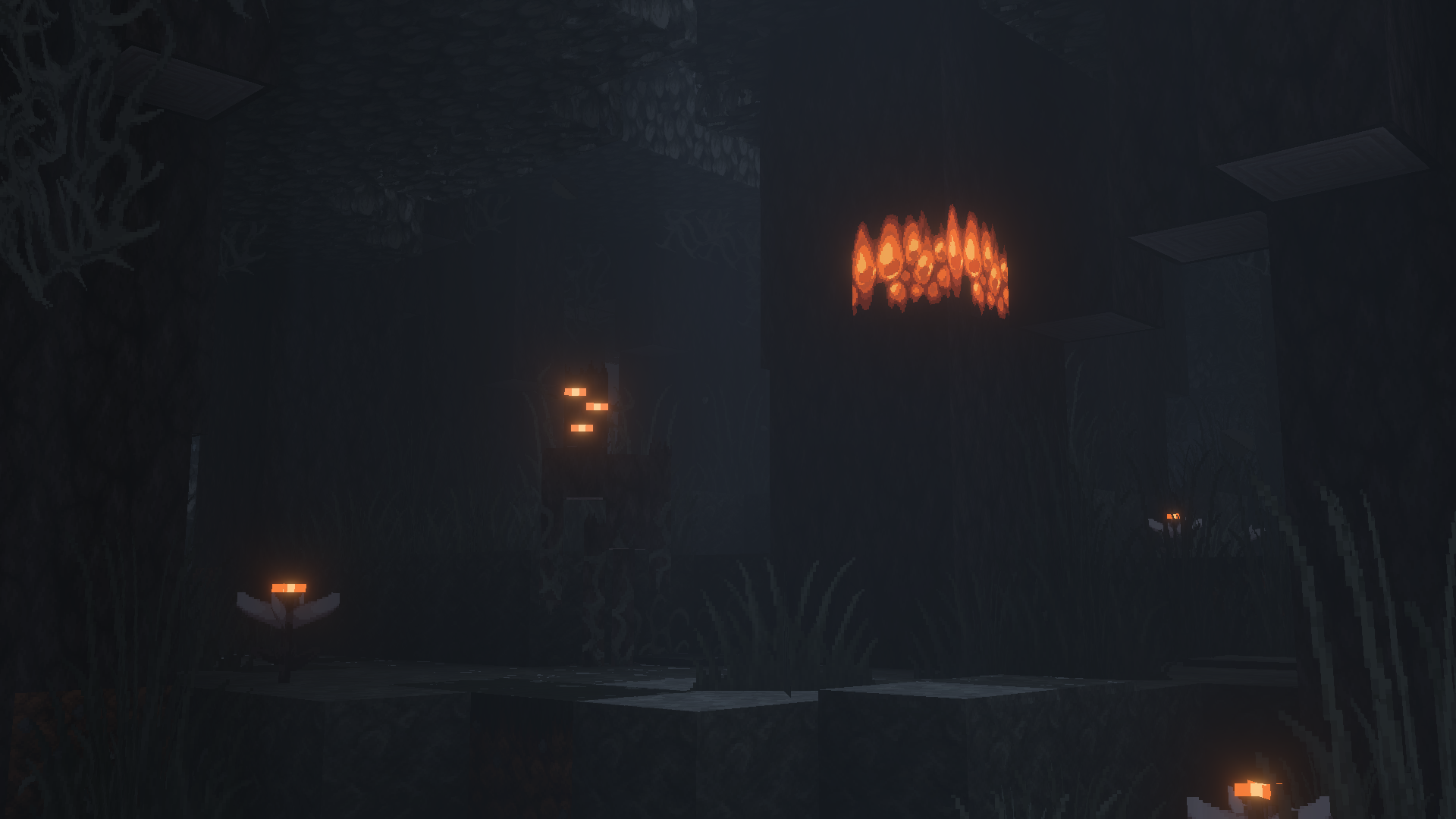
That discipline is the whole product. You can drop Faithful into a survival world you have played for two hundred hours and nothing will be in the wrong place. Redstone dust still reads as redstone dust. A wall of deepslate still reads as deepslate.
The interface
Faithful also redraws the GUI – inventory slots, buttons, the hotbar. This is where a higher-resolution pack is most immediately noticeable, because interface elements sit still on screen while world textures are usually moving past.
Where the extra pixels show
Not everywhere equally. The blocks that gain most are the ones with fine detail implied in vanilla: ores, leaves, gravel, brick, and anything with a pattern. Flat colour blocks – wool, concrete, planks seen from a distance – gain almost nothing, because there was nothing there to resolve.
Items gain the most of all. A 16x sword in the hotbar is eight pixels of blade; at 64x it is a recognisable object with an edge and a hilt. If you want a single reason to try the pack, open your inventory with it enabled.
32x or 64x
32x for almost everyone. It is double vanilla’s resolution, which is the point at which detail becomes visible, and the memory cost is small enough that mid-range machines will not notice it.
64x is four times vanilla and looks better in screenshots, particularly with shaders. It also uses substantially more video memory, and on a machine that is already close to its limit it will cost frames. If you are running a shader pack as well, start at 32x and move up only if the frame rate has room.
What it costs
Less than people expect. Resource packs use VRAM rather than CPU, so the cost shows up as memory pressure rather than as a steady frame drop. On a card with four gigabytes or more, 32x is essentially free and 64x is cheap.
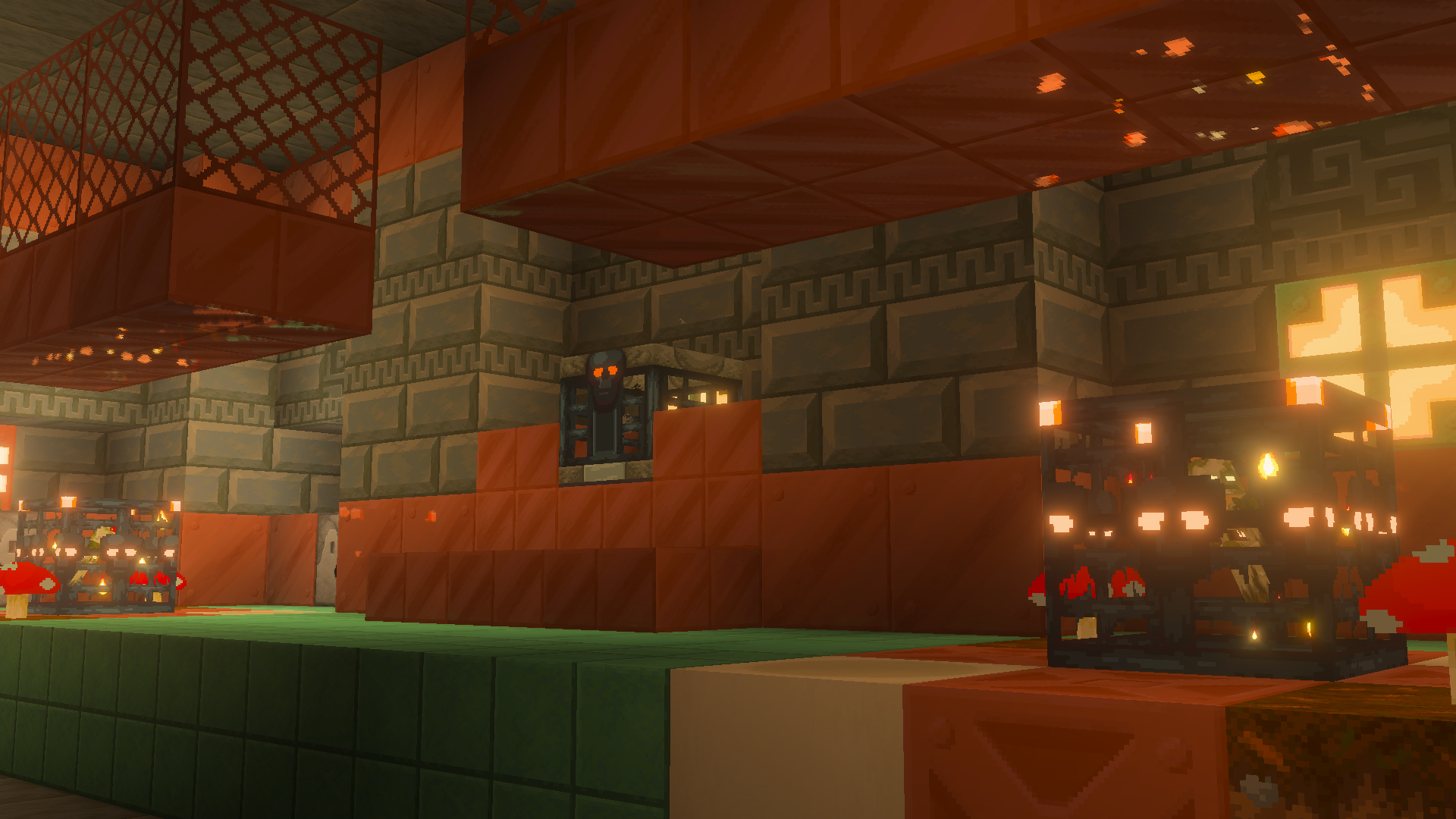
The exception is combining a high-resolution pack with a heavy shader and a long render distance on integrated graphics. That stack will run out of memory, and the symptom is stutter rather than a lower frame rate, which makes it easy to misdiagnose.
A note on updates
Faithful covers every vanilla block and item, which means every Minecraft update adds work. The project has kept pace for years, but a pack downloaded on release day of a new version will occasionally be missing a texture or two, and the game falls back to vanilla for those. It is a cosmetic gap that closes within weeks, not a reason to wait.
Who it is for
Three groups. Players who want the game to look sharper without looking different. Builders who need textures that hold up in close-up screenshots. And anyone who has tried a stylised pack, got lost in their own base, and gone back to vanilla.
Who it is not for: anyone looking for a new aesthetic. Faithful is deliberately the least opinionated pack in Minecraft, and if you want the game to feel different rather than sharper, a stylised 16x pack will do more for you and cost less – four worth trying are here.
Installing it
Download the version matching your Minecraft release, drop the .zip into the resourcepacks folder without extracting it, and enable it in Options, Resource Packs. Packs are versioned by pack format rather than by Minecraft version, so a pack built for an older format will show a warning and may render some blocks incorrectly.
If you run mods, add the matching add-on packs for the mods you use. Faithful covers vanilla only, and a modded world with a vanilla-only pack ends up with a strange mix of crisp and blurry textures side by side.