Key takeaways
- Performance is not one problem – frame rate, memory use, load times and world generation stutter each need a different mod.
- Sodium first, always. Everything else is stacked on top of it.
- Two mods doing the same job is worse than one – never run competing renderers.
Search for Minecraft performance mods and you get a list of twenty names with no explanation of what any of them do. Most people install all of them, half of which do nothing for their actual problem, and then blame the modpack.
These are five that matter, sorted by the problem they solve rather than by download count.
1. Sodium – frame rate
The renderer replacement, and the foundation everything else sits on. If your problem is that the game runs at thirty frames while your GPU sits idle, this is the fix and nothing else on this list will substitute for it. Full review here.

2. Lithium – game logic
Sodium handles what you see; Lithium handles what the game is thinking about. It optimises mob AI, block ticking, pathfinding and physics without changing behaviour. The difference is invisible on a small world and obvious on a server with three hundred villagers.
3. FerriteCore – memory
Not a frame rate mod. FerriteCore reduces the memory Minecraft uses to store block states and world data, which matters if you are running a large modpack on eight gigabytes or less. On a vanilla-ish setup it does nothing dramatic; on a heavy pack it is the difference between playing and swapping.
4. ModernFix – load times and memory pressure
An all-in-one that shortens startup, cuts memory use and fixes a long list of small inefficiencies. This is the one to install when the complaint is “the game takes four minutes to launch” rather than “the game runs badly once it is open”.
5. Noisium – world generation
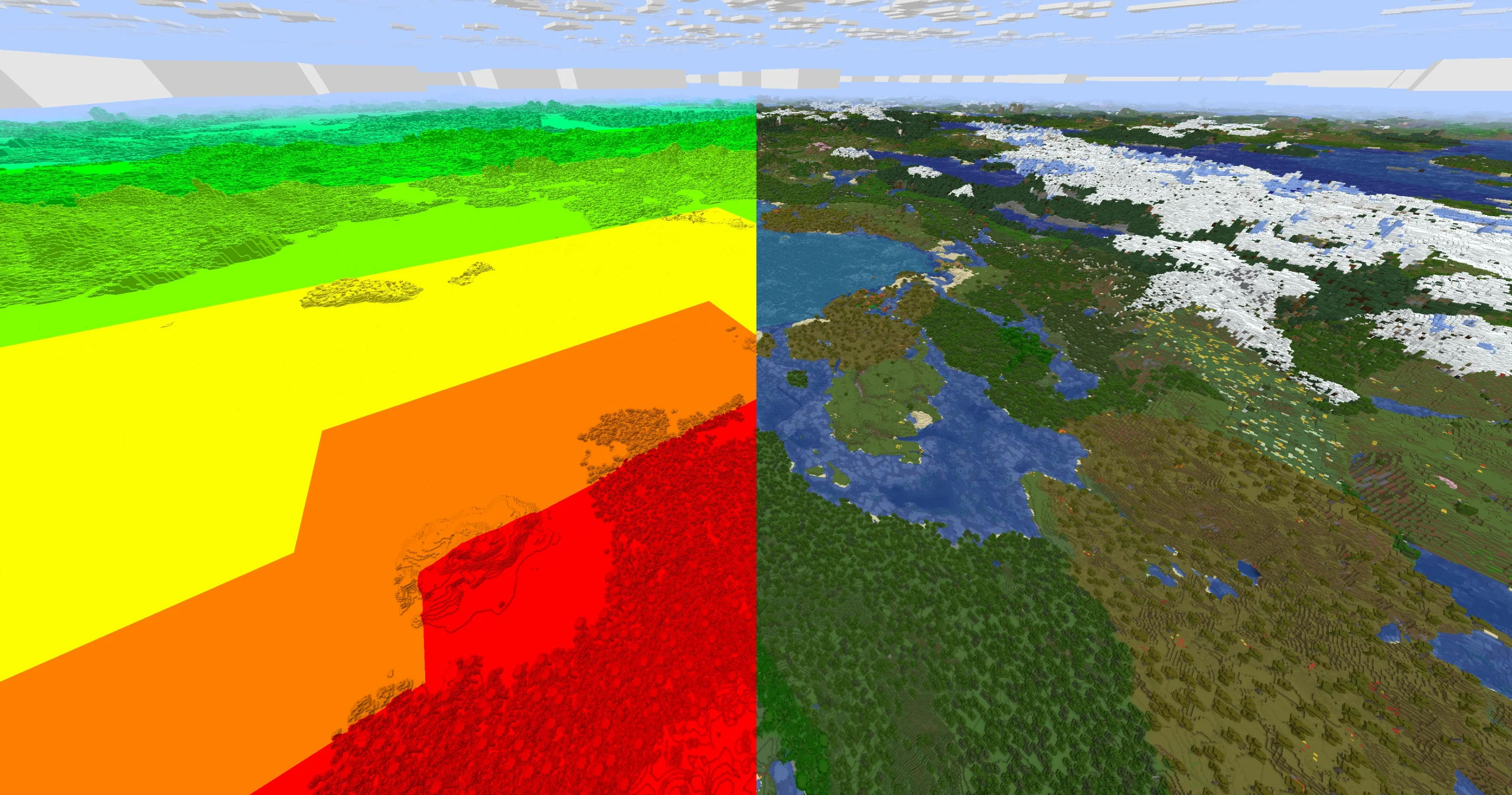
The stutter when you fly into unexplored terrain is world generation, not rendering, and no renderer mod will fix it. Noisium optimises that path specifically. Niche, and exactly right if that is the symptom you have.
How to tell which problem you have
Press F3 and read three numbers. The frame rate itself is obvious. The memory line on the right tells you whether you are close to your allocation – if it is pinned near the top and the garbage collection is constant, that is a memory problem, not a rendering one. And the chunk line tells you whether stutter lines up with new chunks arriving, which points at world generation.
Diagnosing with those three numbers takes two minutes and saves installing four mods you did not need.
What to install first
Sodium, then play for an evening. Most people stop there because the problem is gone. If it is not, name the remaining symptom precisely – stutter when exploring, long loading, frame drops near mob farms, crashes on launch – and pick the one mod that targets it.
Installing all five at once works, but it means you have no idea which one helped, and when something breaks you have five suspects.
Install order, briefly
Loader, then Sodium, then everything else, then shaders last if you want them. Each step should end with a successful launch to the main menu before you add the next thing – it takes four minutes and it means any crash has exactly one suspect.
What not to bother with
Anything promising a fixed percentage improvement in the title. Anything that has not been updated in a year. And any mod that duplicates a renderer you already run – two rendering mods in one profile is the most reliable way to produce a crash log nobody can read.
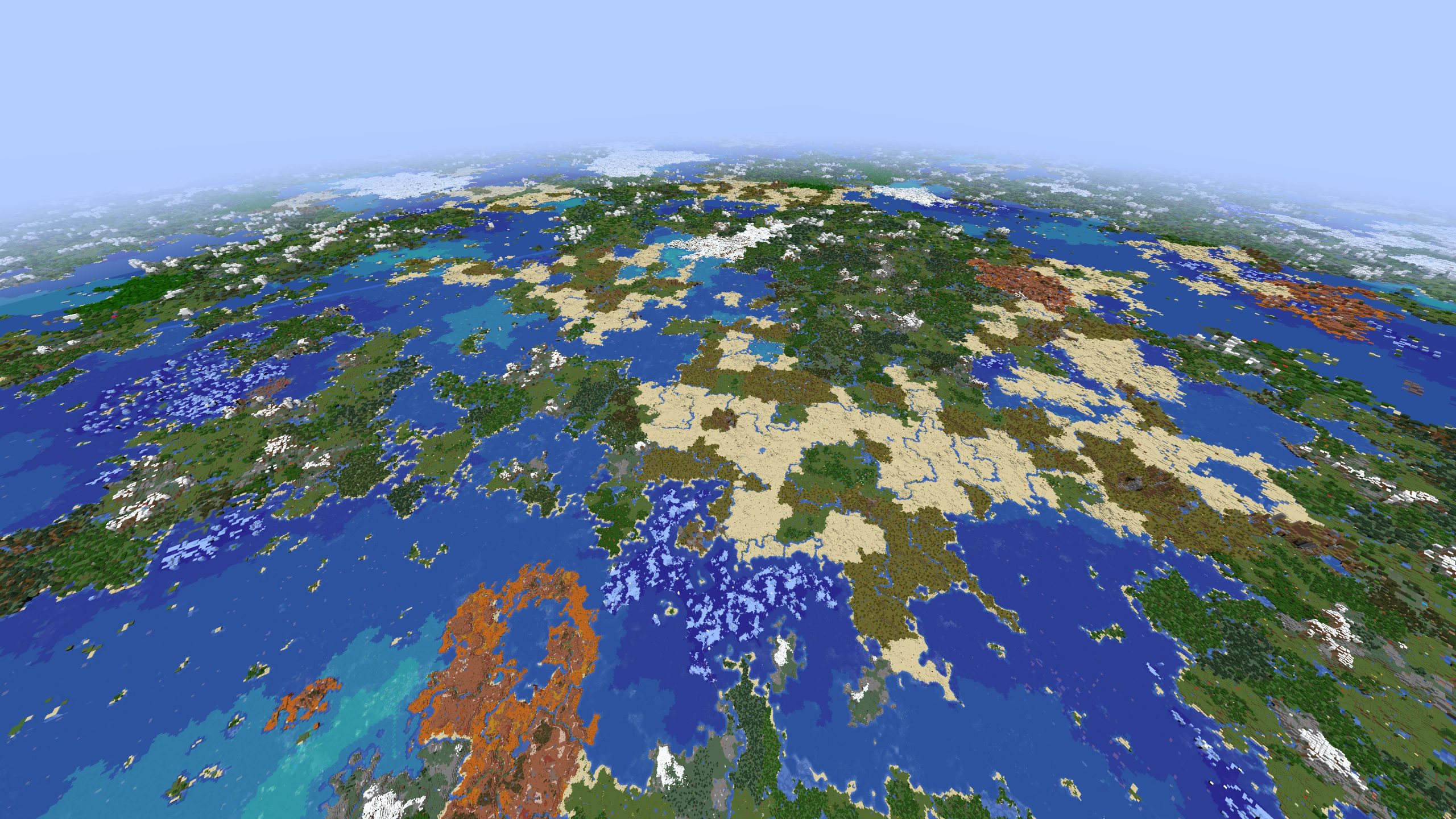
Also worth saying: render distance mods like Distant Horizons are not performance mods. They trade frames for view distance using a level-of-detail system, which is a feature rather than an optimisation. Install it because you want to see further, not because you want more frames. If shaders are what you are after, install Iris separately and treat it as a visual mod rather than a performance one.
Server-side is a different list
Everything above is client-side. If the lag is on a server you run – blocks breaking late, mobs teleporting, chat delayed – no client mod will touch it. That is a server-side problem and needs server-side tools: a Paper or Fabric server with its own optimisation set, view distance tuning, and entity limits.
The quick test is whether the problem follows you to single player. If single player is smooth and the server is not, stop installing client mods.
The honest ceiling
Mods cannot fix a machine that is out of memory or a GPU from 2012. What they can do is remove the overhead Minecraft adds on top of the hardware you have, and that overhead is large – large enough that a five-year-old laptop with Sodium often outperforms a much newer machine running vanilla.
Start there, measure with F3 rather than by feel, and add the second mod only when you can name what it is for.
One habit worth building: write down the frame rate before you install anything, in a specific place, looking in a specific direction. Performance claims in this hobby are almost entirely vibes, including your own, and a single number written on a sticky note is enough to keep you honest about whether the last four mods did anything at all.