Key takeaways
- Vanilla Experience+ refines and fixes vanilla textures rather than replacing them, so the game still looks like Minecraft after you install it.
- It is fully configurable through the Respackopts mod, which lets you turn individual features on and off rather than taking the whole pack.
- Mob variants need OptiFine or an entity texture features mod, and some item variants need a CIT mod on older versions.
There is a category of resource pack that does not try to change what Minecraft looks like. It tries to finish it – fixing the textures that never got the attention others did, making block families consistent with each other, and smoothing the details that have been slightly wrong since 2011 and that everyone stopped noticing.
Vanilla Experience+ is the most complete pack in that category, with over 1.8 million downloads and current support through 26.3. This review covers what it actually changes, the configurability that makes it unusual, and the mod requirements that trip people up.
What this pack does
The project describes it as improving, refining and fixing various aspects of Minecraft – enhancing visuals, consistency and overall game feel while staying true to the original vanilla style. That is accurate and it is also the hardest brief in resource pack design.
Three kinds of change sit under that:
Fixes. Textures with actual errors – misaligned pixels, inconsistent shading direction, block faces that do not match their neighbours. Minecraft has a surprising number of these and most players have never consciously seen one.
Consistency passes. Block families where some members got updated art and others did not. The pack brings the stragglers in line with the rest.
Additions in the vanilla idiom. Features like improved leaves, spring flowers, an eating animation, visual armour trims, goat horn variants and recoloured containers. These are new, but they are drawn as Mojang would have drawn them.
The result is a pack you install and then forget about, which is the correct outcome for this category. If you can point at what changed, the pack has gone too far.
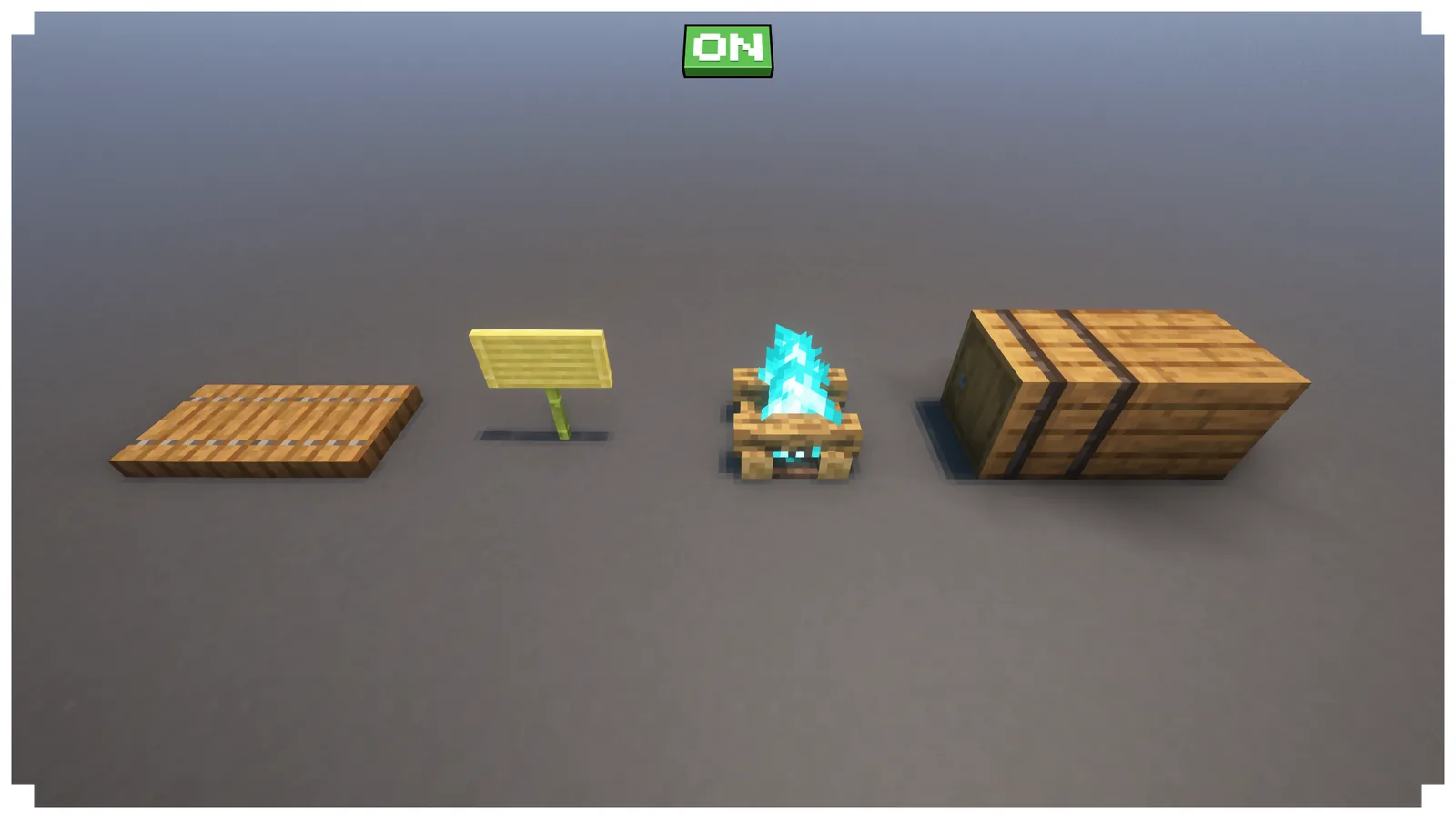
Key features
Respackopts configuration. This is the headline and it is genuinely unusual. With the Respackopts mod installed, every feature of the pack can be individually enabled, disabled or customised from an in-game menu. You are not accepting one person’s opinion about what Minecraft should look like – you are picking which of their fixes you agree with.
Leaves Experience+. Reworked leaf textures, which is the single most visible change in outdoor play because leaves cover more screen area than any other block in a forest.
Visual armour trims and goat horns. Two systems added recently to vanilla that shipped with minimal art variety. The pack fills them out.
GUI Experience+ and recoloured containers. Interface work, which most packs skip entirely. A chest interface that matches the chest you opened is a small thing you notice constantly.
Eating animation. Vanilla’s eating animation has not changed in a decade. This is an addition rather than a fix, and it is optional like everything else.
Shader-tested. The gallery explicitly shows the pack under Complementary Reimagined, which means the author has checked it against the most-used shader rather than only testing in vanilla lighting.
Compatibility
This is where the requirements need stating clearly, because the pack works without them but not completely.
- Base pack: no mods required. Install it and most of it works.
- Respackopts: needed for configuration. Without it you get the pack’s defaults with no way to change them.
- OptiFine or an entity texture features mod: needed for mob variants. Without it, mobs look vanilla.
- A CIT mod: needed for some unique item variants on versions before 1.21.5. Not required on current versions.
So a full install is the pack plus two or three small client mods. On modern versions that is Respackopts plus an entity texture mod, both of which are light and widely used. Our mod installation guide covers getting them in place.
Version support currently runs through 26.3, including the pre-releases, which puts it ahead of most packs of this scope. Our notes on pack format changes cover why that matters – a pack format bump can break a pack entirely until it is rebuilt.
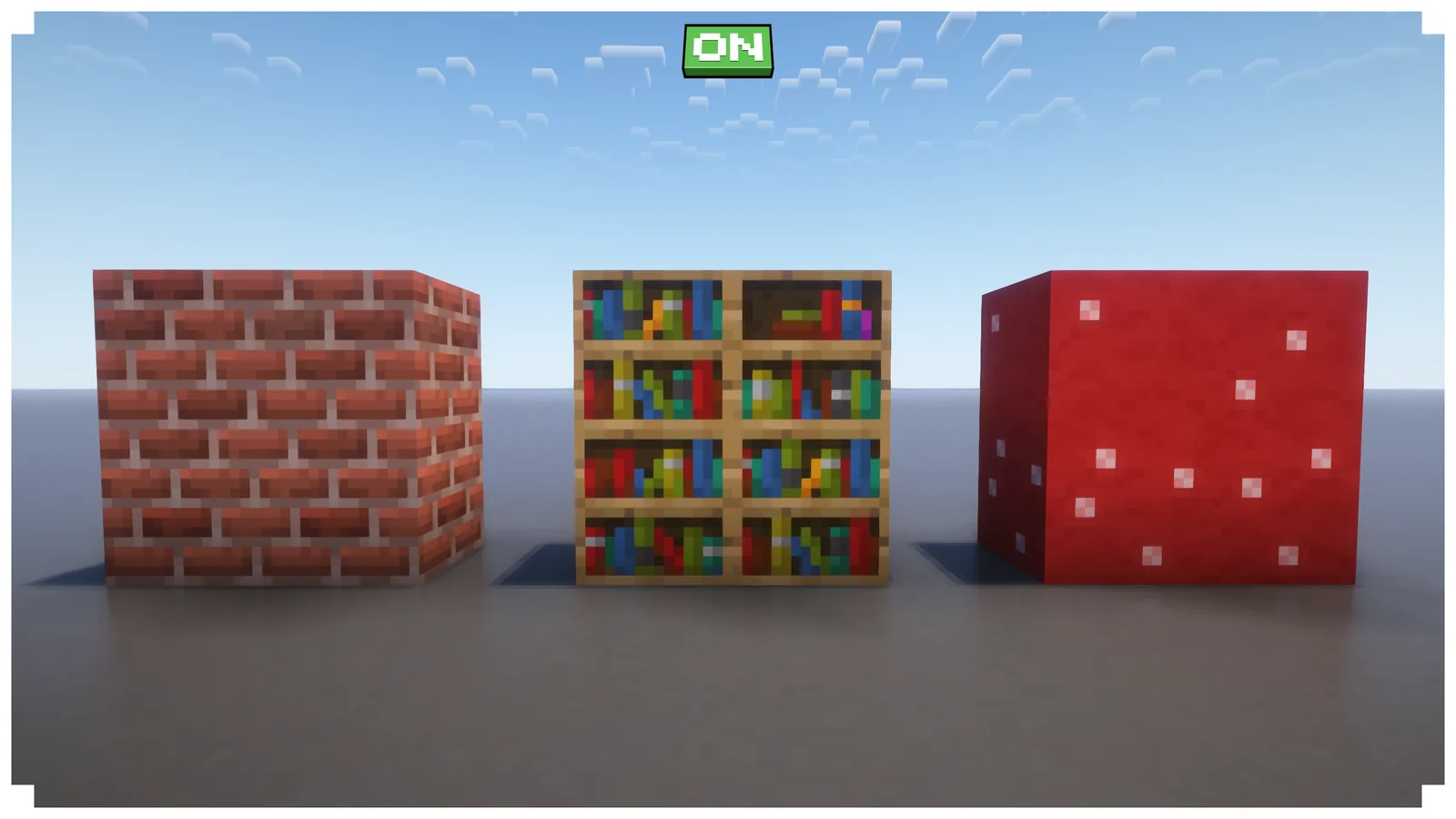
How to install
- Download the version matching your Minecraft release. A mismatch shows the “made for a newer version” warning, which the project’s FAQ addresses directly.
- Put the zip in the resourcepacks folder.
- Install Respackopts if you want the configuration menu, and an entity texture mod if you want mob variants.
- Enable the pack in Options, Resource Packs. Place it above any other pack whose textures you want it to override.
- Open the Respackopts menu and turn off anything you disagree with.
That last step is worth actually doing rather than skipping. The pack’s defaults are reasonable but the whole point of the configuration system is that you do not have to accept them. Our quality of life pack roundup covers the small single-purpose packs you might layer on top.
Who it is for
Good fit. Players who have tried higher-resolution packs and come back to vanilla. Anyone who finds specific vanilla textures annoying but does not want the whole game restyled. Builders, because consistent block families make palette work more predictable – our block palette guide covers why that matters.
Poor fit. Anyone wanting a visible change. If your complaint is that Minecraft looks dated, this pack will not address it – it makes Minecraft look like a better-finished version of itself. Our Alacrity review covers a full conversion if that is what you want.
Also poor fit for anyone unwilling to install a mod. Without Respackopts you get a fixed configuration, which is still good but loses the pack’s best property.
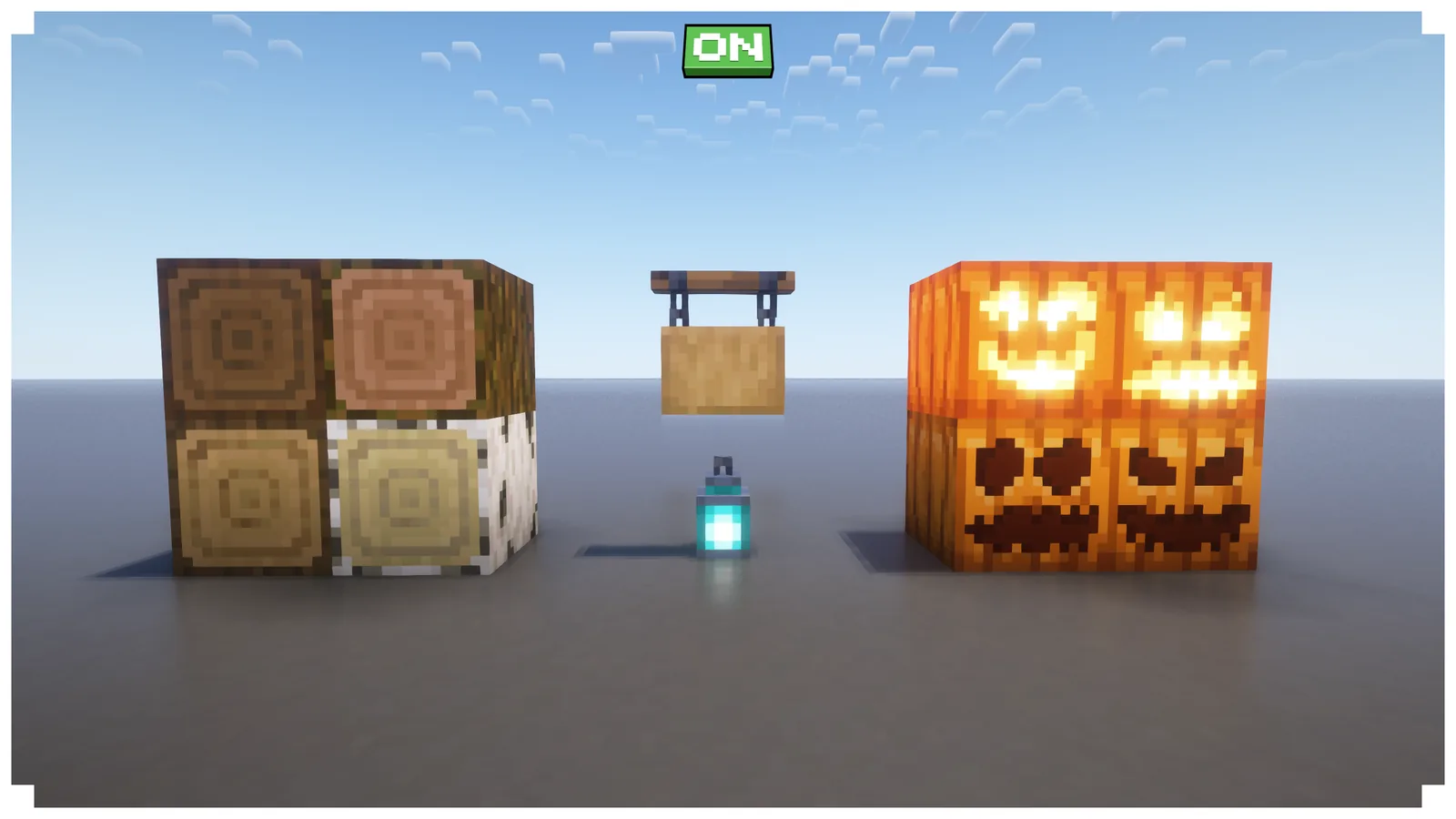
Is it worth installing
Yes, and it is close to the default recommendation for anyone who plays vanilla-styled Minecraft. It costs nothing in performance, it does not change anything you need to relearn, and the configuration system means a feature you dislike is one toggle away from gone.
The honest comparison is against doing nothing. Most players never install a resource pack at all, and vanilla is fine. What this pack buys you is the accumulated result of someone else noticing the small things you stopped noticing years ago – and because every one of them is optional, there is very little downside to finding out which ones you care about. Our 16x pack roundup covers the alternatives if the vanilla-plus approach is not what you want.
Images: Vanilla Experience+ project gallery.