Most resource packs try to make Minecraft look better. Golden Days tries to make it look like it used to, and that is a harder brief than it sounds, because “how it used to look” is not one thing – it is a specific version that a specific player remembers.
What it restores
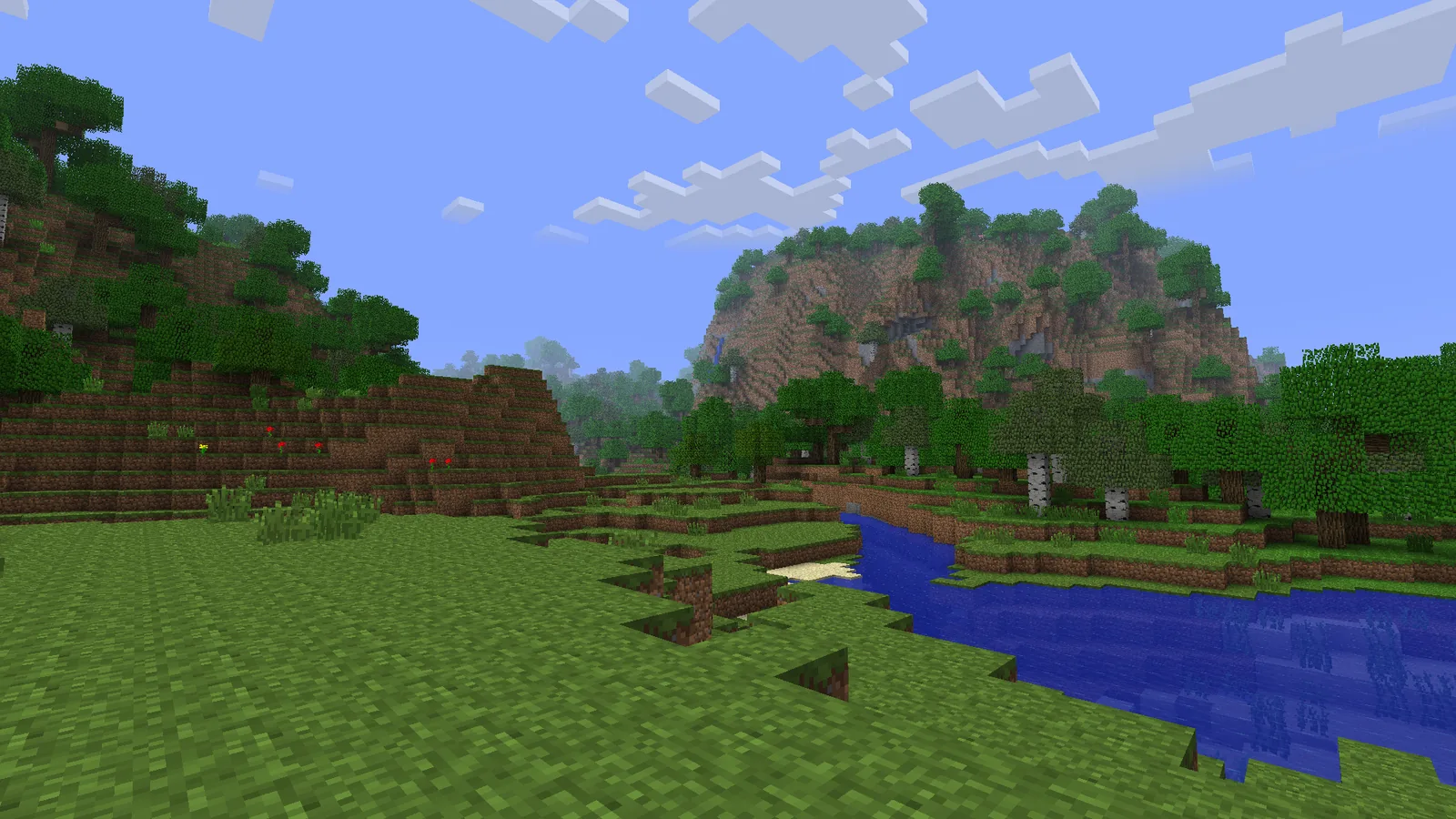
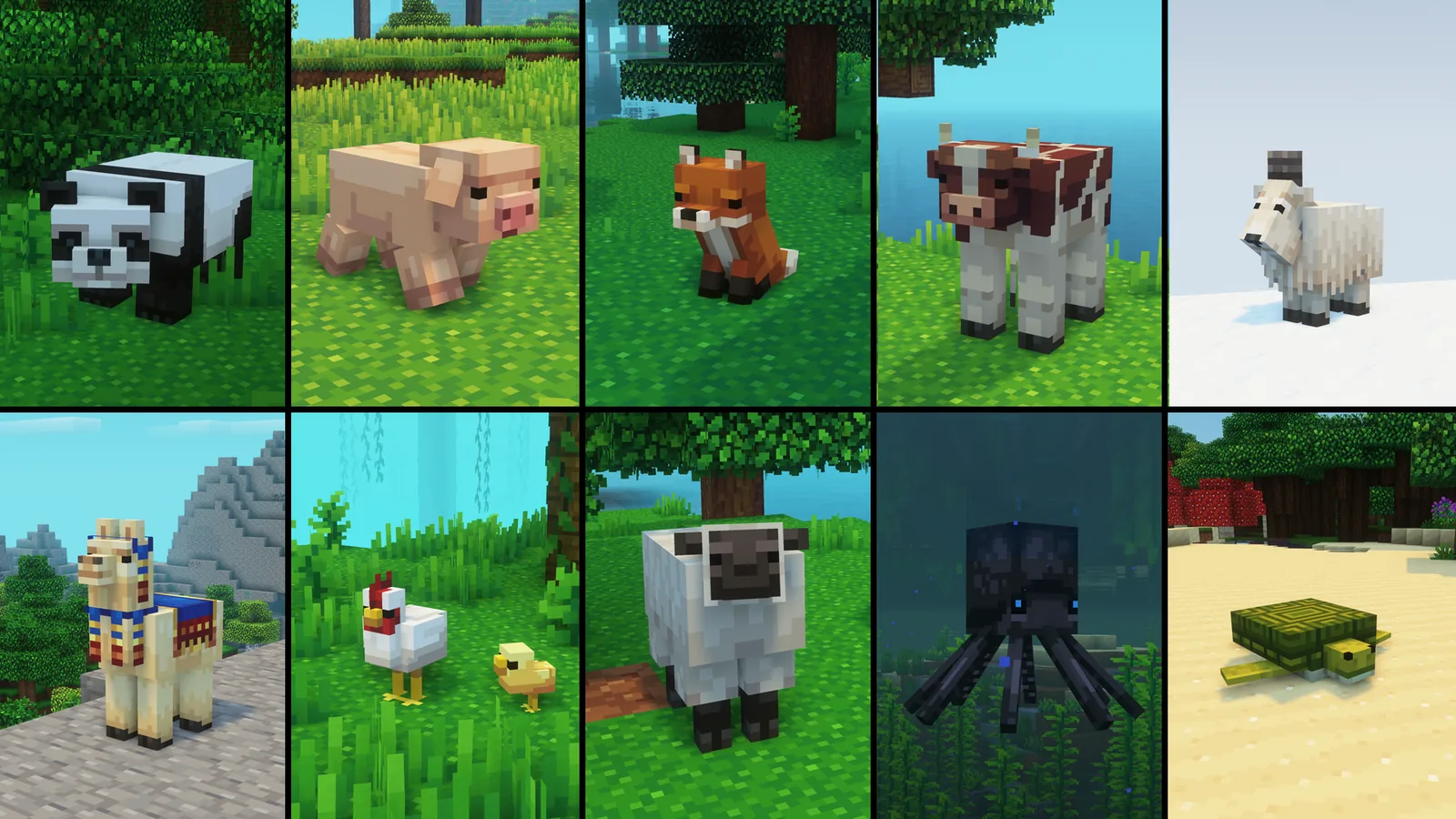
Golden Days pulls textures, sounds and interface elements from older Minecraft versions and puts them back. The base pack targets the Beta and early release era: the old cobblestone, the old grass side texture, the flatter mob faces, the original menu font spacing, the sounds that were replaced somewhere along the way.
It is not a stylised reinterpretation. These are the actual old assets, which is what separates it from the many packs that approximate a retro look with new art. The difference is obvious the moment you see a block you had forgotten looked different.
The modular part is the point
The base pack is one thing; the add-on structure is why people stay with it. Golden Days splits its restoration into optional layers, so you can take old terrain textures without old mob textures, or old sounds without old UI, or just the one thing that bothers you.
That matters because nostalgia is not uniform. Plenty of players want the old grass and none of the old GUI. Others want the sounds back and nothing else. A monolithic pack forces an all-or-nothing choice; this one does not.
It also means the pack composes with others. You can run a modern 16x pack for most blocks and layer Golden Days’ sound restoration on top, which is a combination no single pack offers. The load-order mechanics are the same as any other stack, covered in the 16x pack roundup.
Where nostalgia and playability disagree
Old textures were not better. Some of them were worse in ways that are easy to forget: lower contrast between ore types, less legible item silhouettes in a full hotbar, mob faces that read poorly at distance.
The clearest example is ore. Modern ore textures are deliberately distinct from each other at a glance because mining is a scanning task. Restore the old ones and you will misidentify things in a dark cave more often. That is authentic, and it is also worse, and only you can decide which matters.
The same applies to the UI restoration. Older inventory screens had less padding and smaller touch targets, which is fine at 1080p and unpleasant at 4K.
Who this is for
Three groups, fairly cleanly:
- Returning players. Someone coming back after five years away, for whom the current textures are the unfamiliar ones.
- Builders working in an old idiom. Recreating a Beta-era build reads wrong in modern textures, because the palette relationships changed.
- Anyone who only wants one thing back. The modular structure serves this better than anything else available.
It is a poor fit if you want the game to look good in a general sense. Golden Days is a restoration project, not a beautification one, and judging it by the second standard misses what it is doing.
Practical notes
The pack maintains branches across a wide version range, and the current line covers recent releases. Check the game version tag on the file rather than grabbing the newest upload, since parallel branches mean “latest” is frequently the wrong one.
Performance is a non-issue – these are low-resolution textures by definition. The only thing to watch is the sound module, which replaces a large number of audio files and will conflict with any other pack doing the same. If you run a dedicated sound pack, pick one or the other.
Verdict
Golden Days does something no other pack does properly, and does it with enough granularity that you can take exactly as much of it as you want. That modularity is the whole review: a nostalgia pack you can dial down is far more useful than one you cannot.
Try the sound module first, on its own. It is the layer people underestimate and the one most likely to produce the reaction the pack is built for.
Which module to start with
Three of them carry most of the effect, and they are not equally weighted.
Sounds. The one people underestimate. Audio memory is stronger than visual memory for most players, and the old sounds produce a stronger reaction than the old textures do.
Terrain textures. The grass side, the cobblestone and the stone are what you look at constantly, so changing those changes the whole world. High impact, and also where the legibility tradeoffs live.
GUI. The lowest-risk one. Menus and inventory screens do not affect gameplay legibility much, so restoring them is nostalgia with almost no cost.
Start with sounds and GUI, which cost you nothing functionally. Add terrain last, after you have decided whether the ore legibility tradeoff bothers you.
Images: Golden Days Base and Whimscape project galleries.