The most downloaded resource packs on Modrinth are not the beautiful ones. They are packs that shrink the fire overlay, make the shield smaller, and highlight the inventory slot you are hovering over. Nobody writes about them and millions of people install them.
Here is the category, and why it outperforms every 16x pack on raw numbers.
The fire packs
Low On Fire sits at roughly 15.4 million downloads, which puts it above almost every aesthetic pack in existence. It does one thing: it lowers the flame overlay that covers your screen when you are burning.
The vanilla overlay blocks most of the viewport at exactly the moment you need to see where you are going. That is arguably intentional – being on fire should be bad – but it is a visibility problem rather than a difficulty one, and the pack fixes it without changing damage.
Low Shield does the equivalent for the shield, which in vanilla occupies a large portion of the screen while blocking. Around 5 million downloads.
Both are all-rights-reserved, so personal use only unless you ask.
The visibility packs
New Glowing Ores, at 7.5 million, adds a subtle glow outline to ore blocks so they are distinguishable in low light without changing their textures. CC BY-NC-SA licensed.
Clearer Slot Highlight, 1.8 million, makes the hover highlight in inventories more visible. It is a two-pixel change and it is genuinely easier to use.
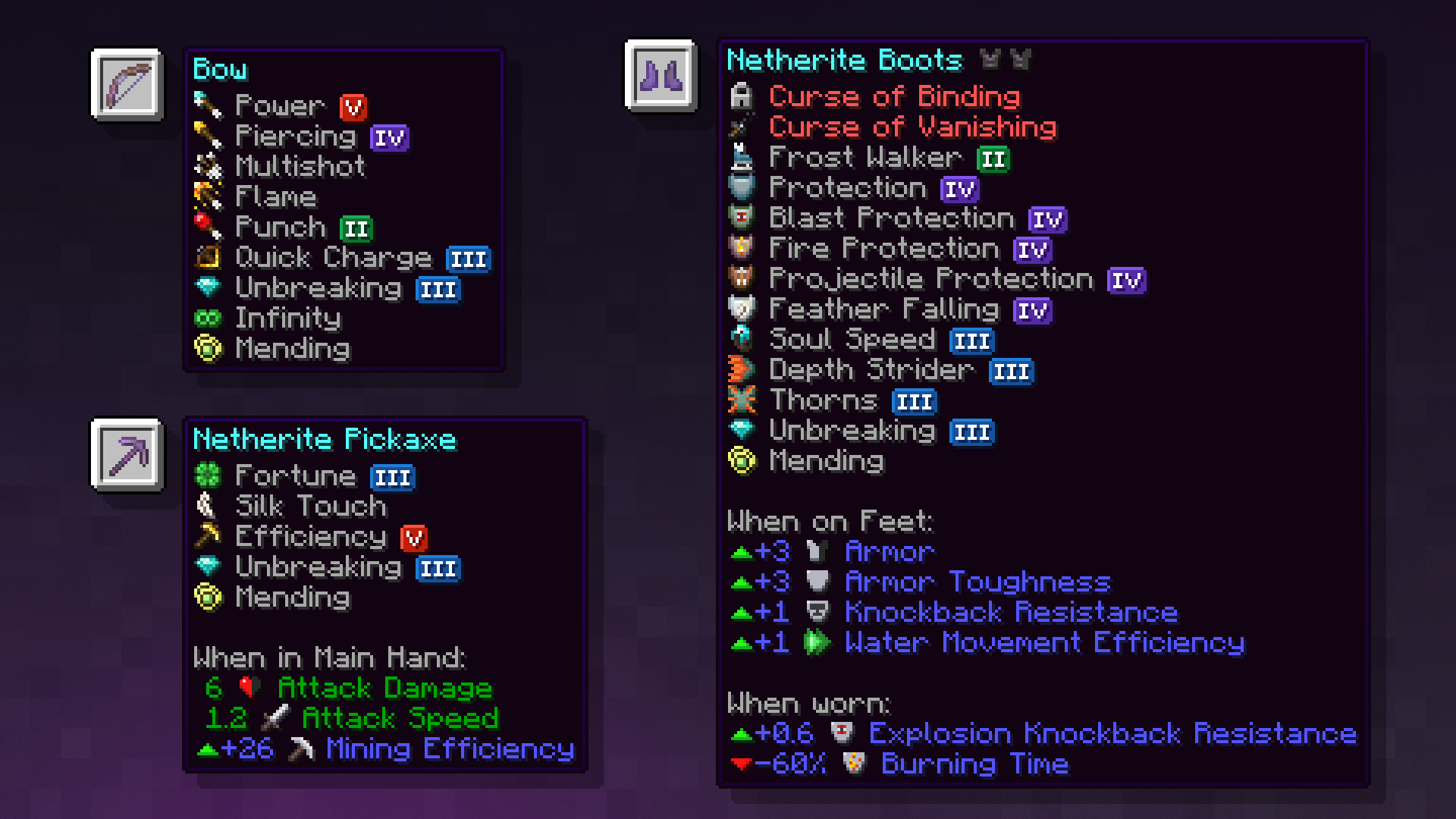
Icons, 4 million, replaces GUI icons with clearer versions throughout. Updated on 17 September, so current for 26.3.
The common thread is that all three address readability rather than beauty. They are accessibility improvements that nobody labels as such.
The sorting packs
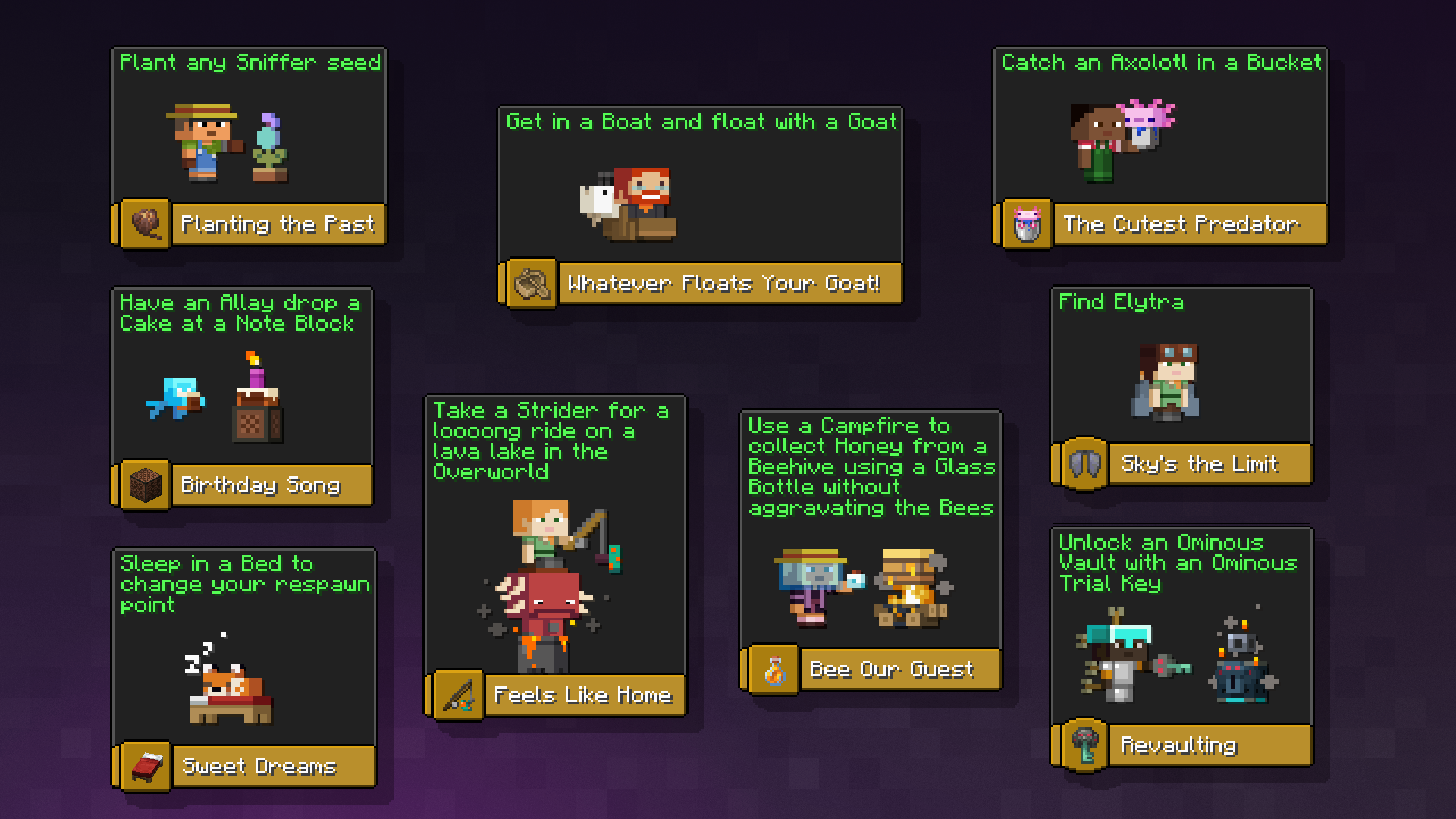
Enchanted Books: Re-covered gives each enchantment a distinct book texture, so a chest full of enchanted books is scannable instead of identical. 2.4 million downloads, CC BY-NC-ND.
This is the clearest example of the category’s logic. Vanilla renders every enchanted book the same, which means the only way to identify one is to hover it. A pack that makes them visually distinct converts a hovering task into a glancing task, and that is a real improvement to an activity you do hundreds of times.
The same principle drives most inventory-focused packs, and it scales with how much storage you have – which is to say it pairs directly with a shulker box system and gets more valuable the bigger that system gets.
Why these beat aesthetic packs on downloads
Three reasons, and they are worth understanding if you are choosing what to install.
No commitment. A 16x pack changes everything and you either like the look or you do not. A fire overlay pack changes one thing, and you know within one lava encounter whether you want it.
No conflicts. Each touches a handful of files. You can run six of them simultaneously with no overlap, which is not true of two full texture packs.
No version fragility. The files they replace change rarely. Clearer Slot Highlight was last updated in 2024 and still lists 26.3 support, which no full texture pack could claim.
Where the line is
Some packs in this space cross from readability into advantage. A pack that makes ores glow through stone, or removes a mob’s camouflage, is closer to an X-ray texture pack than to a quality-of-life one, and most servers treat the two the same way.
The packs above stay on the right side of it – they change how clearly you see something you can already see, not whether you can see it. If you play on a server with rules about resource packs, that is the distinction to check against, the same way server rules usually handle minimaps.
A starting stack
- Low On Fire – the largest quality-of-life improvement available from a resource pack.
- Clearer Slot Highlight – trivial change, immediately noticeable.
- Enchanted Books: Re-covered – once you have more than a chest of books.
- Icons – if you find the vanilla GUI icons muddy.
- New Glowing Ores – if you mine in low light, and if your server allows it.
All five together are still a smaller change than one aesthetic pack, and they stack under whatever visual pack you are already running. Load order is the same as always: specific packs above general ones, which is the rule covered in the 16x roundup and the one most people get backwards.
For the audio equivalent of this whole category, sound packs follow exactly the same pattern – the subtractive ones are the most installed and the least discussed.
Making your own
This is the one resource pack category that is genuinely easy to build yourself, because each pack is a handful of files.
A pack that changes the fire overlay contains one texture. A pack that recolours a GUI element contains one more. The folder structure is a pack.mcmeta file and a path that mirrors the game’s own, and there is no modelling, no lighting and no palette work involved.
That is worth knowing because the specific irritation you have may not have a pack yet. Most of the ones above started as somebody fixing one thing for themselves.
Checking a pack is current
Minecraft warns that a pack is made for a different version, and for this category the warning is usually wrong. Pack format numbers increment for reasons that have nothing to do with a single overlay texture, and a pack from two versions ago frequently works unchanged.
The test is simply to enable it and look. If the texture appears, it works. If part of the pack has broken, you will see the vanilla texture in that one place rather than anything failing.
The exception is anything touching GUI layout rather than GUI textures, which does break across versions and breaks visibly.
Images: Icons project gallery.