Summary
- Terralith 2.6.4 released 8 July 2026, six days after 2.6.3.
- It fixed a critical issue: sulfur caves and the cave distribution rework did not apply when Lithostitched was installed.
- The fix applies to newly generated chunks only.
Six days after a feature release, a one-line hotfix. Terralith 2.6.4 fixed a compatibility failure that would have been almost impossible for a player to notice – the cave rework simply did not happen, silently, for anyone running Lithostitched.
Why silent worldgen failures are the worst kind
A crash tells you something is wrong. A missing biome does not. Minecraft generates whatever it was told to generate, and if a mod’s instructions never reached the generator, you get a perfectly valid world that is missing content you installed a mod for.
Players in that situation usually conclude the mod is overrated rather than broken, which is why these fixes matter more than their changelogs suggest.
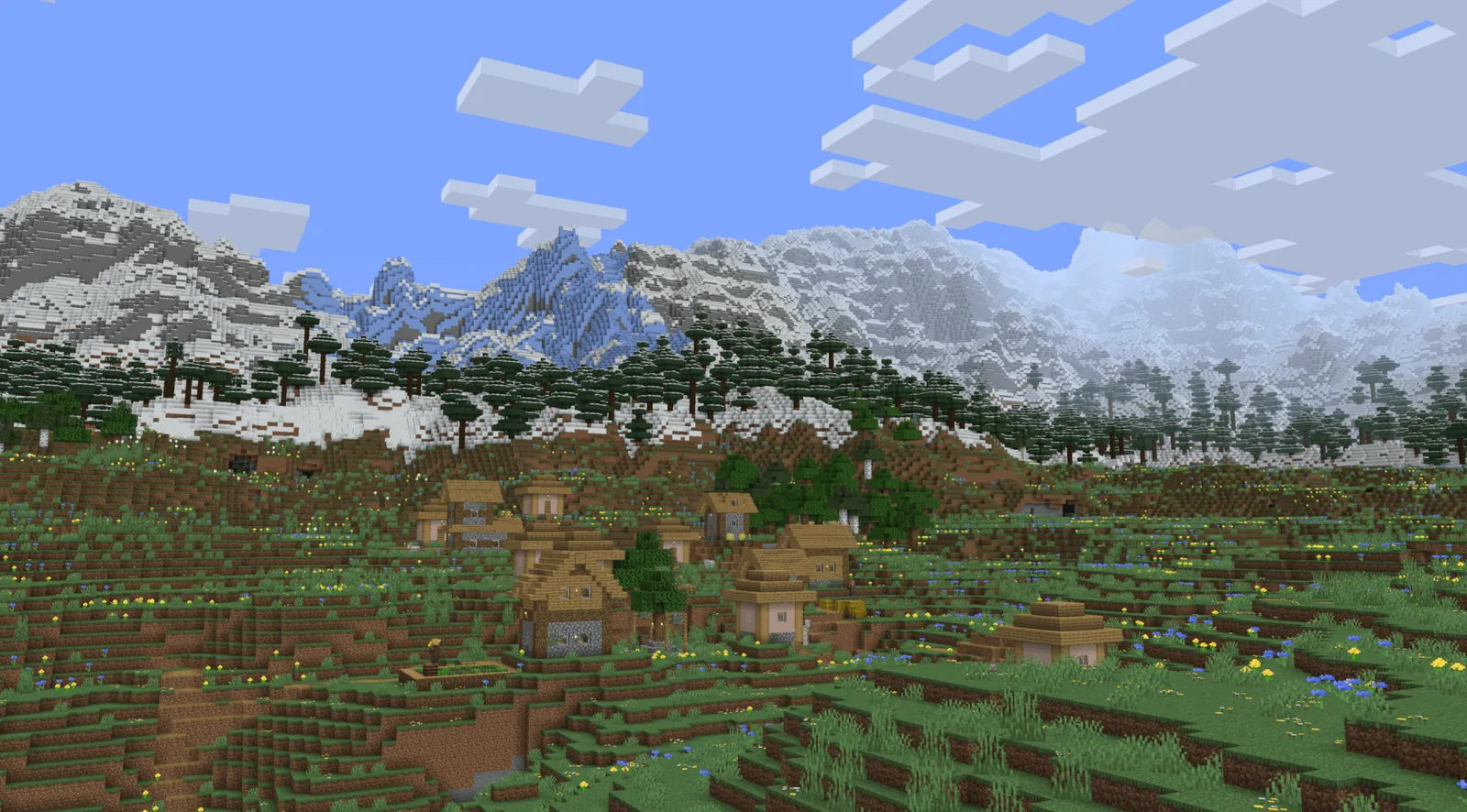
What Lithostitched is
A compatibility library for worldgen mods. It exists so that two mods modifying the same generation stage can both apply instead of one silently overwriting the other – which is exactly the failure it caused here, in reverse.
Libraries that mediate between mods are load-bearing and invisible. When they work nobody knows they exist.
Adding worldgen to a world you already play
The important rule is that worldgen changes only affect chunks that have never been generated. Your base is what it is; the mod’s content starts wherever you have not been.
There is a right and a wrong way to do this, and the wrong way produces a visible wall between old and new terrain. How to add worldgen mods to a world you already play covers minimising the seam and deciding whether it is worth it at all.
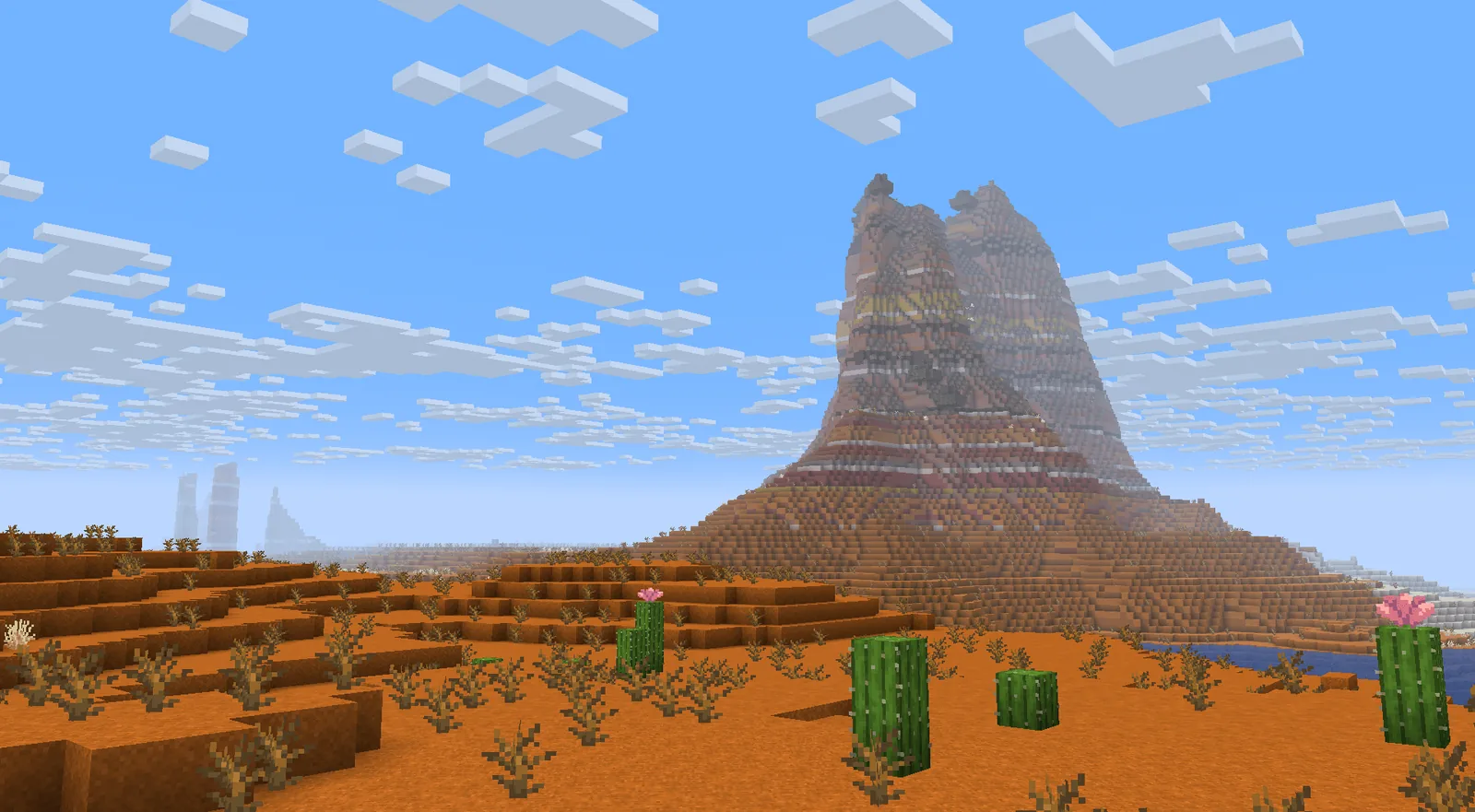
When to start fresh instead
If the mod changes the biome layer rather than adding to it, a new world is almost always the better answer. Half a world generated under different rules is a world with a permanent border in it.
Dimensions are the exception – a new dimension generates entirely fresh no matter when you add it, which is a large part of why a new dimension is easier to build than a new overworld for mod authors and easier to adopt for players.
Checking whether it applied
- Travel several thousand blocks from any previously loaded area.
- Use the mod’s own locate commands if it provides them.
- Create a throwaway world on the same seed to see generation from scratch.
That last one takes a minute and answers the question definitively, which is better than reading forum threads about whether the mod works.
How worldgen mods interfere with each other
Minecraft generates a chunk in stages – shape, then biome assignment, then surface, then carvers, then features, then structures. Two mods editing the same stage need to merge their changes, and Minecraft’s own data system has no concept of merging. The last one loaded wins.
Compatibility libraries exist to solve that: they intercept the definitions and combine them so both mods’ intentions survive. When the library and the mod disagree about the format, one side’s changes vanish silently.
The three ways worldgen mods conflict
- Same stage, overwriting – one mod’s changes disappear. The failure here.
- Different stages, incompatible – terrain from one, features placed for another, producing floating or buried structures.
- Same biome ids – rare, and produces worlds that will not load.
Only the third is loud. The first two look like the world generating normally.
How to tell whether your worldgen is working
- Make a throwaway world on any seed with only the worldgen mods loaded.
- Fly a few thousand blocks in creative.
- Look for the biomes the mod advertises.
- If they are absent, remove other worldgen mods one at a time and repeat.
Five minutes of that answers questions that generate week-long forum threads.
What happens to chunks already generated
Nothing, ever. Minecraft writes terrain to disk once and never revisits it. A worldgen fix applies only where the game has not yet decided what the terrain is.
This is why worldgen advice always starts with “how far have you explored” – the answer determines whether the fix is worth anything to you.
The six-day gap
2.6.3 on 2 July, 2.6.4 on 8 July. Anyone who generated terrain in that window with Lithostitched installed has a permanent band of world without the cave rework. It is not damaging and it is not fixable, which is a small argument for waiting a week after any worldgen release before starting something serious.
One last piece of advice that applies to every worldgen mod, not just this one: decide your full worldgen list before you start the world you intend to keep. Adding to it later works badly, removing from it works worse, and the seams are permanent. Ten minutes deciding up front replaces a choice you cannot revisit once you have built anything worth keeping.
Images: Terralith and Tectonic project galleries on Modrinth.