Distant Horizons 3.2.0-b went out on 7 July 2026 with the change the mod had been missing since it started: LOD textures. Distant terrain now has textures on it rather than flat colour, which changes what the mod is for.
What the release contains
- LOD textures, available in the mod’s own rendering path.
- Increased LOD quality when zoomed in, which loads progressively and costs CPU.
- Minimum OpenGL requirement raised from 3.2 to 3.3.
There is one significant caveat, stated plainly by the authors: with Iris shaders active, LODs still render untextured, and fixing that is on the Iris side rather than theirs.
What Distant Horizons is doing
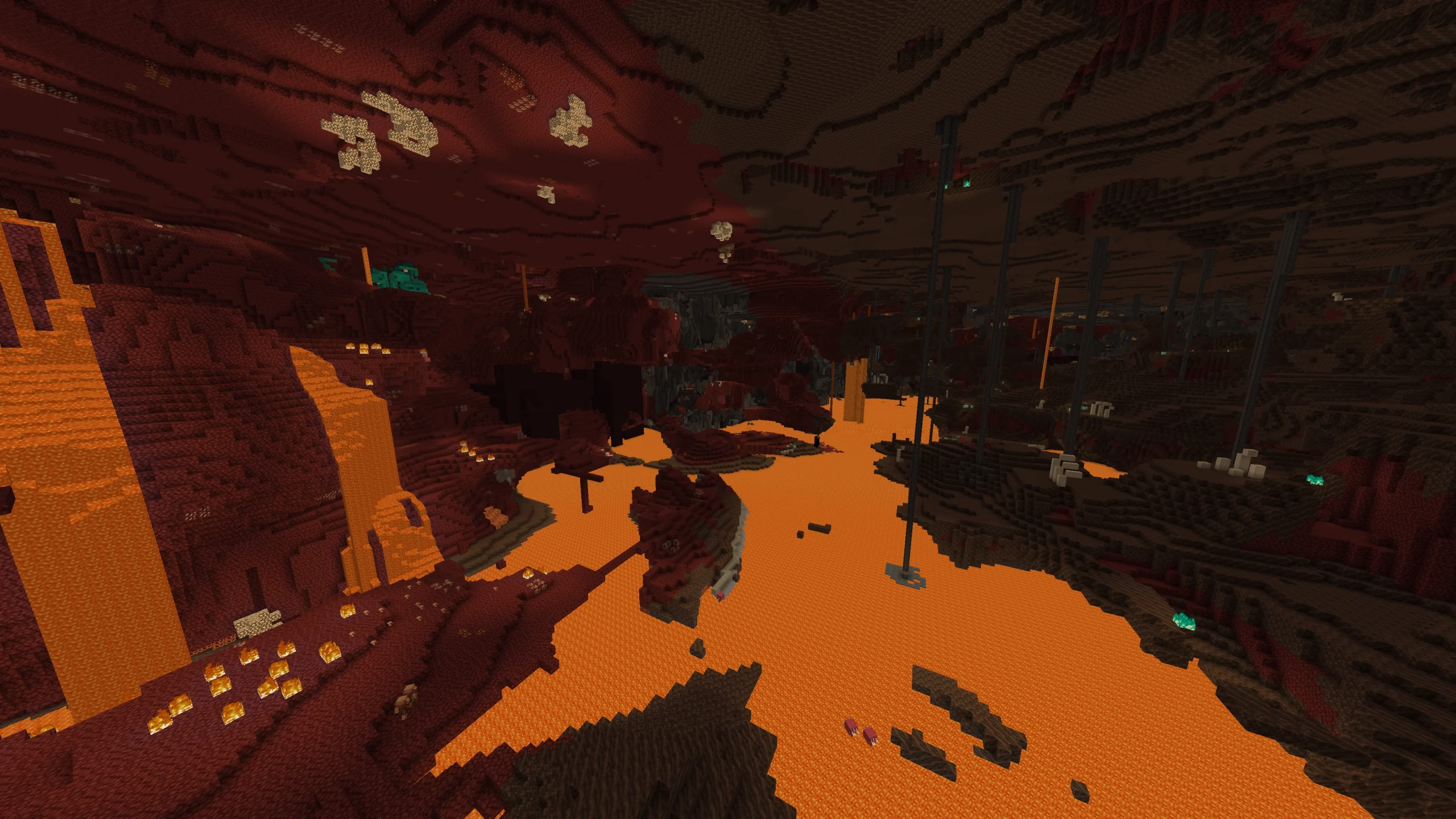
It keeps a simplified copy of terrain you have already visited and draws it beyond your render distance. The result is a horizon at thousands of blocks without the server or the client keeping those chunks loaded.
Which is why it is not a performance mod, despite being installed like one. It adds work in exchange for view distance – it just adds far less work than real chunks would.
Textures change the use case
Untextured LODs read as a coloured relief map: useful for navigation, obviously not the game. Textured ones read as terrain, which makes the mod viable for building and screenshots rather than just for orientation.
That is a bigger shift than the version number suggests.
The shader conflict
Two systems both trying to own what distant terrain looks like is the recurring problem here, and it is the same shape as every shader compatibility issue. If you run shaders and want textured LODs, you are waiting on the other project.
Choosing a shader pack with that in mind is worth doing deliberately rather than by screenshot – five picks ranked by what they are actually good at splits them by strength rather than by looks.
Performance expectations
Building the LOD database costs CPU time as you explore, and that cost shows up as stutter rather than as low frame rate. If you are already fighting that, adding this mod will make it worse before the database fills in.
The distinction between the two symptoms matters, and what actually helps with chunk loading stutter separates them – most of the popular advice addresses the wrong one.
The OpenGL bump
3.2 to 3.3 sounds trivial and will exclude a small number of very old integrated graphics setups. Anything from the last decade is fine. If the mod now refuses to load and it used to work, this is the first thing to check.
Version availability
3.2.0-b shipped simultaneously for 26.2, 26.1.2 and the 1.21 line, on both Fabric and NeoForge. Wide version support has always been part of this mod’s appeal – it is one of the few that does not force you forward.
How the LOD system stores terrain
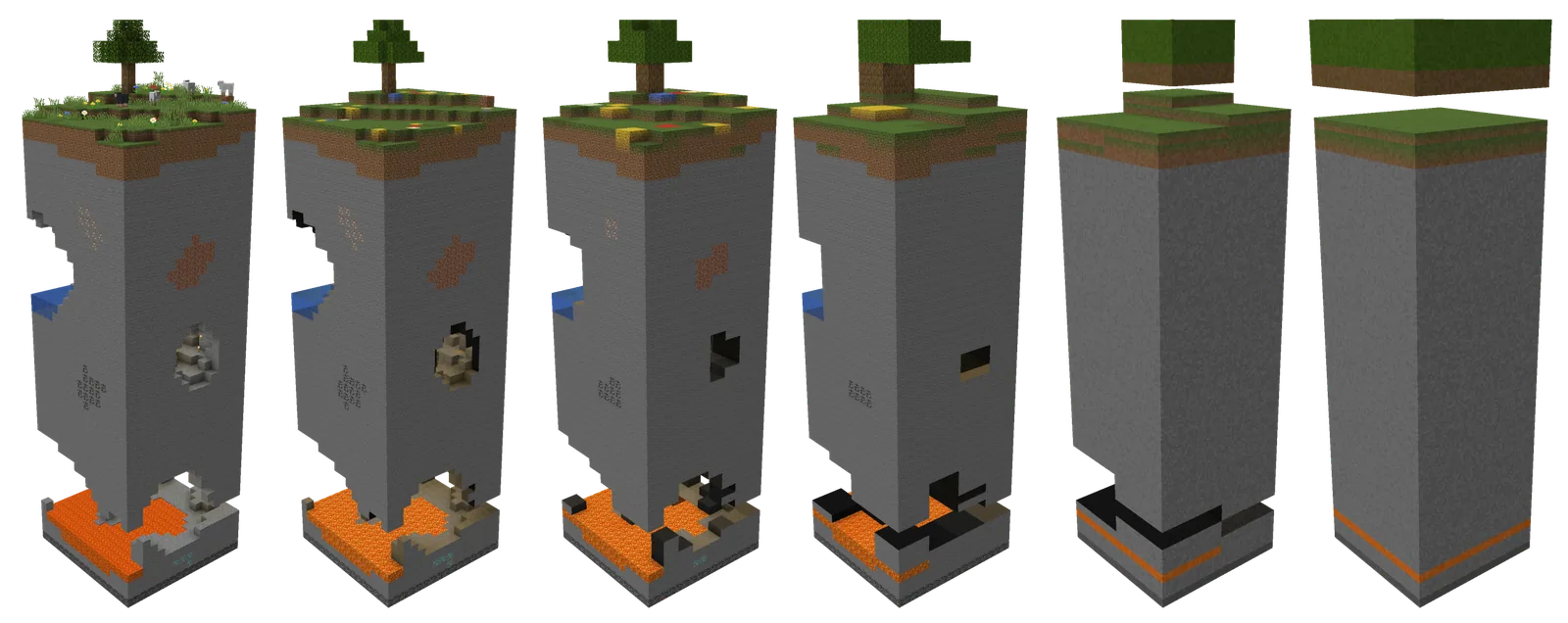
The mod keeps its own database of simplified terrain for everywhere you have been. Blocks are collapsed into larger units the further they are from the camera, so a mountain at four thousand blocks is stored as a handful of shapes rather than thousands of blocks.
That database lives beside your world save and grows as you explore. On a long-running world it can reach several gigabytes, which is worth knowing before you enable it on a laptop with a small drive.
What it does not do
- It does not load real chunks, so mobs do not spawn out there and redstone does not run.
- It cannot show terrain you have never visited.
- It does not replace render distance for gameplay purposes, only for looking.
That first point is the one that causes confusion on servers. Seeing a base at three thousand blocks does not mean anything there is running.
Server-side support
The mod can operate in a server mode where the server supplies LOD data, which removes the need to have visited somewhere first. That requires the server to run it too, and it shifts a real cost onto the server, so it is not universal.
Most players run it purely client-side, which works everywhere and only shows what they have seen.
The progressive quality change
Zooming in now loads higher-quality LODs over a second or two rather than staying coarse. The authors note this increases CPU load and that a faster CPU improves the loading speed, which is an unusually direct statement about a performance tradeoff.
For screenshot work this is the change that matters most in the release. For ordinary play it is barely noticeable.
Compatibility summary
- Works with Sodium.
- Works with Iris, but LODs render untextured.
- Requires OpenGL 3.3 as of this release.
- Available for 26.2, 26.1.2 and the 1.21 line on both loaders.
What this mod really changes is a sense of scale. Minecraft’s default render distance means the world ends a few hundred blocks away in every direction, and players adapt to that so thoroughly they stop noticing it. Turning it off, even in simplified form, makes the terrain feel like terrain rather than like a corridor that moves with you. Whether that is worth the cost is personal, but it is the largest single change to how the game looks that a mod can make.
Images: Distant Horizons project gallery on Modrinth.