No Chat Reports 2.20.1 released on 4 July 2026 with a single fix: a crash on Vulkan. That is a strange sentence for a mod that has nothing to do with rendering, and the explanation is the more interesting story.
Why a chat mod crashed on a graphics backend
It did not, exactly. The mod draws indicators in the chat UI, and the UI is drawn by the renderer. When Minecraft’s rendering path changed, a drawing call that had been valid everywhere stopped being valid on one backend.
This is the ordinary shape of a backend transition: things break in places that have no obvious connection to graphics, because almost everything in a game eventually touches the screen.
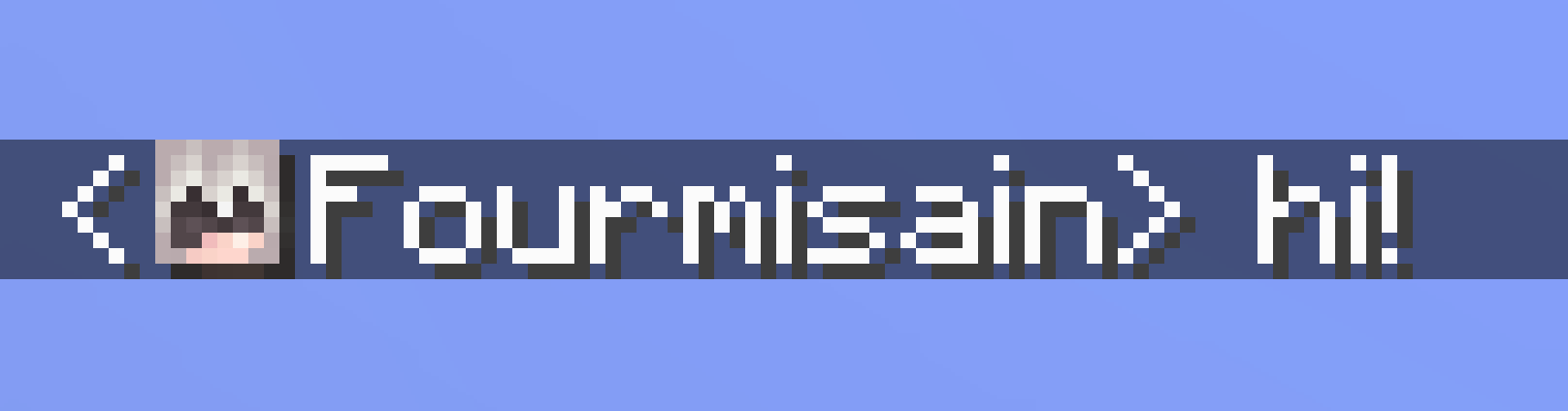
Context: the backend change
Minecraft’s move on rendering backends was one of the larger under-the-hood changes of the year, and its effects showed up across the mod ecosystem for months afterwards. What the backend work actually changed is the background, including why the frame rate results were so inconsistent between players.
What the mod does
It removes the cryptographic signatures Minecraft attaches to chat messages, which is what makes a message reportable to Mojang. Servers running it show an indicator so players know the state of their chat.
Whether you want that is a policy question rather than a technical one, and it is one every server owner ends up answering, usually after the first incident rather than before.
For anyone choosing a server
A server’s chat policy is part of its moderation posture, and moderation posture is the single best predictor of whether a server is still running in six months. It is worth asking about before investing time – what to look for before committing a hundred hours covers the questions that actually correlate with longevity.
Release history through the summer
- 26.2-v2.20.0 – initial 26.2 port.
- 4 July 2026, v2.20.1 – fixed the crash on Vulkan.
- 18 August 2026, v2.20.2 – fixed a server ping crash.
Three releases, three crashes fixed, no features added. That is what a mature mod’s release notes look like, and it is a good sign rather than a stagnant one.
Practical note
The mod is client and server side, and the versions must match for the indicator to mean anything. A client-only install tells you about your own messages and nothing about anyone else’s.
How rendering changes break unrelated mods
Minecraft’s rendering code is called by almost everything with a visual component – inventory screens, chat, the HUD, tooltips, world rendering. A change to how draw calls are issued touches all of them.
A mod that draws a small indicator in the chat window is, in code terms, using the same machinery as the mod that renders the entire world. When that machinery changes, both are affected and only one of them looks like a graphics mod.
What a backend transition costs the ecosystem
- Every mod that draws anything needs checking.
- Failures are backend-specific, so half the testers never see them.
- The bug reports arrive without the word “graphics” in them.
That third point is the expensive one. A crash in a chat mod gets reported to the chat mod’s author, who has no reason to suspect a renderer.
The signature system, briefly
Minecraft attaches a cryptographic signature to chat messages so that a report can prove who sent what. The mod strips those signatures, which makes messages unreportable and is exactly the point.
Servers running it advertise the fact, and the client shows an indicator per message so players know the state of their own chat rather than having to trust a claim.
What it does not do
- It does not hide messages from server operators, who see everything regardless.
- It does not prevent server-side logging or moderation.
- It does not protect anyone from consequences on the server they are playing on.
The mod is narrower than its reputation. It changes what Mojang can act on, not what a server can.
Installing it
Client and server versions must match for the indicators to be meaningful. A client-only install works and tells you only about your own outgoing messages, which is half the information and is the configuration most people end up with by accident.
The practical lesson for anyone maintaining a modded install: when a version change causes trouble, the mods that break first are rarely the ones related to whatever changed. A rendering change breaks a chat mod; a worldgen change breaks a minimap; a networking change breaks an inventory sorter. Debugging by category is the wrong instinct. Debugging by removing half the list, launching, and repeating is slower to describe and faster to do.
Images: No Chat Reports, Chat Heads and Nature’s Spirit project galleries on Modrinth.